Best Lead Capture Software in 2026: Top 10 Tools Compared
Compare the 10 best lead capture software tools of 2026: forms, popups, chatbots and pricing, plus how AI assistants like SupportGPT fit in.
Your visitor has a question about pricing. She can type it into a chat widget, fill in the field under your feature table, land on a page built for the ad she clicked, or close a popup on her way out. Each of those is a different moment, and the lead capture software that fits your site depends on which moment your traffic creates.
Most roundups sort tools alphabetically, so you end up comparing brands instead of capture methods. This one groups ten tools by mechanism: conversational AI, forms, landing pages, and on-site campaigns.
The criteria are the ones that decide whether a deployment survives contact with real traffic. Capture method comes first: does the tool collect details inside a conversation, inside a form, on a campaign page, or over the top of an existing page? Then integrations (native CRM sync versus Zapier glue), automation (routing, qualification, follow-up), pricing structure (per response, per visitor, per seat, per contact), and best fit for SaaS versus e-commerce.
The category is now big enough that tool choice is a strategic decision, not a widget decision. The Business Research Company's lead-generation software market report estimated the market at $5.88 billion in 2025, projecting $8.9 billion by 2030 at an 8.4% compound annual growth rate, with North America the largest regional market and Asia-Pacific the fastest growing.
Conversational capture is where the mechanics changed most. An assistant such as SupportGPT can ask the qualifying question a form can't anticipate, then hand the thread to a rep with the context attached.
1. SupportGPT
Conversational capture works because the visitor's question is the qualification. Someone who asks whether your product supports SSO has told you their company size, their stack, and their buying stage without touching a dropdown. None of that survives a form.
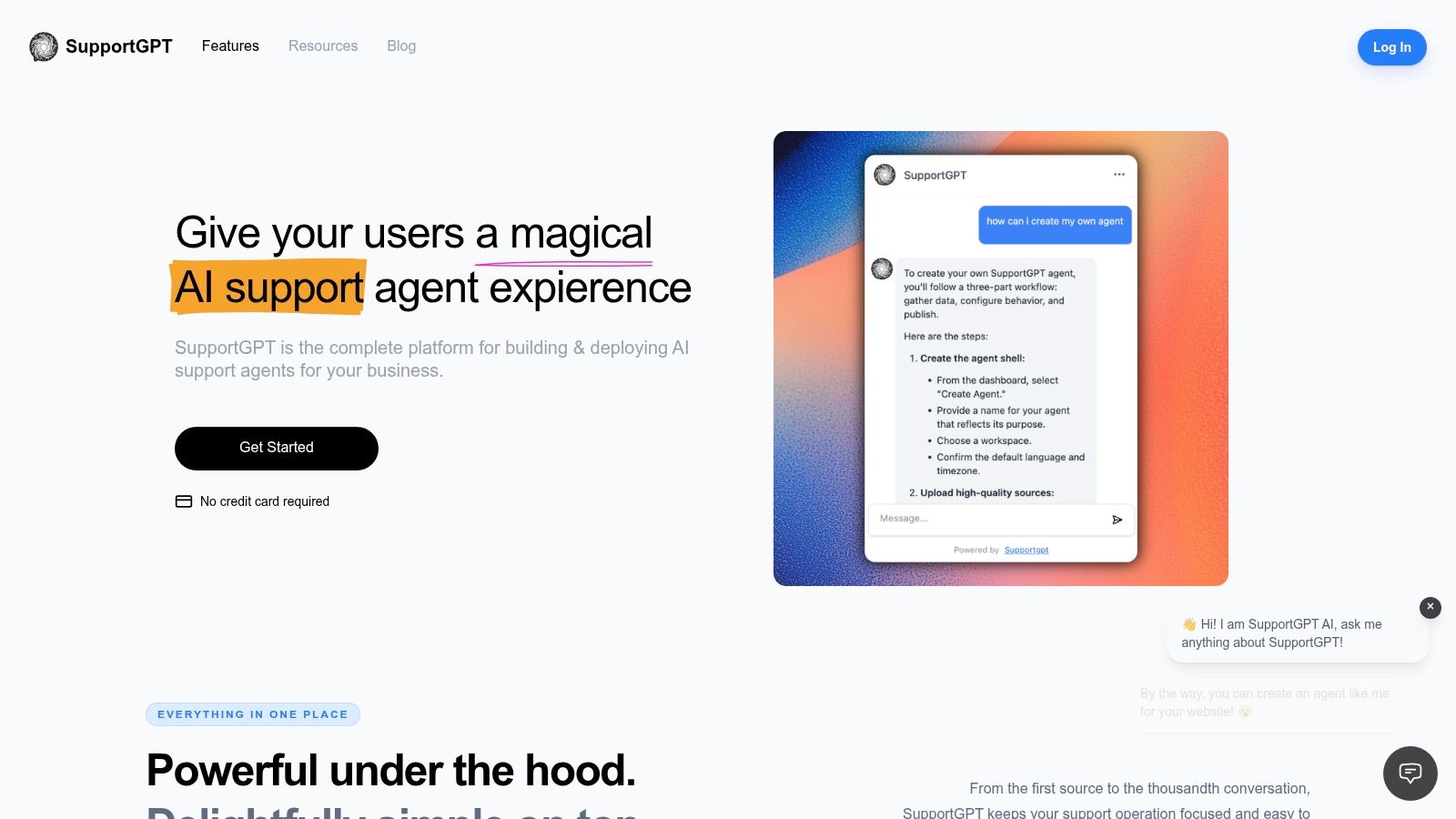
SupportGPT is an AI support agent trained on your own sources and links, answering visitor questions around the clock and capturing contact details inside the same thread. Non-technical teams can shape prompts, test real questions in a live playground, and embed the assistant with a lightweight widget in minutes. No technical setup is required to build an agent.
What separates it from a chat widget with a form bolted on
- Guardrails before capture. Built-in guardrails keep responses on topic and work against misinformation, which matters when the assistant represents your product at 2am.
- Escalation written in plain language. You describe when a query should go to a human, and complex threads route to a teammate with the conversation context intact.
- Multilingual conversations and AI Actions. The agent captures lead details and triggers automated steps rather than only answering questions.
- Analytics, conversation tracking, and a real-time playground. You read what visitors asked and refine the agent against real transcripts.
The evaluation trap is volume. DesignRush's report on B2B lead-quality priorities found that 31% of B2B marketers want to shift away from MQL volume toward higher-quality leads, while 55% prioritize improving MQL-to-opportunity conversion and 52% prioritize better demand-generation ROI measurement. An agent that asks one sharp follow-up beats a nine-field form nobody reads.
Where it earns its place: products with a long consideration cycle and a wide surface area of questions, where a support conversation is often the first sales conversation.
Watch out for: answer quality tracks the relevance and upkeep of the sources you feed the agent, and capabilities such as SSO and higher usage limits sit on paid or Enterprise plans. Plans run from a Free tier to Pro and Enterprise options at supportgpt.app.
2. Tidio
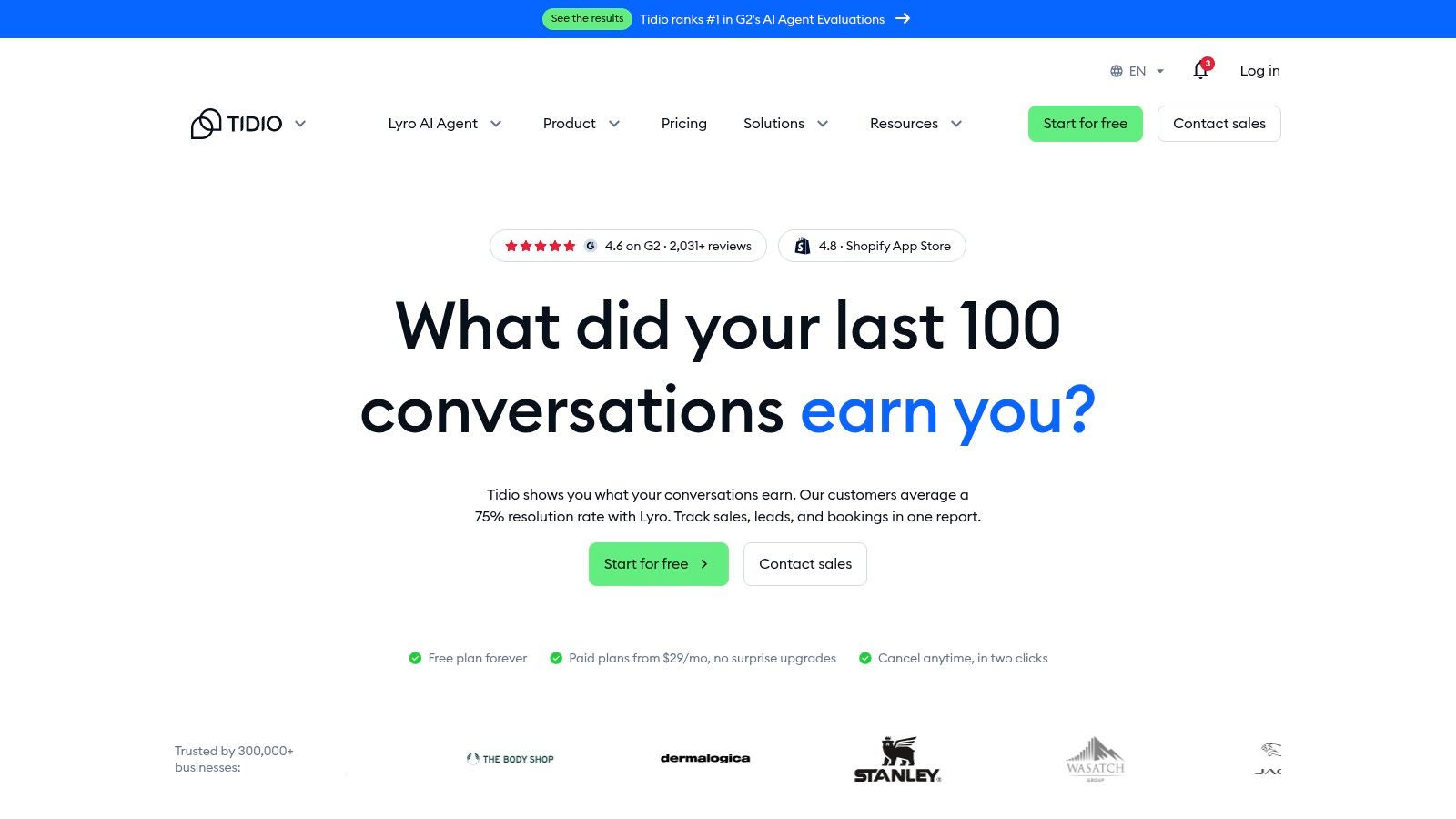
Tidio bundles live chat, chatbot flows, and an AI agent, and it's the tool many small stores try first because a free plan lets you put chat on a live site and capture real contacts before anyone asks for a card.
Pre-chat surveys are the underrated piece. Ask for a product category or an order reference before the conversation starts, and the transcript reaches your team already sorted. The Shopify and WooCommerce integrations mean a visitor asking about a delivery can be identified without typing an email at all.
The trade-offs worth knowing:
- Limits are counted separately. Message volume, flow visitors, and AI conversations each have their own ceiling, so a busy month shows up in three places on the invoice.
- Chat doesn't replace a landing page. It captures details in context; it won't do the job of a campaign page or a long qualification form.
- Usage moves you up the ladder. Heavier messaging and AI usage cost more than a flat-rate form tool ever will.
Integrations cover HubSpot, Salesforce, Pipedrive, and Mailchimp, which is the right list for a team that already owns a CRM and only needs a better front door.
If support and capture belong on the same widget, start with Tidio.
3. Landbot
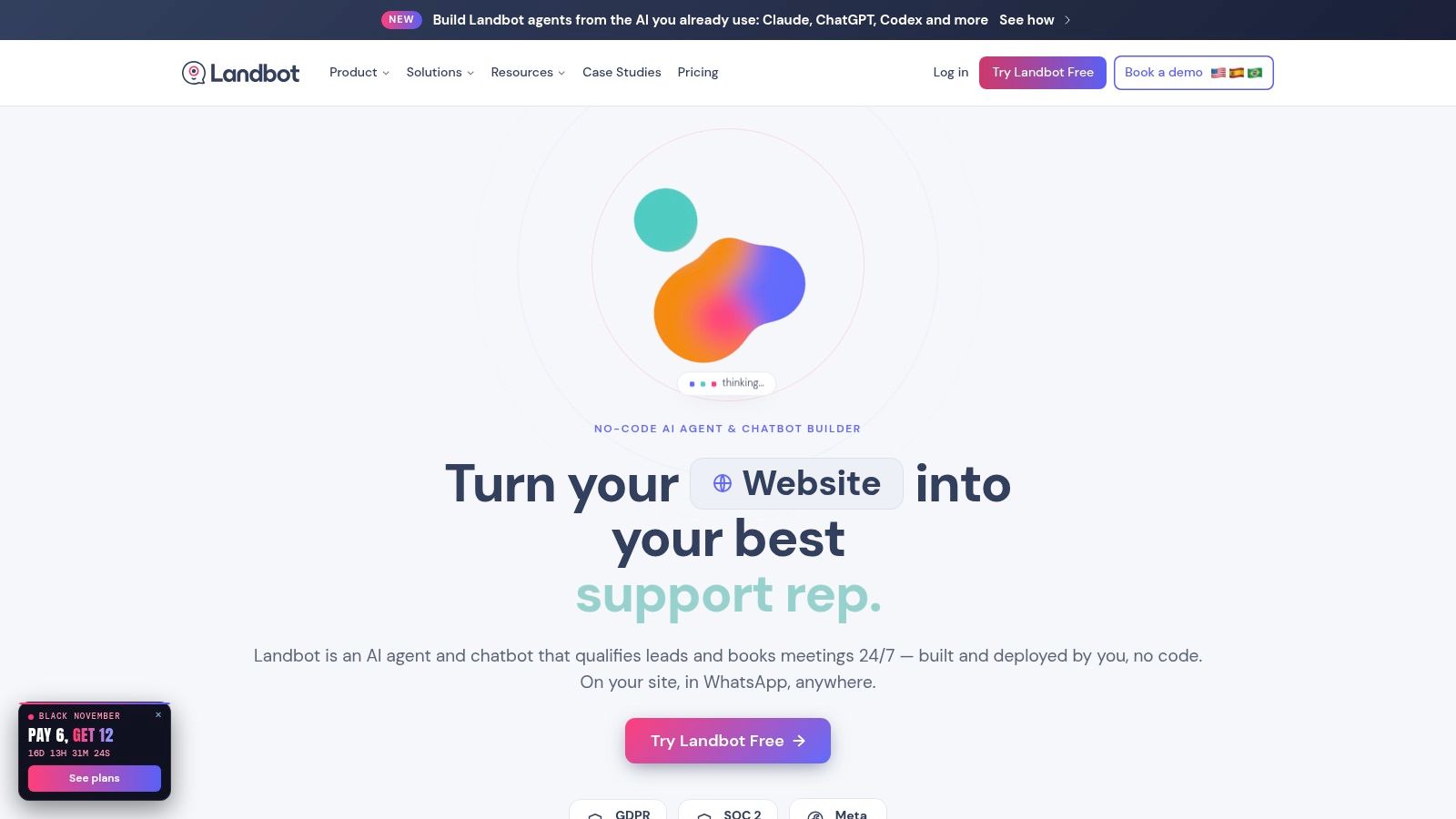
Landbot turns a static form into a branching conversation. You build the flow visually, no code, and the visitor answers one question at a time while the bot routes them down a path based on what they said.
The mechanic that changes outcomes is booking inside the flow. Chili Piper's 2025 benchmark data, summarized in IvyForms' guide to form fields for high-quality leads, showed that letting prospects book a meeting immediately after submitting a form raised average inbound conversion from 30% to 66.7% across 4 million form submissions. Landbot's appointment and routing steps let you build that pattern into a conversation instead of a form.
What to expect when you build one
- Setup is real work. A branching flow takes an afternoon of mapping questions to routing rules, and longer if you want CRM fields written on specific answers.
- WhatsApp is a separate cost. Messaging fees and plan tiers for WhatsApp sit outside the basic web widget, and they add up quickly at volume.
- The free tier is for testing. AI chats and most integrations require a paid tier, so treat the free plan as a proof of concept.
The payoff for SaaS teams is self-qualification: a visitor who answers four branching questions has effectively pre-filled the discovery call.
For teams converting forms into guided conversations, this lead generation chatbot guide covers the flow design decisions. Build in Landbot.
4. HubSpot Marketing Hub
HubSpot's advantage isn't the form. It's that the form, the chat, the contact record, and the follow-up history all live in one database, so nothing needs syncing.
That matters more than it sounds, because capture has become an operational system rather than a page element. 6Wresearch's lead management software market analysis put the global market at approximately USD 2.4 billion in 2025, projected to reach USD 3.51 billion by 2032 at a 5.6% compound annual growth rate, and identified lead capture as the largest application segment at roughly 43% of the market in 2025.
Where it wins and where it costs you
- Conditional logic and routing send the right submission to the right owner without a spreadsheet in the middle.
- Follow-up automation runs inside the same tool, so a lead doesn't wait for someone to export a CSV.
- The free tier is usable for basic forms and live chat, which is rare in this category.
Most teams buy a form tool and a CRM and then spend a quarter building a bridge between them. HubSpot's pitch is that the bridge never has to exist.
The cost is complexity. Advanced automation, optimization, and reporting sit on higher tiers, and the bill climbs faster than a standalone form tool once your contact count and workflow needs grow. If you're already running HubSpot, adding capture elsewhere creates more work than it saves. Map your lead capture automation before you commit, then look at HubSpot Marketing Hub.
5. Typeform
Typeform's one-question-at-a-time format changes the arithmetic of a long qualification form. Ten fields on a single page read as a chore; the same ten split into steps read as a short conversation.
The field-count trade-off is measured and brutal. An analysis of 404 landing pages reported conversion rates of 18.2% for one-field forms, 11.5% for three-field forms, 8.1% for five-field forms, and 4.2% for forms with nine or more fields, per IvyForms' lead-capture form design analysis. The same research notes a benchmark of more than 57 million conversions across over 41,000 landing pages that found a median conversion rate of 3.8% for SaaS.
Progressive profiling beats a shorter form
Ask for identity first, then qualification. Typeform's conditional logic lets you branch on an answer and request company size, use case, or urgency only when those details change where the lead goes. That keeps completion high without giving up the data your routing rules depend on.
- Watch the response caps. Monthly response limits vary by tier and will throttle a high-volume campaign at the worst possible moment.
- Scoring and enrichment aren't included. The lowest tiers collect and forward answers; they don't qualify or enrich them.
- Webhooks and Zapier carry the load. Most downstream work happens outside Typeform, so budget for the middleware.
Measure completion rate, qualified-lead rate, and opportunity rate together. Cutting fields raises volume and can lower quality in the same week. See the wider data capture tools options before you standardise, then start with Typeform.
6. Unbounce
Unbounce exists for traffic you paid for. When a visitor lands from an ad, the page has one job, and a campaign page you control beats a page inherited from your website.
The baseline numbers explain why dedicated pages matter. Statistics Fundamentals' summary of lead generation benchmarks reports an average B2B website visitor-to-lead conversion rate of about 2.23%, and notes that approximately 79% to 80% of marketing leads never convert into sales. At those rates, a page-level improvement is the cheapest growth available.
The parts that actually get used
- Multi-step forms on eligible plans split a long offer into a start and a finish, which suits demo requests and quote forms.
- Popups and sticky bars from the Build plan up let the same page serve two offers without duplicating builds.
- A/B testing and audience insights on the Experiment plan are what turn page design into a measured decision rather than an opinion.
Hosting and support come with the listed plans, which is a real cost saving if you don't already have infrastructure for campaign pages. The catch is scope: Unbounce manages pages and forms, not leads. Your CRM still does the routing, scoring, and nurturing, so plan the handoff before launch.
Traffic limits are the other trap. A paid campaign that outperforms expectations can push you into an upgrade mid-flight. When you're ready to build the page properly, this lead capture landing page guide covers the structure, and Unbounce is the starting point.
7. Leadpages
Leadpages sells predictability. Pages, hosting, and lead-capture forms are bundled, and the plans are listed without traffic limits or overage charges, so a campaign that goes viral doesn't produce a surprise invoice.
That's a narrower pitch than it sounds. If you already pay for hosting and a page builder, you're buying convenience, not capability.
What you get and what you don't
- AI page creation and custom domains cut the time between an idea and a live campaign page.
- A/B testing and optimization sit on higher tiers, so the entry plan is a publisher, not a testing lab.
- No traffic caps makes forecasting easier for teams running seasonal promotions.
The gap is lead management. There's no serious routing, scoring, or CRM function here, so anything past collection has to happen in another tool. For a small team that needs a clean page, a form, and a domain without maintaining a separate stack, that's an acceptable trade.
A free trial is available on the pricing page, which is enough time to build one page and check the form handoff into your CRM before you commit.
Start with Leadpages if cost predictability matters more than routing depth.
8. OptinMonster
OptinMonster doesn't ask you to change where traffic lands. It captures the traffic already on your site, which makes it the cheapest category to test and the easiest to overdo.
Targeting is the whole product
Page, device, and visitor-behavior targeting decide which campaign a visitor sees, and exit-intent triggers catch the ones already leaving. Popups, floating bars, inline forms, and slide-ins each fit a different signup context. An inline form inside a blog post converts differently from a slide-in on a pricing page, and testing both is cheaper than rewriting the page.
Accessibility is where these campaigns fail. IvyForms' comparison of multi-step and single-step forms, citing WebAIM's 2025 Million analysis, reports that 34.2% of form inputs on the top one million websites were not properly labeled. A popup that can't be dismissed from a keyboard is a bounce, not a lead.
Practical rule: if a campaign can't be closed with the Tab and Enter keys, it isn't finished.
Impression limits and supported site counts vary by plan, so check both against your monthly traffic before choosing a tier. Exit-intent and A/B testing sit above entry level. Analytics and e-commerce integrations follow the same pattern.
This collection of lead capture examples shows which campaign formats fit which page types. Try OptinMonster on your highest-traffic page first.
9. Poptin
Poptin is the budget entry into on-site capture. Popups and forms, unlimited campaigns across plans, and monthly allowances based on visitors rather than pageviews.
The free tier is sized for testing, not for a live campaign on a busy store. It caps out at a visitor volume that a modest month of organic traffic will exhaust, so treat it as a trial with a real ceiling.
Where it fits
- Unlimited campaigns mean you can run a newsletter popup, an exit-intent discount, and an inline form without paying per campaign.
- API access and account management appear on higher plans, which matters if an agency runs several client sites.
- Visitor-based pricing is easier to forecast than per-response pricing when your traffic is stable.
What you don't get is lead management. There's no scoring, nurturing, or CRM function, so Poptin sits in front of whatever system already holds your contacts. That's fine if your CRM is sorted and less fine if you're hoping the capture tool will fix a messy pipeline.
The main risk with any tool in this category is campaign debt. Six popups left running from last year's promotion will damage conversion more than any design choice will improve it. Audit what's live before adding another.
Start with Poptin if you need on-site capture on a tight budget.
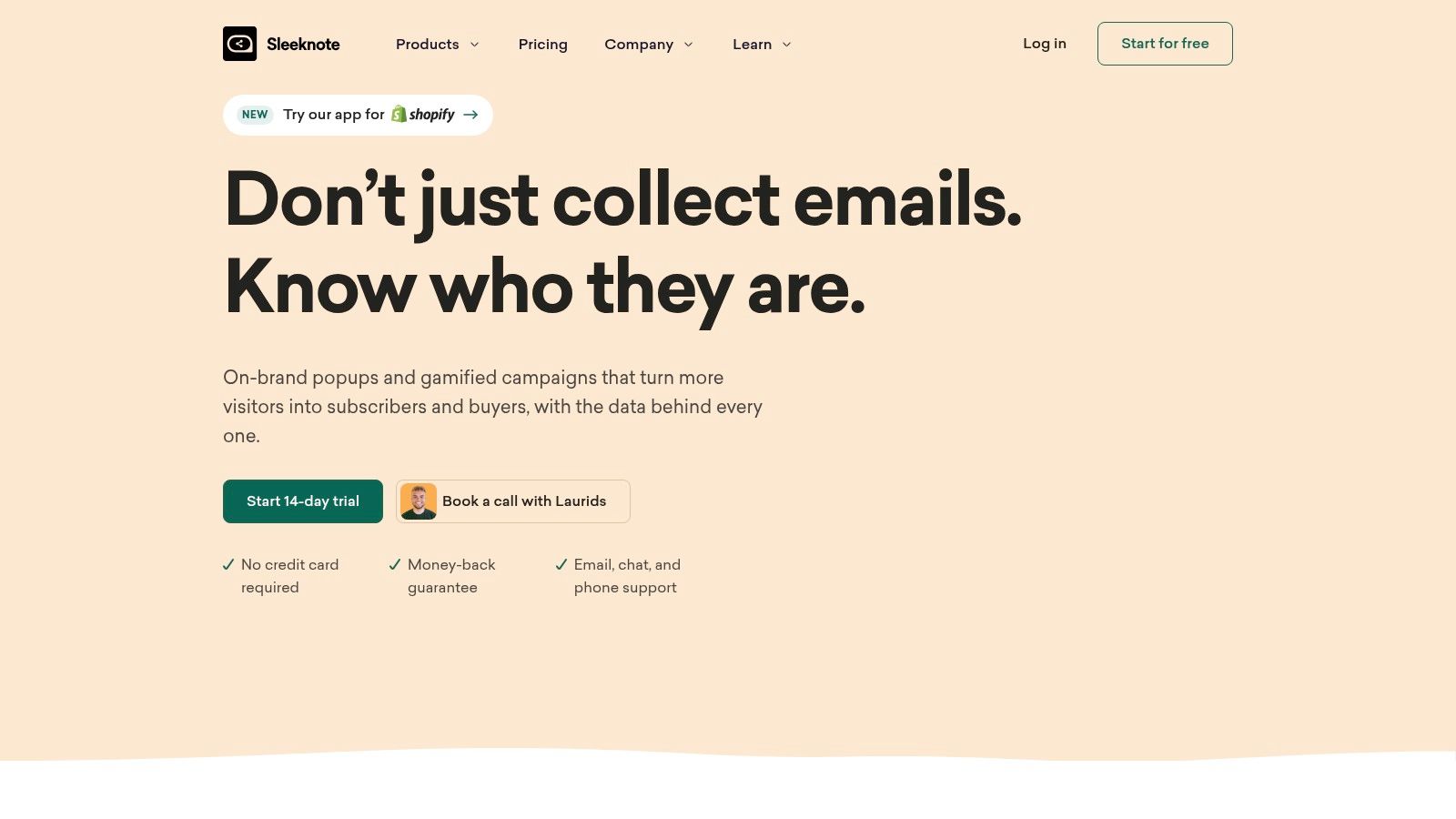
10. Sleeknote
Sleeknote is built for list growth in e-commerce, and it goes further than popups. Quizzes, spin-to-win wheels, and scratch cards collect preference data alongside the email, which is what makes segmentation possible later.
Formats that collect more than an address
- Quizzes ask about product preference or use case, giving you a reason to send a targeted follow-up rather than a generic welcome series.
- Gamified campaigns work on discount-driven stores where a plain popup gets ignored, and waste time on B2B sites where it doesn't.
- Segmentation, targeting, analytics, and A/B testing are included as part of the platform rather than sold separately.
There's no permanent free plan, which is the main structural difference from Poptin and OptinMonster. Pricing scales with monthly visitor volume, so a traffic spike costs money, and paid plans list unlimited campaigns and domains, which keeps the model simple at scale.
The honest limitation is that gamification can be unnecessary overhead. If a clean inline form collects the same email at the same rate, the wheel is decoration. Test the plain version first, then add the game only where the baseline underperforms.
Sleeknote offers a trial without a credit card requirement, which is enough to run one campaign against your existing form and compare completion.
For stores growing email and SMS lists, start with Sleeknote.
Lead Capture Software Compared
| Tool | Primary Capture Method | Free Plan or Trial | Best For |
|---|---|---|---|
| SupportGPT | AI support agents on websites | Free tier available | AI-powered customer support and conversational lead capture |
| Tidio | Live chat and chatbot flows | Free plan available | Small teams and e-commerce businesses capturing leads through chat |
| Landbot | Visual chatbot flows for websites and WhatsApp | Limited free plan | Guided lead qualification without coding |
| HubSpot Marketing Hub | Website forms and live chat connected to CRM | Free tier available | Managing lead capture and follow-up in one system |
| Typeform | Interactive forms and surveys | Not specified | Engaging multi-question lead qualification |
| Unbounce | Landing pages and lead forms | Not specified | Optimizing campaign landing pages for conversion |
| Leadpages | Landing pages and lead-capture forms | 7-day trial available | Publishing hosted capture pages without a separate page stack |
| OptinMonster | Popups, floating bars, inline forms, and slide-ins | Not specified | Converting existing website traffic into leads |
| Poptin | Website popups and forms | Free plan available | Testing on-site lead capture at lower traffic volumes |
| Sleeknote | Popups, forms, quizzes, and gamified campaigns | 14-day trial available | E-commerce email and SMS list growth |
Choosing Your Stack by Matching the Tool to the Moment
Pick by capture moment first and the shortlist collapses fast. If visitors arrive with questions, conversational capture wins because the question is the qualification. If they arrive cold from paid ads, a landing page you control beats a page inherited from your site. If they arrive on content and leave without a trace, on-site campaigns recover a fraction of that traffic. If they arrive ready to talk, forms wired straight into your CRM are still the shortest path.
Then filter by stack. A team already running HubSpot should exhaust HubSpot's capture features before adding a form tool, because every extra system needs a handoff that someone has to monitor. A team with no CRM should pick the capture tool that includes one, not the one with the prettiest templates.
Then filter by budget structure. Per-visitor pricing punishes traffic growth. Per-response pricing punishes form completion. Per-seat pricing punishes team growth. Pick the meter that matches your business, because the sticker price rarely predicts the second-year cost.
Setup effort, integration checks, and consent
Budget a working day for any tool in this list, and two for a branching conversational flow. Before launch, run one test lead end to end and confirm four things: the contact record lands in the CRM with the right owner, the source attribution survives the trip, the confirmation email fires, and the escalation path reaches a human who knows it exists.
Consent is your responsibility, not the vendor's. Workspace owners decide how their agents collect visitor information and are responsible for providing any additional notices and obtaining any consent their use case requires. That means a separate consent for marketing permission, a retention rule you can explain, and a path for deletion requests.
For conversational capture, our own tiered pricing makes the trade-off concrete. The Free plan costs $0 forever and includes 50 message credits, 1 AI agent, 400 KB of source storage, and basic analytics. The Standard plan costs $150 per month with 12,000 credits, 3 team seats, 2 AI agents, advanced AI models, and integrations and analytics. The Pro plan costs $500 per month with 40,000 credits, 5 team seats, 3 AI agents, advanced analytics, and priority capabilities.
The test that settles it: run one tool from each category that fits your traffic against the same test traffic for two weeks. Compare completion rate, qualified-lead rate, time to first human response, and cost per qualified conversation. Then keep the winner and cancel the rest.
If your visitors convert through conversation, SupportGPT gives you an AI agent you can train on your own sources and links, embed with a lightweight widget, and put to work capturing contact details and qualifying context inside the same thread. It answers around the clock, escalates complex questions to your team with the context intact, and keeps every transcript in analytics you can review. Start on the Free plan at SupportGPT and see what your visitors ask.