7 Lead Capture Examples Worth Stealing for Your Funnel
Real lead capture examples from chat, forms, landing pages, and pop-ups — with why each works and how to test it on your own site.
Most lead capture fails when the offer is unclear. Visitors need a reason to share their details, whether that is a useful answer, relevant content, or a customized next step. Conversion rates vary widely by industry and offer, so a form's performance depends on the value exchange it presents.
These seven examples show the capture pattern behind each approach, from chat and classic forms to landing pages, popups, and interactive flows. Each example explains why the pattern can work psychologically and gives you an A/B test to run this week. Choose the pattern that fits the visitor's intent and funnel stage, then test the offer and ask.
1. SupportGPT
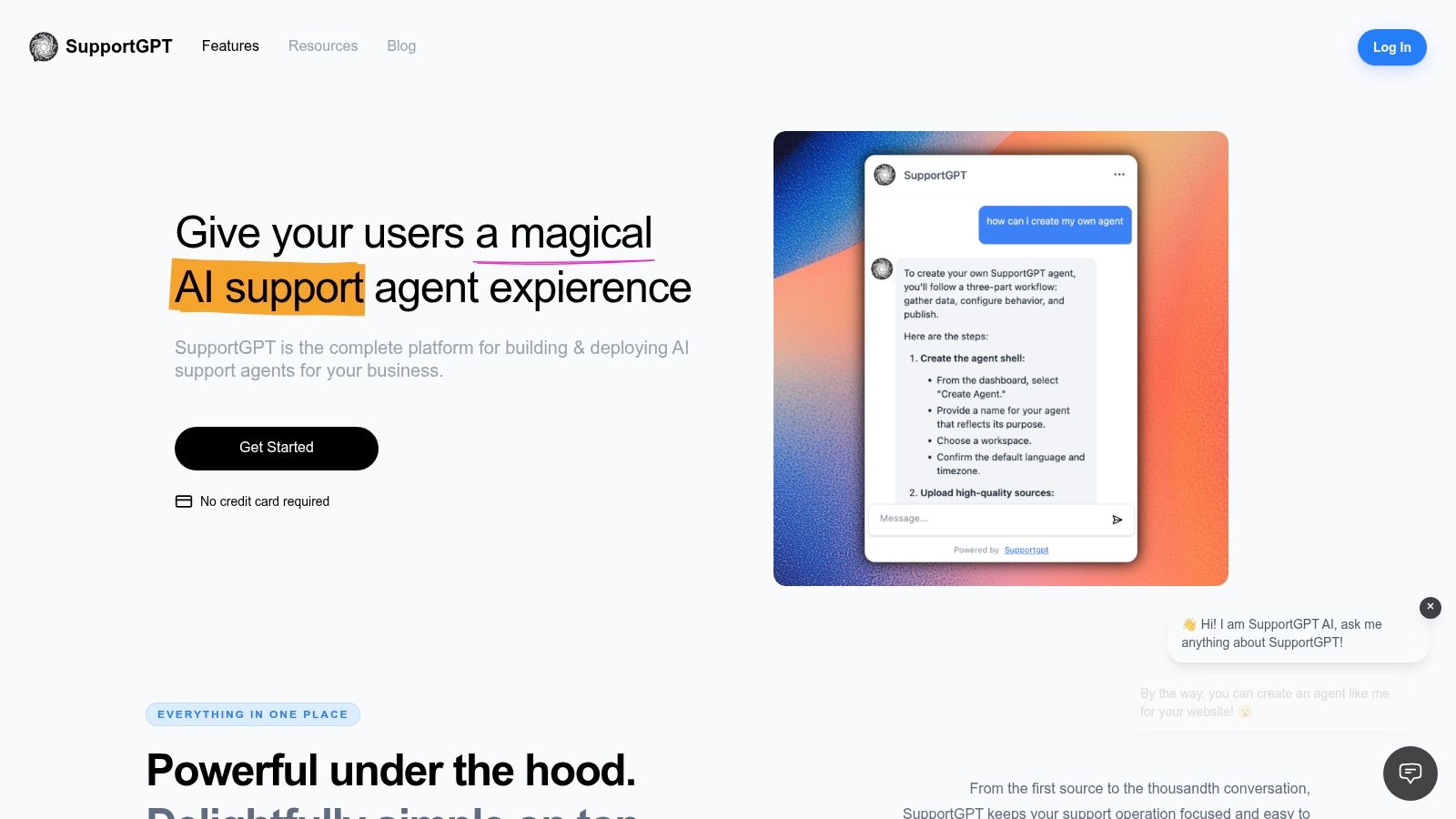
Pattern: chat-based capture with human handoff. SupportGPT lets you build an AI support agent using your own sources, shape its tone, test responses in the Playground, and embed an Ask AI widget on your website in a few minutes. The agent can answer visitor questions and hand complex or sensitive conversations to your team with the context intact. You can keep answers grounded in approved sources, set natural-language escalation rules, and support visitors in multiple languages.
The pattern works by answering first and asking for contact details when the conversation gives you a relevant reason. That sequence can make the request feel more connected to the visitor's needs. In a 2025 multi market survey covering consumers in the United States, United Kingdom, Canada, and Australia, 33% said they trusted companies with data collected through AI, while 43% remained concerned about AI privacy or security weaknesses.
What to steal and what it costs
Disclose the AI, explain why you're asking for details, and qualify progressively around intent, use case, urgency, and fit. SupportGPT also offers smart actions, integrations, conversation tracking, and analytics. Workspace customers choose what content to submit and how agents collect visitor information, and are responsible for any additional notices and consent their use case requires. Test the agent's behavior and review important output before relying on it, since AI responses can be inaccurate or unsuitable.
- Pros: Build and embed without code, use your own sources, set human handoff rules, and start with a free plan that includes 50 message credits, one agent, and 400 KB of source storage.
- Cons: The free tier is limited. Paid plans range from $40/month for Hobby to $150/month for Standard and $500/month for Pro.
Test this week: Ask for an email after the second helpful answer instead of at chat open. Compare completion and qualified lead rate.
For support-heavy sites, this pattern puts a useful answer before the lead request. Test the timing of that request against your current capture flow, and keep the handoff available when a visitor needs a person.
2. HubSpot Lead Generation Forms
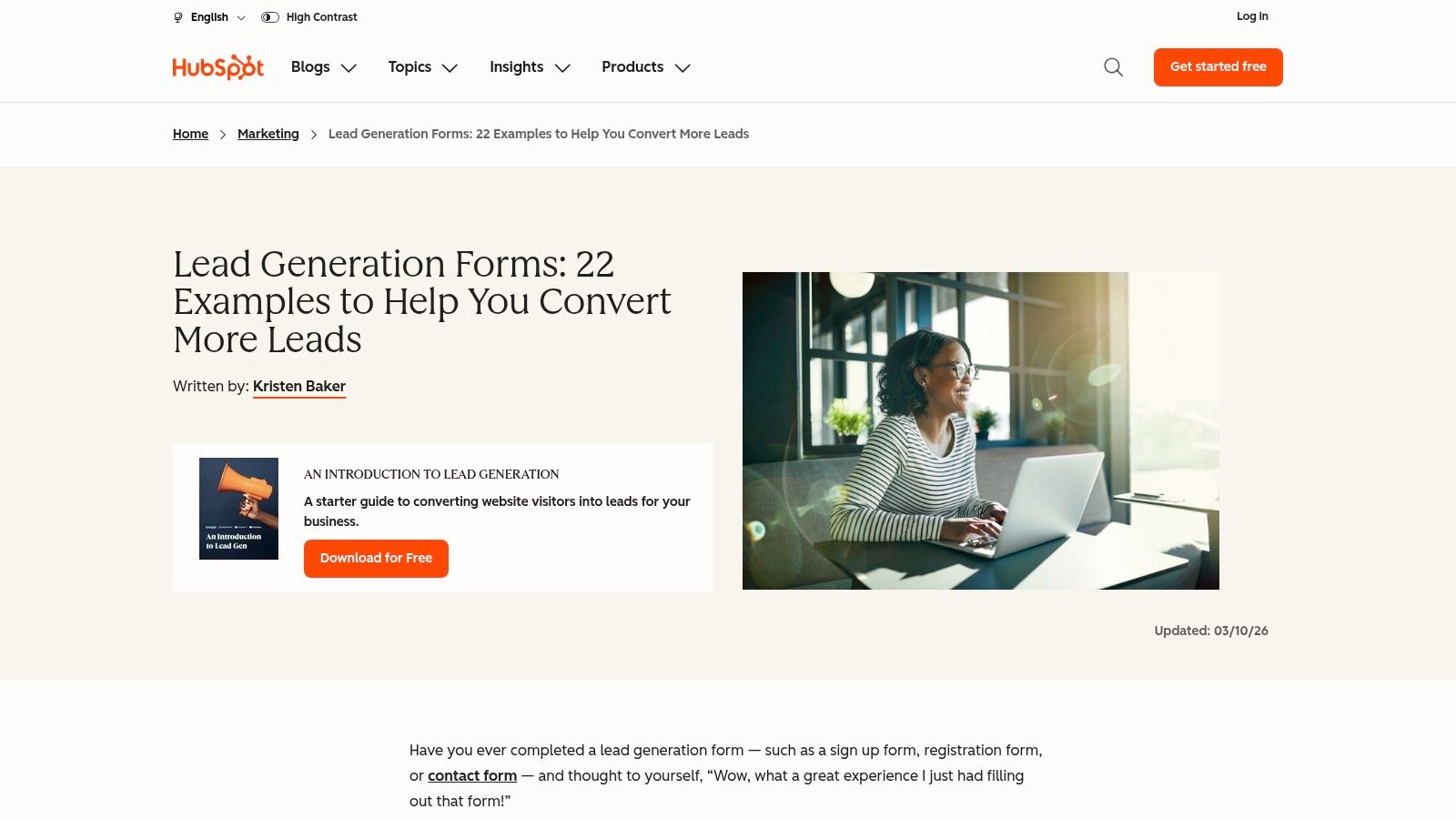
Start with the swipe file. HubSpot's guide walks through forms from recognizable companies such as Slack, Dropbox, Zillow, and Hulu, covering minimalist sign ups, multi step forms, and popups. It's free, broad, and good at connecting design choices to what the visitor feels.
Pattern: static form, tuned by length and placement. The psychology is simple cost perception. A 2026 benchmark summary citing Digital Applied's study reported conversion of 23.1% for three field forms, 17.0% for five fields, 11.4% for seven fields, and 6.9% for forms with 10 or more fields. Every extra field is a visible tax.
Where this guide helps and where it stops
Use it to shortlist layout, field count, placement, call to action, and social proof before you build. It won't give you chat based capture, and some examples may no longer match the companies' current sites, so treat screenshots as patterns, not proof. Pair the ideas with a clear plan for lead capture automation so submissions route somewhere useful.
- Pros: Broad, practical range across industries, and it explains the visitor experience behind each choice.
- Cons: Form centric, with little on conversational capture or post submit qualification.
Test this week: Cut your main form to three fields and move qualification to a follow up email or booking step.
3. Jotform 10 Lead Capture Form Examples That Convert
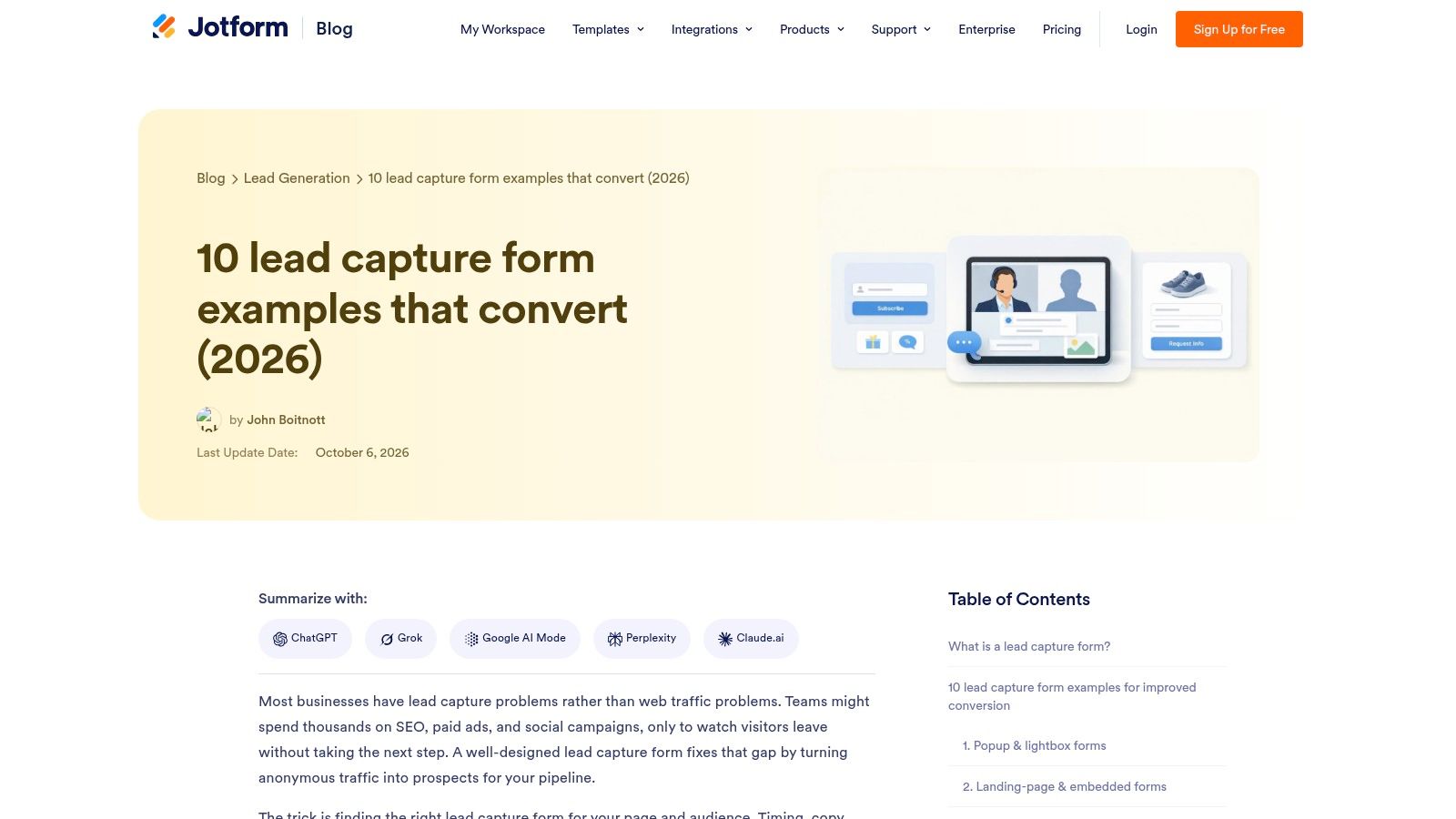
Jotform's guide organizes examples by form type and use case, which is exactly how you should shop for a pattern. You'll find newsletter sign ups, discounts, popups, gated resources, trials, demos, quizzes, and event registration, plus notes on timing, field count, and calls to action. It's free and easy to scan when you're deciding what to test next.
Pattern: gated content and contextual offers. The visitor trades contact details for something specific and immediate, such as a template, trial, or seat at an event. Vague promises don't work here. Name the asset, say who it's for, and deliver it fast.
The trade off behind shorter gated forms
A SaaS marketing automation test with 5,400 visitors over two weeks cut an 11 field form to four fields, name, email, company name, and company size. Submissions doubled from 3.8% to 7.6%, while the sales qualified lead rate declined by only 6%. Capture the minimum first, then qualify later.
- Pros: Easy to scan by funnel stage, with actionable design considerations for e commerce and B2B offers.
- Cons: It's vendor educational content, not a neutral benchmark of conversion performance.
Test this week: Gate one existing asset with email and company only, then add one qualifying question on the thank you page. Compare downloads and qualified conversations, not downloads alone.
4. Unbounce Lead Generation Landing Page Examples
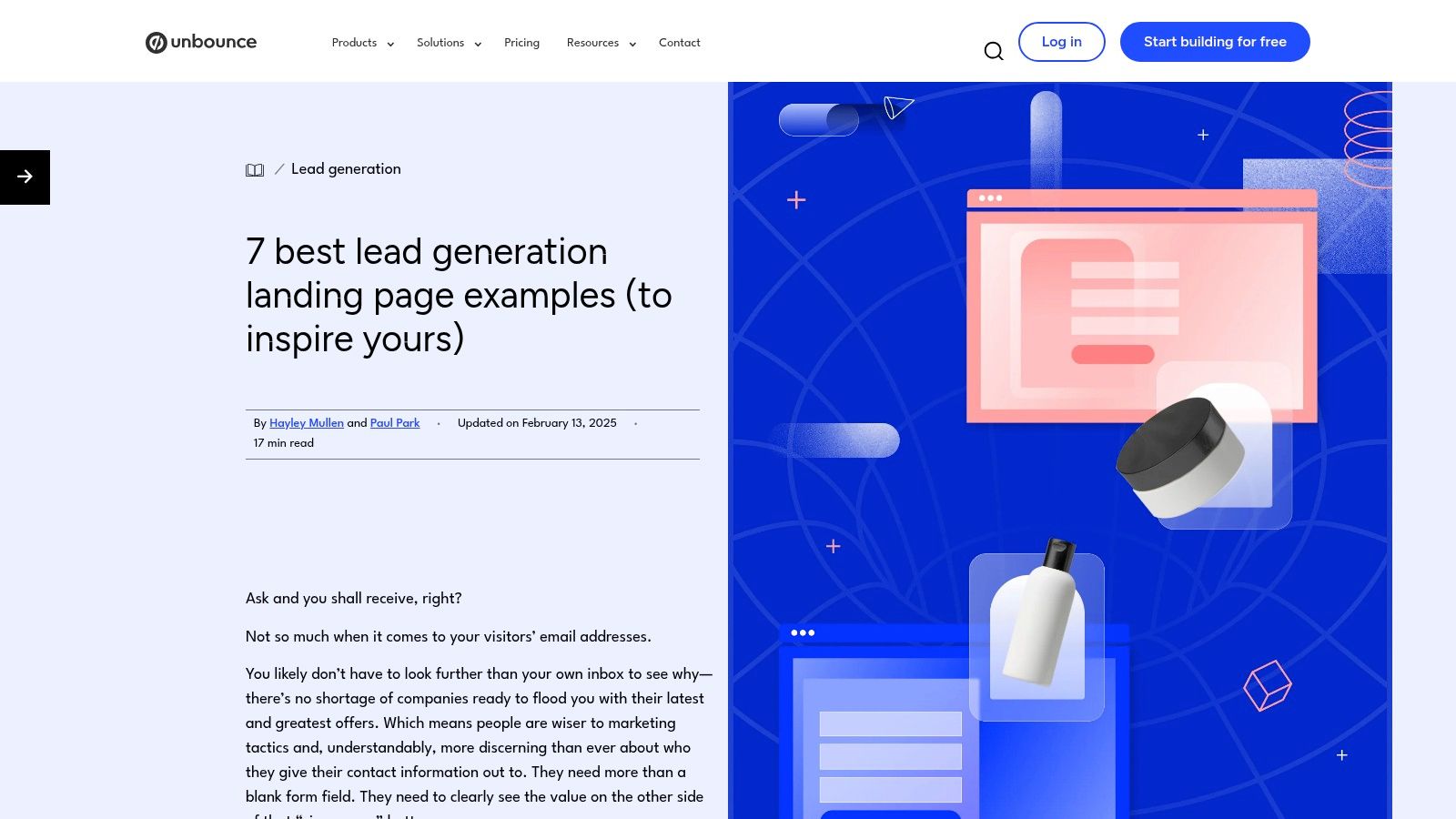
A form doesn't convert in isolation. Unbounce's guide analyzes full landing pages, including copy, layout, trust signals, and the value exchange around the form. That's the right lens for demo pages, lead magnets, and consultation booking pages for lawyers, where the headline has to earn the submit.
Pattern: dedicated landing page with one job. Removing navigation and competing calls to action reduces decision friction, while matching the ad promise to the page headline reduces doubt. If you're building this pattern, plan the whole lead capture landing page as one argument, not a form with decoration.
Speed after submit matters as much as the page
An insurance lead generation program increased website lead generation by 27% through sequential A/B tests over two to three weeks, starting with a prominent button and stronger call to action that improved conversion by 10%. Rapid human callback then made offline conversion nearly as high as online conversion. A slow follow up burns the win.
- Pros: Real page context, useful for B2B campaigns and higher intent prospects, and free to read.
- Cons: Examples come from Unbounce customers, and campaign page lessons may not transfer directly to in product capture.
Test this week: Change only your button copy to name the exact outcome, then measure speed to first response alongside conversion.
5. Sleeknote Eight Lead Capture Form Examples
Say you run an online store and need email list growth without killing the shopping session. Sleeknote's guide focuses on e commerce popups and on site forms, with examples from brands including MeUndies, Under Armour, Skims, Casper, and BarkBox. It's specific, recognizable, and free.
Pattern: modal or popup, triggered by timing and intent. A discount or first order offer works because the value is instant and easy to price in the visitor's head. A badly timed popup does the opposite. It interrupts product comparison, trains people to hunt for the close button, and can poison trust in later offers.
Use interruption sparingly
Trigger on exit intent, meaningful scroll depth, or a second product view, not three seconds after arrival. Suppress the popup after dismissal, after purchase, and on checkout. If you're comparing overlay formats, review website widget examples to see how persistent help differs from a one shot modal.
- Pros: Purpose built for online retailers, with clear ideas for offer framing and presentation.
- Cons: Weak fit for complex B2B qualification, and poor timing or targeting will annoy shoppers fast.
Popups don't fail because they're popups. They fail because they arrive before you've given the visitor a reason to care.
Test this week: Delay your popup until the second product page view and compare email capture against add to cart rate. Don't judge it on emails alone.
6. Typeform Lead Generation Templates and Examples
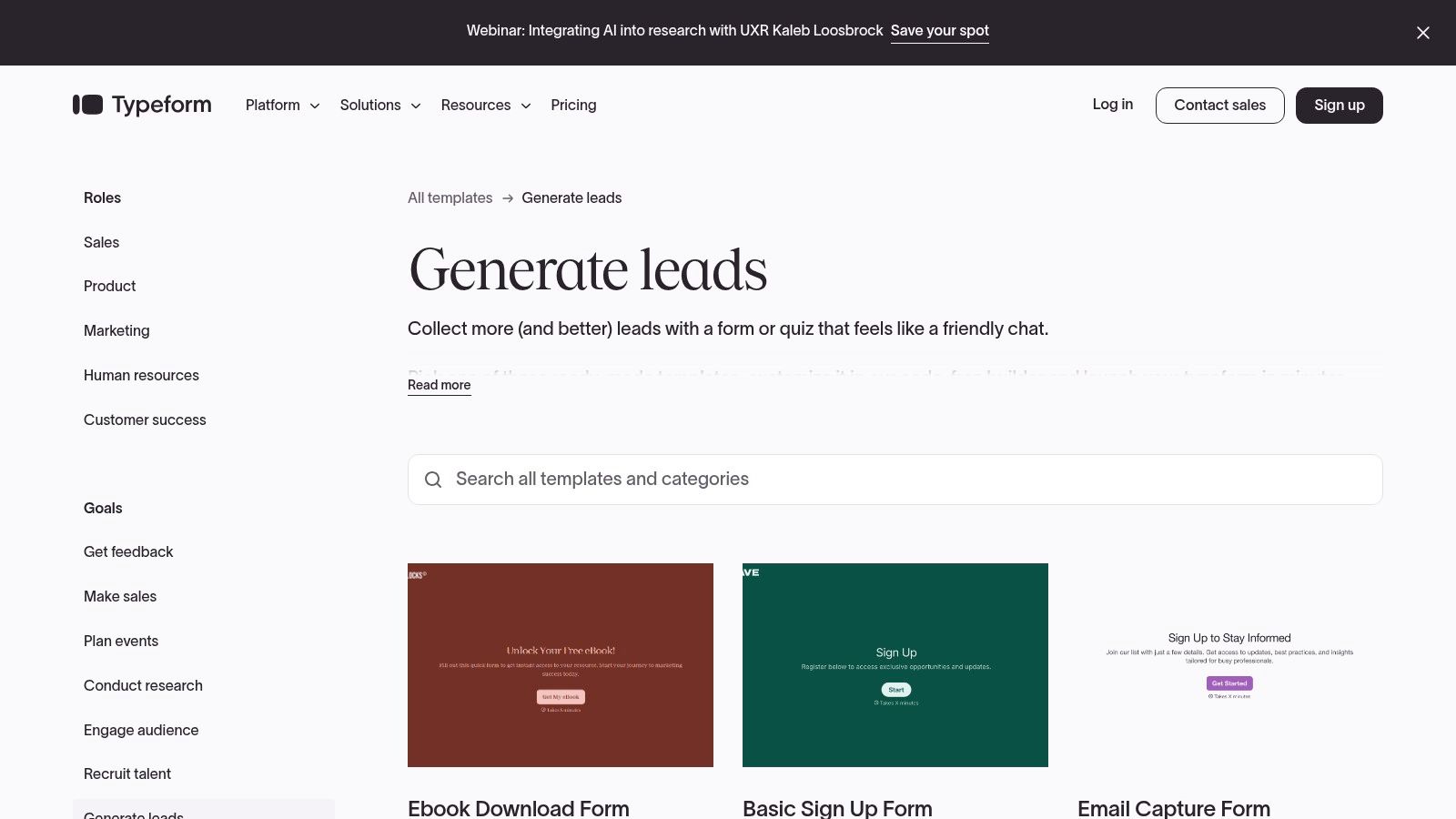
Typeform's template library takes a different approach. You can preview and adapt working flows for event registration, quote requests, e commerce quizzes, and product recommendations, then connect conditional questions to your CRM. It's the fastest route here from inspiration to a testable prototype.
Pattern: multi step, one question at a time. Each small answer creates commitment, so the email request at the end feels like finishing, not starting. Ask low risk questions first, show progress, and let logic skip anything irrelevant. That said, multi step isn't automatically kinder or more accessible than a compact form.
Accessibility is part of conversion
WebAIM's 2025 analysis, summarized in a guide to form UX design, found detectable WCAG failures on 95.8% of the top one million homepages, and 34.2% of form inputs lacked proper labels. Use explicit labels, visible focus states, keyboard operable controls, and error messages linked to fields. Announce step changes for screen readers and manage focus between screens.
- Pros: Templates become working prototypes, and conditional flows suit quizzes and qualification across B2B and e commerce.
- Cons: A template isn't proof of performance, multi step can feel long, and usage depends on current plan limits and features.
Before scaling this pattern, compare your options among data capture tools so answers land in the right system. Test this week: Move your email field to the final screen after a useful recommendation.
7. Upform Lead Capture Form Examples by Business Type
Upform's guide is the most builder focused resource on this list. It organizes examples by business type and explains question order, field selection, qualification logic, routing, and follow up. If you're designing from scratch, that structure stops you asking every prospect every possible question.
Pattern: contextual form with deliberate question sequencing. Start with the visitor's goal, then ask only what changes your next action. A quote request needs scope and timing. A newsletter sign up doesn't need budget. When a question won't change routing, pricing, or the reply, cut it.
Design the handoff, not just the submit
Decide where each answer goes, who owns the lead, and how fast they respond before you publish. That thinking also strengthens any offer you build from lead magnet examples, because delivery and follow up are part of the exchange. Measure qualified conversations and booked meetings, not raw submissions alone.
- Pros: Actionable starting points, sample question sequences, and real attention to what happens after submission.
- Cons: Less focused on established brands' actual pages, and the recommendations support the publisher's own form product.
Test this week: Reorder your form so the easiest, most relevant question comes first and contact details come last. Watch completion by step to find the exact field where people quit.
7 Lead Capture Examples at a Glance
| Item | Capture pattern | Best for | Standout strength |
|---|---|---|---|
| SupportGPT | Website AI assistant with conversational lead capture | Teams seeking automated support and lead capture | No-code agents with source-grounded answers and human escalation |
| HubSpot, Lead Generation Forms: Examples and Takeaways | Sign-up forms, multi-step forms, and pop-ups | Comparing form design and calls to action | Broad examples from recognizable brands |
| Jotform, 10 Lead Capture Form Examples That Convert | Forms for newsletters, demos, gated resources, quizzes, and events | Finding formats to test across funnel stages | Easy-to-scan examples with practical design guidance |
| Unbounce, Lead Generation Landing Page Examples | Campaign landing pages with lead forms | B2B campaigns, demos, and lead magnets | Evaluates the page and value exchange around the form |
| Sleeknote, Eight Lead Capture Form Examples | E-commerce pop-ups and on-site forms | Online stores growing email lists | Retail-focused examples from recognizable brands |
| Typeform, Lead Generation Templates and Examples | Conversational, one-question-at-a-time forms | Interactive qualification, quizzes, and recommendations | Previewable templates that can be adapted into prototypes |
| Upform, Lead Capture Form Examples by Business Type | Qualification forms with question sequences and follow-up | Teams designing forms and lead-routing workflows | Practical guidance on what to ask and what happens after submission |
Put These Lead Capture Patterns to Work
Don't install all seven patterns at once. Pick one capture pattern per funnel stage. Use a content upgrade or short gated form for readers, a quiz or multi step flow for evaluators who need guidance, and a focused demo or booking page for buyers who already know what they want.
Match the ask to the value exchange every time. An email for a vague newsletter is a weak trade. An email for a specific template, a priced discount, a personal recommendation, or a useful answer is a fair one. If you can't name what the visitor gets in one short sentence, your form isn't ready, no matter how clean it looks.
Test one variable, then check lead quality
Run one A/B test at a time and give it enough traffic to mean something. Change field count, or trigger timing, or button copy, or the position of the email field. Then judge the result on qualified lead rate, speed to first response, and booked meetings, not just submission volume. This is how you turn publication visitors into email subscribers who are worth emailing, rather than inflating a list with people who never wanted a conversation.
For support driven sites, we built SupportGPT to combine chat based lead capture with human handoff in one embeddable widget. You can go from idea to a live agent in minutes by copying the embed code we provide onto your site, sensitive conversations route to your team with full context intact, and our Free tier lets you test the pattern before committing to a paid plan. You shape the tone, add your sources, test real questions in the Playground, and use Actions and Analytics to see what's working. Our dashboard keeps Playground, Analytics, Conversations, Sources, and Actions in one place, so you can iterate without engineering help.
Choose one example from this list and implement it this week. Record your current baseline first, ship the smallest honest version, and measure conversion and quality against it. I recommend starting where intent is already highest, because that's where a better value exchange pays back fastest and teaches you the most.
Ready to capture leads inside conversations you're already having? SupportGPT lets you embed an AI support widget that answers from your own sources, asks for contact details at the right moment, and hands sensitive chats to your team with context intact. Start on the Free tier this week, test it against your current form, and keep whichever pattern earns more qualified conversations.