Best Data Capture Tools for 2026: Compare Top Picks
Compare 10 data capture tools for 2026, from form builders to field apps, with pricing, integrations and honest trade-offs to help you choose.
Most advice on data capture tools tells you to compare form builders first. That's backwards. A form builder is rarely the hard part, and teams often learn that only after they've picked a polished tool that can't handle offline work, messy handwriting, or a customer who'd rather talk than type.
Start with three questions instead. Where is the data captured, on a website, in the field, or inside a conversation? Who captures it, a customer, an enumerator, or your own staff? And what happens next, a spreadsheet row, a signed document, or an automated action?
Those answers put you in one of four categories. General form tools handle everyday website and internal collection. Research and survey platforms help you find respondents and analyse answers. Field capture apps work offline with photos, location, and barcodes. Conversational capture collects details inside chat, where context matters as much as the answer.
The list below keeps those categories separate. Compare tools inside your category first, then check plan limits against real submissions. A cheaper tool that forces manual cleanup isn't cheaper for long.
1. SupportGPT
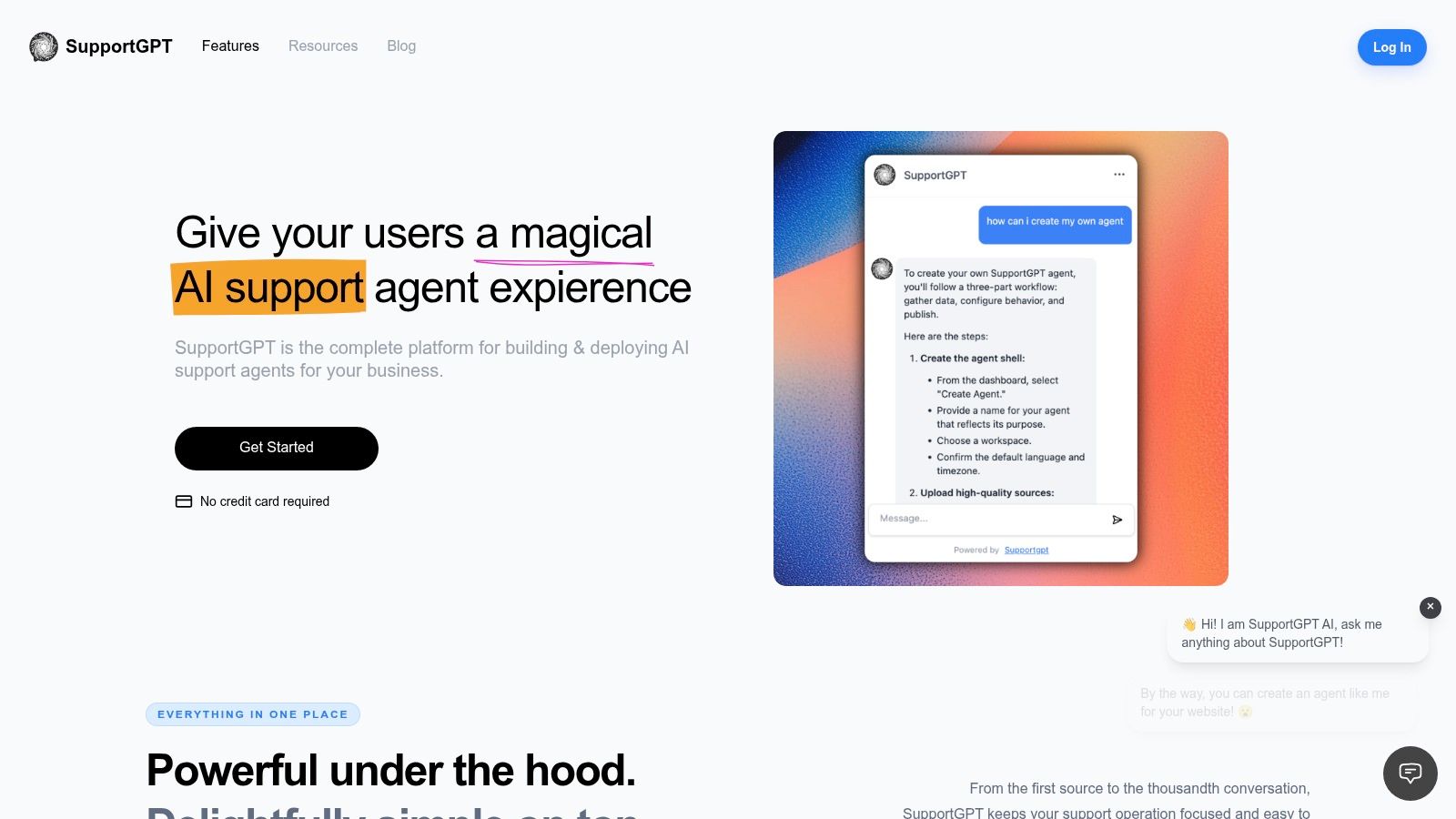
SupportGPT captures information through conversation rather than fixed form fields. Teams can build an agent without technical setup, add their own sources and links, then embed the Ask AI widget by copying its code onto a website. Visitors can ask questions, get answers, and share details such as contact information within the chat.
That format suits support interactions where a visitor's next question depends on the previous answer. A shopper might ask about delivery, then sizing, then request a callback. A form captures set fields; a chat can preserve the context of the request, use AI Actions, or hand a sensitive conversation to a human with its context intact.
What you actually control
You can personalize agent behavior and tone, test responses in the Playground, and review conversations and analytics. SupportGPT supports OpenAI, Gemini, and Anthropic models. Its built-in guardrails are designed to reduce misinformation and keep answers on-topic, but AI responses can still be inaccurate or unsuitable. Test agent behavior and review important outputs before relying on them.
For website feedback, a guide to website feedback widgets can help clarify which questions belong in chat and which need a structured rating.
Practical rule: Use conversational capture when the answer shapes the next question. Use a form when every respondent needs to answer the same fields.
The Free plan does not require a credit card. The Standard plan costs $150 per month and includes 12,000 credits per month, 3 team seats, 2 AI agents, advanced AI models, integrations, and analytics. It is labeled the most popular plan. Supported optional integrations include Notion, Slack, Discord, Zendesk, Telegram, Calendly, WhatsApp, and Stripe.
Pros
- Quick deployment: Build an agent without technical setup and embed it on a website.
- Context-aware handoff: Route complex or sensitive conversations to a human with the conversation context intact.
- Conversation tools: Test prompts in the Playground and review analytics.
Cons
- Not a fixed-field form: Conversation is a poor fit when every submission must follow an identical structure.
- AI needs review: Guardrails help, but teams should test behavior and check important responses.
Choose SupportGPT when data capture happens as part of customer support, and preserving the visitor's context matters.
2. Jotform
Jotform is the general-purpose option many try first, and often it's enough. It's a no-code form builder for customer, employee, and operational data, with templates, conditional logic, file uploads, payments, and e-signatures. If you need contact forms this week and order forms next week, that breadth helps.
Its strength is that capture doesn't stop at submission. Integrations and workflows route responses onward, so a single form can trigger approvals or document tasks. Enterprise options add SSO, custom domains, and local data residency, which matters once legal gets involved.
The trade-off is setup weight. For a five-question survey, Jotform can feel like more machinery than you need, and you'll spend time turning things off. Plan limits also bite early.
- Free Starter plan: Available to test, with limits on forms, submissions, and storage.
- Paid individual plans: Listed from $34/month billed annually.
- Higher tiers: Some security and compliance features sit there, not in lower plans.
If you're building pages to feed these forms, this breakdown of a lead capture landing page is worth reading before you add more fields. Extra fields don't improve data quality. They usually lower completion.
Pros
- Versatile: Contact forms through to orders and signatures.
- Workflow-ready: Extends into documents and routing.
Cons
- Tiered limits: Storage and submissions are capped on lower plans.
- Overkill risk: Broad functionality needs more setup than a simple survey.
Pick Jotform when you want one builder for many internal and customer jobs. Skip it if you only need clean survey analysis.
3. Zoho Forms
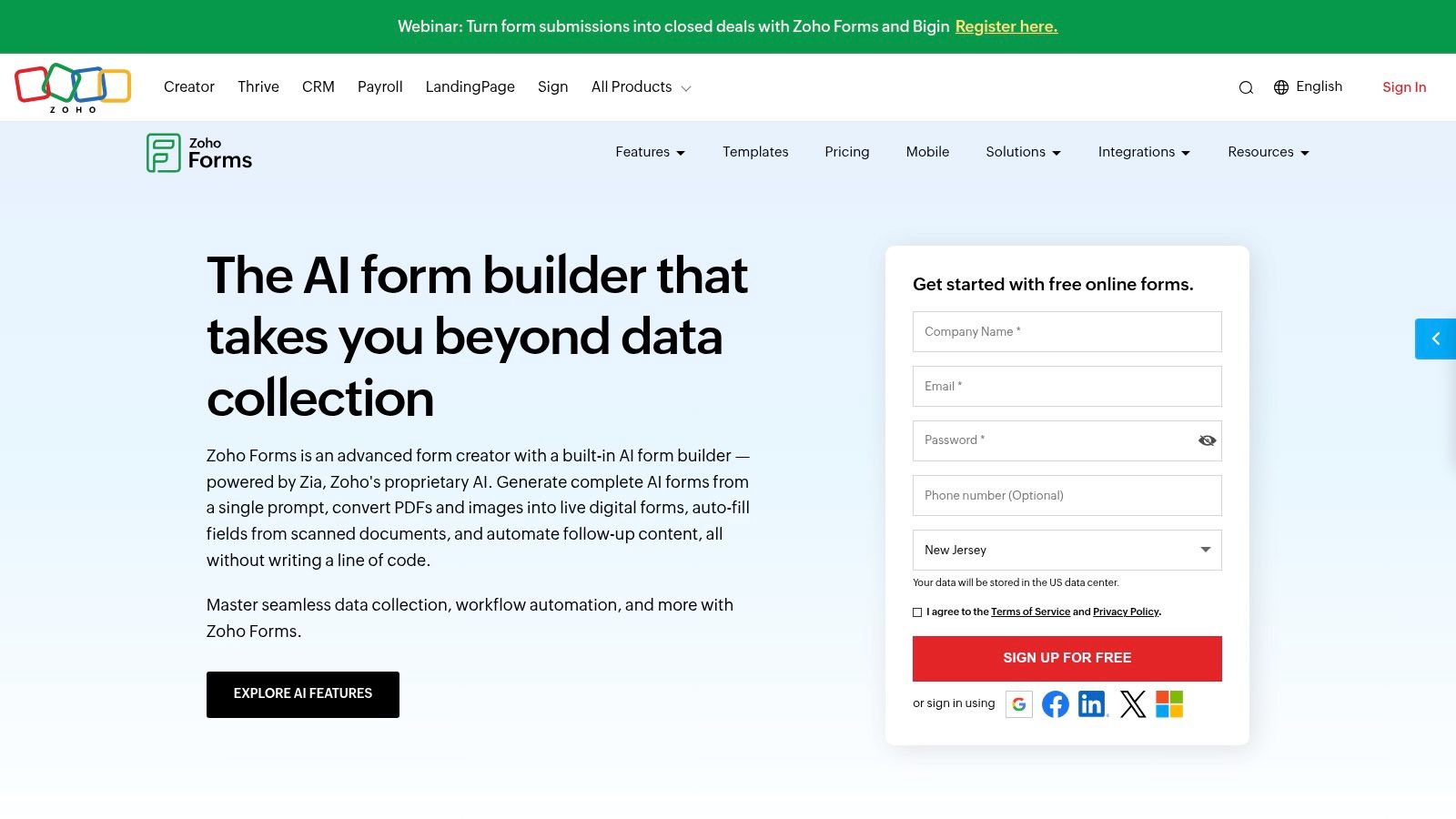
Already running Zoho CRM or Desk? Then Zoho Forms is the obvious shortlist candidate. It's an online form builder with mobile collection, conditional forms, approvals, reports, and webhooks, plus integrations with Zoho products, Google Sheets, and Microsoft Excel.
Two features set it apart from basic builders. The mobile app supports offline data collection, so field staff aren't blocked by poor signal. Smart Scan uses OCR to extract information from images into mapped form fields, useful for licences, cards, or printed forms.
Don't oversell OCR to your team, though. The Emergen Research document capture software market report notes the global document-capture software market was valued at approximately USD 6.8 billion in 2024, with OCR representing 42% of the market in 2024. That same source puts traditional OCR at 75 to 80% accuracy, while printed text in standard fonts can exceed 98% and handwritten text generally remains at 60 to 80%. Test Smart Scan on your real documents, at field level, before you automate anything downstream.
Pricing and limits
A free plan is available, and paid plans start at $10/month billed annually. The free plan includes three forms and up to 500 submissions per month, which is generous for a pilot. Published tiers make submission limits easier to compare.
Pros
- Zoho-native: Works naturally with the wider ecosystem.
- Offline plus OCR: More field-ready than most web builders.
Cons
- Plan-gated controls: Advanced collaboration and compliance sit in higher plans, and OCR credits are limited by plan.
- Dense pricing grid: It takes effort to understand.
4. Typeform
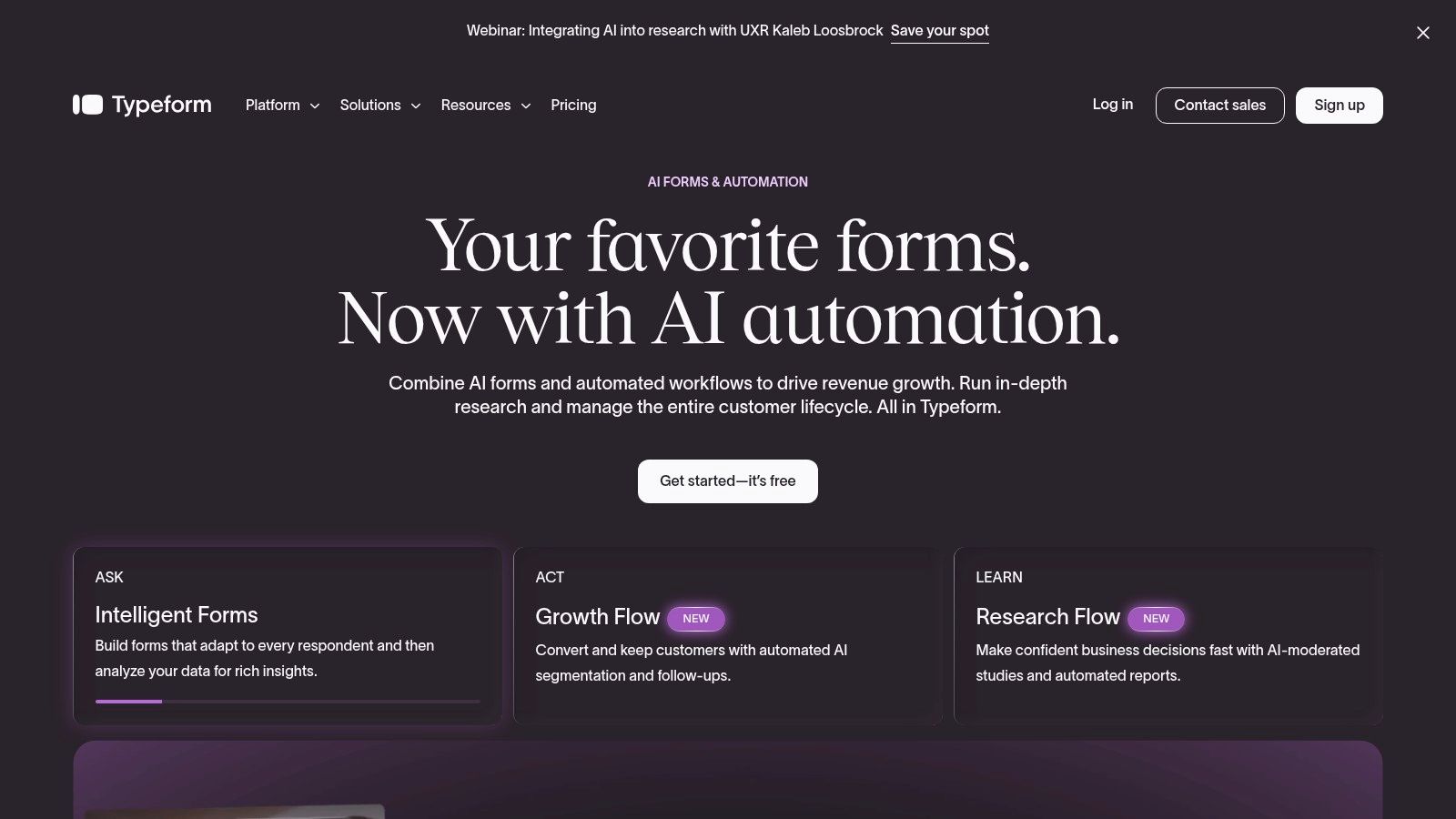
Typeform built its name on respondent experience. Forms show one question at a time, with branching and customisable themes, so a questionnaire feels like a guided conversation rather than a data-entry sheet. For customer research, lead generation, and onboarding, that polish can lift completion on longer flows.
It also connects properly. Webhooks and API access let you push responses into other systems instead of exporting CSVs by hand. Collaboration options and response allowances vary by plan, so check your expected volume first.
Here's where teams misjudge it. Typeform's conversational design is a poor fit for long, highly structured entry where staff need to see many fields at once, compare values, or tab quickly through records. Inspectors and operations teams will find it slow.
Pricing includes a free plan, with published paid Core plans starting at $29/month. Response limits are the constraint to watch. A successful campaign can push you into a higher tier mid-flight if you haven't modelled volume.
If your goal is leads rather than research, compare this approach with a lead generation chatbot, which can qualify visitors who aren't ready to complete any form at all.
Pros
- Polished experience: Strong for customer-facing collection.
- Good branching: Suits lead-generation and research flows.
Cons
- Response caps: Monthly limits constrain high-volume use.
- Pricey for basics: Costs more than simple form tools.
I recommend Typeform when presentation affects trust. For internal data entry, choose something denser and cheaper.
5. Google Forms
For a quick poll, registration, or internal request, Google Forms is still hard to beat on friction. It's browser-based, handles forms and quizzes, and responses can be viewed and worked with in Google tools. If your team already lives in Google Workspace, there's almost nothing to learn.
Personal use is available at no cost. Business access is included with paid Google Workspace plans, which is the detail budget holders miss. You aren't buying a Forms plan. You're buying Workspace, so confirm your organisation already has it.
Where it falls short is specialisation. Complex logic, strong branding, and advanced controls aren't its focus, and dedicated platforms handle formal workflows better. Verify requirements early if you need approvals, payments, or detailed access control.
One practical gap is timing for quizzes and assessments, which is why some teams look for ways to set time limits on Google Forms rather than relying on the native options alone.
A free tool that everyone can open will beat a powerful tool nobody adopts, but only for simple jobs.
Pros
- Low barrier: Easy for anyone with a Google account.
- No extra purchase for basics: Good for internal workflows and quick surveys.
Cons
- Less specialised: Advanced form workflows need a dedicated platform.
- Workspace dependency: Business use may require a subscription you hadn't planned.
Use it for low-stakes, high-speed collection. Move on when the data feeds a regulated or revenue process.
6. SurveyMonkey
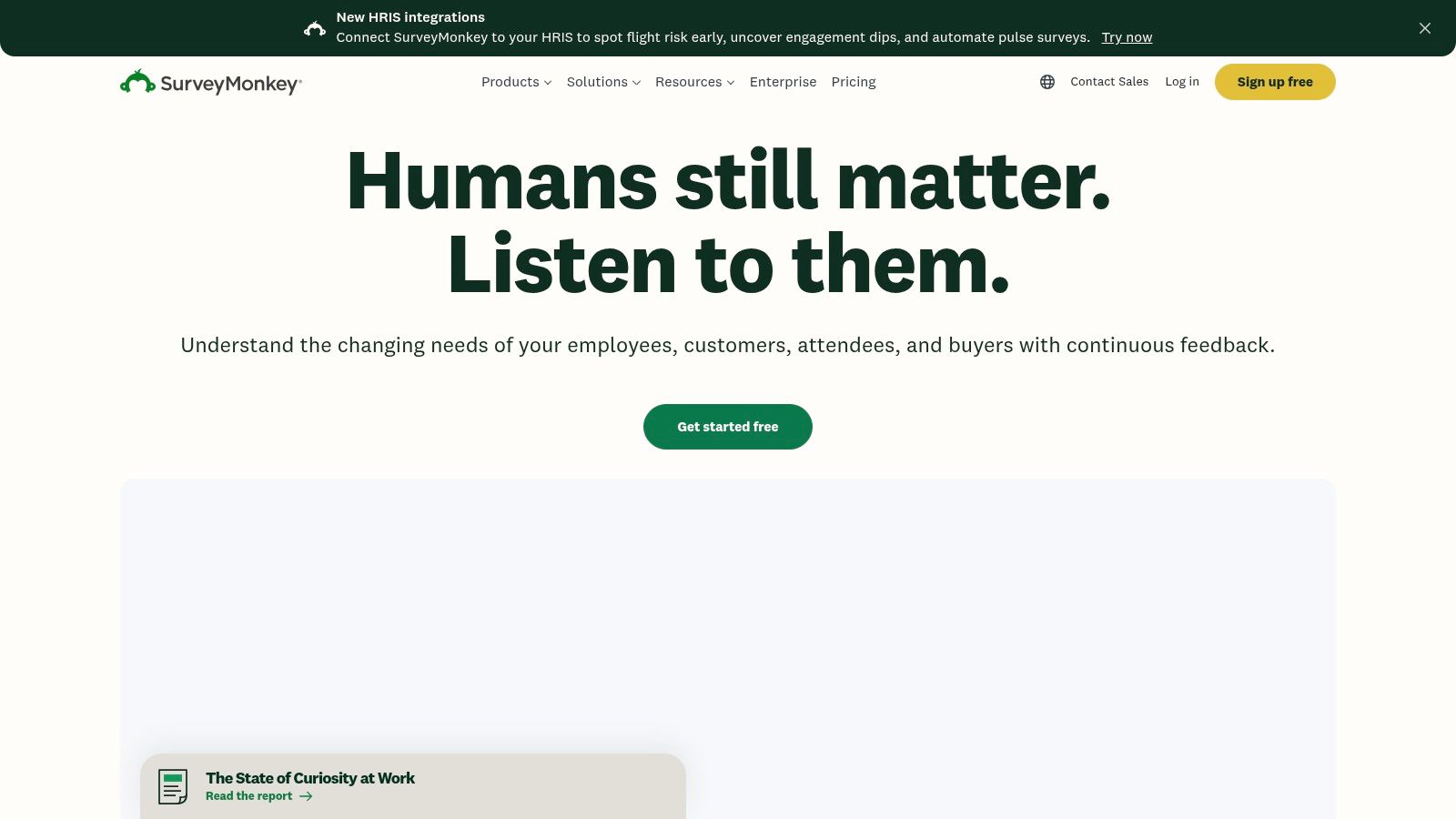
SurveyMonkey is a survey platform, not a general form builder, and you should judge it that way. It offers survey logic, multiple question types, exports, and analysis tools that vary by plan. If interpreting results matters more than collecting rows, this category fits better.
Its distinctive option is SurveyMonkey Audience, which sources respondents using targeting criteria. That helps when you need opinions beyond your existing customers, for example testing a concept with people who've never heard of you. No form builder on this list does that job.
Costs need attention. A free Basic plan is available, but it limits question count and response access. Published paid options include Advantage Annual at $39/month and Premier Annual at $139/month, both billed annually. Paid plans carry response allowances, and additional responses may incur charges.
Before you launch, decide which customer satisfaction metrics you'll report. Collecting ten scores you never act on wastes respondent goodwill and your allowance.
Who it's for
Pros
- Research focus: Established tools for feedback and analysis.
- Audience access: Reach people outside your customer base.
Cons
- Free limits: Question and response restrictions are tight.
- Excess for simple forms: Plan complexity isn't justified for a contact form.
Choose SurveyMonkey for structured research programmes. Don't pay survey-platform prices to collect names and emails.
7. Paperform
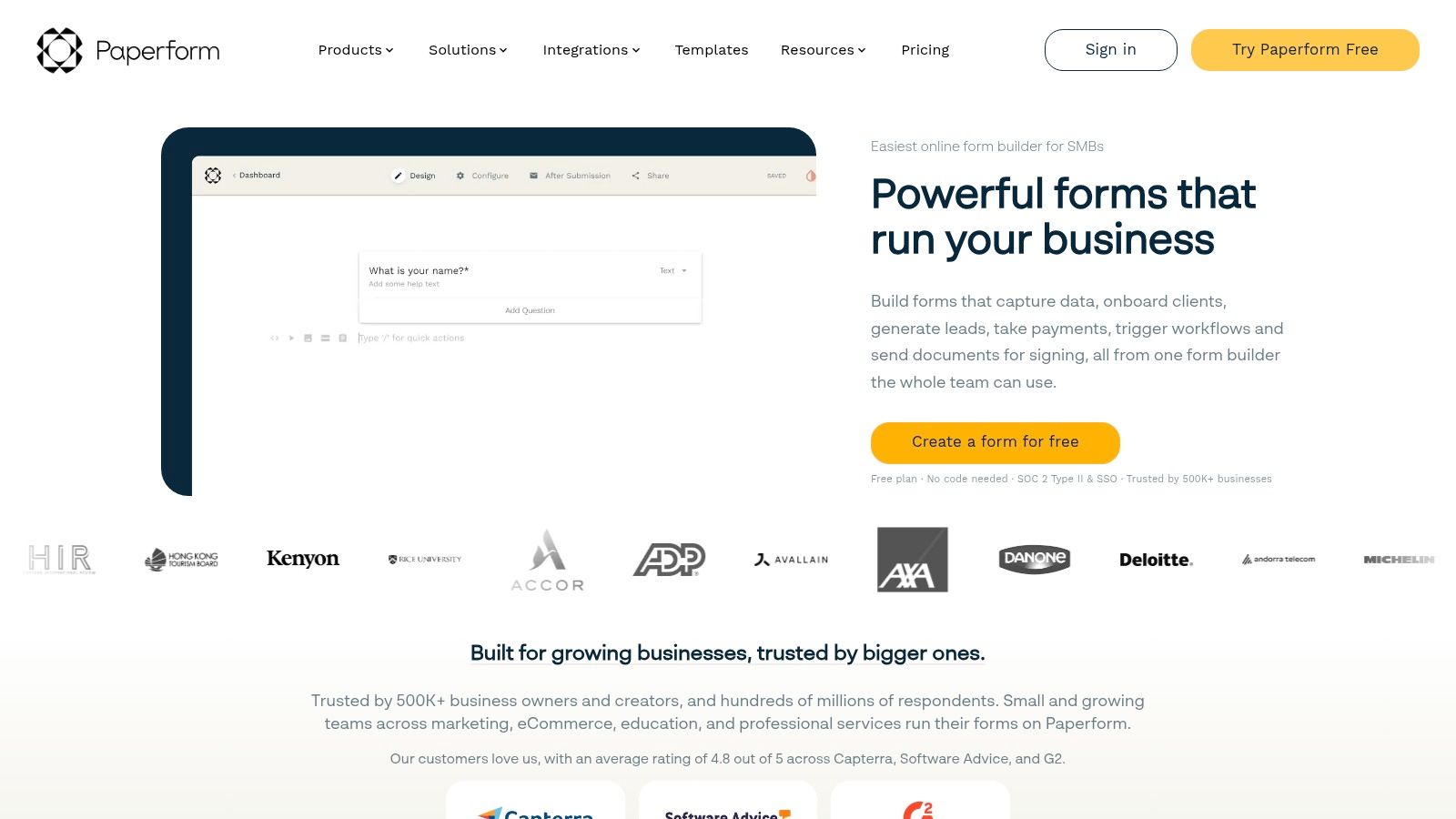
Paperform sits between a form builder and a small operations hub. It combines data collection with payments, e-signatures, and workflow automation, plus conditional logic, calculations, and file uploads. A submission can become a transaction or a routed task, not just a record.
Say a service business collects order details, calculates a quote, takes payment, and sends the job to the right team. Paperform handles that chain in one place, with integrations including Zapier and Make. Paid plans add branding controls, capacity, and business or enterprise features.
A free plan is available and it's permanent rather than a trial, which makes testing low risk. Pro is listed at $49/month and Business at $124/month, billed annually. Published annual pricing helps you compare without a sales call.
Watch the free ceiling. It's limited to 30 submissions per month and includes Paperform branding, so it's a pilot tier only. Enterprise features and data residency options require a custom plan.
Pros
- Capture plus transaction: Payments and workflows in one tool.
- Clear published pricing: Pro and Business costs are visible upfront.
Cons
- Small free allowance: Thirty submissions runs out quickly.
- More than a survey needs: Extra functionality adds setup you may not use.
I recommend Paperform when a form is really the start of a paid process. For pure research, its workflow power goes unused.
8. Fulcrum
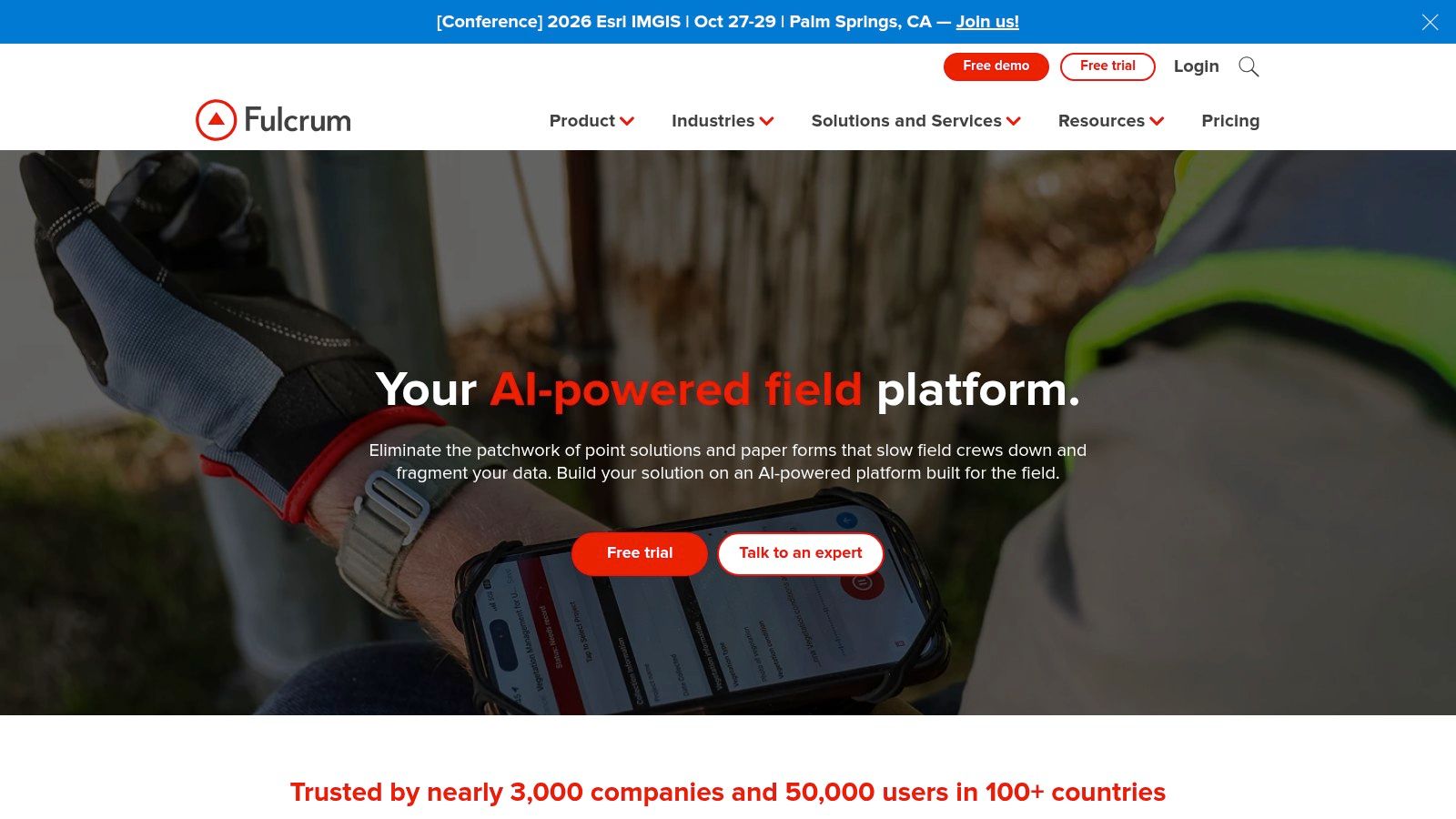
Fulcrum is a mobile-first field data capture platform for inspections, asset inventories, and work at physical locations. Its value comes from collecting records in the field, where a standard website form may not fit the job.
Field teams can collect data offline and attach photos, audio, video, barcodes, QR codes, signatures, and location details to records. Fulcrum also supports geospatial capabilities, data import and export, reporting, and workflow logic. That makes it a fit for evidence-rich site records, but more tool than a team needs for simple online forms.
Cost reality
Fulcrum's listed plans are annual per-user subscriptions with a five-user minimum. Plan details include storage allowances, which help teams estimate capacity before committing.
Pros
- Field-ready: Designed for mobile collection at physical locations.
- Rich evidence: Records can include media, signatures, and location data.
Cons
- Minimum commitment: Annual terms and five users raise the starting cost.
- Unnecessary for web forms: Field-specific features add little value to basic online collection.
Choose Fulcrum for crews collecting structured records at sites. For marketing forms, a general-purpose form builder is a better fit.
9. KoboToolbox
KoboToolbox serves humanitarian, research, and field projects where connectivity is unreliable and structured collection still has to happen. It's a dedicated data-collection workflow, not a lightweight website builder, and it's worth evaluating when your respondents or enumerators work in difficult conditions.
History supports that niche. The World Bank ICT report documented a 2010 Guatemala pilot using basic mobile phones with the free web-based Episurveyor platform to monitor a nationally representative survey for a conditional cash-transfer program. Effective capture didn't need smartphones or high-end hardware. That lesson still applies when you design for low-end devices, SMS, or intermittent access.
KoboToolbox offers structured form-based collection designed for mobile or field projects. The vendor publishes multiple plan types and account limits, with add-ons for needs such as storage and analysis capacity. Documentation describes those limits, which helps project planning.
Because these projects often involve sensitive respondent data, pair your setup with clear data anonymization practices before analysis or sharing. That step isn't optional in humanitarian work.
Pros
- Research and field relevance: Built for specialised projects, not just business forms.
- Documented limits: Plan limits and add-ons are described by the vendor.
Cons
- Plan complexity: The right plan depends on account type, project, and usage.
- Verify current pricing: Check submission limits with the vendor before committing.
- Specialised: More tool than a simple web form requires.
Shortlist KoboToolbox for field research. For commercial lead capture, simpler tools will serve you faster.
10. Formstack
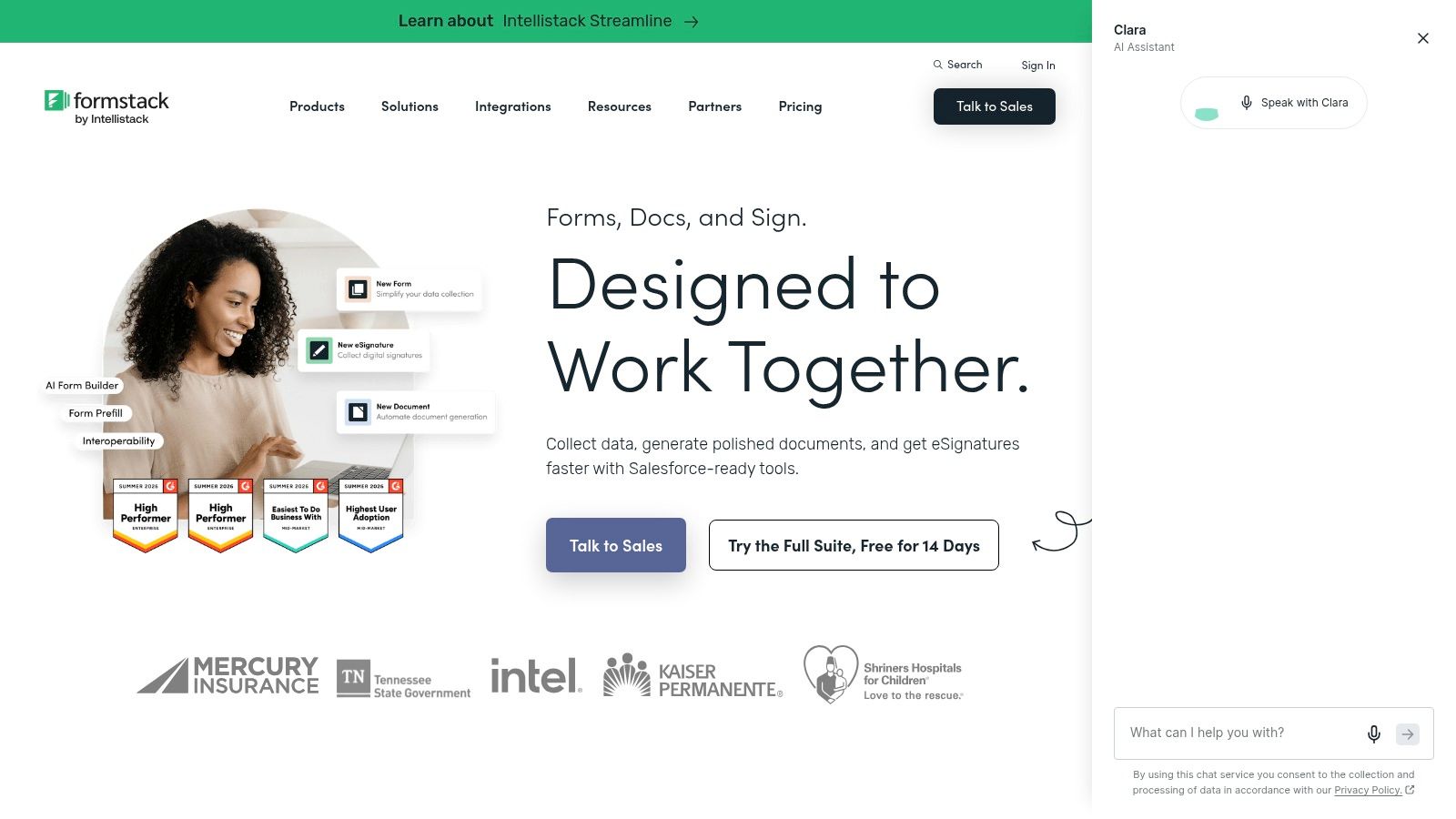
Formstack targets organisations where captured data must feed formal processes. It offers online forms alongside document generation and e-signatures, so a submission can produce a completed document and collect a signature without staff retyping details.
Salesforce users get specific attention. Salesforce solutions include progressive capture and dynamic prefill, which reduce repeat entry for known contacts. Enterprise options add custom security, integrations, and support for regulated workflows.
Cloud delivery is now the norm for this category. The Dataintelo field data capture software market report estimated cloud-based products accounted for 67.8% of the segment in 2025, compared with 32.2% for on-premises. That doesn't remove your duty to check data residency, encryption, identity controls, and retention before you sign.
Pricing reflects the positioning. Forms starts at $83/month billed annually, while Suite starts at $250/month billed annually. Salesforce and Enterprise solutions have custom pricing, so expect a sales conversation.
Pros
- End-to-end process: Forms connect to documents and signatures.
- Salesforce depth: Prefill and progressive capture reduce friction.
Cons
- Higher starting price: Costs more than lightweight form tools.
- Sales-led tiers: Enterprise pricing isn't published.
Choose Formstack when the form is step one of a documented, signed workflow. For a survey or lead form, it's more platform than you need.
How the 10 data capture tools differ on starting price, free access, and best-for use
| Item | Starting price | Free plan | Best for |
|---|---|---|---|
| SupportGPT (recommended) | Free; paid plans from $40/month | Yes; limited to 50 message credits | No-code AI support agents |
| Jotform | Free; paid plans from $34/month billed annually | Yes; Starter plan | Versatile forms, payments, and workflows |
| Zoho Forms | Free; paid plans from $10/month billed annually | Yes; three forms and up to 500 submissions/month | Mobile forms and Zoho users |
| Typeform | Free; paid plans from $29/month | Yes | Conversational surveys and lead generation |
| Google Forms | Free for personal use | Yes | Basic surveys and internal forms |
| SurveyMonkey | Free; paid plans from $39/month billed annually | Yes; Basic plan | Surveys, feedback, and respondent research |
| Paperform | Free; paid plans from $49/month billed annually | Yes; limited to 30 submissions/month | Forms with payments and workflows |
| Fulcrum | From $43/user/month, annual billing | No free plan listed | Mobile field data collection |
| KoboToolbox | Varies by plan and eligibility | Plan availability varies | Research and humanitarian fieldwork |
| Formstack | From $83/month billed annually | No free plan listed | Forms linked to document and signature workflows |
Choose by Capture Location, Not Feature Count
Name the capture location before you open a pricing page. Is it a website, where a visitor decides in seconds whether to engage? A survey, where you need comparable answers and credible analysis? A field site, where connectivity fails and evidence matters? Or a conversation, where the right next question depends on the last answer?
That single decision removes most tools from contention, correctly. Website and internal jobs suit Jotform, Zoho Forms, Google Forms, or Paperform. Research programmes suit Typeform or SurveyMonkey. Field operations suit Fulcrum or KoboToolbox. Support-led capture suits SupportGPT, while Formstack fits when documents and signatures must follow.
Then test with real submissions, including edge cases. Submit incomplete answers, duplicate entries, poor photos, and responses on a cheap phone with weak signal. Watch what your team has to clean up afterwards. That cleanup cost is part of the price, even though it never appears on an invoice.
Data quality deserves its own test. A 2025 study of Malaysian poultry farmers examining 198 Malaysian poultry farmers using smartphone-based forms found mixed numeric and textual values, inconsistent categories, duplicate submissions, ambiguous placeholders, and no unique identifiers. Digitising a form doesn't fix input quality on its own. You need structured fields, validation rules, respondent IDs, and training that matches your users' skills.
Before launch: Decide which fields must be constrained, which can stay free-text, and which low-confidence answers go to a human for review.
Accessibility and consent belong in that same test, not in a later compliance pass. A 2025 review of digital data collection studies covering 40 studies found significant accessibility gaps and identified seven requirements, including adaptation, multiple access modes, assistive-technology support, and accessibility pilot testing. Test real devices, screen readers, language needs, and recovery after a connection drops. Offer a human-assisted route when digital capture would exclude people.
We apply that thinking to our own platform too. Workspace customers decide what content they submit and how their agents collect visitor information, and they're responsible for notices and consent their use case requires. AI-generated responses can be inaccurate, so customers should test agent behaviour and review important output. Those responsibilities don't disappear because a tool is easy to launch.
Shortlist two or three tools from your category. Run the same ten realistic submissions through each one, including one abandonment, one duplicate, and one accessibility check. Compare completion, correction rates, and what arrives in your downstream system, then check plan limits against your busiest month, not your average one.
Feature counts won't tell you any of that. Capture location, user capability, and downstream handling will. Choose on those, and the tool decision gets much simpler.
If your data is captured during customer conversations, SupportGPT lets you train an AI agent on your own sources, capture leads inside chat, and hand sensitive cases to your team with context intact. Start on the free plan, test it with real visitor questions in the playground, and embed the widget on your site in minutes when you're ready.