7 Website Widget Examples Worth Copying in 2026
Explore 7 standout website widget examples for support, lead capture, and product help — with use cases, why each works, and how to adapt them.
What separates a great website widget from a floating chat bubble? It isn't the animation or the color of the launcher. It's whether visitors can get useful help without first explaining where they are, what they're trying to do, and why they're stuck.
A blank chat window makes the visitor do that work. Better website widget examples offer a branded starting point, relevant self-service answers, page-specific assistance, or a clear route to a person. The useful pattern depends on the job: resolving a product question isn't the same as qualifying a sales lead.
Copy the interaction, not just its appearance. Keep feedback collection separate when it needs a different workflow, such as website feedback without reviewer accounts, rather than forcing every interaction into support chat.
The examples below turn familiar tools into reusable patterns, with practical adaptations you can launch without rebuilding an entire support platform.
1. SupportGPT
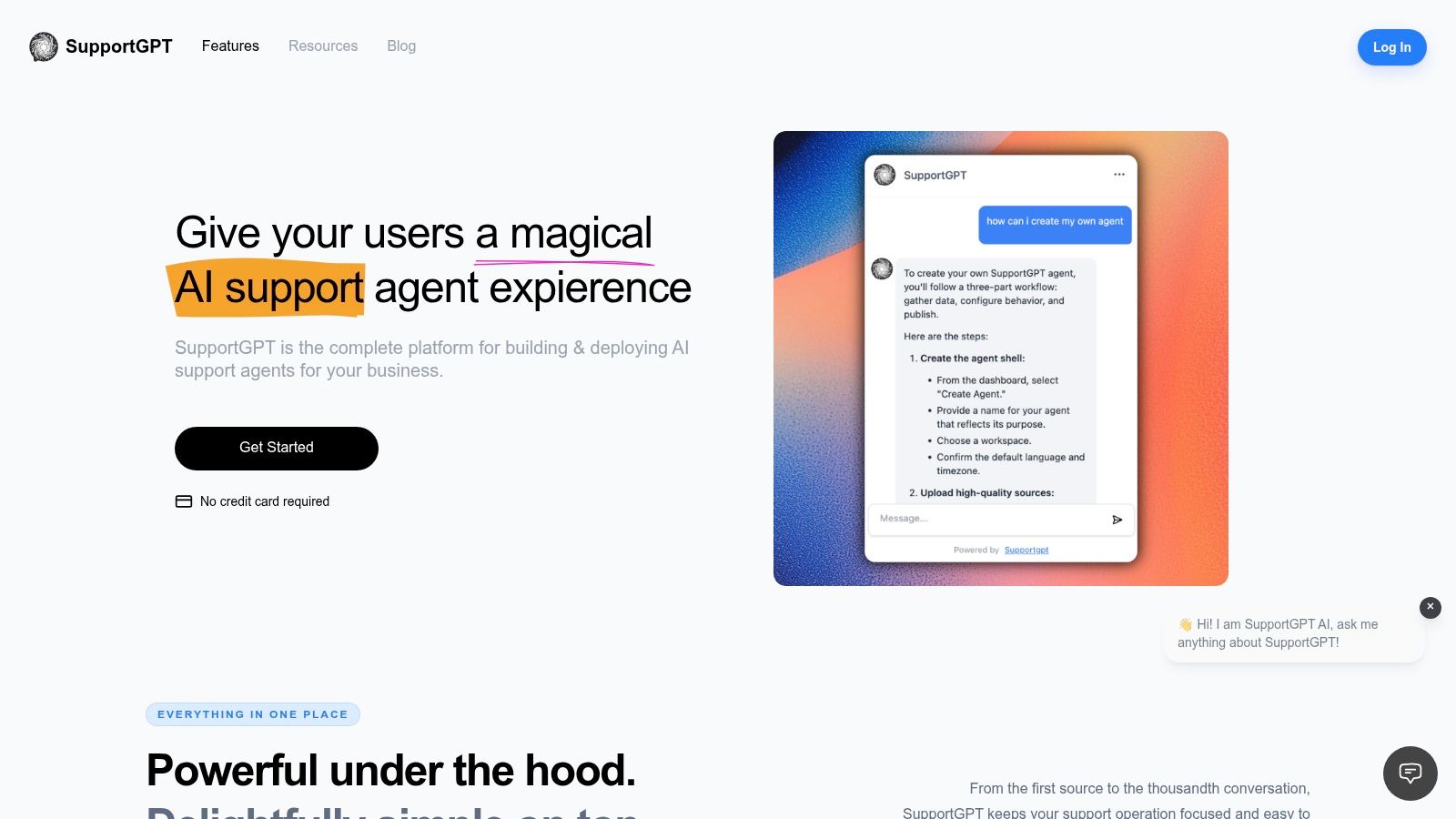
Pattern to copy: a source-grounded AI assistant with a deliberate human exit.
SupportGPT combines an embeddable Ask AI widget with tools for training, testing, and managing support agents. You can train an agent on your own content, personalize its prompts, test answers in the Playground, and copy the provided embed code onto your website in a few minutes. Human handoff, optional integrations, Actions, conversation tracking, and analytics make it more than an answer box.
The important design choice is where the assistant stops. A useful agent can explain a published refund policy; it shouldn't invent an exception or promise an account change it hasn't completed. Grounded answers and escalation rules need to work together.
Adapt It
Start with a tightly defined support scope rather than importing every document you have. Our guide to what a website widget is explains the underlying embed model; the harder work is preparing clear answers and deciding who handles exceptions.
- Prepare authoritative content: Use current setup instructions, shipping policies, troubleshooting articles, and product specifications. Remove conflicting drafts.
- Define the boundary: Route sensitive account questions, disputed charges, and unsupported requests to a human instead of encouraging another guess.
- Test realistic language: Try incomplete questions, misspelled product names, and follow-ups that change the original request.
- Review outcomes: Inspect unresolved conversations alongside successful answers. A polite reply isn't necessarily a resolved issue.
Best fit: Teams that want an AI-first support entry point without building the assistant interface themselves. Trade-off: Content ownership still matters, and a founder testimonial isn't a substitute for independent customer evidence.
Practical rule: Launch with a narrower promise you can verify, then expand the assistant's responsibilities as your testing supports it.
2. Intercom
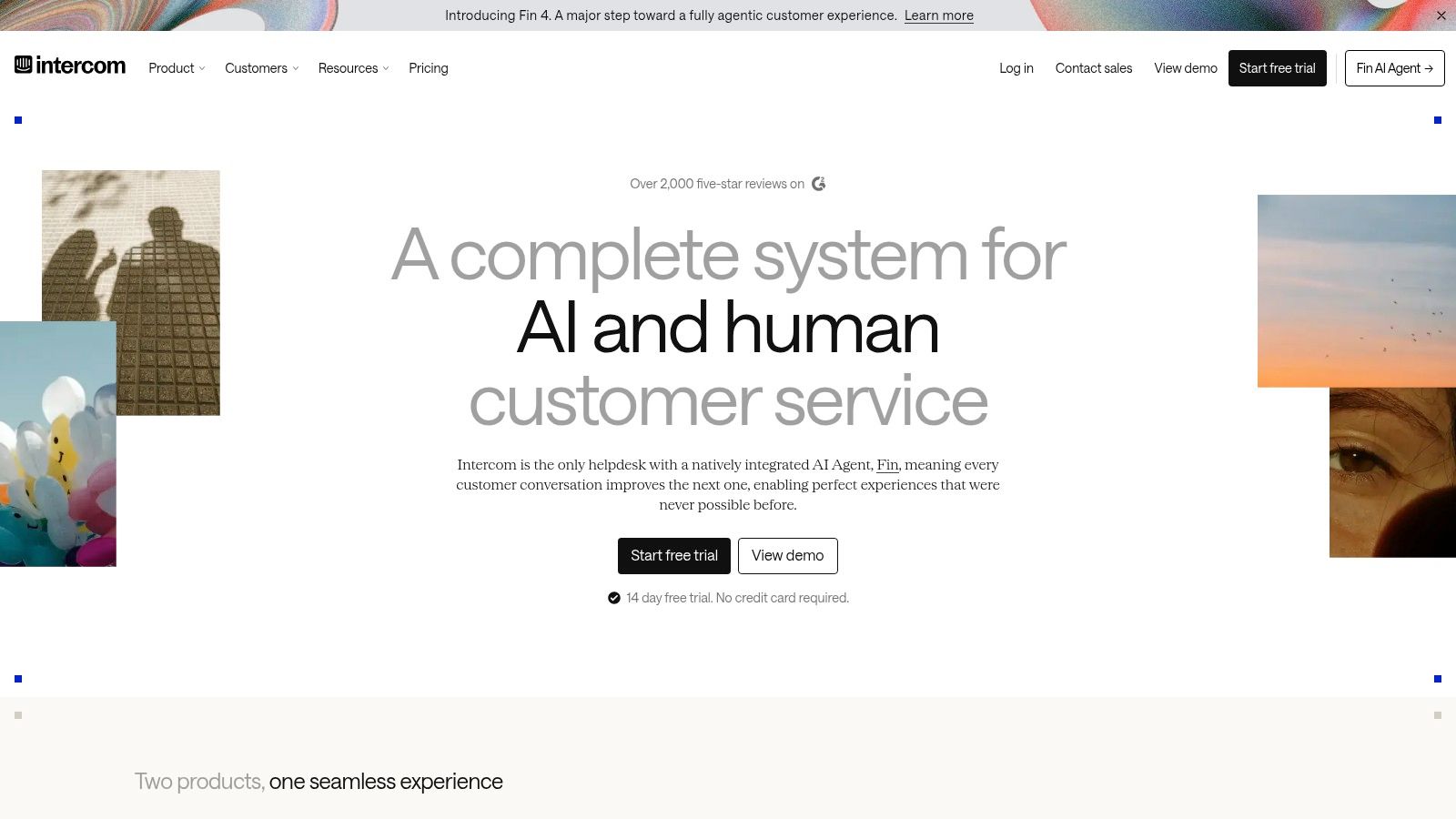
A visitor shouldn't have to type a question just to discover what help is available. Intercom's Messenger illustrates the branded support home pattern: a launcher opens into a purposeful starting experience rather than an empty transcript.
Its configurable home screen and launcher visibility rules let teams organize the experience around visitor intent. Messaging, support workflows, and Fin AI Agent sit within the broader platform, making it relevant when the widget is part of an established support operation.
What works: Give visitors recognizable starting points, such as product help, an existing conversation, or contacting support. What doesn't: Filling the opening screen with announcements and competing destinations until finding help becomes another navigation task.
Adapt It
Recreate the decision structure rather than assuming you need an identical home-screen layout. Write a welcome message that explains the assistant's scope, then offer quick prompts built around the questions visitors ask.
Use your website's deployment logic to place the launcher on relevant pages. Don't assume every targeting control available in a larger messenger is native to another widget.
- On pricing pages: Lead with plan-selection and purchasing questions.
- Inside product documentation: Prioritize setup and troubleshooting.
- For existing customers: Make escalation easy to find.
Intercom's trade-off is platform depth versus cost complexity: review seat charges, AI usage charges, and customization restrictions. The Intercom versus Zendesk comparison helps frame that broader platform decision.
3. Zendesk
The widget is the entrance, not the whole support system. Zendesk's messaging widget is a useful example when website conversations need to connect with ticketing and an agent workspace.
The pattern combines self-service, persistent messaging, and human escalation. Help articles and quick replies can address straightforward questions, while ticket creation and agent handoff support issues that require investigation.
Say a customer asks why an integration stopped syncing. An article might resolve an expired authorization, but a suspected account defect needs an owner and a follow-up path. The transition matters more than whether the chat bubble matches your brand perfectly.
Adapt It
Build an escalation sequence that captures what the customer tried and what remains unresolved. If your workflow needs a support-system connection, our optional integrations include Zendesk, but you should test the actual transfer behavior rather than assume every field maps automatically.
Before launch, verify these handoff details:
- Context: Can the receiving teammate understand the issue without restarting the interview?
- Ownership: Does a named team receive the request?
- Expectations: Does the visitor know whether they're waiting for live assistance or a later reply?
The trade-off is commitment to a broader support platform. Also distinguish current messaging documentation from Classic widget instructions, because their customization options differ. The Zendesk Web Widget guide is a useful starting point for that distinction.
4. Tidio
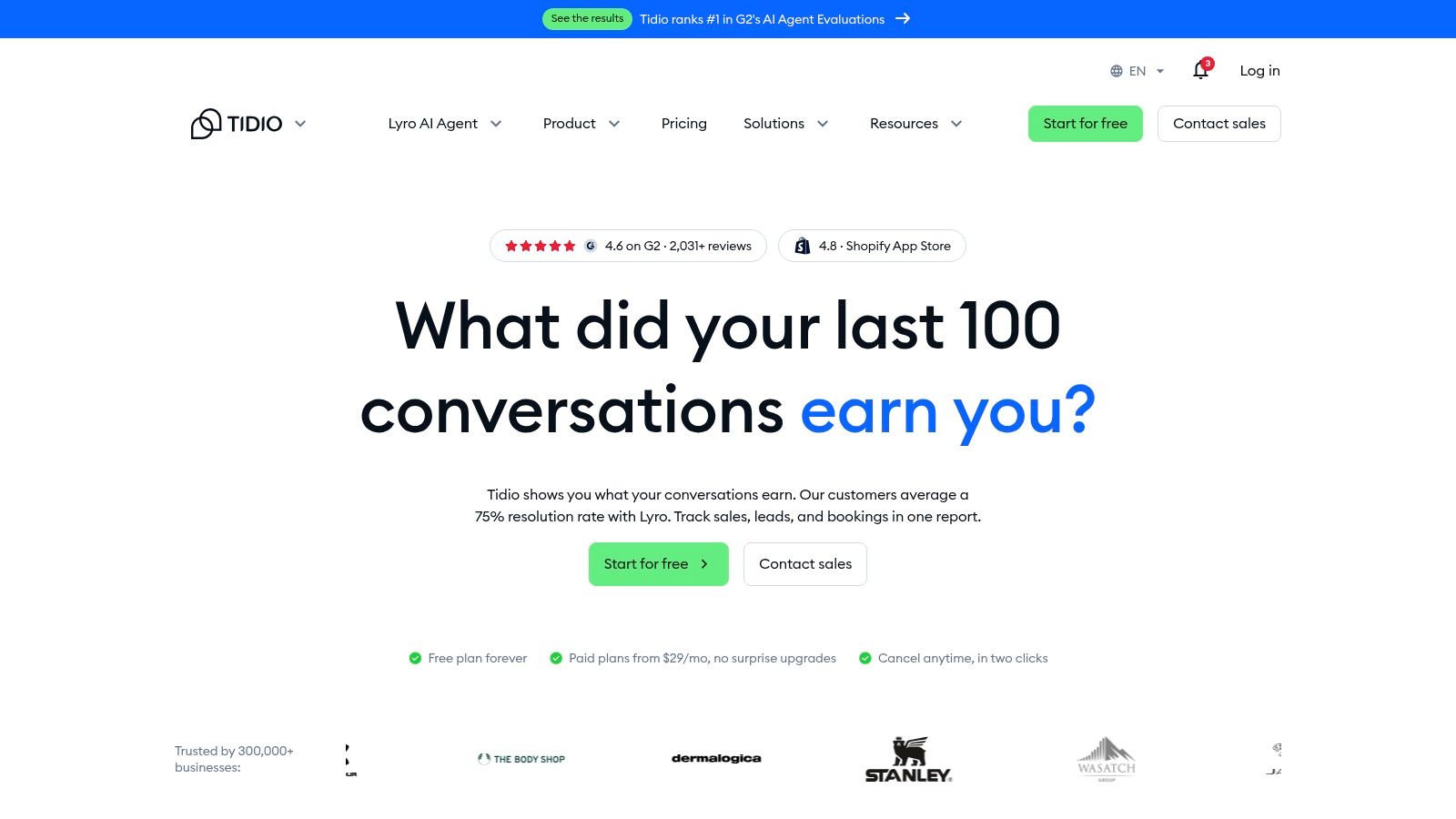
A shopper comparing delivery options needs a different invitation from someone browsing your homepage. Tidio demonstrates the proactive commerce chat pattern, combining live chat with automation through Lyro and rule-based Flows.
The distinction matters: predictable branching suits a defined qualification sequence, while open-ended product questions need a different approach. Don't treat rule-based flows and AI answers as interchangeable.
A vendor-published example in Tidio's e-commerce case studies reports conversion increasing from 0.35% to 0.9% after introducing a chat widget. That's evidence worth investigating, not a forecast for your store, and the vendor-reported result needs validation against your own traffic and operating conditions.
Measure whether shoppers finish the purchase or resolve the question, not simply whether they open the chat.
Adapt It
Choose a purchase obstacle, such as compatibility, returns, or delivery eligibility. Prepare the relevant source content and make the opening prompt specific to that obstacle; use site-level placement or trigger logic where needed.
Keep checkout behavior restrained. A compact launcher is often a better test than an automatically expanded conversation that covers payment controls.
Best fit: Stores testing human support alongside automated answers. Trade-off: Review conversation allowances and shared appearance settings before assuming different storefronts can behave independently.
The website chat widget guide can help you plan the entry point, but connect your evaluation to purchases and resolved questions rather than conversation volume.
5. HubSpot
Pattern to copy: qualify the conversation before collecting the lead.
HubSpot's customer-service tools connect live chat and conversational bots with its CRM and service environment. Page-specific chatflows let teams separate sales conversations from support requests rather than treating every visitor as a prospect.
Say a buyer arrives on an enterprise pricing page. Asking about deployment requirements can help route the conversation; asking an existing customer for company size before helping with a login problem is misplaced qualification.
HubSpot is particularly relevant when the team already works in its CRM. The benefit is operational continuity, not merely having another place to store an email address.
Adapt It
Write separate conversational paths for buying help and product help. Ask for contact information when there's a clear reason to continue the conversation, not as an admission fee for reading a basic answer.
- Sales path: Answer the initial question, establish the requirement, then offer a relevant next step.
- Support path: Diagnose the issue before introducing qualification questions.
- Collection notice: Explain why you need the visitor's information and what happens next.
Our workspace customers control what content they submit and how agents collect visitor information. They're responsible for any additional notices and consent their use case requires.
Trade-off: HubSpot can be more platform than a standalone widget needs. Its free live-chat offering includes branding, while branding removal and other capabilities depend on subscription level.
6. Crisp
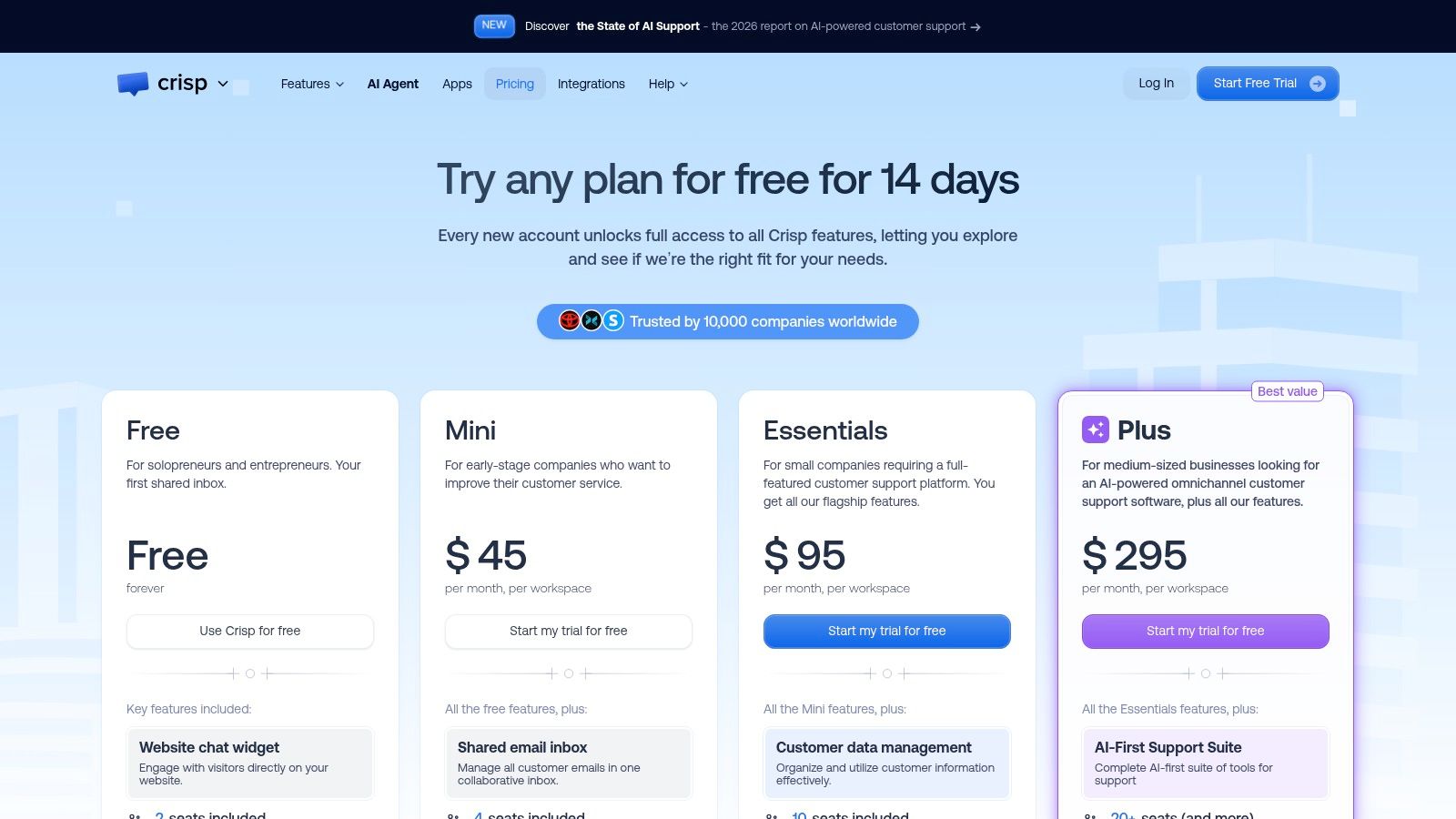
Not every support visit needs to become a conversation. Crisp offers a useful help-center-first widget pattern alongside its customizable chat launcher, shared inbox, and proactive messaging.
The practical distinction is between answering a question and opening a support interaction. Someone looking for setup instructions may prefer an article they can scan, keep open, and follow while working.
What works: Surface relevant help content and preserve a visible path to contact support. What doesn't: Treating article views as proof of resolution or hiding human contact behind repeated suggestions.
Adapt It
Prepare concise source articles around actual tasks, such as connecting an integration or changing a billing contact. Structure each article so an assistant can retrieve a clear answer without combining unrelated policies.
Then test the interface itself. DRS Web's accessibility analysis explains why presentation-layer overlays can't repair underlying semantic and structural defects; adding an accessibility control isn't evidence that your support experience is accessible.
- Keyboard access: Open the launcher, move through messages, and close the panel without a mouse.
- Focus behavior: Check where focus moves when the panel opens and whether it returns to the launcher.
- Screen-reader behavior: Verify accessible control names, new-message announcements, and understandable errors.
Crisp's trade-off is tier selection: automation, knowledge-base, analytics, and AI capabilities vary by plan. Review Crisp pricing considerations against the workflow you need, rather than choosing a tier for the launcher alone.
7. tawk.to
A straightforward visitor-to-agent conversation is still a valid design. tawk.to's live-chat widget illustrates the human-first launcher pattern, with greetings, placement settings, visitor information, triggers, and a team inbox.
Its free live-chat offering makes it relevant for teams exploring the workflow before committing to a larger support platform. The meaningful cost question, however, includes staffing: someone must read, route, and answer the conversations.
Best fit: A business with clear coverage and questions that benefit from human judgment. Weak fit: A site that presents chat as immediate help while leaving visitors waiting without an explanation.
Staffing test: If nobody owns the next reply, change the invitation before you change the widget's design.
Adapt It
Copy the clarity of the entry point. Explain what help is available, distinguish automated answers from human assistance, and provide a credible fallback when the team isn't available.
For an AI-assisted version, define which routine questions can be answered immediately and which require escalation. Don't imply that a human is typing when the visitor is speaking to an assistant.
Mobile placement deserves its own test. Digioh's website-widget guidance highlights problems such as covered content, overlapping controls, difficult dismissal, and loading performance.
Keep the launcher away from navigation and purchase controls. Compare immediate loading with deferred loading using your website implementation, then assess task completion, page performance, and resolved support requests together. More visible chat isn't automatically more useful chat.
7 Website Widget Examples Compared
The widget pattern determines what visitors can do before an agent joins. Compare the entry point, AI role, free option, and support workflow before choosing one.
| Item | Widget pattern | AI capabilities | Free option | Best for |
|---|---|---|---|---|
| SupportGPT | No-code website assistant with human handoff | Agents trained on business sources, with guardrails, multilingual support, and task automation | Generous free tier available | Teams seeking a customizable AI support agent |
| Intercom | Branded Messenger with configurable launcher and visitor targeting | Fin AI Agent alongside messaging and support workflows | Trial or subscription required | Teams wanting contextual messaging and support workflows |
| Zendesk | Website messaging connected to help content, ticketing, and agents | AI agents can answer customer questions and assist with support workflows | Trial available | Teams using Zendesk for ticketing and agent support |
| Tidio | Live chat with proactive engagement and human support | Lyro AI agent and rule-based Flows | Free trials available for some plans | E-commerce teams combining live chat and AI support |
| HubSpot | Page-specific live chat and chatflows connected to CRM | Conversational bots | Free live chat with HubSpot branding | Teams already using HubSpot CRM |
| Crisp | Customizable chat widget with shared inbox and self-service options | Paid tiers include AI features | Free plan available; no AI credits included | Teams starting with chat and expanding support tools |
| tawk.to | Visitor-to-agent live chat with triggers and team inbox | AI features are available through its AI Assist offering | Free live chat with unlimited team members listed | Small businesses needing straightforward live chat |
Reusable patterns
Launcher: A branded entry point makes chat easy to find while letting visitors choose when to start. Intercom and HubSpot show how the launcher can connect to a broader messaging or CRM workflow. Keep its placement clear and avoid covering page controls.
AI assistant: SupportGPT, Tidio, and the AI features in other platforms pair automated answers with support workflows. The trade-off is control: an assistant needs relevant content and a clear route for questions it cannot answer. SupportGPT offers embedded chat agents that answer visitor questions and can hand conversations off to a human.
Proactive chat: Tidio's proactive engagement pattern can bring help into the purchase journey. Use it where timing and page context make an invitation relevant; frequent prompts can interrupt visitors who are still browsing.
Help-center widget: Connecting chat to help content gives visitors a way to seek answers without leaving the page. Zendesk illustrates this pattern alongside ticketing and agent support. Its value depends on whether the content covers the questions visitors ask.
Adapt It
Choose one job for the first version: answer common questions, guide a purchase, or route complex issues to a person. For a SupportGPT assistant, add the relevant sources, test responses in Playground, then copy the provided embed code and paste it onto your site. Configure human handoff for questions that need an agent.
A more capable widget adds setup and upkeep. Keep the content current, review conversations, and tune the assistant around the questions it misses. A simpler launcher may be the better choice when visitors mainly need a clear path to your existing support team.
Copy a Pattern, Launch It This Week
The strongest website widget examples start with a defined job. Intercom illustrates a purposeful starting screen, Zendesk connects the conversation to an operational workflow, and Tidio shows why purchase context matters. Crisp's self-service approach and tawk.to's human-first launcher are equally useful when they match the visitor's task.
Choose the pattern that addresses your most obvious support gap. If customers can't find setup instructions, improve access to answers before building elaborate lead qualification. If conversations repeatedly stall at escalation, fix ownership and context transfer before increasing widget exposure.
Make the Launch Small Enough to Evaluate
Write the opening message, define the assistant's scope, and decide what should happen when it can't help. Prepare current source material and test difficult questions before embedding the widget on a relevant part of your site.
- Define success: Track resolved questions, successful handoffs, and completed visitor tasks.
- Inspect failures: Read unanswered questions and check whether the problem was missing content, unclear wording, or an unsuitable workflow.
- Protect the page: Confirm that the launcher doesn't obstruct navigation, checkout, or mobile controls.
- Keep an owner: Assign someone to review conversations and maintain the source material.
Don't make a broad launch your first experiment. A limited deployment makes it easier to identify whether visitors need better answers, a different invitation, or a faster human response.
Review conversation outcomes weekly, then change something specific. Replace an ambiguous prompt, correct an outdated policy, or simplify an escalation path. Scale the deployment when the evidence supports it, not merely because the widget looks finished.
SupportGPT offers source-trained AI support agents, a lightweight website widget, human handoff, and a Playground for testing responses before launch. Visit SupportGPT to recreate the pattern that fits your site, start with the Free tier, and validate it with real visitor questions before expanding.