10 Best Customer Support Software for 2026, Ranked
Compare the best customer support software of 2026 by pricing, AI agents, ticketing, and best-fit team type for SaaS, e-commerce, and enterprise.
Monday morning, and the queue shows 400 unassigned conversations. Three tabs are open: the help desk, the billing dashboard, and the chatbot console nobody trusts since it told a customer their refund was processing for the fourth week. Your boss wants a recommendation by Friday.
This list is for that Friday. Ten platforms, judged on the team each one fits and the cost trap each one sets once you pass the entry tier. Per-seat pricing, per-resolution AI charges, and ticket overages break more support budgets than bad software does. The global customer support software market was valued at USD 14.7 billion in 2025 and is projected to reach USD 29.2 billion by 2033, a forecast CAGR of 14%, according to HTF Market Intelligence. Every vendor in that number will pitch you an AI agent this year.
Each entry below ends with the limitation the vendor keeps off its homepage. Shortlist two or three, then run a week of your real tickets through them, the angry ones and the handoff ones included. Demos are theatre. Your queue is the test.
For how support workflows sit beside intake, case management, and client records, Attorney Assistant's service management approach is a useful reference point.
1. SupportGPT
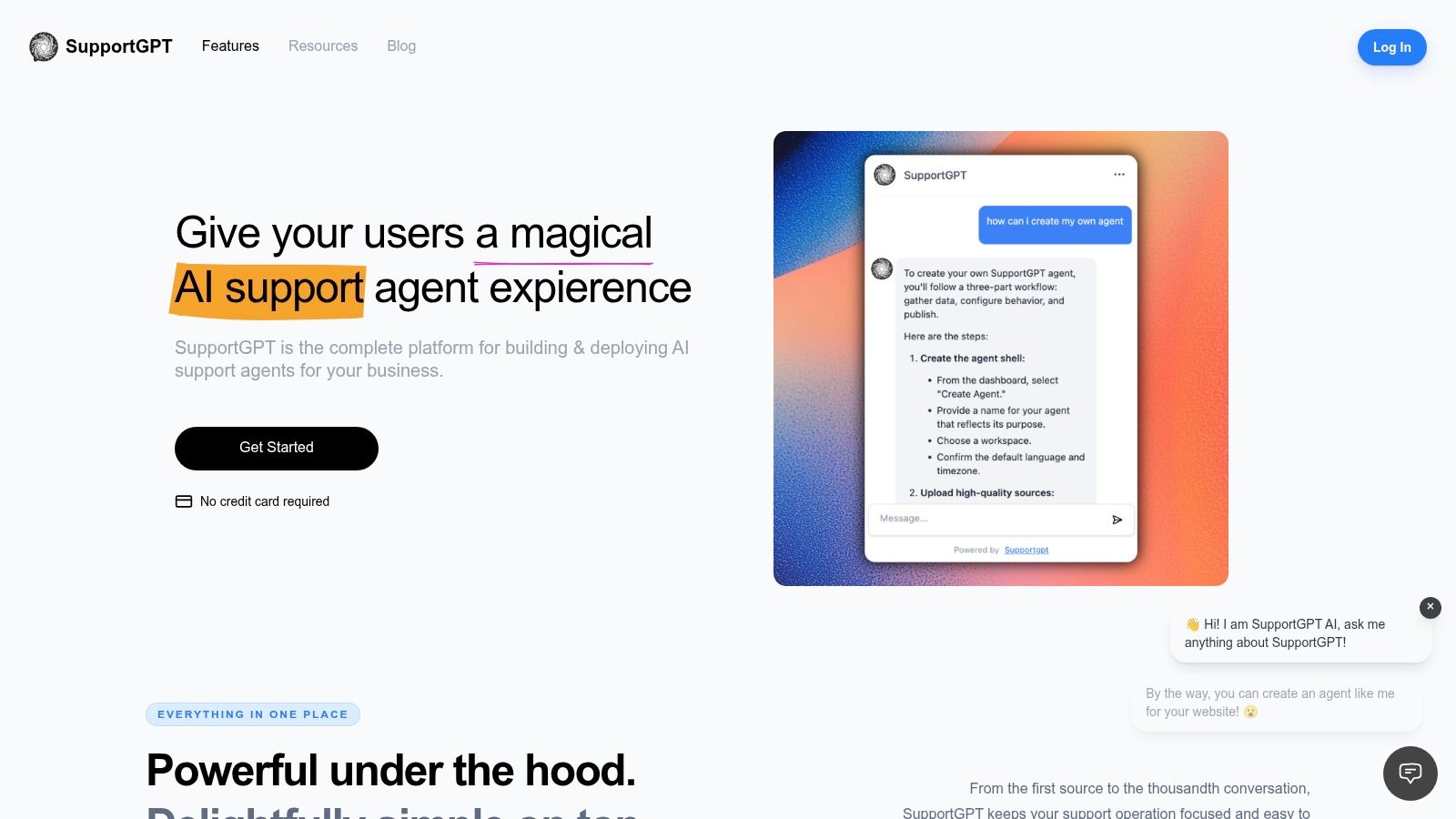
A support lead with no developer on the ticket can have an agent answering site questions the same day. Add your help articles and links, set the tone, run real questions in the playground, then embed the widget. That loop sits in one dashboard: Playground, Analytics, Conversations, Sources, and Actions.
The escalation rules decide it
Answers stay tied to the sources you approve. Guardrails keep off-topic replies and invented policy out of the transcript. Escalation rules are written in plain language, so a lead can send a refund dispute or a locked account to a person without filing an engineering ticket. The handoff keeps the full conversation, and the customer does not start over.
The platform supports multilingual conversations and models from OpenAI, Google Gemini, and Anthropic, so you are not locked to one provider's price or quality curve. Lead capture and smart actions cover the small tasks that otherwise become tickets. Optional connections include Notion, Slack, Discord, Zendesk, Telegram, Calendly, WhatsApp, and Stripe.
Who it fits: teams that want the agent owning part of the website queue this week, before they commit to a full help desk. Skip it if you need phone, a deep ticket suite, and a dedicated admin on day one.
Where it falls short: credits are the volume trap, and the vendor will not lead with how thin the entry tier is. Free is $0 forever, no credit card, with 50 message credits, 1 AI agent, 400 KB of source storage, and basic analytics. That proves an answer. It does not run a queue. Standard, labeled the most popular plan, is $150 per month for 12,000 credits, 3 team seats, 2 AI agents, advanced models, plus integrations and analytics. Pro is $500 per month for 40,000 credits, 5 seats, 3 agents, advanced analytics, and priority capabilities. Price a bad month, not a calm one. Enterprise is custom after SupportGPT reviews your limits and support needs. AI replies can still be wrong or unsuitable. You have to test agent behavior and review anything that touches billing, policy, or account access.
Practical rule: send the same twenty messy tickets through every tool on your shortlist. A platform that can't hold a coherent thread through a billing dispute won't be saved by its feature grid.
An AI badge no longer separates tools. Jabra's 2025 contact centre report found 98% of contact centres use AI in some form, while only 25% describe their deployments as mature. The gap is source control and escalation discipline, not model choice.
Website: SupportGPT
2. Zendesk
Best fit: mid-market teams running email, chat, phone, and self-service in one place, with someone on staff who enjoys admin work.
Zendesk wins on breadth. Ticketing, routing, automations, reporting, and an integration ecosystem wide enough that something already connects to your stack. Support Team starts at $19 per agent per month billed yearly. Suite Team, where most buyers land, starts at $55.
That jump is the first cost trap. Messaging, live chat, telephony, AI agents, the knowledge base, and the action builder sit on suite plans. Budget for the plan you'll need in month three, not the one that got you in the door.
Consolidation is the honest argument for paying it. SimpleSat's 2026 benchmark report notes that only 3% of contact centers operate on a single unified platform, while the average organization manages 3.9 different contact-center technologies. One vendor with open APIs and exportable analytics beats four that don't talk to each other.
Routing rules are where Zendesk projects fail. Write your escalation paths before you import a single ticket, because retrofitting them after go-live means rebuilding triggers nobody on the team wants to touch.
Where it falls short: per-agent pricing means growth bills you twice, once for seats and once for the add-ons that made the suite worth buying. The settings depth is real work, and administration hours are a salary line, not a subscription line.
Website: Zendesk
3. Freshdesk
Best fit: teams that want a competent help desk, not a platform, and are honest about not needing omnichannel routing yet.
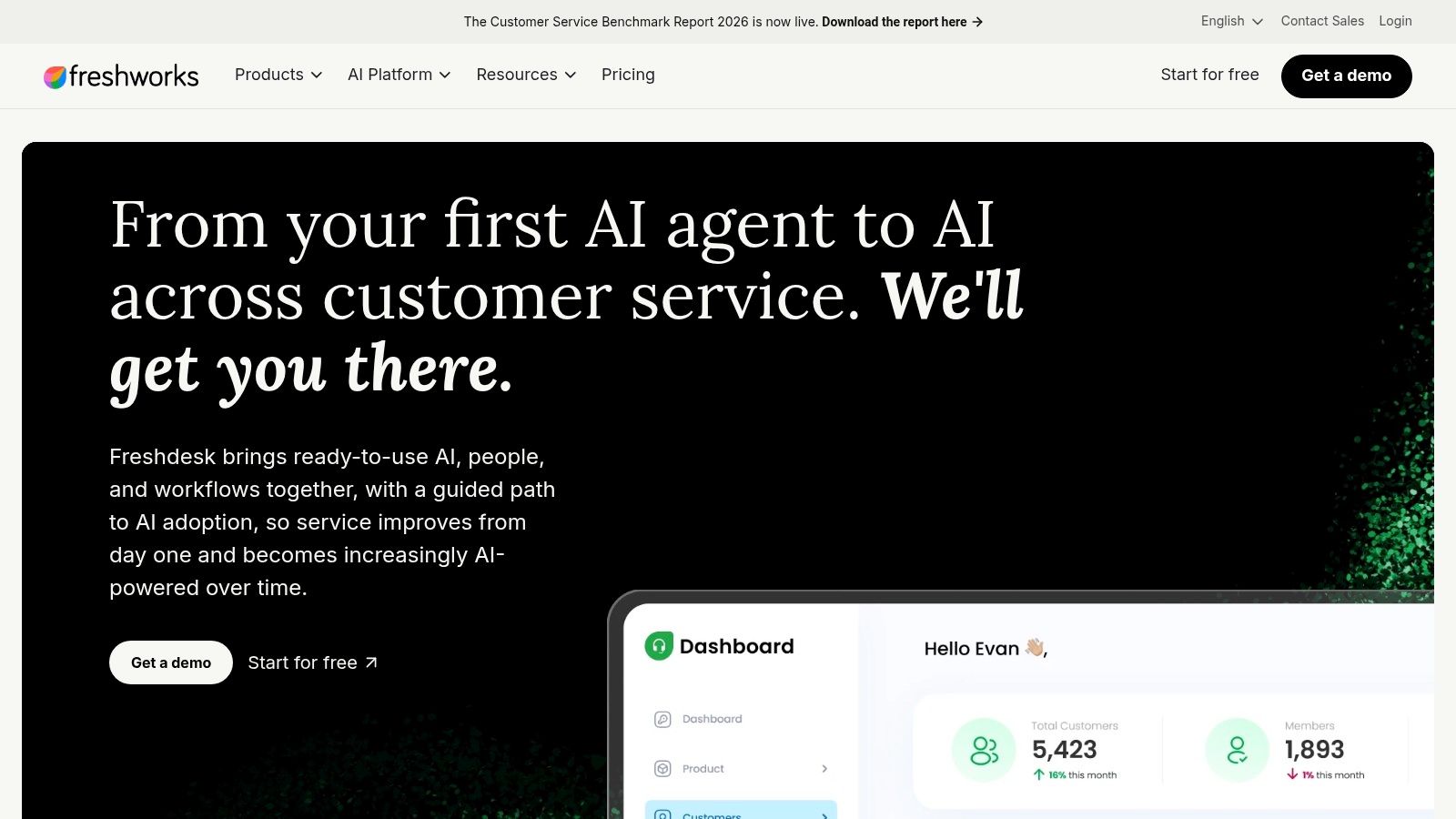
Freshdesk does the fundamentals without drama: ticketing, a shared inbox, a customer portal, and knowledge-base tools. Growth is $19 per agent per month billed yearly, which is a fair price for core workflows and self-service content.
Read the AI line carefully. Listed tiers include the first 500 Freddy AI Agent sessions, and sessions beyond that allowance are a separate cost. Growth-tier routing and reporting are thinner than the screenshots suggest. Advanced routing lives at Pro ($55 per agent per month) or Enterprise ($89).
- Ticket volume, not headcount, is the variable: agents are predictable, AI sessions are not.
- Portal quality matters more than you think: a good knowledge base is what makes any AI layer useful later.
- Workflow fit needs checking early: teams with unusual assignment rules should test configuration before signing.
If you're weighing options against other vendors, this help desk software comparison covers how the workflow models differ.
Where it falls short: the pricing ladder is designed to move you up. AI usage, some integrations, and advanced routing all push you toward a higher tier, and by the time you reach Pro you're paying nearly three times the entry rate for the features the sales demo showed you.
Website: Freshdesk
4. Intercom
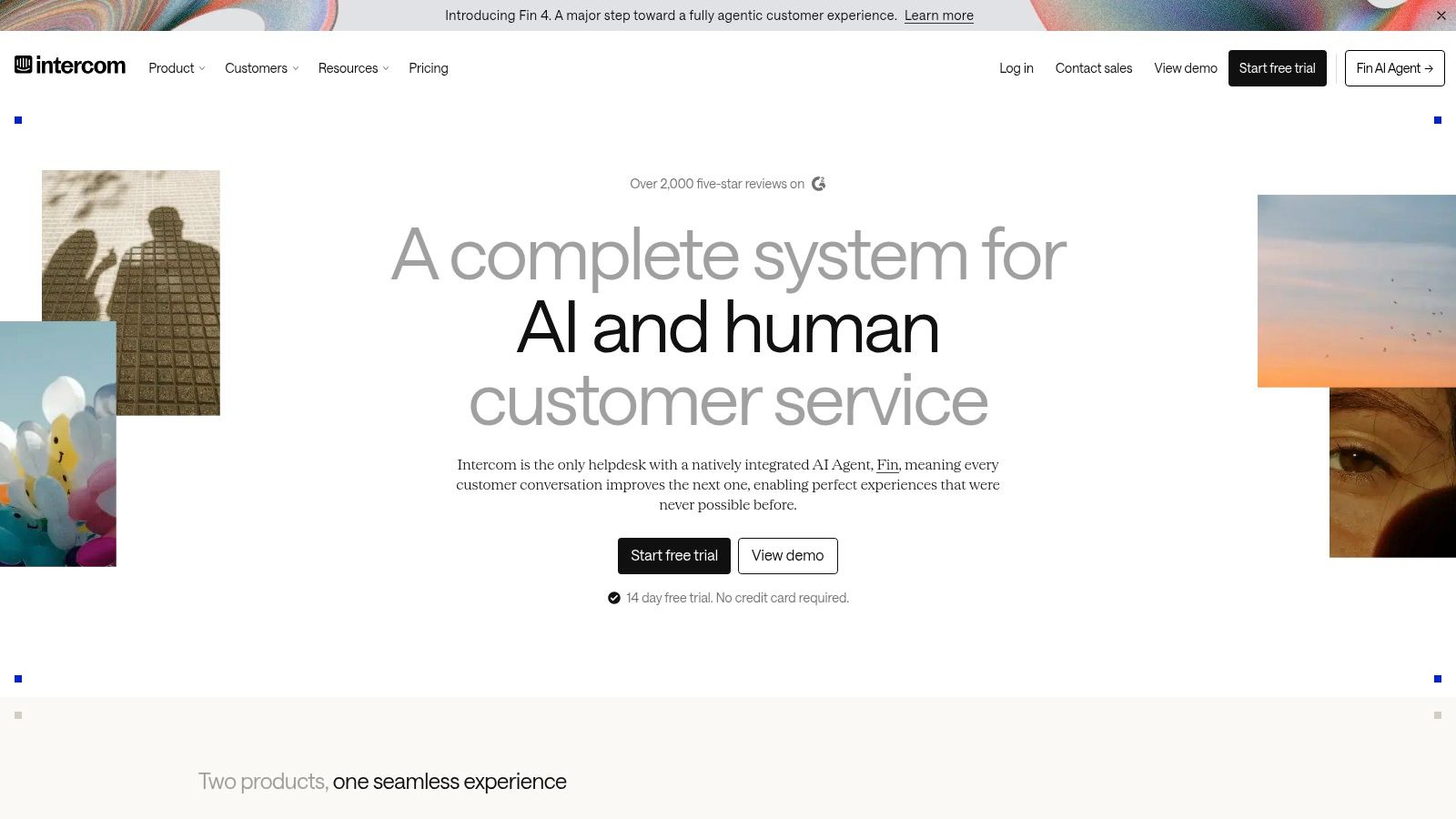
Best fit: product-led SaaS companies that handle support inside their apps. Intercom's strength is in-app messaging: teams can use a shared inbox, Messenger, a public help center, and messages triggered by customer activity.
Fin is Intercom's AI agent. It is charged per outcome on top of seat fees, so confirm current rates on Intercom's pricing page before estimating your costs. That billing model can suit teams that want to pay for resolved conversations, but it makes forecasting harder as volume grows.
The per-outcome charge changes behavior
A per-resolution model rewards automation. The key question is what happens when a conversation needs a person. Verizon's 2025 CX report found that 47% of consumers name inability to reach a human as their leading frustration with automated interactions, and 81% notice when AI takes over.
Price the escalation path before the bot. Ask how often conversations reach a human, how quickly they get there, and whether the conversation history carries over.
Where it falls short: costs rise with both seat count and AI outcomes. That combination can make budgeting difficult as support volume grows. Intercom is a stronger fit for product-led teams than for companies whose support is mostly email; those teams should check whether its in-app tools justify the added cost.
Website: Intercom
5. Help Scout
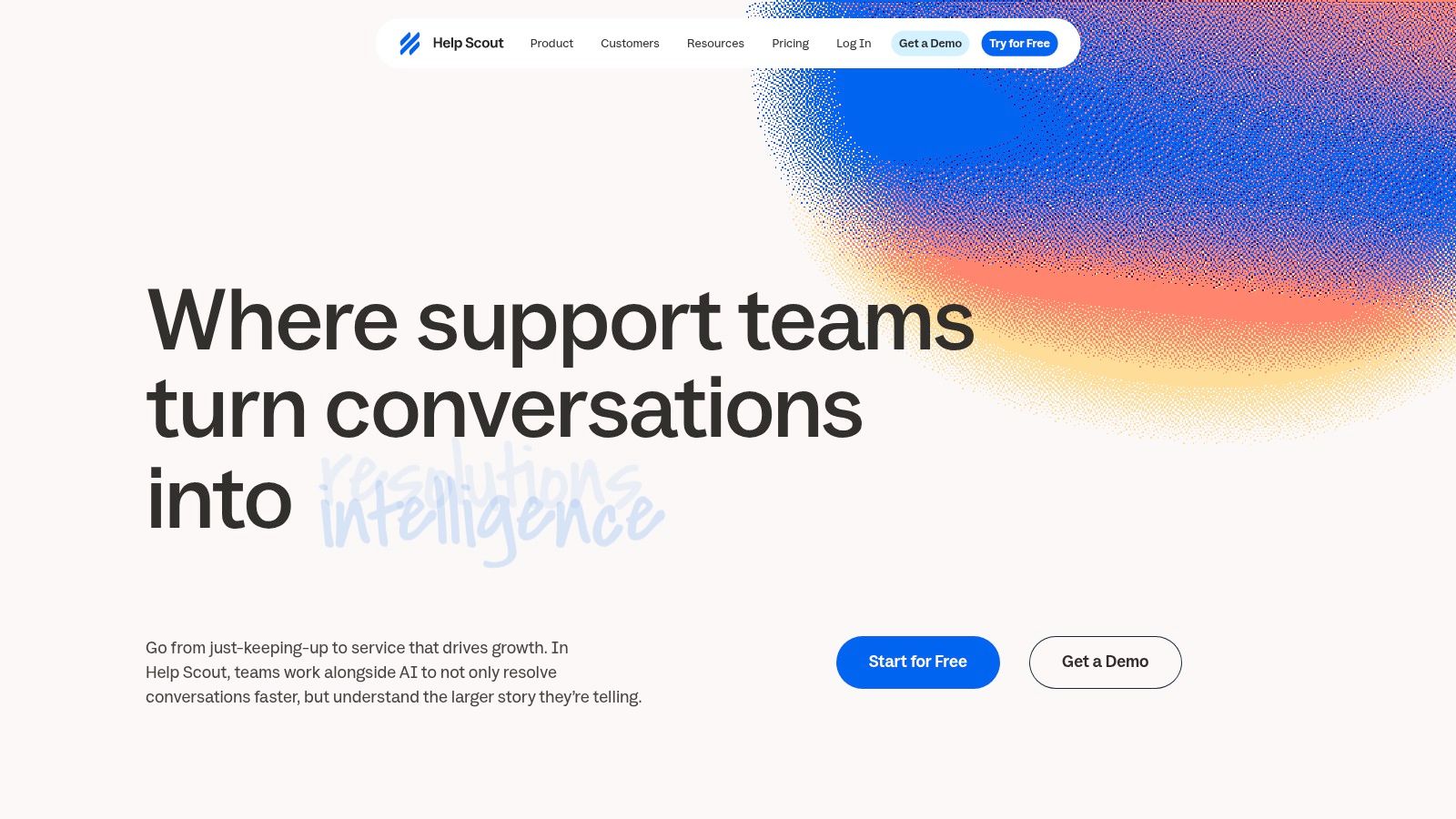
Best fit: email-first teams of two to twenty who want a shared inbox that behaves like a shared inbox.
Help Scout's design assumption is that support is a conversation between people, and the product reflects it. Customer profiles, conversation history, assignment, and collaboration tools built around the message rather than the ticket ID. Free covers up to five users, one inbox, and one Docs site. Paid plans are Standard at $25, Plus at $45, and Pro at $75 per user per month.
The free tier is a real entry point for a small team, not a crippled demo. That's rare and worth noting.
Where it falls short: Help Scout charges twice for AI. Seats are per user, and Envoy, the AI resolution add-on, is billed per resolution on top. Workflows, SSO, and some security controls sit at the top tier, so an email team that grows into omnichannel routing has to renegotiate its plan mid-flight. Complex omnichannel and enterprise administration aren't the target, and it shows.
If your support volume is under a thousand conversations a month and mostly email, paying for a suite is the more expensive mistake.
Small teams comparing inbox tools should read this guide to ticketing systems for small business before committing to a per-seat contract.
Website: Help Scout
6. Zoho Desk
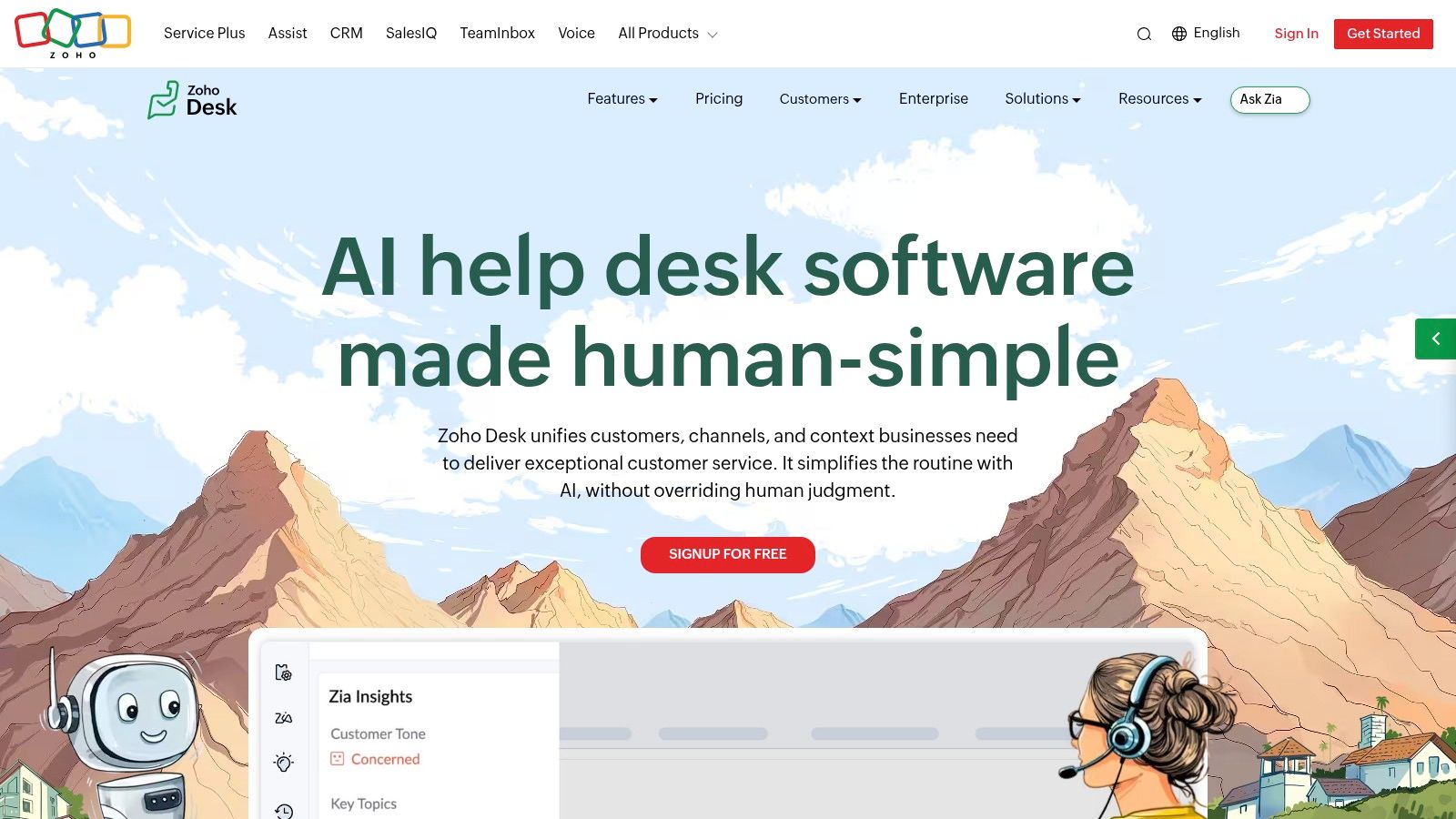
Best fit: budget-conscious teams, especially anyone already paying for Zoho Books, CRM, or Campaigns.
Zoho Desk is the cheapest credible help desk on this list. Free for up to three users, then Express at $7, Standard at $14, Professional at $23, and Enterprise at $40 per user per month on annual billing. Email ticketing, web forms, social support, workflows, and customer records are all present.
The catch is edition gating. Feature availability varies heavily by tier, and the capabilities people want, Zia AI, multi-department routing, and custom reports, are available with Professional and above. The $7 plan is a mailbox with structure.
- Integration math matters: outside the Zoho ecosystem, you'll be maintaining connections the platform doesn't prioritize.
- AI is a higher-tier story: don't buy Express expecting Zia to answer anything.
- Admin interface is functional, not elegant: acceptable if you have one part-time admin, painful if you have none.
Where it falls short: the price list is honest and the capability ladder isn't. A team that buys on the entry rate and later needs routing and AI ends up near Enterprise pricing, at which point Freshdesk and Zendesk become fair comparisons again.
Website: Zoho Desk
7. HubSpot Service Hub
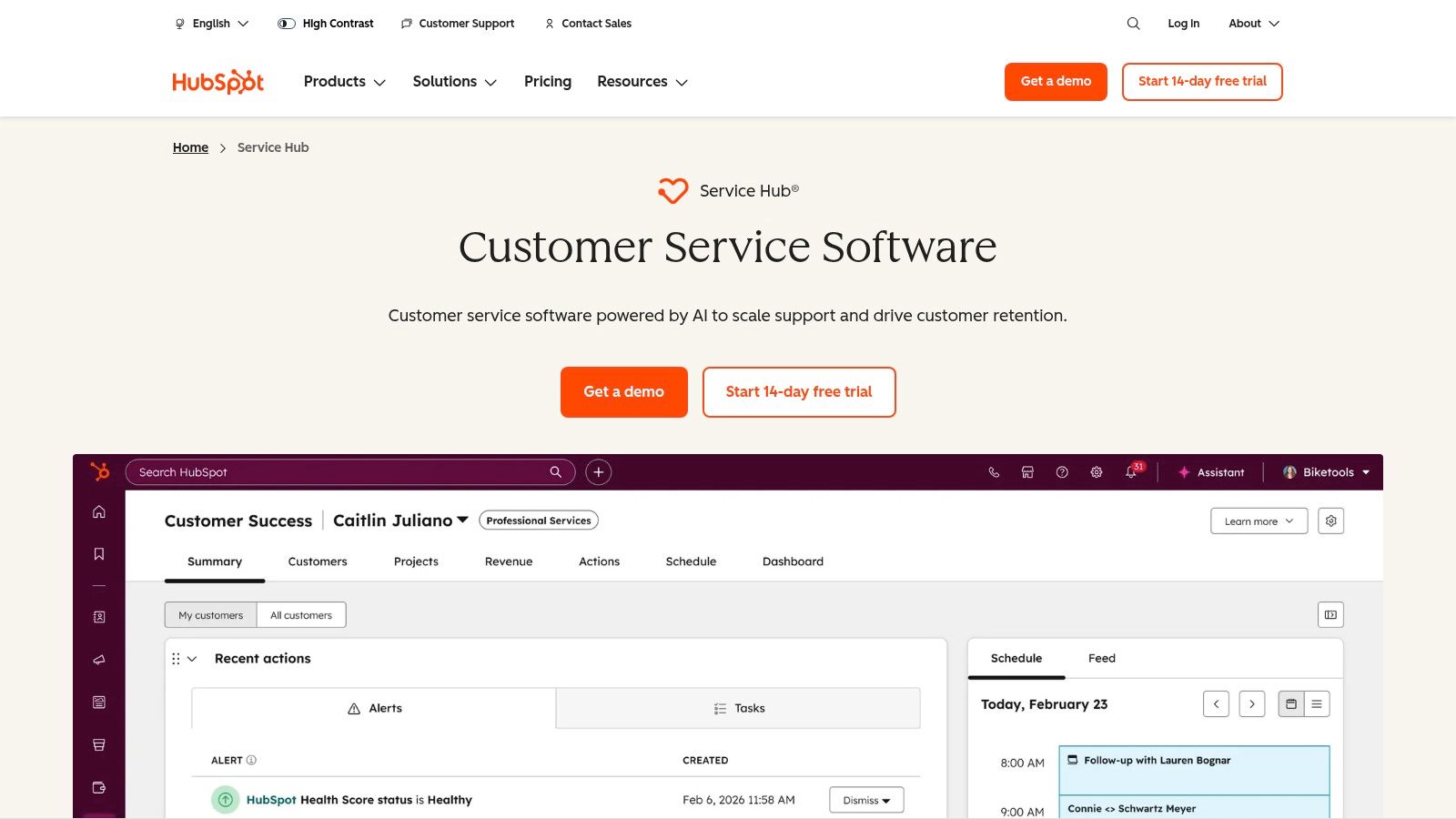
Best fit: companies already running HubSpot for sales and marketing, where support needs the same customer record.
Service Hub's value isn't the help desk. It's the context. A support agent opens a conversation and sees the deal that closed last month, the marketing emails the contact received, and the ticket they filed in March, all in one place. Free tools cover ticketing and team email for up to two users. Paid pricing varies by tier, billing, offer, and seat type.
That last sentence is the whole problem with quoting HubSpot in a budget meeting.
Where it falls short: seat definitions and tier bundles mean the number you calculate is rarely the number you're invoiced. Skill-based routing and conditional SLAs sit in the expensive plans. If your company doesn't use HubSpot CRM, you're paying a platform premium for a help desk you could buy cheaper elsewhere.
Get the quote in writing, with seat types named, before you compare it to anyone else's list price.
The overlap between CRM records and support history is where most buying mistakes happen, and this breakdown of CRM and help desk software explains where the boundary should sit.
Website: HubSpot Service Hub
8. Salesforce Service Cloud
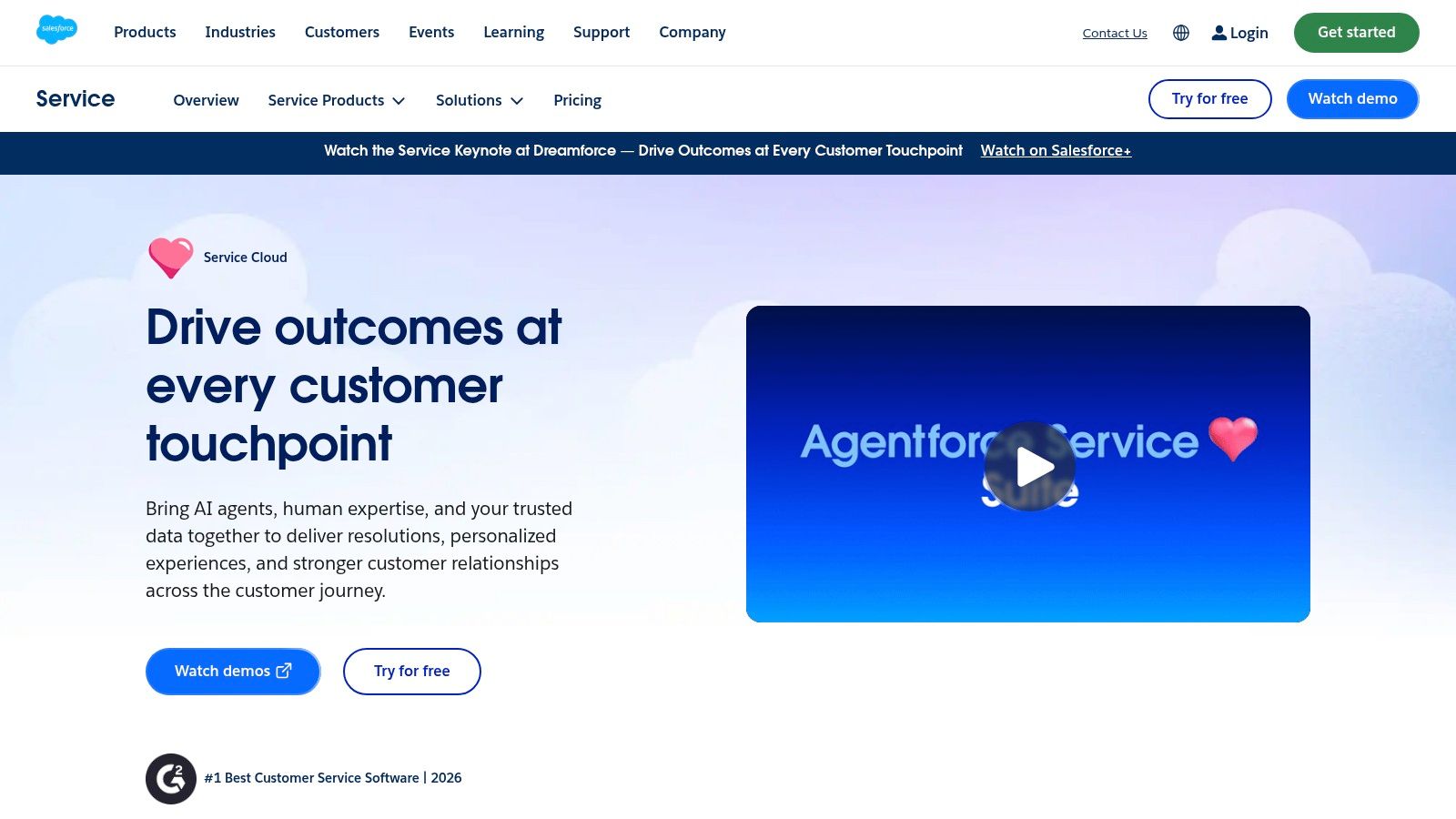
Your company already runs Salesforce. Finance asks what the service desk will cost. The figure that arrives first is a per-user subscription. Treat that figure as a starting line.
Service Cloud is case management tied to the CRM records your sales team already owns. It fits large or regulated organizations that live inside Salesforce and can pay implementation partners. Starter Suite is the lower entry. Higher editions cost considerably more per user. Confirm current pricing directly with Salesforce before you put a number in a budget.
What you actually pay
The subscription is the smallest part of the number. Implementation, administration, and add-on purchases for AI and contact-center capability all sit outside the per-user line. Every new agent multiplies the seat cost. Those add-ons stay on the invoice when ticket volume spikes. Analysts at Future Market Insights estimated the global customer service software market at USD 51.3 billion in 2025 and projected it to reach USD 96.6 billion by 2035, and enterprise suites like this one take a large share of that spend.
Where it falls short: the platform is only as good as your Salesforce data model. Teams without that foundation pay enterprise prices for a help desk they cannot configure without a specialist. Some AI and service capabilities are additional purchases, so the sticker price understates the actual annual cost by a wide margin.
Salesforce ticketing rewards teams who understand its object model. If you are evaluating it, this Salesforce ticketing system guide covers the configuration decisions that drive cost.
Website: Salesforce Service Cloud
9. Gorgias
A Friday carrier delay dumps every "where is my order" ticket into the same hour. Gorgias is built for that store, not for a generic IT queue.
Best fit: Shopify and BigCommerce merchants whose tickets are mostly about orders, shipping, and returns.
Gorgias prices by ticket volume rather than seats. That is the right model for a store with ten agents and a seasonal spike: quiet months do not bill you for idle seats. Conversations sit next to order history, so the agent has the tracking number without opening another tab. The AI Agent is an additional usage charge, subject to plan allowances and overage terms.
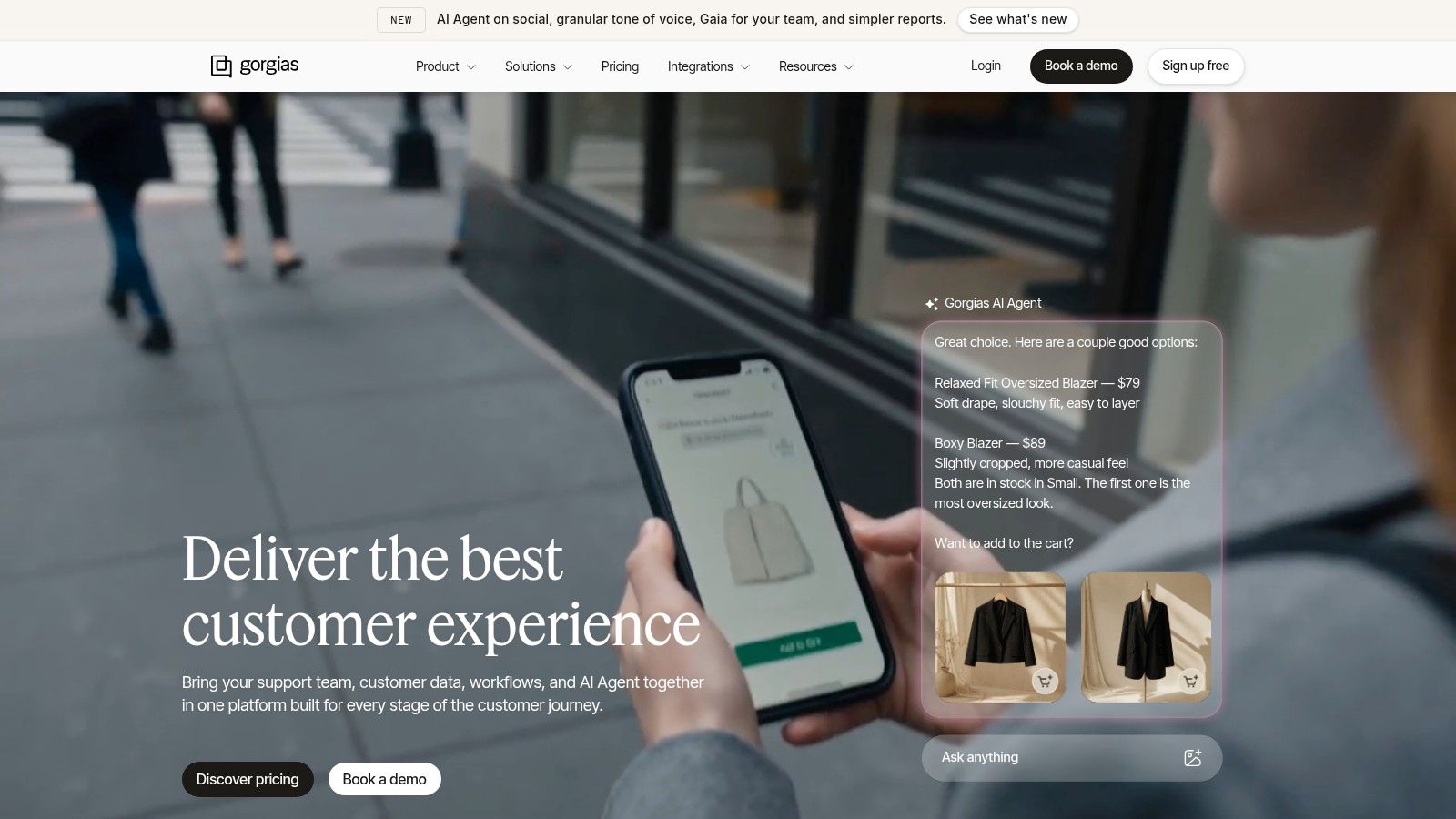
Where it falls short: ticket-based pricing cuts both ways. A viral product launch or a carrier outage pushes you over the allowance, and overages plus AI charges arrive in the same invoice. Non-commerce teams pay for Shopify plumbing they will never use.
Forecast your peak month, not your average. Set the overage alert before Black Friday, not after.
E-commerce teams mapping support to store operations should read this ecommerce help desk software guide before choosing a volume tier.
Website: Gorgias
10. Front
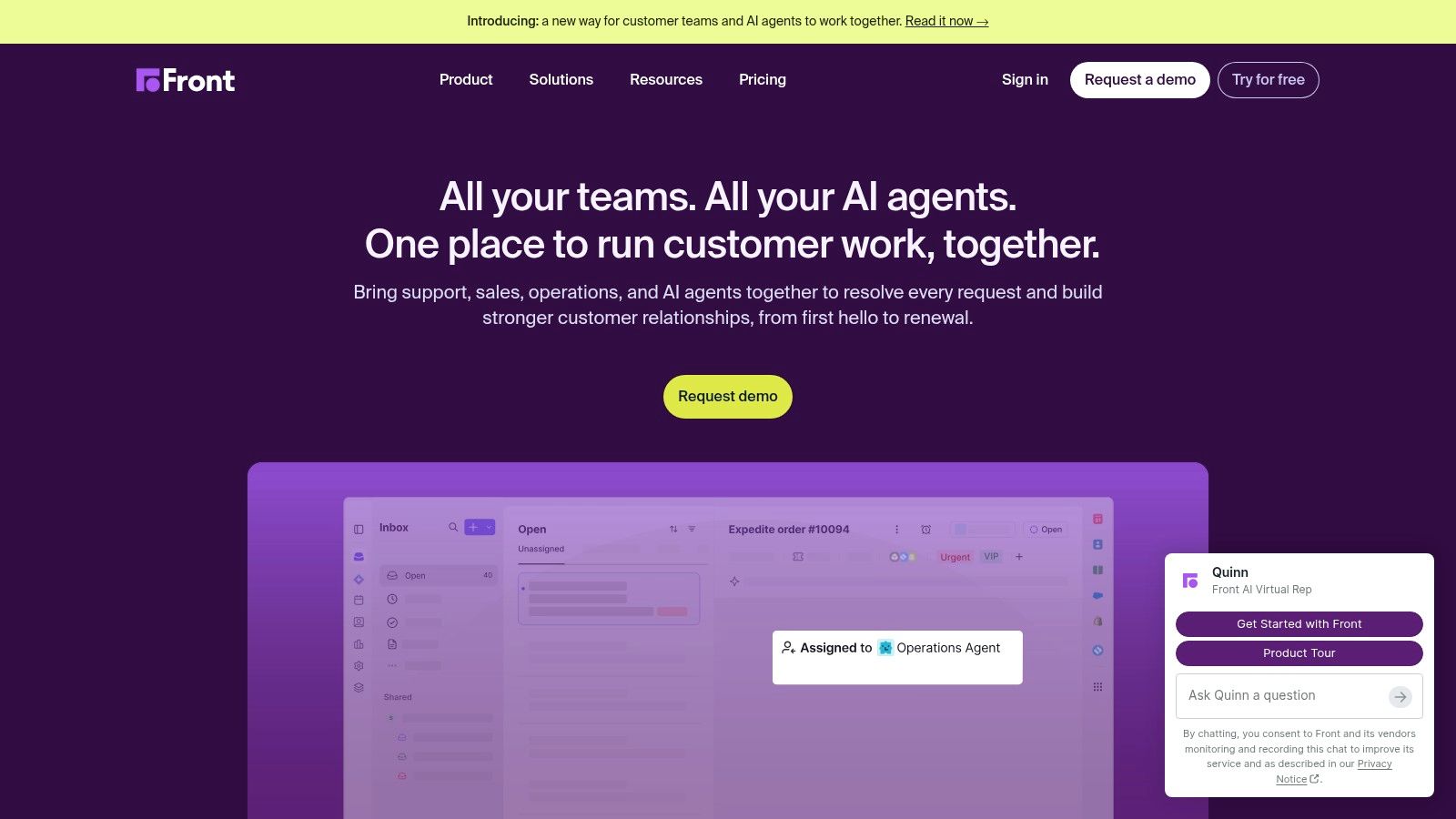
Your account manager needs the thread, your support lead needs the ticket, and the customer should see one reply. Front is built for that handoff.
Front is a shared inbox with ticketing attached. Assign a conversation to a teammate, loop in an account manager, add an internal note, and the customer still gets one clean reply. Choose it when support, sales, success, and operations work the same conversations every day.
Pricing is per seat, sold in tiers. The bill grows with headcount, not with ticket volume. AI capabilities, including the Autopilot agent, are add-ons on higher plans, not part of the entry tier. SMS, social, and advanced analytics also sit above the base plan.
Skip Front if you only need ticket routing. You pay for a collaboration layer the team does not use, then pay again when AI is bolted on. Per-seat pricing is the trap: every new hire raises the subscription, and the add-on stack makes the entry price a poor guide to what you actually spend.
Website: Front
Starting prices, free tiers, and best-fit teams at a glance
Price the bill you will still pay when the queue doubles. A low seat rate punishes every hire. Outcome and ticket pricing punish a product week that actually generates conversations.
| Item | Starting Price | Free Plan | Best For | AI Agent |
|---|---|---|---|---|
| SupportGPT | $0; paid plans from $150/month | Yes; 50 message credits, no card | Small teams embedding a site agent in minutes | Yes; embedded chat with human handoff |
| Zendesk | $19/agent/month, billed yearly | No; 14-day trial | Complex, omnichannel support operations | Yes; available on Suite plans |
| Freshdesk | $19/agent/month, billed annually | Entry is the $19 paid seat | Teams needing a conventional help desk | Yes; Freddy AI Agent sessions included up to plan allowances |
| Intercom | $29/seat/month | No; 14-day trial | SaaS and product-led companies | Yes; Fin, billed per outcome |
| Help Scout | $25/user/month | Yes; up to 5 users | Email-focused support teams | Optional Envoy AI resolution add-on |
| Zoho Desk | $7/user/month, billed annually | Yes; up to 3 users | Budget-conscious teams, especially Zoho users | Yes; Zia on higher tiers |
| HubSpot Service Hub | $0 up to 2 users, then paid seats | Yes; up to 2 users | Teams using HubSpot CRM | Priced with the HubSpot plan |
| Salesforce Service Cloud | $25/user/month | Entry is the $25 paid seat | Large teams with complex service workflows | Available on higher editions or as an add-on |
| Gorgias | Volume-based; plans cover 50–5,000 tickets | Plans start at a 50-ticket bundle | E-commerce support, especially Shopify stores | Optional; usage-based pricing |
| Front | $25/seat/month, billed annually | Entry is the $25 paid seat | Customer-facing teams coordinating across channels | Optional; Autopilot starts at $0.05/conversation |
SupportGPT's free plan is real, and the jump is sharp: Standard is $150 a month, Pro is $500. Credits, not seats, are the trap once the widget takes live traffic. Seat suites (Zendesk, Freshdesk, Salesforce) get expensive as you staff up. Gorgias bills the ticket spike. Fin and Autopilot bill the automation that works. Choose which kind of growth you can afford.
Pick the Platform Your Team Will Still Use in Year Two
Every platform above can pass a demo. The question is which one your agents still open in month eighteen, when the novelty is gone and the queue is the same size it always was.
Shortlist two or three. Then run a week of your real tickets through each one, including the angry ones, the refund disputes, and the conversations that should have gone to a human after the first reply. Watch what happens at the handoff boundary. A tool that automates 70% of easy questions but drops a frustrated customer into a dead end will cost you more in churn than it saves in agent hours.
Model the cost at double your current volume. Per-seat pricing punishes hiring, per-resolution pricing punishes success, and ticket overages punish the week your product ships something broken. Whichever model you choose, you're choosing which kind of growth hurts. Write that number next to the subscription price before you send the recommendation.
The cheapest tool is the one your team doesn't abandon in year two.
Start small. A free plan or a single agent on a narrow use case, password resets, order status, account FAQs, tells you more in ten days than a six-week implementation tells you in two months. Measure containment, transfer rate, error rate, and time to resolution on that one workflow, then expand. If a vendor can't get you from idea to a live agent quickly enough to test that, the sales cycle is the product.
Judge the whole journey, not the bot. The buyer's question isn't "what share of conversations does the AI close," it's "what share of customer problems get solved, by whoever solves them." Ask for escalation discoverability, transfer latency, context preservation, and outcomes on the nonstandard requests. Vendors who only report containment are answering a different question.
For a sense of how tool-fit decisions play out in another vertical, Zee Palm's gym software comparison applies the same cost-curve thinking to member management software, and the logic transfers cleanly.
If you want to see where a grounded AI agent fits before you commit to a help desk contract, SupportGPT lets you add your help content, shape the tone, test real questions in a playground, and embed a widget on your site in minutes. It answers from approved sources with guardrails, hands complex conversations to your team with the full context intact, and starts free with 50 message credits and no credit card. Visit SupportGPT and run twenty of your messiest tickets through it this week.