10 Ticketing Systems for Small Business Compared
Compare 10 ticketing systems for small business, including pricing, setup, integrations, scalability, and the best fit for each team.
You and your teammate both answer the same customer, then discover another request nobody owns. A refund question is buried under product feedback, and the founder keeps forwarding messages without knowing whether anyone has replied. Your shared inbox still receives everything, but you can't reliably tell what needs attention.
That's the moment to evaluate ticketing systems for small business, not because you need an elaborate service operation, but because you need clear ownership, conversation history, and a dependable queue. The decision should turn on how quickly agents can work, what happens to costs as you grow, which channels customers commonly use, and whether someone must become the system's unofficial administrator.
The best option isn't necessarily the platform with the most features. It's the one that fits your ticket volume, technical capacity, and customer expectations without adding unnecessary maintenance. If email accounts for most requests, don't buy a complicated messaging stack just to solve assignment problems.
- Agent effort: Test replying, handing off, and finding customer context.
- Operating cost: Include seats, usage, integrations, onboarding, and administration.
- Automation boundaries: Decide what software can handle and what requires human judgment.
The same distinction between automation and accountable follow-through matters in this guide to AI sales estimators. Treat advertised starting prices as introductory indications, not complete budgets. Pricing, eligibility, and limits can change, so check the vendor's current pricing pages before purchasing.
1. Freshdesk
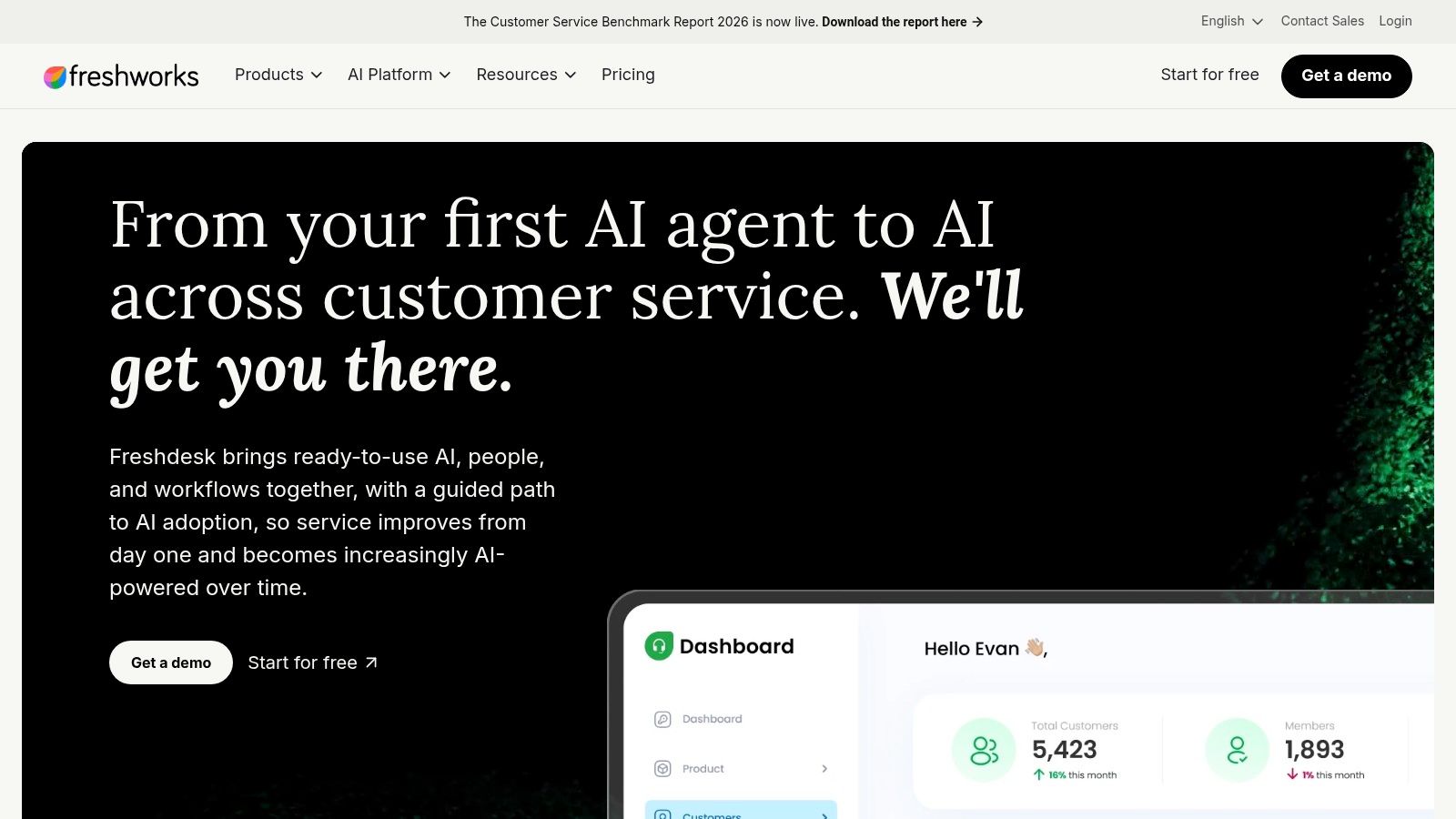
Freshdesk belongs on the shortlist when email support needs formal ownership. Freshdesk combines ticket management, collaboration, knowledge-base publishing, reporting, and automation. Freshdesk Omni extends the offering into additional channels, so distinguish between the products rather than assuming every advertised channel comes with the help desk.
Its appeal is the ability to introduce structure without immediately designing a sprawling service operation. Start with assignment, status definitions, and saved responses, then add more elaborate routing only when actual work requires it.
Where the implementation effort appears
The work lies in translating informal habits into consistent rules. Someone must decide what makes a ticket urgent, who receives an unclassified request, and what happens when its owner is unavailable.
A Freshdesk platform benchmark reported 71% of tickets resolved with a single response, but that's a reference point from its analyzed customer dataset, not a promised result for your business (customer happiness benchmark). Your trial should establish whether agents can resolve your common requests without unnecessary transfers.
- Best fit: An email-led team that needs a dedicated help desk and room to expand.
- Cost caution: Confirm which workflows require higher tiers or a different product.
- Purchase test: Route an incoming email, hand it to a colleague, and reopen it after a customer reply.
Use this small-business help-desk guide to define the minimum workflow before configuring advanced features. Verify any limited free-program eligibility directly rather than building your budget around it.
2. Zoho Desk
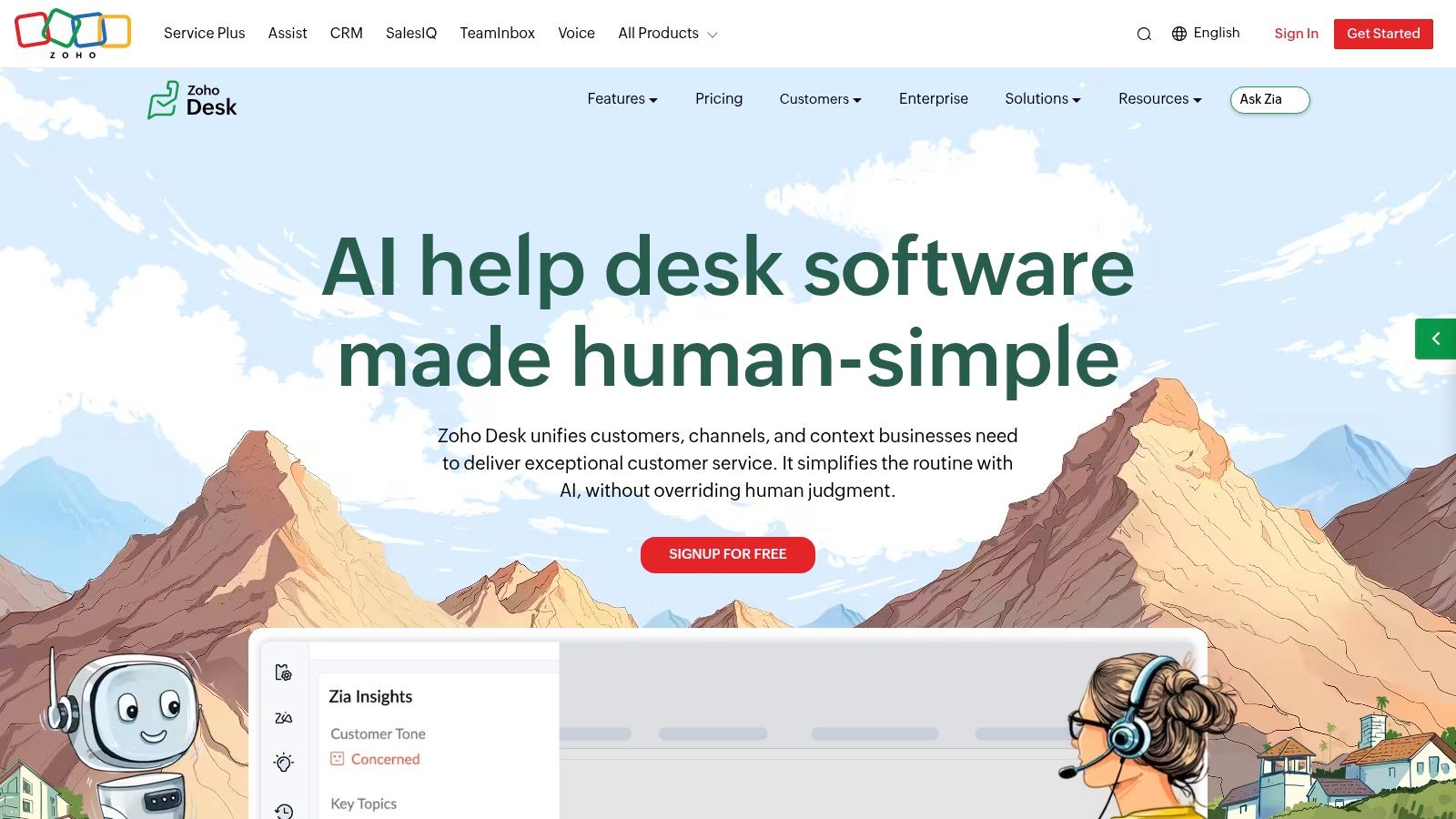
Already using Zoho applications? Zoho Desk deserves evaluation before you add another software ecosystem. Zoho Desk offers email and web-form intake, assignment and escalation capabilities, knowledge management, and connections with Zoho CRM and other Zoho applications, with availability depending on edition.
For a budget-conscious team, the attraction is a low-cost starting point alongside a broader operational toolkit. The trade-off is configuration: access to more capabilities doesn't mean you should activate them all.
Evaluate the connection, not just the integration label
A CRM integration is useful only if agents receive the information they need while working a request. Test whether they can identify the correct customer, understand account context, and move between support and sales records without copying information manually.
The distinction matters when a customer uses different email addresses or contacts support about several products. This explanation of CRM and help-desk software provides a useful framework for separating customer records from service workflows.
Practical rule: Choose the least expensive edition that completes your real workflow, not the edition with the longest feature list.
During evaluation, configure an assignment rule and an escalation path, then ask a teammate who didn't build them to explain what happens. If the logic is difficult to understand, simplify it before launch.
Also reproduce the report you'll use to manage the queue. Don't assume that a reporting feature automatically provides your preferred categories, filters, or customer-level view without additional setup.
3. Zendesk
Zendesk is worth considering when complexity already exists in your support operation. Zendesk combines ticketing, routing, automation, reporting, and integrations, with distinctions between its email-focused Support offering and broader Suite plans.
The important question isn't whether it can accommodate growth. It's whether your current requirements justify the configuration and purchasing decisions involved. A team managing several queues, escalation paths, and connected systems has a different case from a founder answering a light email backlog.
Buy for a documented requirement
Write down the workflow you can't manage today before selecting a plan. Examples might include routing requests between specialist teams or keeping support and engineering aligned through an integration.
- Operational advantage: Broad configuration options can support increasingly differentiated processes.
- Implementation burden: Someone must maintain triggers, permissions, routing logic, and reporting definitions.
- Cost exposure: Evaluate agents, required channels, plan upgrades, and AI add-ons together.
For AI-assisted messaging, this Zendesk chatbot guide can help frame the evaluation. Test escalation context as carefully as the initial automated answer.
A useful trial scenario is a customer whose issue moves from an agent to a specialist and then returns to the original owner. Check whether everyone understands the status and whether the customer receives consistent communication.
My recommendation is to shortlist Zendesk for complexity you can describe, not complexity you merely anticipate. If the trial requires building processes your team doesn't yet need, compare a lighter option before committing.
4. Help Scout
Moving away from a shared email account doesn't have to mean adopting an IT-style service desk. Help Scout combines a shared inbox and conversation management with knowledge-base and chat capabilities, making it a relevant candidate for teams that want a familiar, conversation-led working environment.
Its strongest selection argument is workflow continuity. If your agents mainly read messages, consult documentation, and reply personally, evaluate whether its approach gives them enough structure without unnecessary process.
Test the exception to the simple workflow
Ordinary replies are only part of the job. The revealing test is a conversation that needs internal advice, changes owner, and returns after the customer supplies more information.
Ask agents to complete that sequence without relying on a separate chat message to explain the handoff. Then check whether the next person can distinguish an internal note from a customer-facing response.
- Useful starting point: Shared-inbox support with related self-service content.
- Potential mismatch: Highly structured internal service management or elaborate approval requirements.
- Plan question: Confirm the availability of required workflows, routing, and service-level features.
For online stores, compare this conversational approach against the order-context requirements discussed in this ecommerce help-desk software guide.
Don't select Help Scout solely because its interface resembles the way you work today. Select it if that familiarity survives realistic handoffs, reporting, and growth requirements. Check current free-plan limits and paid-user terms against your actual workload rather than treating access alone as evidence of fit.
5. HubSpot Service Hub
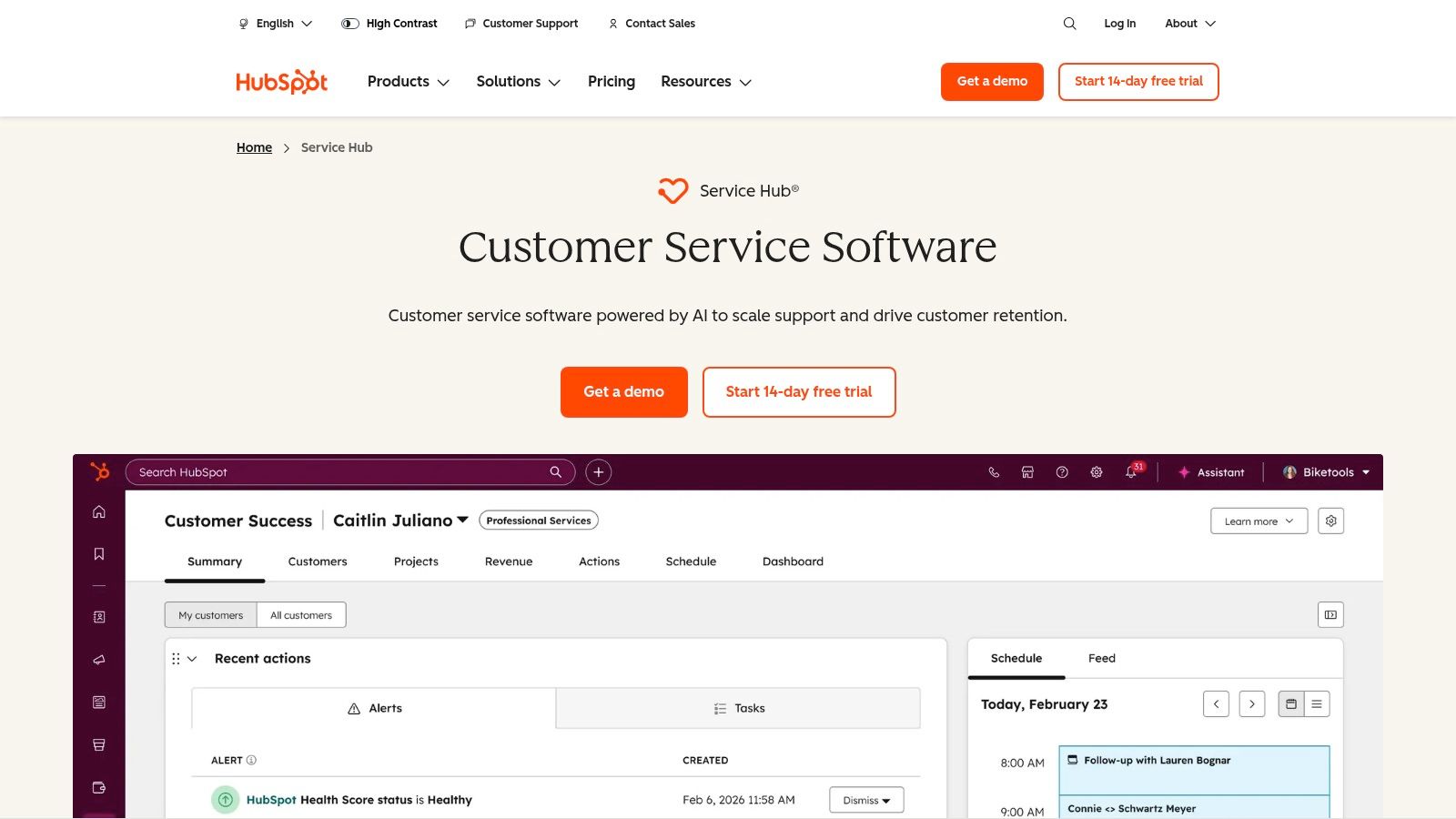
A support request can make little sense without the customer's commercial history. HubSpot Service Hub is most relevant when that context belongs in the support decision. HubSpot Service Hub places ticketing within HubSpot's CRM environment, alongside customer records and related interactions.
That creates a persuasive case for businesses already operating in HubSpot. It creates a less obvious case for a team that just needs email assignment and would otherwise have no reason to adopt the wider platform.
Separate shared context from unnecessary scope
During a trial, use a request from an existing customer with a sales history. Ask the agent to find the relevant record, determine what matters to the support issue, and document the outcome without duplicating work.
Then test the less tidy case: a message from an address that doesn't match the expected contact. Customer identification is a workflow requirement, not merely a CRM feature.
A limited adoption dataset described ticketing use concentrated within broader software environments; its authors caution against interpreting that as a definitive global adoption rate (business software adoption analysis). The practical lesson is to inspect how records and conversations connect, rather than assuming an embedded help desk is automatically integrated well enough.
For broader automation planning, consult this comparison of AI-powered customer-service platforms. Before buying, request a complete account of required tiers, onboarding charges where applicable, and the ongoing work needed to maintain customer data and service workflows.
6. Jira Service Management
An employee requesting account access needs a different process from a shopper asking about delivery. Jira Service Management is particularly relevant to internal IT teams, with request portals, queues, service-level management, forms, automation, and incident, problem, and change-management workflows.
Choose it when structured service work is the requirement, not merely an available capability. Its connections with Jira and other Atlassian products make it worth evaluating when requests frequently involve technical investigation or development work.
Configure around the requester's language
Your internal users shouldn't need to understand service-management terminology to ask for help. Build request types around recognizable needs, such as access requests or equipment problems, and collect only information the resolving team will use.
The administration appears in forms, permissions, queues, and transitions. Those elements can support consistency, but each additional distinction gives someone another rule to maintain.
A service desk is too complicated when employees need instructions just to choose the right request form.
For the proof-of-concept, submit an access request, route it to the responsible person, and record the approval decision. Then submit an incident that requires engineering involvement and inspect how the service request connects with technical work.
Watch the customer-facing experience as well as the agent experience. If your primary need is informal external support, compare the portal and terminology with lighter conversation-led tools. Verify current free-plan eligibility and paid-plan controls directly, especially where permissions or advanced service-management capabilities influence your choice.
7. LiveAgent
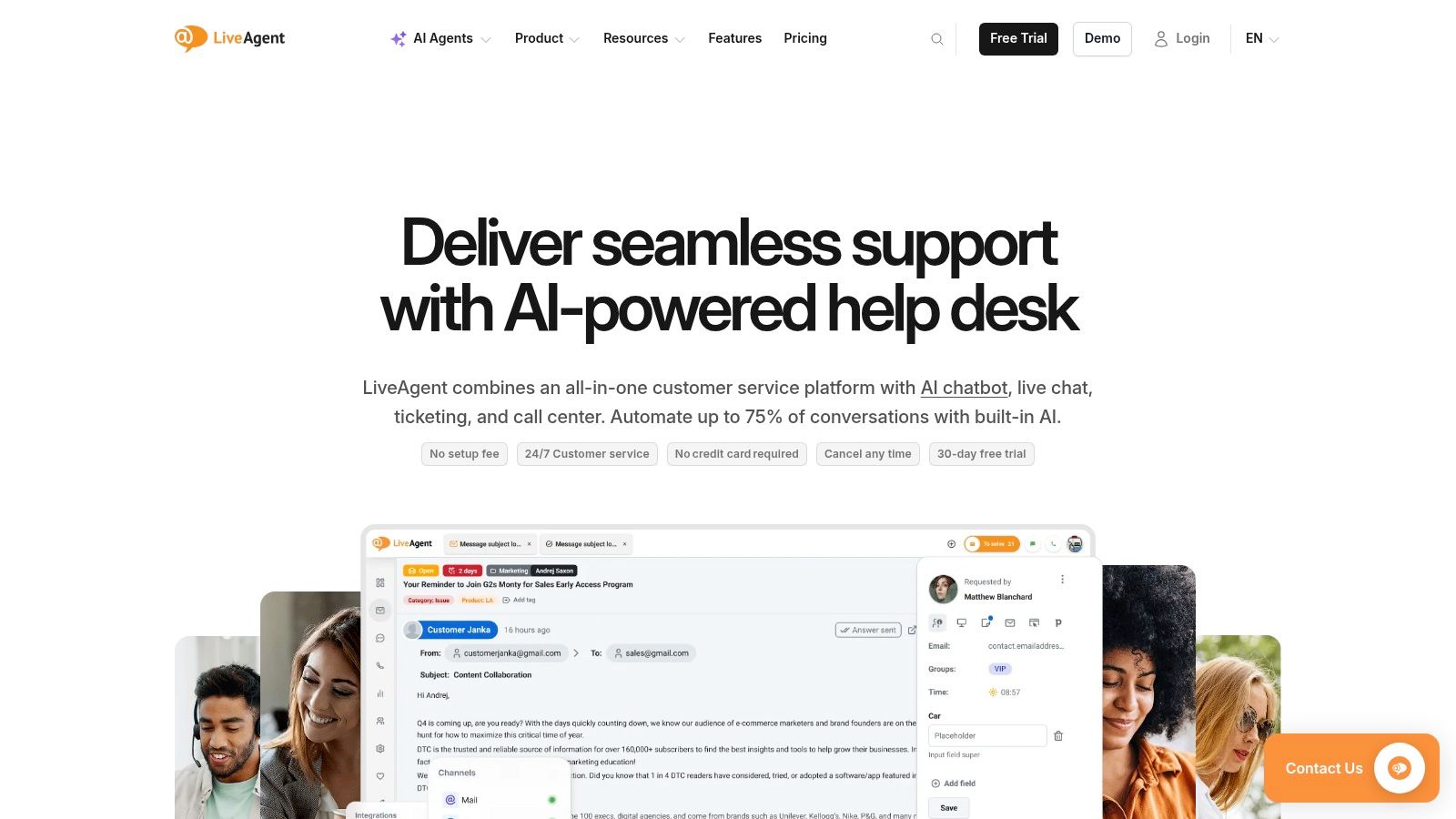
LiveAgent is a candidate when customers need several contact channels. LiveAgent combines ticketing with live chat, knowledge-base content, a customer portal, and contact forms; phone support and service-level capabilities depend on the chosen plan.
The operational question is whether agents can manage those channels together without losing context. A broad channel list isn't enough if customers must repeat their issue whenever they switch contact methods.
Prove continuity across channels
Begin a request through chat, continue by email, and involve another teammate. Check the resulting history, ownership, and status rather than evaluating each channel independently.
- Channel fit: Confirm that the specific channels customers use are included in your intended tier.
- Staffing fit: Decide who monitors live conversations while colleagues handle queued work.
- Reporting fit: Verify that supervisors can interpret performance across channels without misleading comparisons.
Adding live chat also requires an operating decision about availability. Establish what customers see when nobody can respond and how unfinished conversations become accountable work.
LiveAgent's bundled approach may suit a business trying to consolidate separate support tools. However, consolidation is valuable only if the required integrations and reporting are available in the plan you'll buy.
During the trial, include an unattended incoming request and a handoff between agents. Those scenarios reveal more about day-to-day reliability than a successful demonstration conducted while everyone is watching the queue.
8. Gorgias
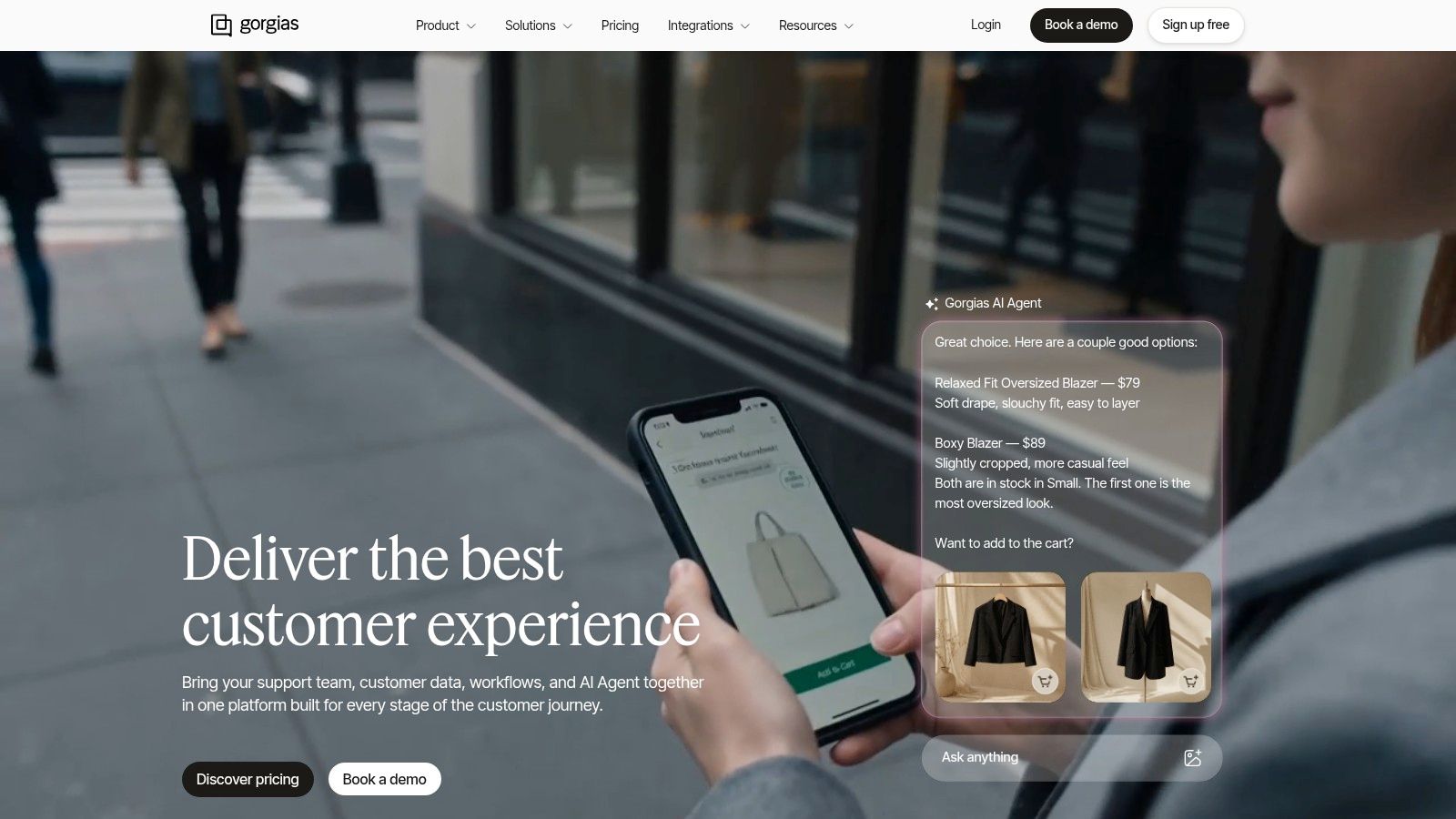
For an online store, an agent may need order information before composing a useful reply. Gorgias focuses on ecommerce support, connecting conversations with customer and order context across supported channels and offering an optional AI Agent.
Its specialization is the reason to evaluate it. A store handling delivery, order-change, and product questions has different integration priorities from an internal IT team or a general B2B service business.
Model volume before comparing seats
Gorgias pricing depends substantially on ticket volume, with separate usage considerations for automated resolutions. That changes the purchasing calculation: count billable activity and understand the vendor's definitions rather than comparing only agent access.
- Potential advantage: Ticket-based billing may fit a team with broader participation and manageable request volume.
- Budget risk: Seasonal demand, ticket overages, and AI usage require explicit forecasting.
- Implementation priority: Confirm that agents receive the correct order context and appropriate permissions.
Use a realistic order-change request in the trial. Inspect what the agent can see, what they can change, and where approval is necessary.
For automation, separate answering a policy question from taking a consequential action. A refund or order modification should follow your authorization rules, not merely the fact that an integration makes the action possible.
The purchase test is operational and financial. Reconcile a representative set of conversations against the proposed billing rules, then verify how escalations and follow-ups affect both the customer record and expected usage.
9. Intercom
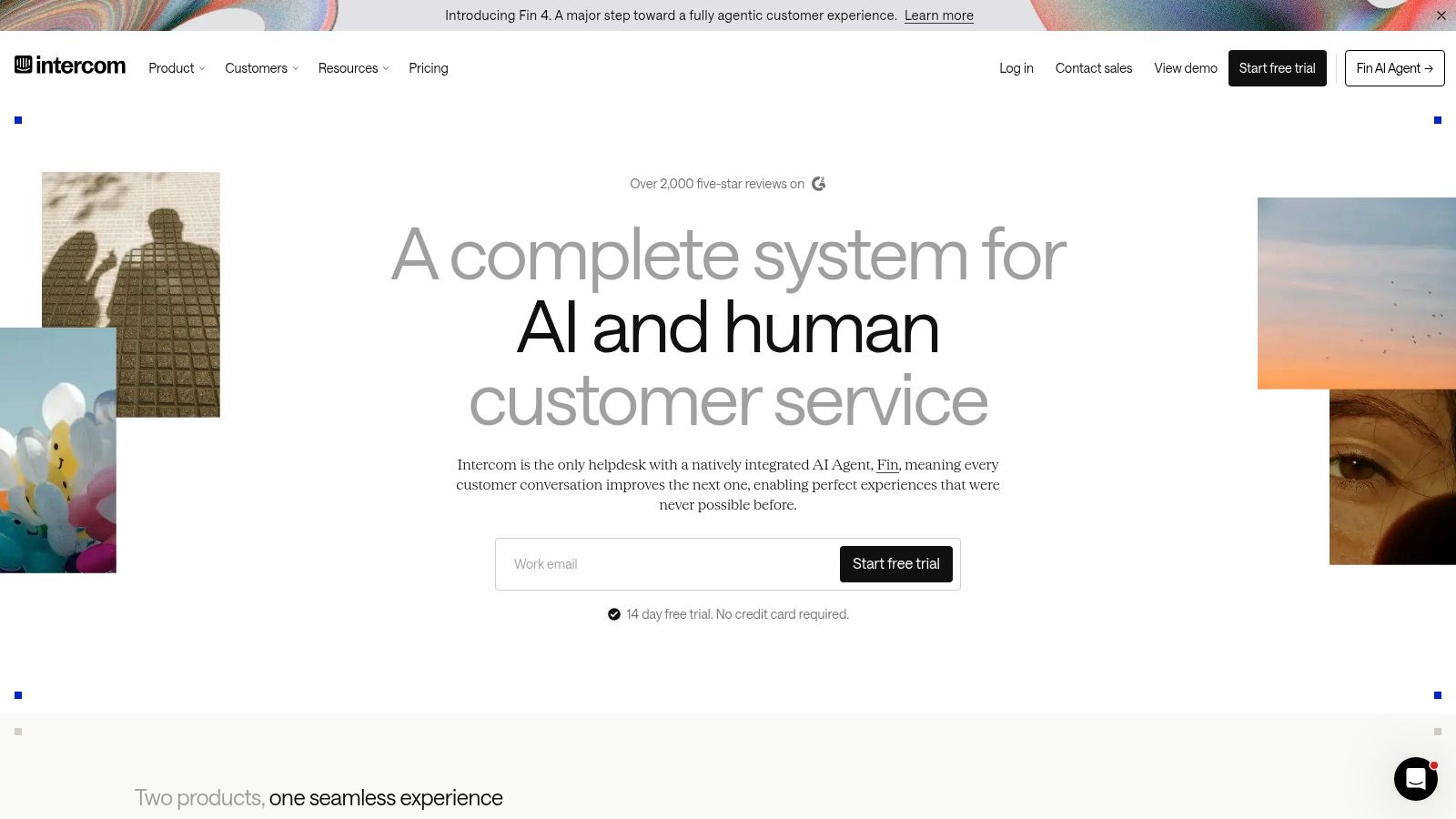
Customers using your software may want help without leaving the product. Intercom combines a shared inbox and ticketing with website or in-product messaging, help content, workflows, and its Fin AI Agent.
That makes it particularly relevant to SaaS and product-led businesses. The selection case is strongest when embedded support is a genuine customer requirement, rather than an attractive addition to an otherwise email-led operation.
Test the boundary between conversation and resolution
A prompt answer isn't the same as a completed support request. Use a product question that begins in the messenger, requires investigation, and eventually needs a human decision.
Check whether the receiving agent gets the conversation, relevant context, and a clear account of what remains unresolved. Then verify that someone owns the follow-up after the live interaction ends.
Budget caution: Treat agent access and AI usage as separate forecasting questions whenever the commercial model charges for both.
An implementation should also include a question the knowledge content can't answer reliably. The correct outcome may be an explicit limitation and human escalation, not a fluent response.
Intercom's broader messaging capabilities may be unnecessary for a team that only needs basic email ticketing. Before committing, document why customers need support inside the product and identify who will maintain the help content and automation rules. Review usage definitions, minimum commitments where applicable, and the total commercial proposal rather than judging affordability from the entry seat price.
10. HappyFox
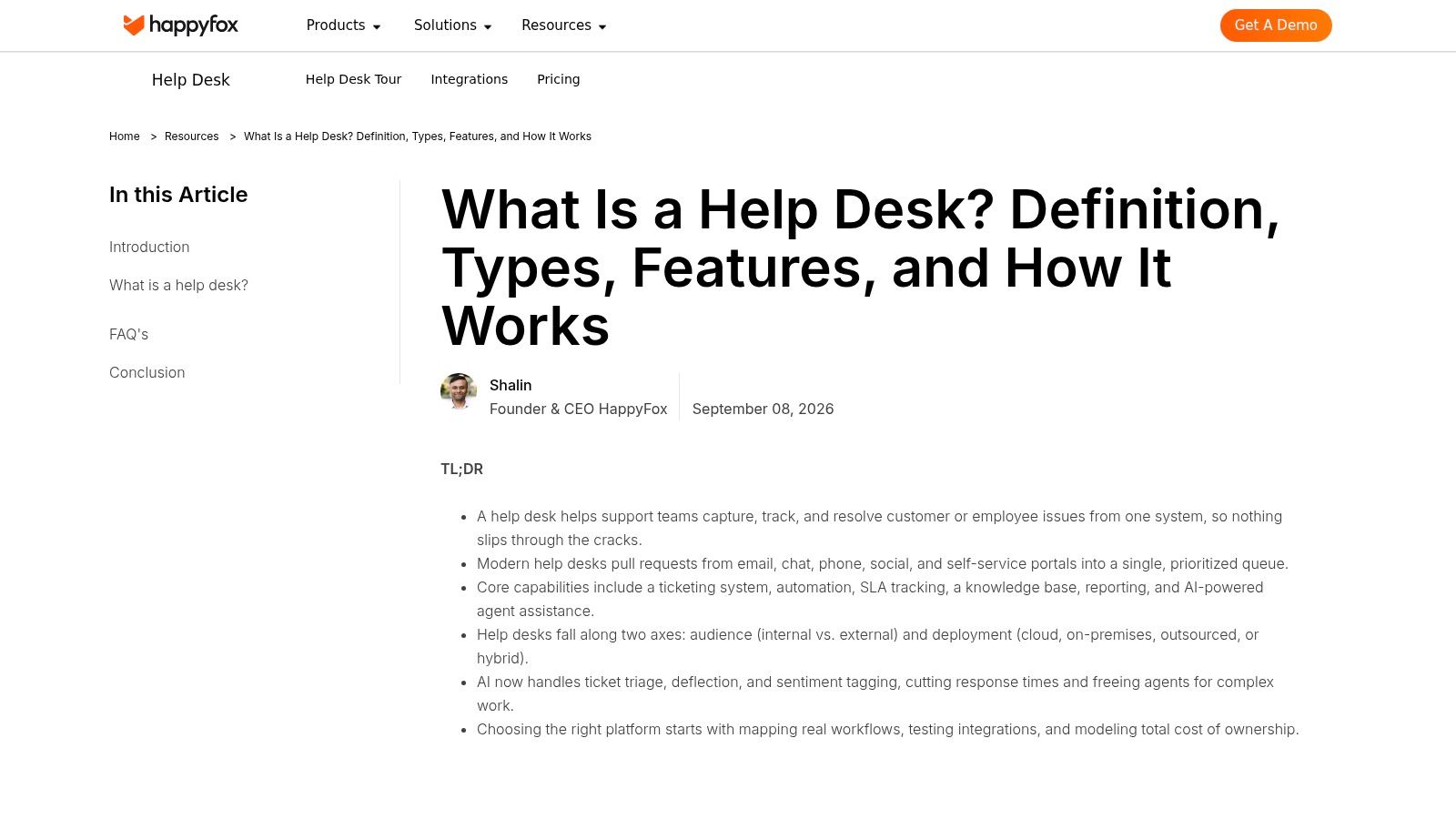
Not every small business has a standard support process. HappyFox offers customizable ticketing, automation, support-center features, reporting, and integrations, making it relevant when a team needs workflows adapted to its operations.
The reason to shortlist it is a specific configuration requirement. Different request categories, ownership rules, or internal handoffs may justify customization. Without that need, flexibility can become additional administrative work.
Make maintainability part of acceptance
Build the workflow that matters most, then ask someone other than its creator to modify it. A system isn't operationally simple if routine changes depend on a single knowledgeable employee.
Use a request that crosses departmental boundaries, such as a billing dispute requiring support and finance input. Check who owns customer communication, who can make the decision, and how the final outcome appears in reporting.
- Useful fit: Teams with documented processes that standard inbox workflows don't adequately support.
- Configuration risk: Excessive categories and exceptions can make routing difficult to maintain.
- Commercial question: Establish which capabilities belong to the help desk and which require separate products or add-ons.
Ask the vendor to map every required capability to the written proposal, including reporting, channels, AI, and integration requirements. Also verify data export and permissions rather than leaving them until migration becomes necessary.
HappyFox is worth its complexity when the configured workflow removes a real coordination problem. If the proposed setup mainly reproduces informal habits in more detail, simplify the process before purchasing the software.
Top 10 Small Business Ticketing Systems Compared
| Platform | Core Strengths | Best For | Standout Feature | Starting Price |
|---|---|---|---|---|
| Freshdesk | ★ Ticketing, shared inbox, knowledge base, automation | 👥 Small teams expanding support channels | ✨ Familiar help-desk tools with room to scale | 💰 Limited free program may be available; check eligibility |
| Zoho Desk | ★ Ticketing, workflows, knowledge management | 👥 Budget-conscious teams, especially Zoho users | 🏆 Free edition for up to 3 users; Zoho integrations | 💰 Free; Express from $7/agent/month (annual billing) |
| Zendesk | ★ Scalable ticketing, routing, reporting, integrations | 👥 Growing or complex support operations | ✨ Large integration marketplace and broader Suite channels | 💰 Support Team from $19/agent/month (annual billing) |
| Help Scout | ★ Shared inbox, knowledge base, live chat | 👥 Small teams seeking personal, email-style support | ✨ Simple transition from a shared email inbox | 💰 Free for up to 5 users; Standard from $25/user/month |
| HubSpot Service Hub | ★ Ticketing, shared inbox, CRM context | 👥 Teams already using HubSpot CRM | ✨ Support conversations linked to customer records | 💰 Free tools for up to 2 users; Starter from $7/seat/month |
| Jira Service Management | ★ Portals, SLAs, incident and change workflows | 👥 IT teams and internal service desks | 🏆 Free for up to 3 agents and unlimited customers | 💰 Free plan available; paid tiers for advanced capabilities |
| LiveAgent | ★ Ticketing, chat, knowledge base, customer portal | 👥 Teams needing multiple support channels | ✨ 30-day trial without a credit card | 💰 Small Business from $15/agent/month (annual billing) |
| Gorgias | ★ Omnichannel support with order and customer context | 👥 Ecommerce businesses | ✨ Ecommerce integrations and optional AI Agent | 💰 Ticket-volume pricing; check limits and AI charges |
| Intercom | ★ Shared inbox, in-product messaging, help center | 👥 SaaS and product-led businesses | ✨ Customer support embedded in websites and products | 💰 Essential from $29/seat/month (annual billing); AI usage may cost extra |
| HappyFox | ★ Customizable ticketing, automation, reporting | 👥 Customer support and internal service teams | ✨ Flexible workflows and unlimited-agent pricing option | 💰 Help Desk from $24/agent/month; 14-day trial |
Run a Proof-of-Concept Before You Commit
Choose around the work your team performs. Zoho Desk and Freshdesk are sensible starting candidates for budget-conscious teams seeking structured support. Help Scout deserves consideration for a lightweight shared-inbox transition, while HubSpot Service Hub is more compelling when CRM context is essential to resolving requests.
Zendesk or Intercom may justify broader investment as support requirements become more complex, although their operating models differ. Consider Jira Service Management for internal IT, LiveAgent for multichannel coverage, Gorgias for ecommerce, and HappyFox for configurable workflows. These are shortlist recommendations, not universal rankings.
Test the work, not the demonstration
Run the same proof-of-concept in your finalists so you can compare outcomes directly. Use sanitized examples from your own queue rather than unusually tidy demonstration tickets.
- A realistic ticket type: Follow a common request from arrival through resolution, including a customer follow-up.
- An automation: Route a request automatically, then test an ambiguous case that should reach a person.
- A reporting need: Reproduce the view you need to identify unanswered demand, aging work, or repeated issues.
- An integration: Retrieve relevant customer or order information and verify what happens when the connection fails.
Record the work required to configure and maintain each test. A nominally inexpensive system can be a poor fit if your founder must continually repair routing or prepare reports manually.
Make human escalation an acceptance requirement for AI. Automate repetitive, low-consequence questions first, and require review or escalation for refunds, account access, legal or safety issues, and ambiguous requests. Examine incorrect answers, reopened conversations, and the context humans receive, not just whether the assistant responds.
Where AI-assisted self-service is a priority, SupportGPT can complement a conventional ticketing system with website-based AI agents, answers grounded in supplied sources, multilingual assistance, and human escalation. Keep the core ticket record and ownership process explicit rather than assuming a conversational interface replaces accountable case management.
Finally, calculate the annual cost at your realistic seat count and ticket volume. Include required tiers, usage charges, onboarding, integrations, training, and administrative time, and account for your busiest operating periods. Select the simplest system that passes your operational tests, not the platform that promises the most possibilities.
SupportGPT lets teams build website-based AI support agents trained on their own sources, with multilingual responses and rules for escalating complex queries to people. Visit SupportGPT to test a common customer question and a human-handoff scenario alongside your shortlisted ticketing system.