10 Help Desk Best Practices to Modernize Your Support in 2026
Discover 10 actionable help desk best practices to boost efficiency and customer satisfaction. Implement tiered support, AI, and data-driven strategies today.
In an era of instant expectations, the traditional help desk model is cracking under pressure. Customers demand immediate, accurate, and personalized support 24/7, a standard that's nearly impossible to meet with manual processes alone. Simply adding more agents isn't a scalable solution; it leads to higher costs, agent burnout, and inconsistent service delivery.
The key to thriving isn't just working harder, it's working smarter by integrating intelligent automation and data-driven strategies. This guide moves beyond generic advice to provide 10 specific, actionable help desk best practices that leverage modern AI capabilities. From implementing smart escalation tiers to creating rapid feedback loops for continuous improvement, each practice is designed to help you build a more efficient, resilient, and customer-centric support operation.
You will learn how to:
- Structure support with intelligent tiers and escalation paths.
- Automate resolutions by training AI on your own knowledge sources.
- Ensure consistency with clear response guardrails and brand voice standards.
- Leverage AI-driven tools for task automation and seamless agent handoffs.
We'll explore how advanced platforms can make these strategies accessible, allowing even non-technical teams to implement sophisticated workflows. By adopting these help desk best practices, you can transform your support function from a reactive cost center into a powerful, proactive engine for customer retention and sustainable growth.
1. Implement Tiered Support with Smart Escalation
One of the most impactful help desk best practices is moving from a flat, "all-hands-on-deck" support model to a structured, tiered system. Tiered support organizes issue resolution into levels, ensuring problems are handled by the most appropriate resource. A modern approach integrates AI as the frontline, creating a highly efficient first tier that operates 24/7.
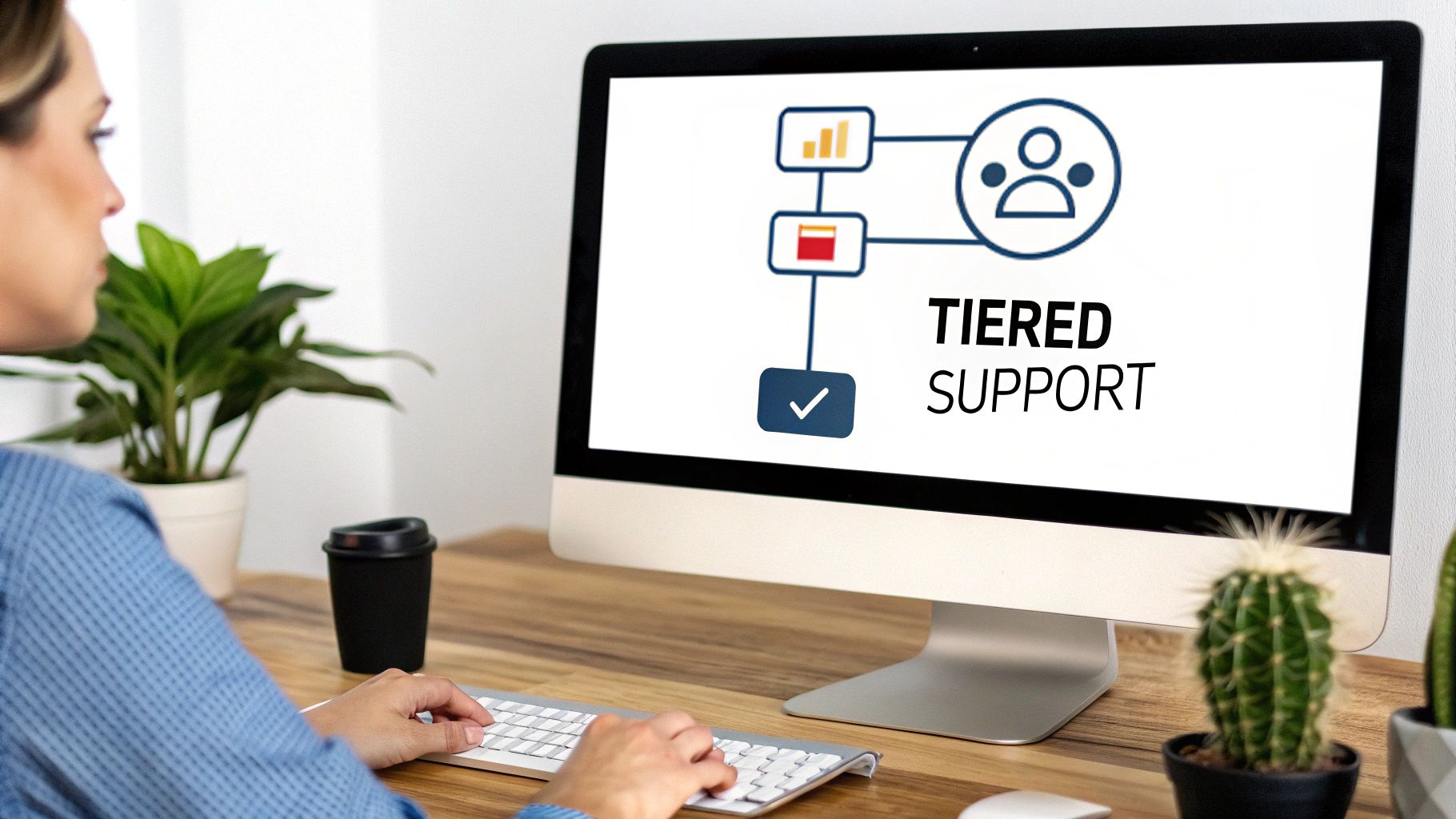
In this model, AI handles common Tier-1 queries like password resets, order status checks, and basic troubleshooting. More complex or sensitive issues are automatically escalated to specialized human agents in Tier 2 or 3. This "smart escalation" uses predefined rules to route conversations, maximizing efficiency by freeing up human agents to focus on high-value interactions requiring empathy, judgment, or deep technical knowledge.
How Smart Escalation Works in Practice
- E-commerce: A customer asks an AI chatbot, "My discount code isn't working at checkout." The AI can troubleshoot common reasons. If the customer then says, "I was charged twice," the system automatically escalates the chat to a specialized billing agent (Tier 2).
- SaaS Companies: A user asks about integrating a specific API. The AI provides links to the documentation. If the user’s follow-up question involves a potential bug or an enterprise-level feature request, the conversation is routed directly to a product specialist or developer (Tier 3).
- Marketplaces: A seller reports another user for violating platform rules. The AI gathers initial information and then immediately escalates the ticket to the compliance or trust and safety team for human review.
Actionable Implementation Tips
To effectively implement this help desk best practice, start small and iterate.
- Define Clear Triggers: Begin by identifying 3-5 common escalation scenarios based on keywords (e.g., "refund," "bug," "manager") or user sentiment.
- Set Tier-Specific SLAs: Establish clear Service Level Agreements for each tier. For example, Tier-1 AI response should be instant, while a Tier-2 human response might be guaranteed within one hour.
- Monitor Escalation Rates: Keep a close eye on how often the AI escalates. A high rate may indicate your AI needs better training or your knowledge base is missing key information.
- Train Your AI: Continuously train your AI agent, like a SupportGPT-powered bot, on specific escalation triggers and how to gracefully hand off conversations to a human counterpart. This ensures a seamless user experience.
2. Train AI Agents on Your Own Knowledge Sources
One of the most critical help desk best practices today is moving beyond generic large language models and training AI agents on your specific business knowledge. This approach, often powered by Retrieval-Augmented Generation (RAG), equips AI with your internal documentation, help articles, and product guides. It ensures every answer is accurate, on-brand, and directly relevant to your customers' needs, dramatically reducing AI "hallucinations" or misinformation.
By grounding responses in your verified sources, you create a trusted expert that provides consistent, context-aware support across all channels. This transforms your AI from a generalist into a specialist, capable of handling nuanced, company-specific inquiries with precision. It's the key to building a reliable, automated support system that customers can trust.
How Custom Knowledge Training Works in Practice
- SaaS Companies: A user asks, "How do I set up the new analytics dashboard?" The AI, trained on the company's help center, provides a step-by-step guide with links to specific feature documentation, rather than a generic answer about analytics.
- E-commerce Stores: A customer inquires, "What is your return policy for international orders?" The AI instantly pulls the exact policy from the store's dedicated webpage, avoiding any confusion or incorrect information.
- Enterprise Firms: An internal user needs to know the company’s data security protocol for a new project. An AI assistant trained on internal wikis and compliance documents provides the precise, approved procedure.
Actionable Implementation Tips
To effectively implement this help desk best practice, focus on curating a high-quality knowledge source.
- Start with High-Impact Content: Begin by training your AI on your top 10-20 most viewed help articles and FAQs to cover the majority of common questions.
- Update Data Regularly: Establish a process to update your AI's knowledge base whenever your product, policies, or documentation changes. Stale information is a primary cause of poor AI performance.
- Enable Source Attribution: Configure your AI to cite its sources. This builds customer trust by showing them exactly where the information came from, allowing them to verify it if needed.
- Audit and Refine: Regularly review the AI's conversations, especially those where it couldn't find an answer. This helps identify gaps in your knowledge base that need to be filled. If you want to dive deeper, you can explore how to train an AI chatbot on your own data.
3. Establish Clear Response Guardrails and Tone Standards
One of the most critical help desk best practices in the age of AI is establishing explicit rules for what automated agents can and cannot discuss. These response guardrails and tone standards act as a safety net, defining scope boundaries, content policies, and conversational style. They prevent AI agents from making unauthorized promises, discussing competitors, or handling sensitive topics inappropriately.
This practice is essential for protecting your brand reputation and maintaining customer trust. By enforcing consistent, professional, and safe communication, you ensure the AI agent acts as a true extension of your team, aligned with your company’s values and policies. It’s the difference between a helpful assistant and a potential liability.
How Guardrails Work in Practice
- Financial Services: A user asks an AI agent for investment advice. The guardrails intervene, preventing the AI from giving financial recommendations and instead directing the user to a licensed professional.
- Healthcare Platforms: A patient describes their symptoms to a chatbot. The system is programmed to avoid providing a medical diagnosis, instead suggesting the user consult a doctor and providing resources to book an appointment.
- SaaS Companies: A prospective customer asks if a specific, unreleased feature will be available next quarter. The AI avoids making an unsupported promise, stating, "While I can't comment on future roadmap specifics, I can share our current capabilities with you."
Actionable Implementation Tips
To effectively implement this help desk best practice, be proactive and thorough in defining your operational boundaries.
- Document Your Guardrails: Create a clear policy document outlining forbidden topics (e.g., competitors, legal advice), required disclaimers, and specific phrases to avoid.
- Test with Adversarial Prompts: Before launch, intentionally try to break your guardrails. Ask leading questions or introduce sensitive topics to see how the AI responds and refine its programming accordingly.
- Define a Consistent Tone: Your guardrails should also cover your brand's voice. Establishing a clear tone of voice definition ensures the AI sounds like your brand, whether it's formal, friendly, or empathetic.
- Establish a Feedback Loop: Create a simple process for human agents to flag instances where the AI gave an inappropriate or "out-of-bounds" response, allowing for continuous improvement.
4. Implement Real-Time Conversation Monitoring and Analytics
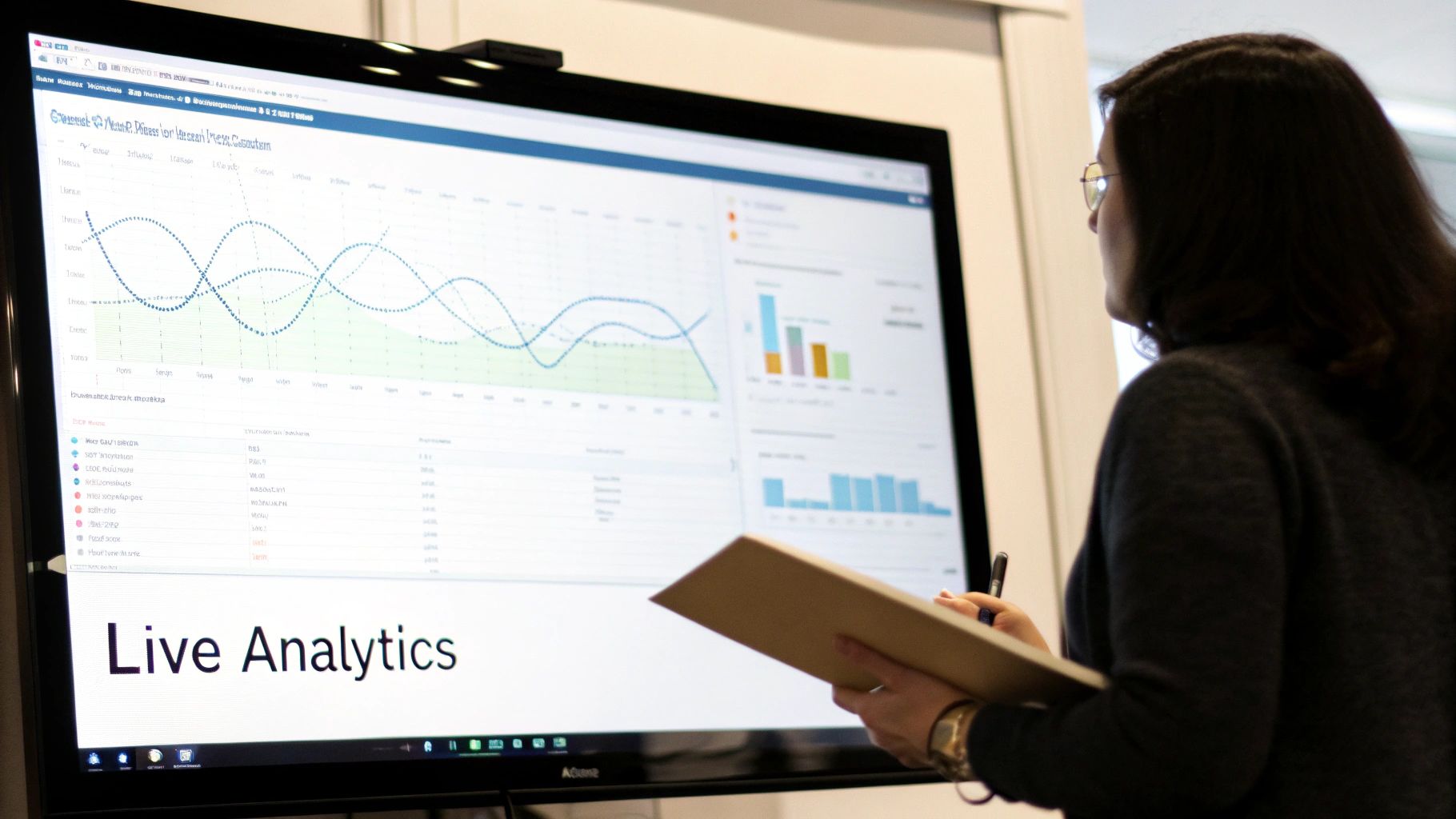
One of the most critical help desk best practices is to move beyond reactive, after-the-fact reporting to proactive, real-time monitoring. By continuously tracking AI-agent conversations, customer satisfaction metrics, and resolution rates through live dashboards, teams can gain immediate visibility into support operations. This data-driven approach enables the rapid identification of trending issues, performance dips, and opportunities for optimization.

Real-time analytics allow you to make instant adjustments to your AI agent, knowledge base, or escalation workflows rather than waiting for monthly or quarterly reviews. This agility ensures that emerging problems are addressed before they impact a large number of customers, transforming your help desk from a cost center into a strategic intelligence hub.
How Real-Time Analytics Works in Practice
- SaaS Firms: A company notices a sudden spike in conversations mentioning "API error" on their analytics dashboard. They investigate immediately, identify a minor bug introduced in a recent update, and push a hotfix within hours, preventing widespread customer friction.
- E-commerce Companies: During a flash sale, support managers monitor conversation volume and sentiment in real time. They see a surge in questions about a specific promo code, realize the terms are unclear, and update the website banner instantly to clarify the offer.
- Product-Led Companies: The product team monitors AI conversations tagged as "feature request." They identify a strong, recurring demand for a new integration, providing quantitative data to prioritize it on the development roadmap.
Actionable Implementation Tips
To effectively implement real-time analytics, focus on clarity and actionability.
- Start with Key Metrics: Begin by tracking 3-5 core metrics like AI resolution rate, customer satisfaction (CSAT) score, and top conversation topics. Avoid overwhelming your team with too much data at once.
- Set Up Anomaly Alerts: Configure your system to send alerts for unusual activity, such as a sudden drop in CSAT scores or a sharp increase in escalations to human agents. This enables a rapid response.
- Share Insights Widely: Create role-specific dashboards for management, support agents, and product teams. Sharing metrics transparently fosters a culture of continuous improvement and customer-centricity.
- Correlate to Business Outcomes: Connect support metrics to key business goals. For instance, track how improvements in first-contact resolution by your SupportGPT bot impact customer retention or conversion rates.
5. Leverage AI Actions for Task Automation and Handoff
A transformative help desk best practice is to evolve AI from a conversational tool into an operational one. This means empowering your support AI to perform actual tasks, not just answer questions. AI Actions automate routine operational work like password resets, order lookups, and ticket creation, directly within the chat interface.
This approach significantly reduces manual effort for human agents and delivers instant resolutions for customers. By handling repetitive, process-driven tasks, the AI acts as a force multiplier, freeing up your support team to focus on complex, high-empathy issues that require human judgment.
How AI Actions Work in Practice
- E-commerce: A customer asks, "Where is my latest order?" The AI, connected to the backend system, instantly retrieves and displays the order status and shipping information, without needing to transfer to an agent.
- SaaS Companies: A user locked out of their account types "I forgot my password." The AI can initiate a secure password reset workflow directly in the chat, verifying the user's identity and sending a reset link.
- Subscription Services: A customer requests to cancel their subscription. With a clear approval workflow, the AI can process the cancellation and confirm it with the user, updating the billing system automatically.
Actionable Implementation Tips
To deploy AI Actions safely and effectively, follow a phased approach.
- Start with Read-Only Actions: Begin with low-risk, "read-only" tasks like checking an order status or looking up account details. This builds trust in the system without risk of altering data.
- Implement Confirmation Steps: For actions with consequences, such as processing a refund or canceling a service, build in an explicit confirmation step (e.g., "Are you sure you want to proceed?").
- Log and Monitor All Actions: Maintain a detailed log of every action the AI performs for auditing, debugging, and performance analysis. Monitor success and failure rates to identify and fix failing automations.
- Establish Clear Boundaries: Define and enforce strict rules on what actions the AI can and cannot perform. High-risk or sensitive tasks should always require human oversight or be escalated immediately.
6. Optimize for Multilingual Support and Localization
For global businesses, one of the most crucial help desk best practices is to move beyond English-only service and embrace comprehensive multilingual support. This involves more than just direct translation; true localization means adapting to cultural nuances, regional regulations, and market-specific customer expectations. By configuring support channels, especially AI, to handle inquiries in multiple languages, businesses can significantly reduce customer frustration and boost first-contact resolution across diverse markets.
An AI-first approach makes this scalable. Instead of hiring agents for every language, an AI agent can be trained to instantly detect a customer's language and respond naturally. This AI becomes the frontline for all regions, handling common questions about local shipping, payment methods, or region-specific features, while escalating complex or culturally sensitive issues to native-speaking human specialists. This strategy ensures a consistent and high-quality support experience, regardless of where the customer is located.
How Localization Works in Practice
- Global SaaS: A user in Germany asks the AI chatbot, "Wie integriere ich die API?" The AI instantly detects German, provides a localized answer with links to German documentation, and is aware of GDPR-specific data handling protocols.
- E-commerce: A customer from Japan messages, "返品はできますか?" (Can I return this?). The AI understands the query, provides the return policy specific to the Japanese market, and offers instructions for local shipping carriers.
- Marketplaces: A seller in Brazil has an issue with a payout. The AI can provide support in Portuguese, referencing local payment processors like Pix and explaining regional tax-related documentation requirements.
Actionable Implementation Tips
To effectively implement this help desk best practice, start with your highest-volume regions and build from there.
- Prioritize Languages: Begin by identifying your top 2-3 non-English speaking markets based on customer volume or strategic growth goals.
- Create Localized Knowledge Bases: Instead of simply translating your English knowledge base, create language-specific versions that include local terminology, payment methods, and cultural references.
- Use Native Speaker Validation: Hire native speakers to review AI conversation flows, knowledge base articles, and automated responses to ensure the tone is culturally appropriate and accurate.
- Enable Automatic Language Detection: Configure your support system to automatically detect the user's language from their first message, ensuring a seamless and immediate localized experience without requiring them to select a language.
- Monitor CSAT by Language: Track customer satisfaction scores separately for each language. This will help you quickly identify regions where the support experience may be falling short.
7. Create a Rapid Feedback Loop for Continuous Improvement
One of the most critical help desk best practices for a modern, AI-augmented team is to build a system for constant learning. A rapid feedback loop establishes a systematic process for collecting, analyzing, and acting on insights from both customers and human agents about AI performance. This ensures your support system evolves based on real-world interactions, not just assumptions.
This continuous iteration, inspired by agile development and lean startup principles, turns your help desk into an engine for business intelligence. By treating every support ticket as a data point, you can identify product flaws, documentation gaps, and emerging customer needs faster than ever before. This feedback-driven approach compounds improvements over time, creating a significant competitive advantage.
How a Feedback Loop Works in Practice
- SaaS Companies: A user asks an AI bot for a feature that doesn't exist. This feedback is captured and routed to the product team, revealing a high-demand, undocumented feature request that can inform the product roadmap.
- E-commerce: Multiple customers ask the AI bot about the material composition of a specific clothing item. This feedback loop flags a gap in the product description, which can be quickly updated to reduce future inquiries and improve conversion rates.
- Marketplaces: Human agents consistently escalate conversations where the AI failed to identify a new type of platform abuse. This feedback is used to train the AI on new patterns, strengthening the first line of defense for trust and safety issues.
Actionable Implementation Tips
To effectively implement this help desk best practice, focus on making feedback collection and action a core operational habit.
- Make Feedback Effortless: Implement one-click satisfaction ratings (e.g., thumbs up/down) after every AI interaction, with an optional field for comments. For agents, create a simple tag or button within their dashboard to flag AI errors.
- Review Feedback Weekly: Establish a weekly or bi-weekly cadence to review all collected feedback. Waiting a month is too long; rapid iteration requires frequent analysis to catch trends early.
- Prioritize by Impact: Categorize feedback and prioritize fixes based on frequency and business impact. A small AI tweak that prevents hundreds of future tickets is a high-leverage improvement.
- Close the Loop: When you implement a change based on feedback, announce it. Let customers know you’re listening via release notes or social media, and inform your support team so they see their input has value.
8. Design Lead Capture and Qualification Workflows
One of the most strategic help desk best practices is to transform your support function from a cost center into a revenue generator. This involves designing workflows that intelligently capture and qualify leads directly within support conversations. Instead of using disruptive pop-ups, this modern approach uses AI agents to identify natural buying signals and initiate helpful, conversational lead capture.
This method is especially powerful for product-led growth (PLG) companies, where the line between using a product and buying it is blurred. An AI can detect when a user's questions shift from "how-to" support to "what-if" purchasing intent, creating a seamless transition from support to sales without feeling intrusive. This respects the user experience while capitalizing on genuine interest.
How Lead Capture Works in Practice
- SaaS Companies: A user on a free plan asks the AI, "Can I add more than five team members?" Recognizing this as an upgrade signal, the AI can answer the question and follow up with, "It looks like the Pro plan would be a great fit. Would you like me to have a product specialist reach out with more details?"
- E-commerce Platforms: A visitor asks, "Do you offer bulk discounts for corporate gifting?" The AI can provide pricing information and then offer to connect them with a B2B sales representative to finalize a large order.
- Marketplaces: A new seller inquires about premium placement or advertising features. The AI can explain the options and then ask if they’d like to schedule a call with an account manager to discuss a growth strategy.
Actionable Implementation Tips
To effectively implement this help desk best practice, focus on being helpful, not pushy.
- Identify Intent Triggers: Define keywords and phrases that signal buying intent, such as "pricing," "upgrade," "enterprise features," or competitor comparisons.
- Keep It Conversational: Frame lead capture as an offer to help, not a demand for information. Use questions like, "Would you like me to connect you with someone who can help with that?"
- Capture Minimal Information: Only ask for what is absolutely necessary to move forward, such as an email address or name. Make it clear why you're asking.
- Integrate with Your CRM: Connect your help desk directly to your CRM (like Salesforce or HubSpot) to ensure leads are routed to the sales team for immediate follow-up. A well-designed lead generation chatbot can automate this entire workflow.
9. Build and Maintain a Searchable Conversation History Repository
A crucial help desk best practice is to transform individual support interactions into a collective, searchable asset. Building a centralized repository of resolved conversations creates an evolving knowledge base and a powerful training resource. This system turns ephemeral chats and emails into structured, organizational intelligence that benefits the entire company.
As conversations accumulate, this repository reveals common customer pain points, highlights documentation gaps, and surfaces feature requests. It becomes an invaluable tool for onboarding new agents, understanding user behavior, and continuously refining both the product and the support process itself. Instead of solving the same problem repeatedly, teams can draw on a history of successful resolutions.
How a Conversation Repository Works in Practice
- SaaS Companies: A new support agent is unsure how to resolve a complex API integration issue. They search the conversation history for the specific error message and find a past ticket where a senior agent successfully guided a customer through the fix, complete with code snippets and clear instructions.
- E-commerce: The support team notices a spike in questions about a specific product's warranty. By analyzing the conversation repository, they identify confusing language on the product page, report it to the marketing team, and proactively create a new FAQ article to address the issue.
- Product Teams: Product managers regularly search the repository for keywords like "frustrating," "confusing," or "wish it could" to gather direct, unfiltered user feedback. This data helps them prioritize features for the next development cycle based on real customer needs.
Actionable Implementation Tips
To build an effective conversation history repository, focus on structure and accessibility from day one.
- Implement Consistent Tagging: Start with a clear, mandatory tagging or categorization system for every ticket. Use tags like
bug-report,feature-request,billing-issue, oronboarding-question. - Anonymize and Protect Data: Before archiving, ensure all personally identifiable information (PII) and sensitive data like payment details are automatically scrubbed to maintain privacy and compliance.
- Create Quarterly Trend Reports: Use analytics to identify the top 5-10 most common issues each quarter. Share these findings with product, engineering, and marketing teams to drive company-wide improvements.
- Use AI for Pattern Recognition: Leverage a SupportGPT-powered system to analyze the entire repository. The AI can identify subtle patterns, sentiment trends, and emerging issues that a human might miss, providing predictive insights for your help desk.
10. Implement Proactive Support and Issue Prevention
A transformative help desk best practice is shifting from a purely reactive model to one that embraces proactive support. Instead of just waiting for problems to arise, this approach uses data and analytics to anticipate customer needs, identify potential issues, and provide solutions before the customer even thinks to reach out. This dramatically reduces inbound ticket volume and boosts customer loyalty.
Proactive support leverages customer behavior, product usage data, and historical conversation patterns to predict friction points. By reaching out with timely, relevant guidance, you not only solve a problem before it happens but also demonstrate a deep understanding of the customer's journey. This strategy turns the help desk from a cost center into a value-driving, retention-focused engine.
How Proactive Support Works in Practice
- SaaS Companies: A platform detects that a user has repeatedly tried and failed to configure a specific feature. It can proactively trigger an in-app guide or an email with a link to a relevant tutorial video, preventing a support ticket.
- E-commerce: A store automatically sends a shipping update the moment a carrier reports a delay. This pre-empts the inevitable "Where is my order?" inquiries and manages customer expectations effectively.
- Marketplaces: A platform identifies a new seller who hasn't completed a crucial verification step required to receive payouts. It sends a targeted reminder with a direct link to the correct page, preventing future payment-related complaints.
Actionable Implementation Tips
To effectively integrate this help desk best practice, focus on high-impact, low-effort opportunities first.
- Identify Common Failure Points: Analyze your support tickets and conversation history to find the top 3-5 recurring, preventable issues. These are your initial targets for proactive messaging.
- Use Behavioral Triggers: Set up automated messages based on user actions (or inaction). For example, guide a new user toward a key "aha!" moment feature after they've been active for a specific period.
- Keep Outreach Relevant: Ensure every proactive message is highly personalized and context-aware. Generic, untargeted outreach can feel intrusive and be ignored.
- Measure Prevention Impact: The key success metric is a reduction in tickets related to the issues you're targeting. Track "ticket deflection" to validate the ROI of your proactive efforts.
Help Desk Best Practices — 10-Point Comparison
| Approach | 🔄 Implementation complexity | 💡 Resource requirements | ⭐📊 Expected outcomes | ⚡ Ideal use cases | Key advantages |
|---|---|---|---|---|---|
| Implement Tiered Support with Smart Escalation | Medium — define rules and tuning; ongoing adjustments | Moderate — AI for tier‑1 + human teams; monitoring staff | High ⭐ — faster simple-issue resolution; ↑ first-contact resolutions; 24/7 coverage 📊 | E‑commerce payments, SaaS enterprise escalations, marketplaces | Reduces repetitive tickets; seamless handoffs; better agent satisfaction |
| Train AI Agents on Your Own Knowledge Sources | Medium‑High — ingest, index, and maintain sources | Moderate — content curation, storage, version control | High ⭐ — accurate, brand-consistent answers; fewer hallucinations 📊 | Product-specific support, API docs, enterprise knowledgebases | Improves accuracy & compliance; easy updates without full retrain |
| Establish Clear Response Guardrails and Tone Standards | Low‑Medium — policy design and enforcement | Low — policy owners, monitoring & review processes | High ⭐ — protects brand/reduces legal risk; consistent tone 📊 | Regulated industries (finance, healthcare), enterprise support | Prevents inappropriate responses; ensures compliance and trust |
| Implement Real-Time Conversation Monitoring and Analytics | Medium — dashboards, metric definitions, alerting | Moderate — analytics tools, analysts, integrations | High 📊 — rapid problem detection; data-driven optimization | Scaling support ops; product-feedback loops; QA programs | Identifies trends; enables fast iteration and ROI measurement |
| Leverage AI Actions for Task Automation and Handoff | High — secure API integrations, permissioning, fallbacks | High — engineering, security, audit trails, testing | Very high ⭐⚡ — instant transactional resolutions; reduced manual work 📊 | Order lookups, password resets, refunds, ticket creation | Automates operations; reduces errors; scales without headcount |
| Optimize for Multilingual Support and Localization | Medium‑High — build localized KBs and tone guides | Moderate — translators, native validation, localized content | High ⭐ — better CSAT in non‑English markets; larger reach 📊 | Global SaaS, e‑commerce, marketplaces expanding regions | Increases market penetration; improves local customer experience |
| Create a Rapid Feedback Loop for Continuous Improvement | Low‑Medium — feedback capture + fast triage process | Low‑Moderate — ops to analyze feedback and implement fixes | High 📊 — continuous gains; quicker time‑to‑value from improvements | Product‑led startups; teams iterating on AI responses | Drives iterative improvement; aligns AI to real customer needs |
| Design Lead Capture and Qualification Workflows | Medium — intent signals, CRM integration, privacy rules | Moderate — CRM, marketing ops, consent handling | Moderate‑High ⭐ — higher‑quality, qualified leads from support 📊 | PLG companies, SaaS upsell identification via support | Natural lead capture; improves conversion quality with context |
| Build and Maintain a Searchable Conversation History Repository | Medium — indexing, tagging, anonymization, governance | Moderate — storage, search platform, tagging process | High 📊 — institutional knowledge; faster onboarding; docs gaps found | Onboarding, agent training, product insights, compliance audits | Recycles resolved interactions into organizational knowledge |
| Implement Proactive Support and Issue Prevention | High — predictive models, data integration, triggers | High — data science, customer data access, monitoring | High ⭐ — reduces support volume; improves retention and adoption 📊 | Churn prevention, onboarding guidance, feature adoption | Prevents issues before occurrence; increases retention and satisfaction |
Building Your Next-Generation Help Desk
The journey from a reactive, overwhelmed support team to a proactive, strategic business asset is paved with the right processes, tools, and mindset. The ten help desk best practices we've explored are not just individual tactics; they are interconnected components of a modern, resilient, and customer-centric support ecosystem. Moving beyond traditional ticket queues and manual responses is no longer an option for businesses aiming to scale, it's a necessity. The core principle weaving through each of these practices is a fundamental shift in philosophy: from simply resolving issues to actively enhancing the customer experience at every touchpoint.
This modern approach hinges on a powerful synergy between human expertise and intelligent automation. Implementing tiered support with smart escalation flows ensures that complex problems receive the human attention they deserve, while AI-powered agents handle the high volume of initial inquiries. Training these AI agents on your specific knowledge sources, establishing clear tone guardrails, and leveraging AI Actions to automate tasks frees up your team from repetitive work, empowering them to become proactive problem-solvers and relationship builders. This isn't about replacing people; it's about augmenting their capabilities and making their work more meaningful and impactful.
Synthesizing the Strategy for a Modern Help Desk
The true power of these best practices is realized when they are implemented as a cohesive strategy. Consider the interplay between them:
- Data-Driven Foundations: A searchable conversation history repository (Practice #9) is not just an archive. It is the fuel for training more accurate AI agents (Practice #2) and the data source for real-time analytics (Practice #4) that highlight areas for improvement.
- Proactive Engagement: Leveraging AI to monitor conversations allows you to identify emerging issues and implement proactive support measures (Practice #10). This shifts your help desk from a cost center focused on putting out fires to a value center that prevents them from starting.
- Continuous Improvement Cycle: The rapid feedback loop (Practice #7) is the engine of this entire system. It takes insights from every interaction, every escalation, and every piece of customer feedback to refine AI responses, update knowledge bases, and improve agent training.
Adopting these practices means building a help desk that learns, adapts, and evolves alongside your business and your customers' needs.
Your Actionable Path Forward
Embarking on this transformation can feel daunting, but it doesn't require a complete overhaul overnight. The key is to start with a strategic, focused approach. Begin by identifying your most significant pain point. Is it long resolution times? Repetitive agent workload? Inconsistent service quality?
Once identified, select one or two of these help desk best practices that directly address that challenge. For instance, if your team is bogged down by common, repetitive questions, start by training an AI agent on your core knowledge base. If you're struggling to manage ticket routing, focus on designing a clear tiered support structure with intelligent escalation paths. As you build out your next-generation help desk, ensuring data security and compliance is paramount. For companies handling sensitive user data, understanding frameworks like what is SOC 2 will be crucial for protecting customer information and building trust.
Ultimately, building an exceptional help desk is a continuous journey, not a final destination. By embracing this framework of intelligent automation, data-driven insights, and human empowerment, you position your support function as a critical driver of customer loyalty, retention, and long-term business growth. The future of support is not just faster or cheaper; it’s smarter, more personalized, and profoundly more valuable.
Ready to implement these help desk best practices with a platform built for the future? SupportGPT provides the AI-native tools you need to automate workflows, train custom agents, and empower your team to deliver exceptional support. Start building your next-generation help desk with SupportGPT today.