AI Website Examples 2026: 7 Sites That Show What Works
Explore 7 AI website examples with real use cases, business benefits, and implementation notes for chatbots, search, and personalization in 2026.
You've bookmarked a sleek AI homepage, passed it to your designer, and launched something that looks modern. The gradients are right. The product animation looks convincing. Visitors still can't find an answer to a billing question or work out which plan fits their team.
The gap isn't design talent. Most AI website examples show how an AI company presents itself, not how its AI behaves when someone needs help. A screenshot won't tell you whether an assistant retrieves an approved answer, invents a policy, or hands a difficult conversation to a person.
Copy the visitor interaction, not just the visual treatment.
The resources below serve different purposes. Some help you compare positioning and page structure. Others expose working assistants, interactive demos, or sites grouped by their development tools. An AI-company website, an AI-built website, and a website with an AI assistant aren't interchangeable.
Use each reference to answer a concrete question: What does the visitor need to accomplish? Which AI function helps them do it? What happens when it fails? Those answers will give your team a better build brief than another folder of attractive screenshots.
1. SupportGPT
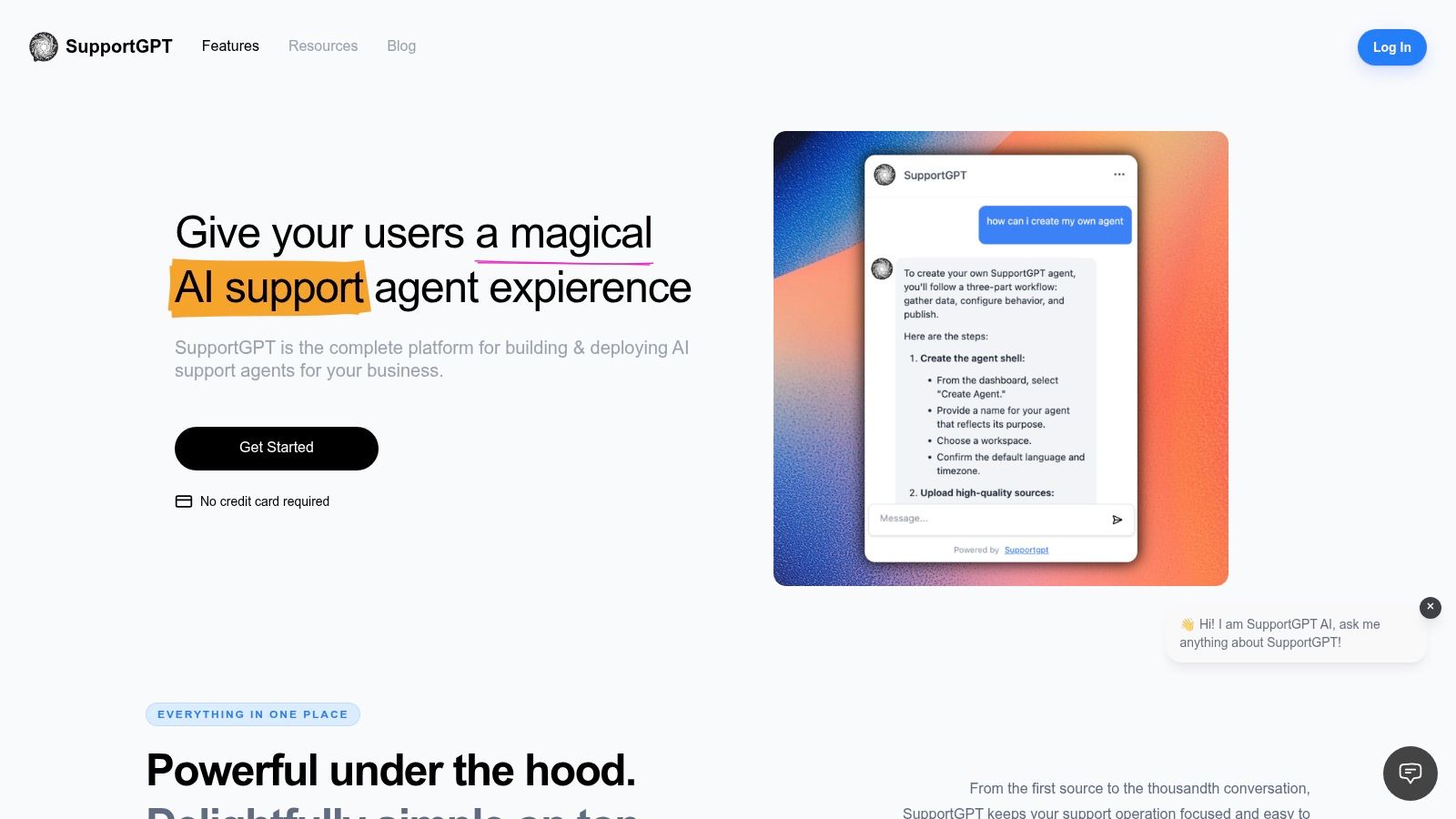
SupportGPT is the operational example in this list: a platform for building and deploying support agents, rather than a gallery of other companies' homepages. Its core website function is conversational support grounded in your own knowledge sources, with lead capture and task automation available alongside answers.
For a SaaS visitor, the job might be finding an integration requirement before starting a trial. For a shopper, it might be understanding a return policy. The useful mechanism is the connection between the visitor's question, approved content, and a clear next step, not the presence of a floating chat bubble.
Our platform lets non-technical teams configure an agent's tone and rules, test replies, and deploy an Ask AI widget by copying an embed code onto their website. The dashboard includes Playground, Analytics, Conversations, Sources, and Actions, while configurable escalation rules route complex questions to human teammates with conversation context.
What to copy and what to test
Start with a bounded support job. Add current help content, define what the assistant must not answer, and test questions that are incomplete, ambiguous, or outside its scope. The website widget examples are useful for comparing how an entry point fits into the surrounding page.
- Strength: Knowledge sources, response testing, guardrails, analytics, and handoff belong in the same operating workflow.
- Trade-off: No-code deployment doesn't remove the need to maintain content or evaluate answers.
- Evidence gap: A founder endorsement isn't independent customer validation. Test the experience against your own support questions.
Human escalation deserves particular attention. In an e-commerce analysis covering 22 million customer-service conversations, Tidio reports 57% resolution for conversations involving humans and bots, compared with 29% for bots alone.
That doesn't establish a result for every deployment. It does support a practical recommendation: judge an assistant by completed resolutions, including appropriate handoffs, rather than automated replies alone. Track answer accuracy, repeat contacts, escalation quality, and qualified leads before expanding its responsibilities.
2. A1 Gallery
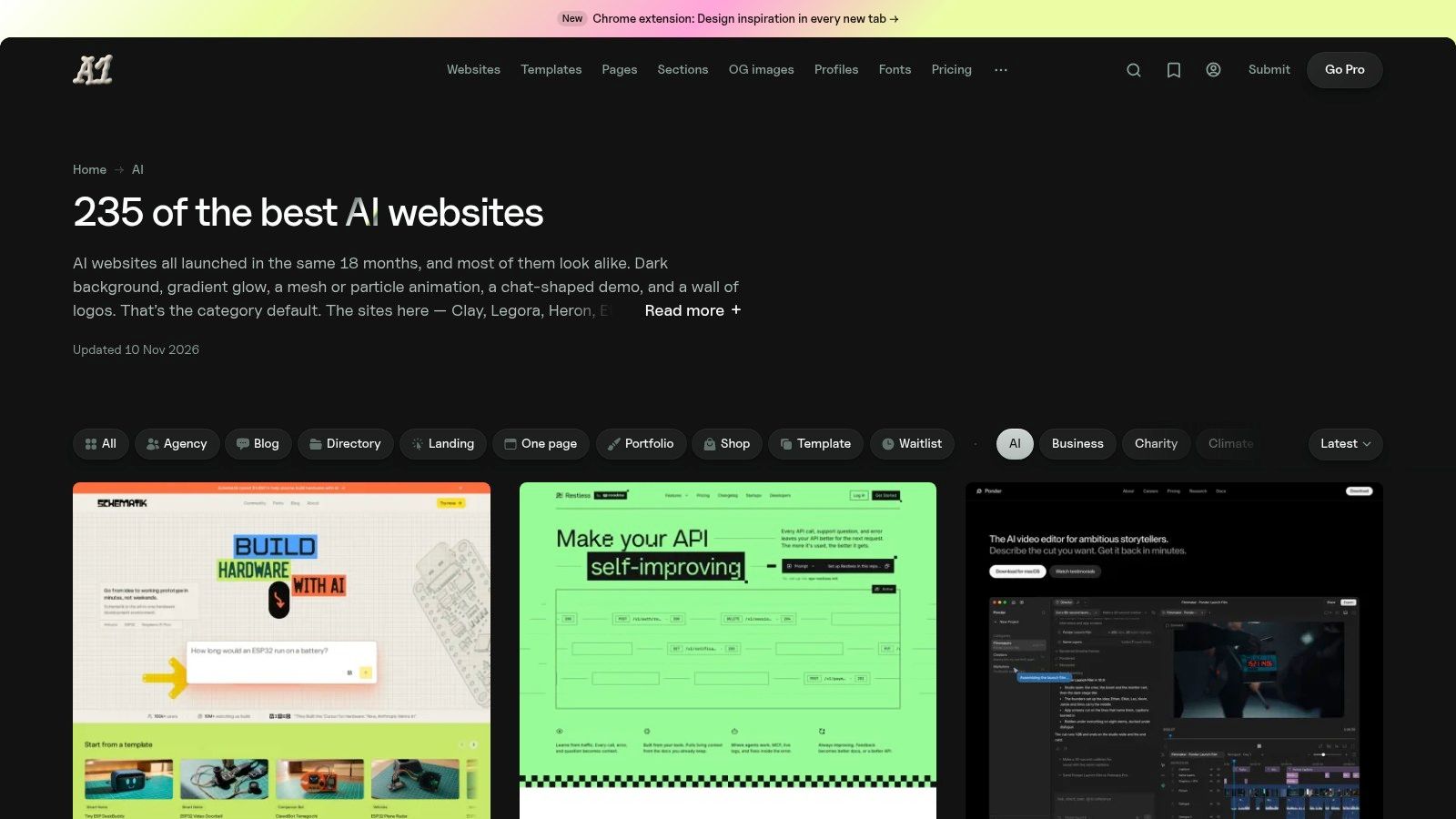
A1 Gallery's AI category is best used when your team can explain the product internally but struggles to explain it on the homepage. Its collection pairs AI-company websites with editorial observations about messaging, visual patterns, product explanation, and trust.
The AI function here belongs to the featured products, not necessarily the gallery itself. Don't interpret inclusion as evidence that a listed website uses conversational search, personalization, or an embedded assistant. Open the underlying site and identify the actual interaction.
A useful comparison starts with the product promise. Does the page show an input and an output? Can visitors distinguish an automated workflow from a conventional software feature? Does the demonstration explain what information the user must supply?
Borrow the explanation, not the category aesthetic
A1 Gallery's advantage over an unannotated mood board is its commentary. Use those observations to write a page brief: the visitor's problem, the product mechanism, the proof required, and the next action. Its newsletter can support ongoing inspiration, but browsing shouldn't replace a specific design question.
- Copy: Demonstrations that connect a recognizable visitor problem to a visible product result.
- Avoid: Generic chat interfaces, decorative diagrams, or trust badges that don't explain the claim beside them.
- Measure: Whether visitors can describe the product accurately and choose a relevant next step.
The limitation is straightforward: editorial judgment isn't conversion evidence. A clear-looking page may still attract the wrong audience or leave purchasing questions unanswered.
A support agent fits after you've identified those unanswered questions. Keep essential positioning visible in the page itself. Use an assistant for contextual follow-ups, not to compensate for a hero section that never says what the product does.
3. Curated
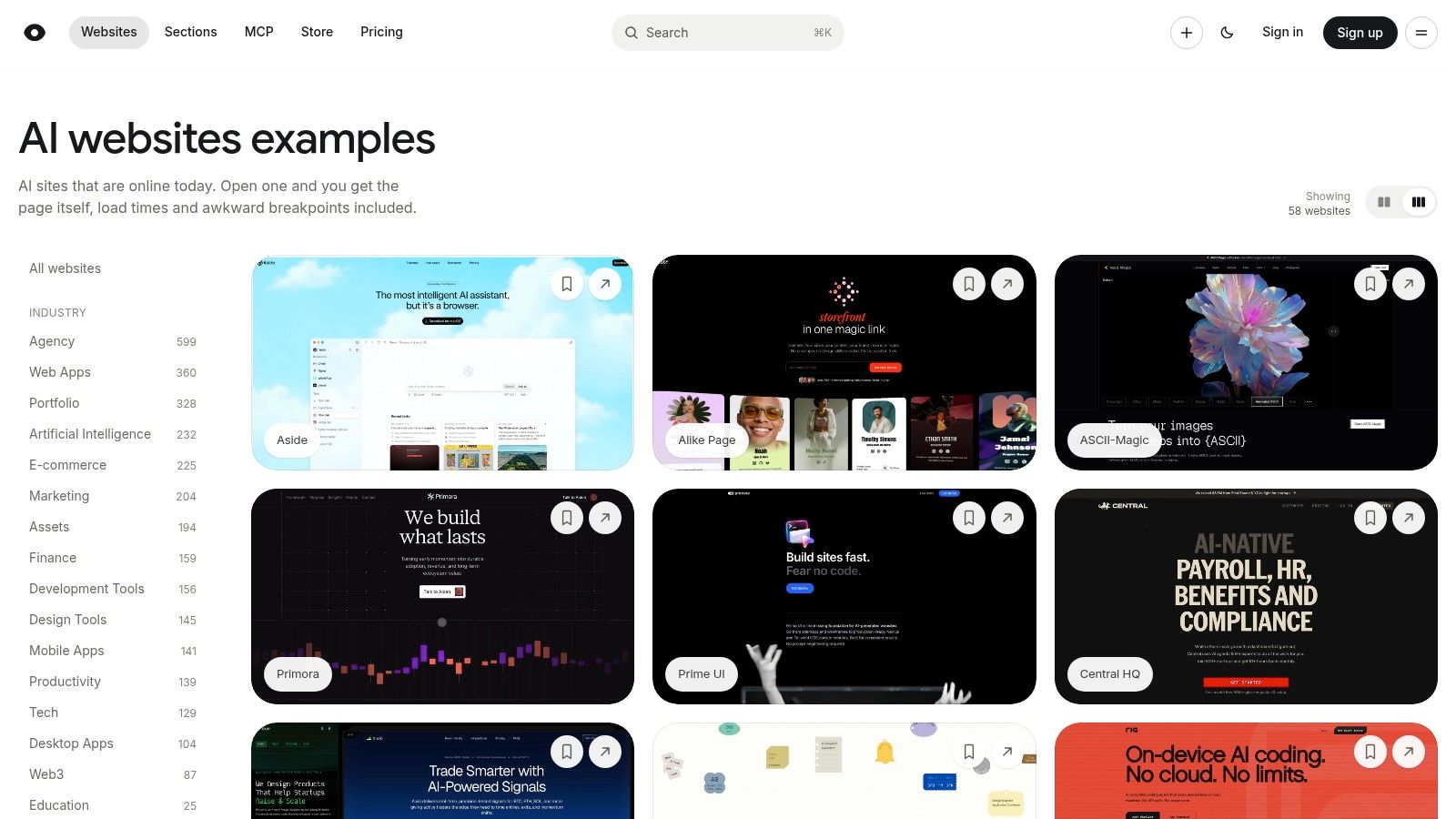
Suppose your shortlist includes Rig AI, Mistral AI, Peec AI, and Hume AI. You want to compare how they establish identity before committing to a visual direction. Curated's AI collection makes that kind of image-led survey convenient.
Its previews help you compare tone, typography, information density, and product presentation. The broader site's design-style browsing also helps when your best reference comes from outside your immediate category. That's useful for avoiding a homepage that looks interchangeable with every other AI startup.
The trade-off is that a preview captures presentation, not behavior. It won't establish whether a search box retrieves relevant information or whether a conversational interface retains context. Treat the screenshot as a reason to investigate, not a completed evaluation.
A polished chat mockup is evidence of a design decision, not evidence of a working assistant.
Turn visual browsing into an interaction test
After choosing a reference, follow the visitor's route from landing page to product. Look for an actual chatbot, search experience, personalization feature, or automated task. If there isn't one, record the site as a branding reference rather than a functional AI example.
Accessibility should be part of that investigation. A 2025 evaluation of deployed web chatbots found that more than 80% of the 106 chatbots evaluated had at least one critical accessibility issue.
Test keyboard access, visible focus, readable labels, and screen-reader announcements. A visually restrained interface can still be difficult to operate.
For conversational patterns, compare the previews with virtual assistant website examples. A support agent belongs where visitors need help completing a task, with an accessible alternative available when the widget isn't usable.
4. Framer Gallery
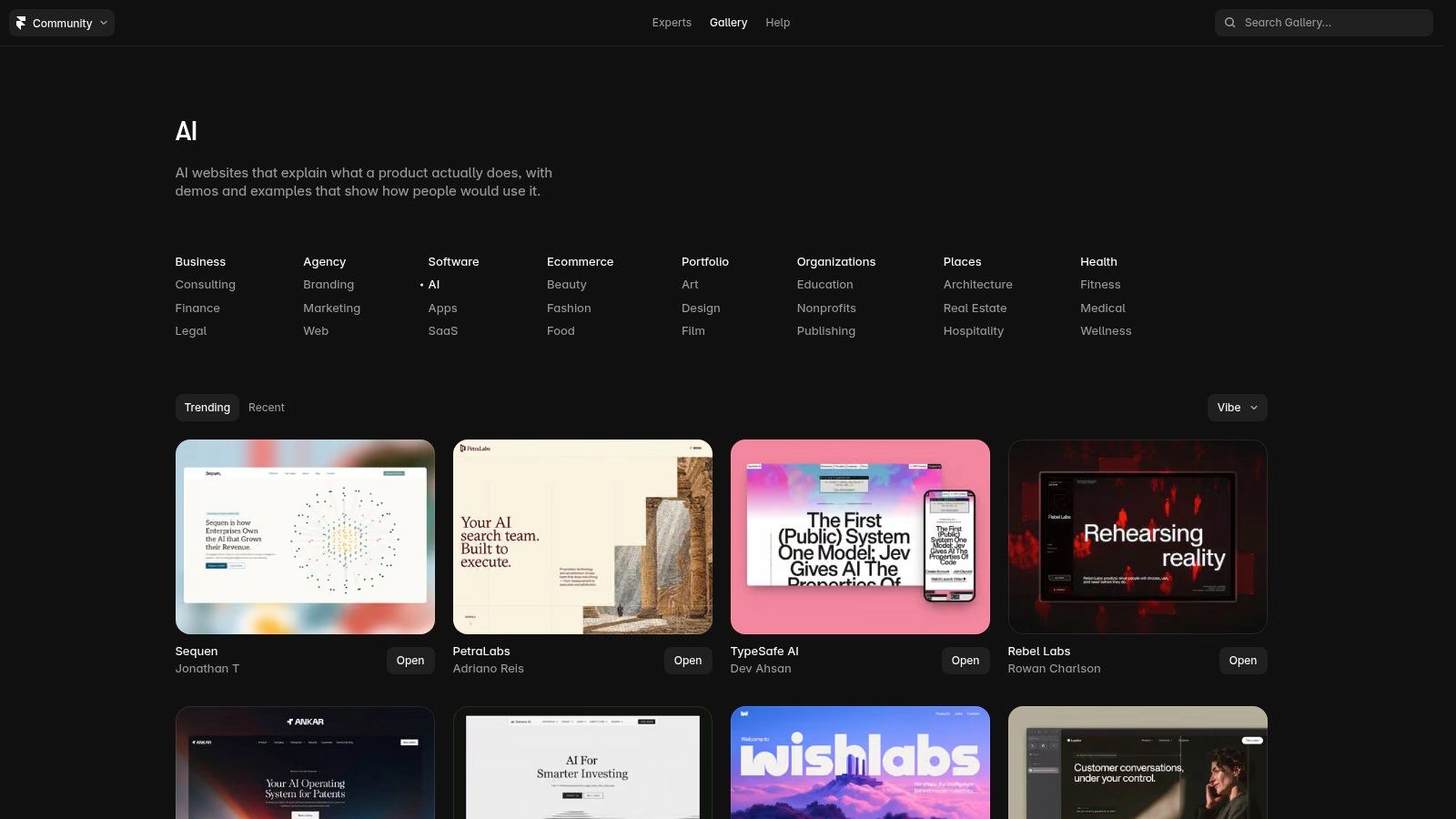
Choose Framer Gallery for product explanation and presentation patterns. Its AI website category sits within a broader community collection, with neighboring software, apps, SaaS, and business categories that can broaden your reference set.
That makes it useful when you're planning how a product-led website should introduce an unfamiliar workflow. You can compare demonstrations, use-case sections, and transitions from explanation to trial. The important question isn't whether a page feels futuristic, but whether a visitor can understand what they'll do after signing up.
Framer's community context is also its limitation. This isn't a neutral census of AI websites, and inclusion doesn't establish commercial performance. A convincing demonstration may reveal little about source quality, authentication, support ownership, or operating cost.
Separate the demo from the support layer
A product demonstration and a support assistant perform different jobs. The demonstration shows a representative workflow. The assistant responds to a visitor's particular question, including questions the marketing team didn't anticipate.
- For a demo: Show the starting input, the generated result, and what the user can change.
- For search: Return relevant destinations and make the underlying sources easy to inspect.
- For support: Define boundaries, preserve context during escalation, and offer a clear route to a person.
A chat widget website guide can help translate the support layer into a visible interface. Don't assume that reproducing a gallery example gives you those operational details.
Track demo completion and activation when borrowing a product demonstration. Track resolved questions and appropriate handoffs when adding support. Keeping those measures separate prevents an engaging animation from being mistaken for useful self-service.
I'd use Framer Gallery to brief the page designer, then write a separate interaction specification for the assistant. They need to work together, but they aren't the same deliverable.
5. Web Anatomy
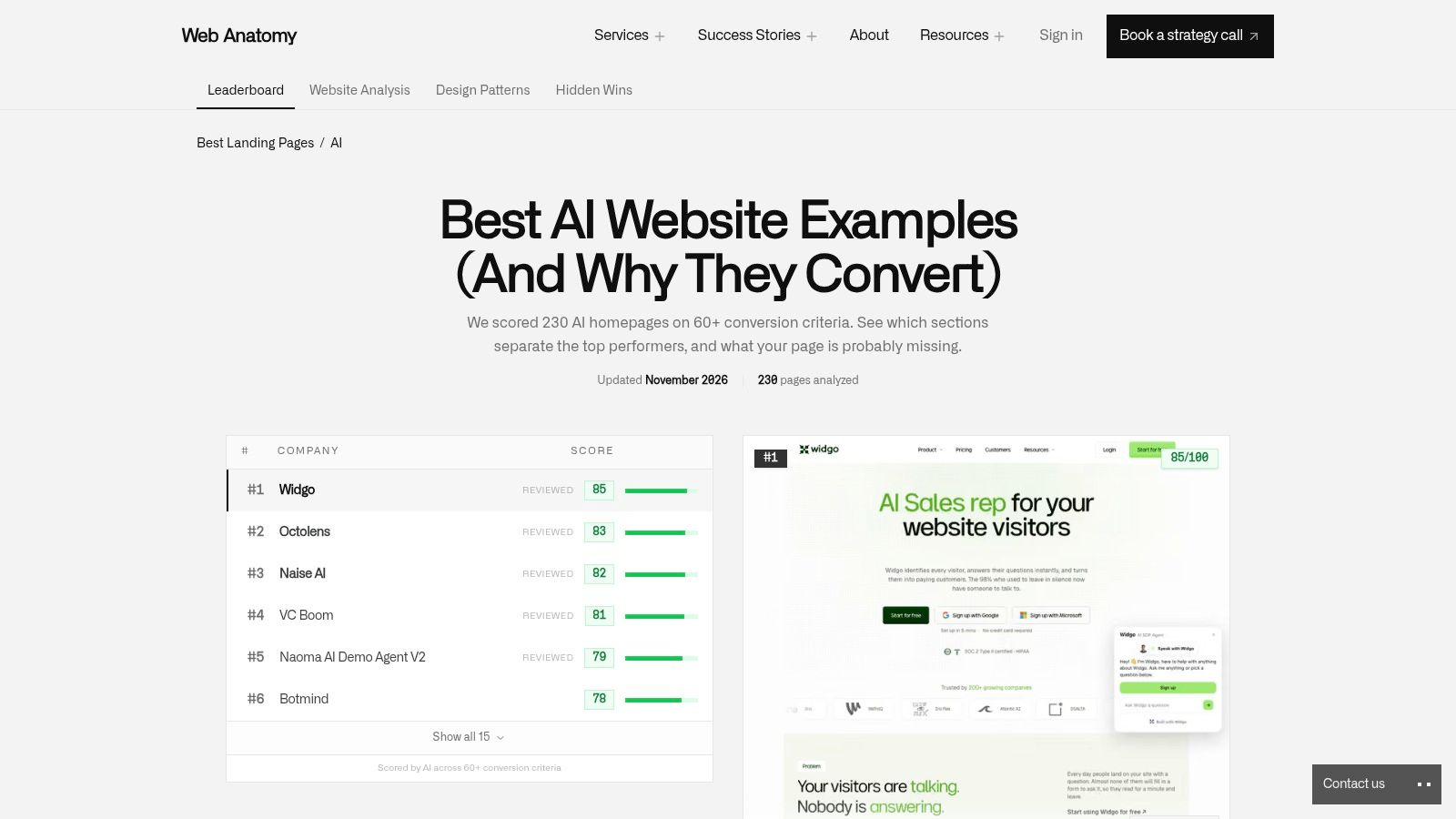
Web Anatomy's AI landing-page collection gets closer to the decisions a web strategist needs to make. It examines individual sections, including heroes, pricing, testimonials, calls to action, and how-it-works content, rather than stopping at a full-page screenshot.
Its strongest use is turning inspiration into a page-planning brief. If your homepage says the product saves effort, identify the section that explains the mechanism. If it promises reliable answers, identify the evidence that supports that promise.
The underlying AI feature still needs explicit classification. A generated output, a retrieval-based answer, and an automated action require different demonstrations. A page that presents all of them as a generic assistant leaves visitors guessing about capabilities and limits.
Evaluate the claim beside the interface
Web Anatomy's commentary can help you examine whether a section supplies explanation, proof, or a next step. Its scoring and conversion assessments remain the publisher's methodology, not evidence that copying a component will improve your results.
For support interfaces, evaluation should reach beyond page structure. A LITSLINK customer-support chatbot case study reports 91% answer accuracy on a test set of 500 questions graded by support leads.
That's a useful evaluation pattern, not a benchmark to promise your stakeholders. Build a held-out set of realistic questions and grade the assistant against approved answers before launch.
- Copy: Product outputs that make the claimed capability concrete.
- Avoid: Broad reliability claims supported only by polished interface images.
- Measure: Answer correctness and task completion alongside clicks on the call to action.
A support agent fits where visitors need more detail than the page can reasonably contain. Start by organizing the material it will retrieve; these knowledge base examples offer a useful companion to landing-page analysis. Better page copy and better source content should reinforce each other.
6. AI Website Detector
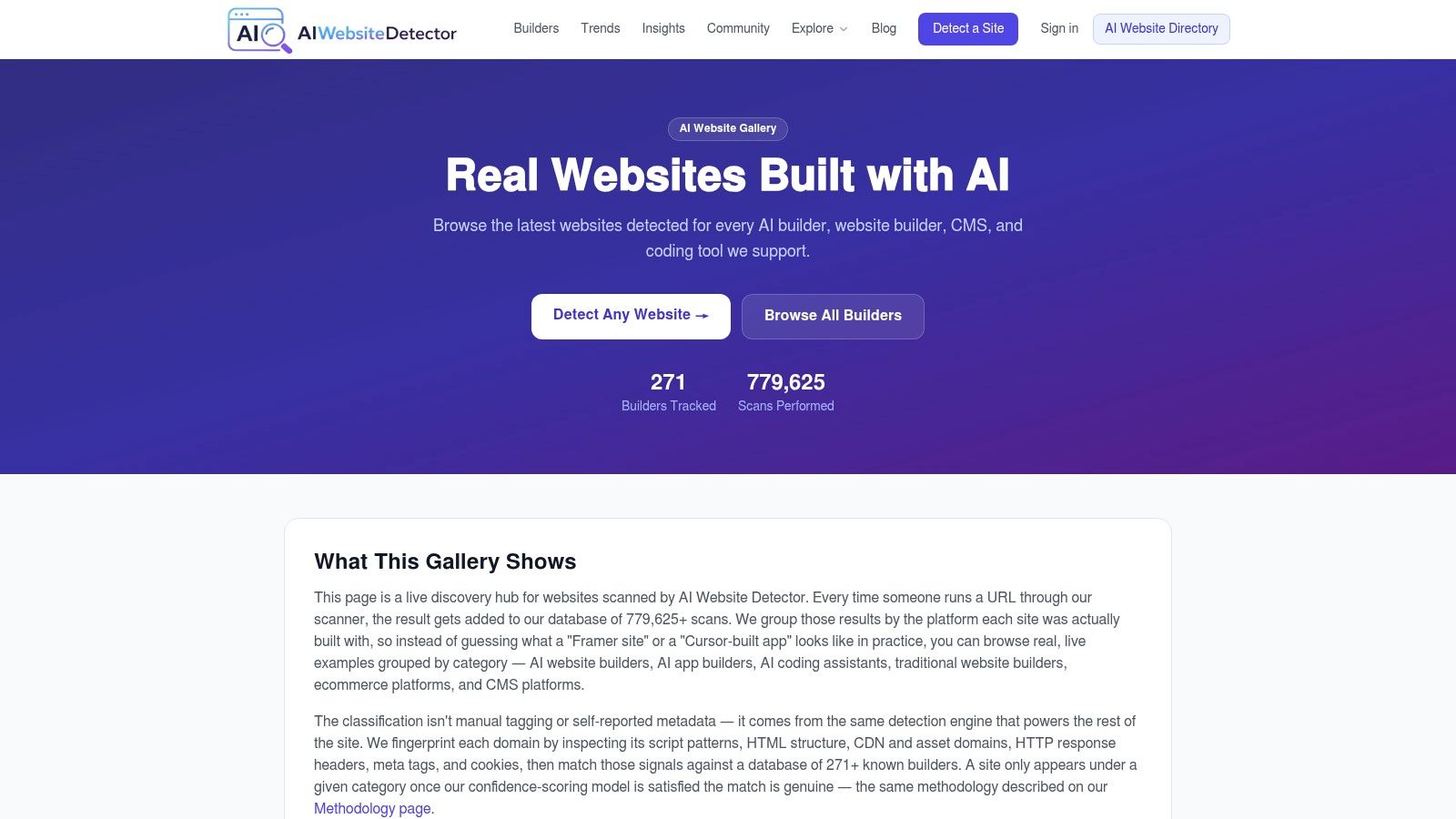
A developer asking which tools can produce a published site needs a different resource from a marketer comparing hero sections. AI Website Detector's gallery groups live examples by detected website builder or development platform, including AI builders, coding assistants, and conventional platforms.
Its comparison unit is the implementation tool, not the visitor-facing AI feature. A site associated with an AI builder might contain ordinary navigation and static content. A conventionally built store might provide advanced AI-assisted product discovery.
That distinction matters when colleagues ask for an AI website. Clarify whether they want AI to help build the site, AI functionality inside the site, or only a visual style associated with AI products. Those requests lead to different budgets, skills, and maintenance responsibilities.
Practical rule: A detected platform is a lead for investigation, not proof of how the entire website was made.
Inspect the published experience
The gallery's emphasis on live sites makes it useful for examining navigation, mobile layouts, forms, and page transitions. Its broad platform coverage also lets teams compare different building approaches without limiting the search to AI-company marketing sites.
The weakness is attribution. Detection can indicate a likely platform, but it doesn't establish the development history, custom code, or extent of AI involvement. Nor does a successful page load establish that a transactional workflow works correctly.
- Copy: Published patterns that match your content model and visitor tasks.
- Avoid: Choosing a stack solely because an attractive example appears under its category.
- Measure: Task completion, form errors, mobile usability, and maintenance effort.
A support agent should be evaluated separately from the site builder. Confirm that the published site can accommodate the assistant, that the widget doesn't obstruct navigation, and that visitors can reach support without depending on generated answers. The builder choice and support architecture can then serve the same visitor journey without being conflated.
7. OpenAI Developers Showcase
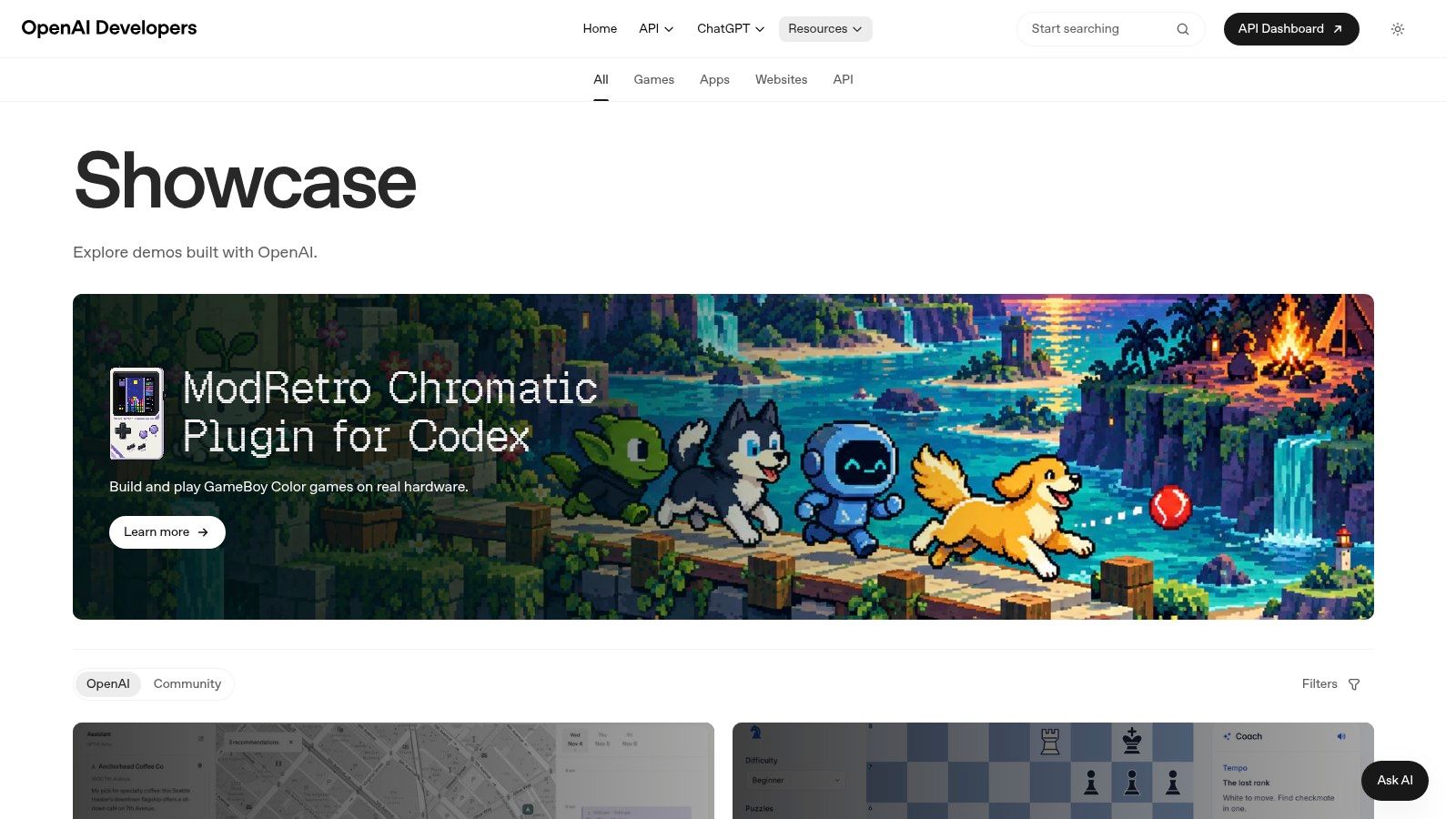
Try the interaction before borrowing its interface. The OpenAI Developers Showcase is useful for that approach because it features demos and web experiences built with its technologies, including applications and storefront-style experiences.
Unlike screenshot galleries, working entries let you examine how a user supplies input and receives a result. Depending on the project, you may be investigating conversational interaction, generated content, or a task-oriented workflow. Classify the specific entry rather than treating every demo as the same kind of AI website.
The limitation is scope. This is a technology-specific showcase, not a cross-vendor comparison, and a demo isn't necessarily a production-ready template. An interaction can feel convincing without exposing its authentication, recovery, monitoring, or escalation requirements.
Test the failure path
Give an interactive example a vague request. Change your mind midway through the task. Ask for something beyond its stated purpose, then inspect whether it clarifies, refuses, or proceeds without enough information.
Privacy and autonomy need deliberate boundaries. The Thales 2026 Digital Trust Index announcement reports that 77% of surveyed consumers were concerned about AI agents acting on their behalf online.
For your own implementation, distinguish informational answers from actions that modify accounts, create commitments, or affect payments. Require appropriate authorization and explicit confirmation before consequential actions, and make failures visible.
- Best use: Studying interaction mechanics that static screenshots can't demonstrate.
- Main caution: Don't mistake a successful demo path for operational readiness.
- Support fit: Explain limitations, collect relevant context, and route unresolved problems to a person.
The implementation steps in how to create a chatbot for a website are a useful complement when you're moving from an interesting interaction to a bounded support workflow.
How the seven resources differ in purpose, format, and limits
The useful split is between tools you build with and references you study. SupportGPT is the only build platform here. The other six are research material, and they divide further by what they expose: finished visuals, page structure, or working behavior.
| Item | Best For | Main Format | Key Limitation |
|---|---|---|---|
| SupportGPT | Building no-code AI support agents | AI support platform with website widget | SSO, higher limits, SLAs, and priority support sit on the Pro and Enterprise plans above the Free tier |
| A1 Gallery | AI website design inspiration and editorial observations | Curated gallery with commentary | No design tools or formal usability benchmarks |
| Curated | Quickly surveying AI brand visuals | Image-led website collection | Previews may not show how sites work in practice |
| Framer Gallery | SaaS and product-led design research | Community website gallery | Examples do not establish design performance |
| Web Anatomy | Planning and assessing AI landing pages | Section-by-section page analysis | Assessments reflect the publisher's methodology |
| AI Website Detector | Researching live sites by website platform | Gallery grouped by detected platform | Platform detection may not prove how a site was built |
| OpenAI Developers Showcase | Exploring interactive AI web experiences | Curated demos and web projects | Focuses on OpenAI-related projects |
Read the limitation column as a scope statement. Galleries answer "what could this look like," analysis answers "how is the page organized," and the build platform answers "how does the agent behave once it is live on your site."
Turn These AI Website Examples Into a Build Plan
Start with a single AI function and a specific visitor question. A support chatbot might explain an integration requirement. On-site search might locate a setup guide. A personalization feature might help a shopper narrow a product selection using preferences they've explicitly supplied.
Compare a small shortlist of references against that job. Use A1 Gallery or Curated to examine presentation, Framer Gallery or Web Anatomy to examine product explanation, and live demos to investigate behavior. Use AI Website Detector when the implementation platform is part of the decision.
Write the behavior before designing the widget
Your build brief should describe what the assistant can access, what it can answer, and what it must leave to a person. Include the source of truth for each important answer. Define the next step when information is missing, contradictory, or account-specific.
- Sources: Assign an owner to the help content and remove obsolete policies before connecting it.
- Boundaries: Separate public information from authenticated account data and consequential actions.
- Escalation: Specify when to transfer a conversation and what context the human receives.
- Access: Test keyboard operation, focus behavior, readable output, and alternative support routes.
Then create realistic test conversations. Include incomplete questions, unexpected wording, requests for exceptions, and attempts to push the assistant outside its remit. A correct refusal or a well-timed handoff can be a better result than a fluent answer.
Measure visitor outcomes
Track response accuracy, handoff rate, and lead capture from launch, but interpret them together. A lower handoff rate isn't an improvement if visitors receive unsupported answers. More captured leads aren't useful if the assistant has misrepresented the product.
Review unresolved conversations and repeat contacts to find gaps in both the website and the source material. Fix content problems before reaching for more elaborate prompts. Keep a human owner responsible for reviewing failures and approving changes.
The strongest AI website examples give you something testable to borrow: a clearer explanation, a useful retrieval pattern, or a safer route from question to resolution. Build that behavior first. Give it the visual treatment afterward.
SupportGPT offers source-grounded support agents, configurable human escalation, and tools for testing and improving website conversations. Visit SupportGPT to build an Ask AI widget around your visitors' real questions, then test its answers and handoff behavior before publishing.