Crisp Pricing: What You Actually Pay in 2026
Learn what Crisp pricing really means—see the tiers, avoid hidden costs, and know exactly what to expect before you sign up in 2026.
Crisp lists four workspace tiers from $0 to $295 per month, but the main cost driver is the bundled AI-credit allowance, not the seat count. A team can choose the cheaper workspace and still face a higher effective cost once automated conversations outgrow its included capacity.
The popular advice is to compare Crisp with other support tools by looking only at the monthly workspace fee. That advice is incomplete. Crisp pricing is predictable for the workspace itself, but AI usage introduces a second budget layer that can change which tier makes financial sense.
The practical question isn't “Which plan is cheapest?” It's “What will each resolved AI conversation cost at my expected volume?” A four-seat team with light automation may be well served by the entry paid tier. A support operation with sustained AI demand needs a different calculation, because moving between allowances can require a plan upgrade rather than a small usage adjustment.
Crisp has also changed materially over time. Archived pricing shows that from 2018 through mid-2024, Pro cost $25 monthly for four agents or seats, while Unlimited cost $95 monthly. By January 2025, those labels had been replaced by Mini at $45 for four seats, Essentials at $95 for 10 seats, and Plus at $295 for 20 seats, as documented in this Crisp pricing history. That shift reflects more than a price refresh. Crisp moved toward packaging workspace capabilities, automation, customer profiles, and scale into distinct tiers.
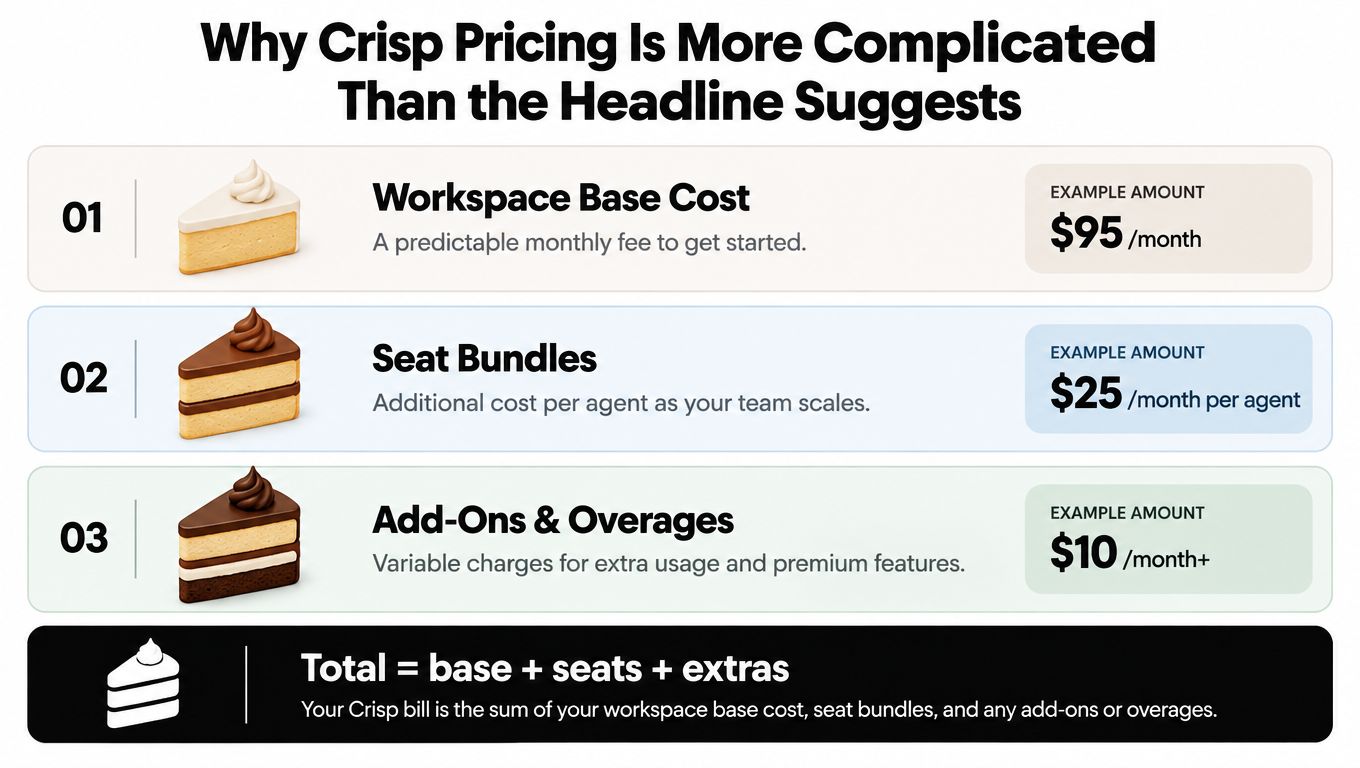
Procurement rule: Treat the listed workspace price as the entry point, not the total cost of an AI-heavy support operation.
If you're comparing Crisp with other software, keep the same discipline you'd apply to Atlassian Jira cost. Separate the platform fee, included capacity, and variable usage before you decide that one headline price is lower.
Table of Contents
- Why Crisp Pricing Is More Complicated Than the Headline Suggests
- Inside the Four Crisp Workspace Tiers
- The Real Cost Driver, AI Credits and Cost per Conversation
- How Convot Can Help
- Sample Cost Scenarios for Different Team Sizes
- Add-Ons, Overages, and Negotiation Levers
- Non-Promotional Alternatives and Migration Considerations
- Your Crisp Pricing Decision Checklist
Why Crisp Pricing Is More Complicated Than the Headline Suggests
Crisp pricing looks flat until AI enters the calculation. The workspace fee stays fixed within a selected tier, and bundled seats make staffing costs easier to forecast. AI capacity follows a separate allowance, so predictable billing and predictable AI capacity aren't the same thing.
The public pricing page lists workspace options of $0, $45, $95, and $295 per month, while the paid tiers include approximately $5, $25, and $75 in AI credits, according to Crisp's official pricing page. An independent pricing analysis translates those allowances into roughly 90, 450, and 1,350 automated conversations, with an effective AI cost of about $0.056 per conversation before overages or plan changes. Those figures make the purchasing issue clear: the workspace fee is only one part of the operating cost.
A team that needs more AI capacity than its current paid tier includes may not be able to buy only the additional conversations required. It may need to move to the next workspace tier instead. The commercial model therefore behaves like stepped usage pricing, even though the workspace charge itself is fixed.
The headline fee hides the unit economics
A four-seat team can choose a lower workspace tier and still face a poor automation deal if AI demand grows. For human support, the smaller tier may provide enough access. For automation, the relevant calculation is the plan cost divided by the conversations it can support, not the plan cost divided by the number of agents.
That calculation changes the buying decision. A higher tier costs more upfront but includes a larger AI allowance. The lower tier appears cheaper until demand exceeds its bundle, and the required upgrade becomes the true cost event.
SaaS and e-commerce companies should model this closely. Their agents may handle exceptions while AI answers repetitive questions throughout the day. If automated resolution increases, capacity can become the constraint even when the support team has not added a single employee.
Seats set headcount, AI credits set the budget
Crisp's bundled-seat model suits teams that want to avoid strict per-user billing. Historical pricing used fixed agent bundles, and the newer packaging keeps that general approach. Seat efficiency still says little about AI efficiency.
Build two forecasts before approving the purchase:
- Human-support forecast: How many agents need inbox access, assignment, notes, and escalation tools?
- AI-support forecast: How many conversations should AI resolve without human handling?
Use the second forecast to test the first suitable seat bundle. A workspace can fit the team perfectly and still leave the automation budget too small. For procurement, calculate expected AI conversations, divide the workspace and AI cost by that volume, and compare the result with the cost of the next tier. Apply the same discipline used when evaluating Atlassian Jira cost.
Inside the Four Crisp Workspace Tiers
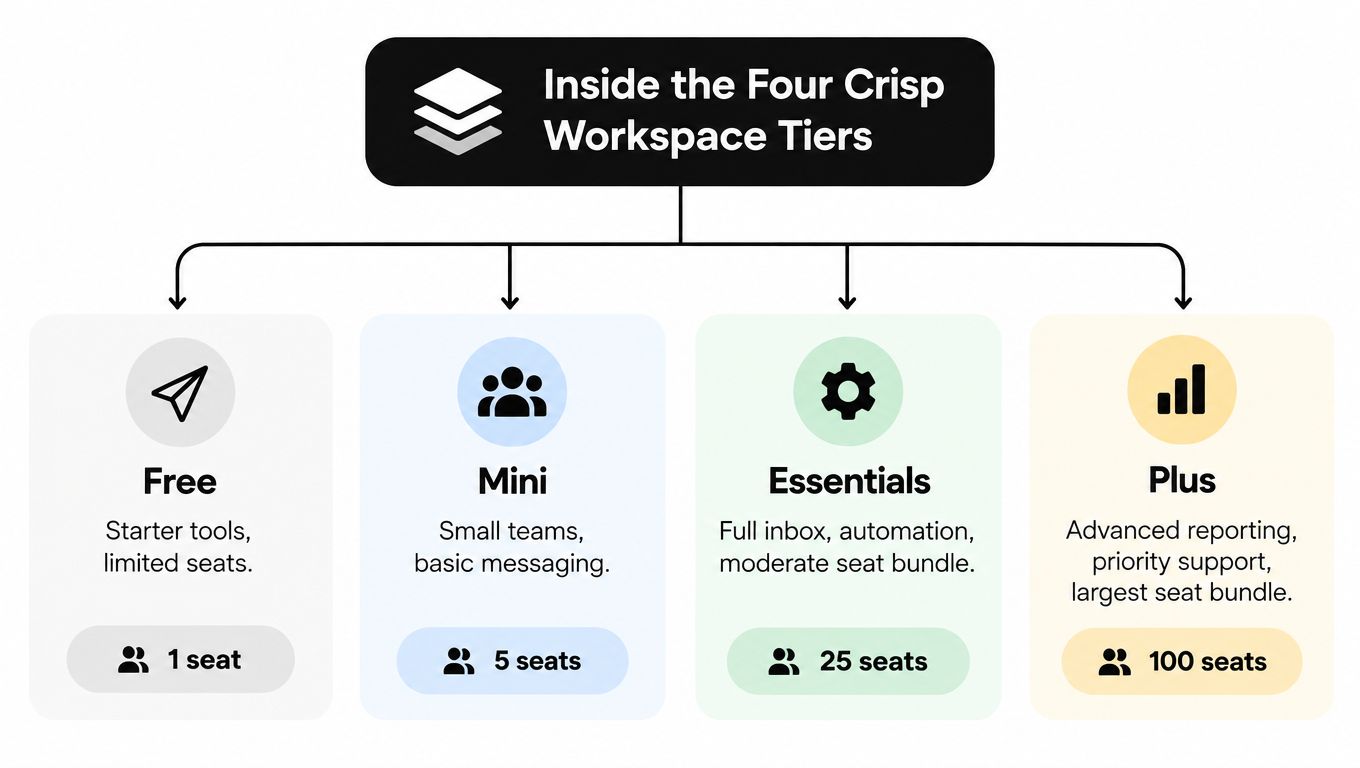
Crisp is not just a flat-rate inbox. Its four workspace tiers package seats and AI capacity together, so the right choice depends on both who needs access and how much automation the team expects to run. The lineup starts with Free, then moves through Mini, Essentials, and Plus. Paid workspaces provide four, 10, and 20 seats respectively, while the allowance details deserve separate cost-per-conversation analysis.
Free proves the workflow
Free works for testing whether live chat belongs in your support process. A small operation can try the inbox, widget, and basic customer conversations without adding a subscription. It is a sensible starting point for validating agent adoption and routing.
Treat it as a test environment, not the foundation for an automation program. Commercial AI capacity belongs to the paid packaging, so a growing team will eventually need to reassess its tier.
Mini suits a compact support team
Mini is the practical entry point for a founder-led support operation or a small SaaS team that needs a shared workspace. Its four-seat bundle keeps access simple without requiring payment for a larger team structure.
The included AI capacity is limited, however. It supports light automation, not a support model built around hundreds of automated resolutions each month. Use Mini when human agents remain the primary support channel and AI handles a narrower set of recurring questions.
Essentials is the operating middle
Essentials is the tier to assess when several agents, product specialists, or customer-success teammates need the same workspace. The larger seat bundle makes it easier to distribute ownership, assign conversations, and keep escalations inside one system.
Its higher AI capacity also makes the tier more credible for recurring product, billing, or order questions. That does not automatically make it the best value. Compare expected automated volume with the allowance before treating the extra capacity as a benefit.
Plus is a scale purchase
Plus targets teams that need the largest workspace in this lineup and materially more room for automation. The jump from Essentials requires scrutiny because the seat count doubles while the monthly price rises by roughly three times.
That premium can be justified when the team needs the additional access and expects to use the higher AI capacity. It is poor value when the workspace remains lightly staffed or automated demand stays below the included level. Paying for unused capacity is still overpayment, even when the feature list looks attractive.
The key comparison is operational, not cosmetic. A help desk software comparison is useful only when it reflects your actual routing, staffing, and automation requirements. Choose the tier that supports the workflow you will run now, then model the cost of resolved conversations before committing to a larger bundle.
The Real Cost Driver, AI Credits and Cost per Conversation
The cleanest way to assess Crisp pricing is to convert each AI allowance into an approximate cost per automated conversation. The underlying allowance figures come from Crisp's published pricing, while the conversation translations and unit-cost calculation come from the independent Crisp pricing breakdown. The source cautions that the interaction figures are profile-reported indicators rather than audited financial statistics, so use them for planning rather than financial reporting.
| Tier | Monthly price | Bundled AI credits | Approx. AI conversations | Effective cost per AI conversation |
|---|---|---|---|---|
| Mini | $45 | Approximately $5 | Approximately 90 | About $0.056 |
| Essentials | $95 | Approximately $25 | Approximately 450 | About $0.056 |
| Plus | $295 | Approximately $75 | Approximately 1,350 | About $0.056 |
The table exposes a critical point: the bundled AI allowance has a broadly similar effective conversation cost across these paid tiers. The difference lies in the amount of capacity you buy at once. A larger plan doesn't necessarily make each included AI resolution dramatically cheaper. It gives you room to handle more of them without changing workspaces.
A worked volume example
Consider a team growing from roughly 90 to 1,000 automated conversations per month, using the allowances described above. At around 90 conversations, Mini aligns with the expected capacity. Once demand reaches approximately 450, Essentials becomes the relevant comparison because it provides the larger bundle. At 1,000 conversations, Essentials no longer covers the full forecast, while Plus has room for that level.
The key issue is the step change. The team doesn't smoothly buy a few more conversations at the same workspace level. It moves through a larger package, and the monthly bill reflects the new tier even if the team still has only a few human agents.
Human-handled conversations also matter. If AI drafts an answer but an agent resolves the case, don't assume every conversation has the same economic value as a fully automated resolution. Your internal model should distinguish AI conversations that end without intervention from conversations where AI assists a human.
Calculate this before signing: monthly workspace fee divided by AI conversations you expect to resolve, then add any separate charges or overages that apply to your account.
For a broader perspective on how model capability and usage economics interact, compare the assumptions with this AI model comparison. The procurement lesson is straightforward. Estimate resolved AI conversations first, then select the workspace that contains that demand with enough headroom.
How Convot Can Help
Convot is a help desk for small software teams, built by a solo founder. It combines live chat, a shared inbox, a help center, changelog, roadmap, status page, scheduling, and a grounded AI agent in one product. Shopify app developers are a particularly strong fit, especially when one team supports several apps from one inbox.
Its pricing uses a different structure. Community is free while the company is under $1,000 MRR, with one app and three seats and no AI agent. Paid plans are Starter at $49 monthly for one app and three seats, Growth at $79 for two apps and seven seats, Pro at $149 for five apps and 12 seats, and Scale at $299 for unlimited apps and 20 seats, according to Convot's pricing page. Extra seats cost $10 each, and extra apps cost $20 each.
Cove AI costs $0.20 per resolved conversation on every paid plan. That gives a team a direct usage line rather than relying only on a bundled credit allowance. Cove answers from the team's own documentation, cites its sources, and hands off to a human when it lacks confidence. It also supports two-way auto-translation in 60-plus languages, a domain-based help center in 12 languages, and customer-facing changelog and roadmap features.
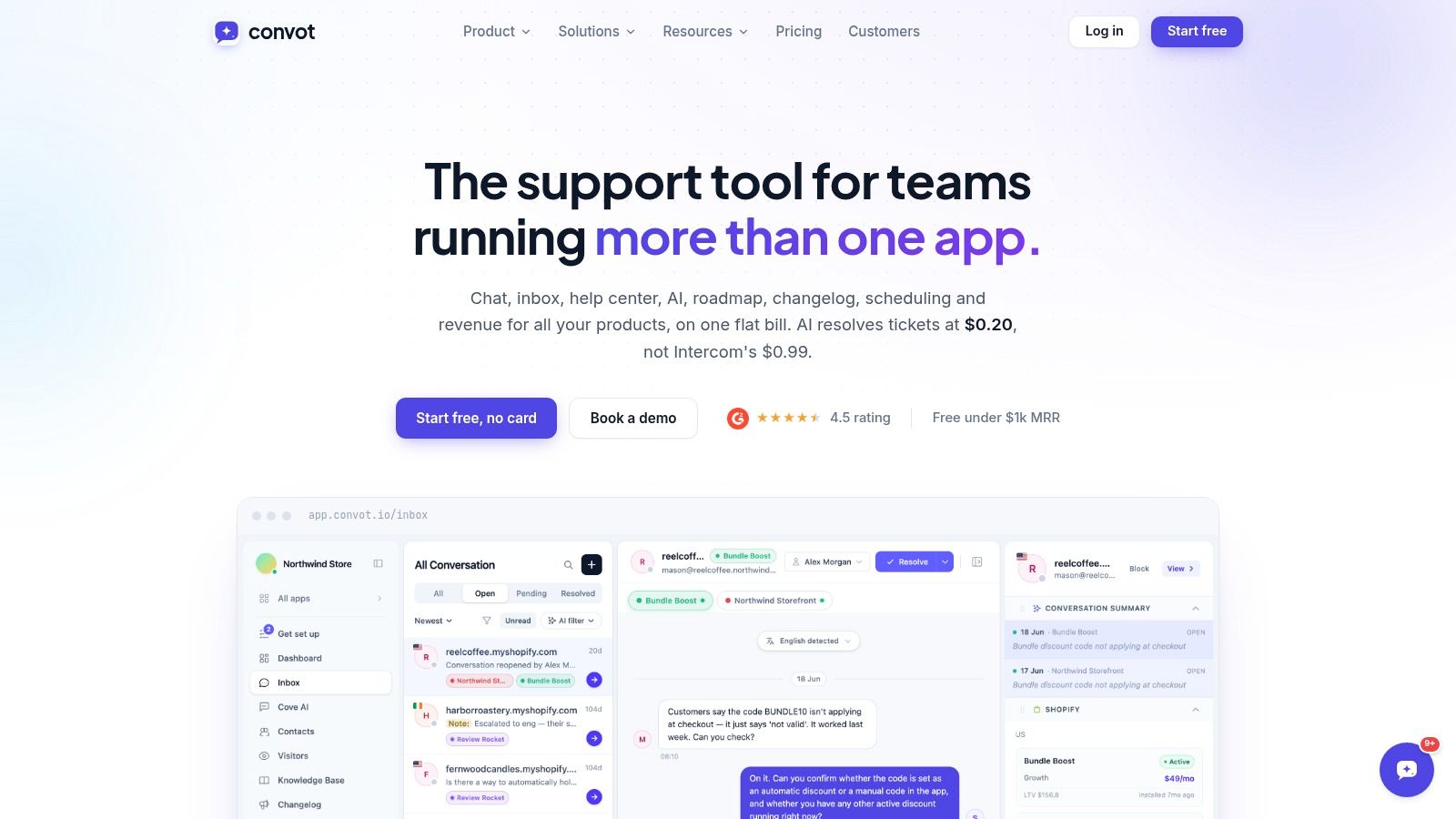
A small startup with one app and three people could begin with Community if it qualifies, then move to Starter when it needs paid features and AI. A scaling e-commerce or app business supporting two products may find Growth more practical because app count is part of the package rather than a separate workspace decision. A mid-market team with multiple products can evaluate Scale against a larger Crisp workspace, especially when one inbox and whole-team pricing matter more than a bundled AI allowance.
Convot also imports Crisp in one click, while migrations from Intercom, Zendesk, and Freshdesk are handled as a free founder-led migration with history. For a neutral side-by-side reference before switching, read this detailed guide to Crisp pricing.
Convot isn't the right choice for every buyer. Teams that require enterprise SSO, formal compliance controls, or fully mature service-management workflows should validate those requirements directly. But for a Shopify app team or multi-product software company tired of separate chat, feedback, changelog, scheduling, and revenue tools, its app-based packaging deserves a real comparison.
Sample Cost Scenarios for Different Team Sizes
A pricing model becomes useful only when it survives contact with actual workloads. The three examples below use the published Crisp tiers and approximate AI allowances already cited, but they don't pretend to predict your invoice. They show how different support patterns change the sensible buying decision.
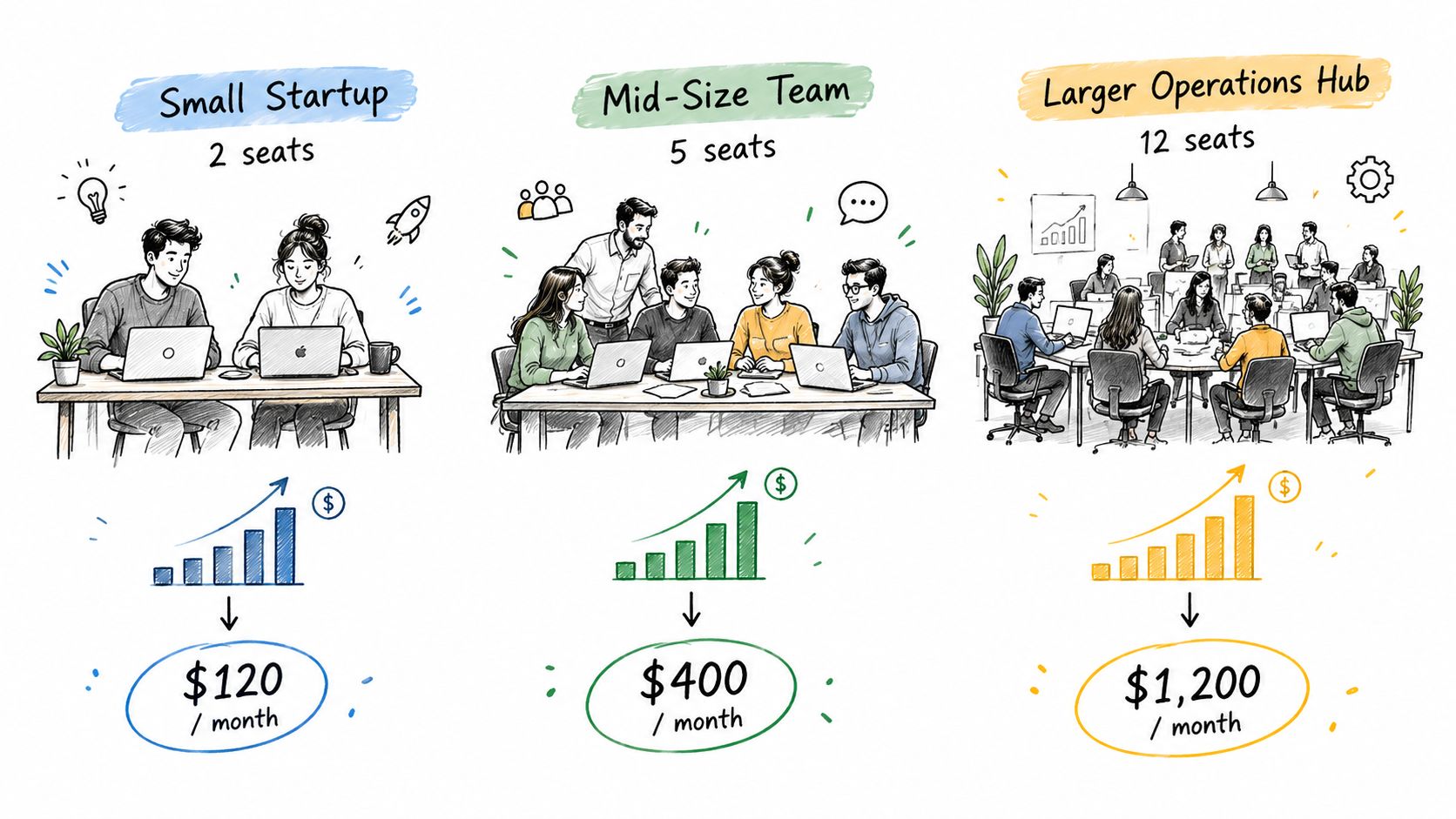
Small SaaS startup
A four-seat startup with light chatbot use should start by testing whether its AI demand stays near the Mini allowance of approximately 90 automated conversations. Mini's $45 monthly workspace fee fits the seat requirement, and the tier makes sense when most complex issues still go to a founder or specialist.
The tipping point arrives when the team consistently needs materially more automation than that allowance. If demand approaches the approximate 450-conversation capacity associated with Essentials, the startup should model the upgrade rather than assume it can keep buying the smallest workspace indefinitely.
Scaling e-commerce operation
An e-commerce team may need multilingual coverage, seasonal automation, and several agents working the same inbox. Essentials provides 10 seats and an approximate 450-conversation allowance, making it the more credible starting point when the operation has outgrown a four-seat workflow.
The risk is volume volatility. A store that normally fits within Essentials can experience support spikes that push it toward the larger package. Before signing, calculate a normal month and a peak month separately. If peak demand repeatedly approaches the approximate 1,350-conversation capacity associated with Plus, compare the full-year cost of a larger workspace with the operational cost of leaving customers waiting for human replies.
Mid-market support team
A mid-market team handling thousands of conversations shouldn't choose a plan based on seats alone. Plus provides 20 seats and the largest listed AI allowance, approximately 1,350 automated conversations, but a support operation above that level needs a written overage and escalation model.
Separate the workload into three groups:
- AI-resolved cases: Conversations that end through the automated agent.
- Assisted cases: Conversations where AI helps but a human takes ownership.
- Human-only cases: Complex, sensitive, or account-specific requests.
Then calculate the cost of each plan against the first group, while staffing the second and third groups separately. If your forecast is well above the largest allowance, ask Crisp for the actual expansion path before committing. Don't assume the published tiers describe every enterprise arrangement.
For any of these scenarios, the final invoice can also depend on channels, seats beyond the bundle, billing terms, and usage conditions. Get those details in writing. A pricing spreadsheet with one “monthly fee” column isn't enough.
Add-Ons, Overages, and Negotiation Levers
The published Crisp tiers give you a useful starting point, but they don't answer every procurement question. The AI allowance is the clearest variable, and teams should also confirm how additional usage is handled, whether extra capacity is sold separately, and whether certain channels or workspace functions carry additional charges.
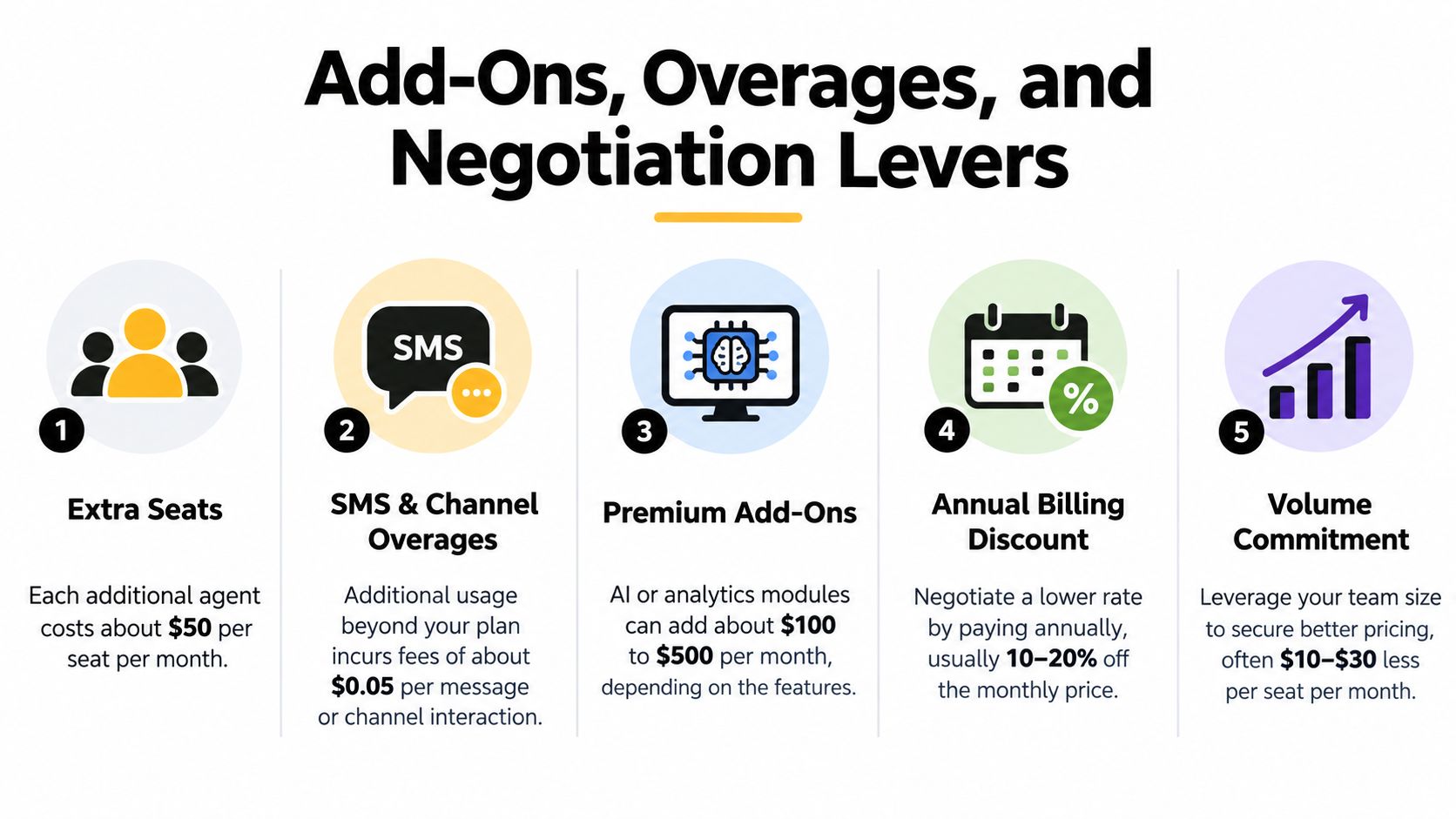
Ask about the invoice components
Before approval, request explicit answers to these questions:
- Extra seats: What happens when the team exceeds the included seat bundle?
- AI overages: Can you buy additional AI capacity without changing the workspace tier?
- Channel charges: Do SMS or other channel volumes create separate usage fees?
- Premium modules: Are advanced analytics, chatbot training sources, or priority support included?
- Billing terms: Does annual payment change the effective rate or only the payment schedule?
- Renewal terms: Can the vendor reprice the workspace or usage allowances at renewal?
Don't negotiate hypothetical features first. Negotiate the cost drivers your forecast already identifies. If AI is central to the business case, ask for an allowance and overage structure that remains understandable when volume rises.
Use commitments carefully
Annual billing or a volume commitment may create room for commercial discussion, but a discount isn't valuable if it locks you into the wrong tier. Start with usage evidence, then ask for a written proposal covering the workspace, seats, AI capacity, overages, and renewal treatment.
Teams comparing platforms should also examine whether the pricing philosophy matches their support pattern. A workspace bundle can be efficient for a stable team. A per-resolution model can be easier to scale when automation volume changes quickly. Neither is automatically better.
Negotiation advice: Ask the vendor to price your expected normal month and your high-volume month in the same proposal. Differences become visible immediately.
A detailed comparison with Intercom versus Zendesk can help you frame the same exercise across larger support platforms. The important point is consistency. Compare total operating cost, not just the first line of the quote.
Non-Promotional Alternatives and Migration Considerations
Crisp is a sensible candidate when you want a shared inbox, live chat, workspace-based billing, and a recognizable automation path. It deserves more scrutiny when AI resolutions are the main reason you're buying, because the included allowance creates step changes in capacity.
Alternatives usually fall into three groups:
- Live-chat suites: These resemble Crisp's original appeal, with messaging, inbox workflows, and team collaboration in one product.
- AI-first support platforms: These focus on resolved conversations, knowledge grounding, escalation, and usage-based economics.
- Enterprise service platforms: These emphasize identity controls, compliance, reporting, workflow governance, and formal support commitments.
The right comparison depends on what your team cannot compromise. A bootstrapped SaaS may value fast deployment and broad workspace functionality. An enterprise buyer may prioritize SSO and compliance before evaluating the AI unit cost. An e-commerce operator may care most about multilingual answers, peak-volume behavior, and escalation quality.
Migration is a project, not a button. Inventory conversation history, customer identity data, help-center content, chatbot sources, widget placement, routing rules, analytics requirements, and integrations. A support platform can be technically easy to replace while still creating operational disruption if agents lose context or customers encounter a broken widget.
Use this support migration guide to structure the work, then compare vendors against the same checklist:
- Commercial model: Is billing based on workspaces, seats, resolutions, channels, or a combination?
- AI economics: What counts as a resolution, and what happens beyond the included amount?
- Knowledge quality: Can the agent cite sources, respect current documentation, and escalate uncertainty?
- Portability: Can you export conversations, customer records, and training material?
- Implementation effort: Who rebuilds the widget, integrations, routing, and reporting?
- Operational fit: Does the tool match the way agents handle support?
Don't migrate solely to chase a lower headline price. Migrate when the new platform improves the economics and the operating model together.
Your Crisp Pricing Decision Checklist
Use this checklist before selecting a Crisp tier or signing a renewal:
- Confirm the workspace requirement: Free is for initial testing, Mini includes four seats, Essentials includes 10, and Plus includes 20, based on the published tiers.
- Forecast AI resolutions: Estimate automated conversations for a normal month and a high-volume month.
- Check the allowance: Compare your forecast with the approximate capacities of 90, 450, and 1,350 automated conversations attached to the paid tiers.
- Calculate unit cost: Divide the workspace fee by the AI conversations you expect Crisp to resolve, not by total inbound conversations.
- Separate human work: Mark which conversations need an agent, because assisted and human-only cases affect staffing even when AI is available.
- Request overage terms: Ask whether additional AI capacity, seats, channels, analytics, or priority support create separate charges.
- Test the upgrade path: Find out what happens when you exceed the middle tier before your volume reaches that point.
- Review the contract: Confirm billing frequency, renewal pricing, cancellation terms, data export, and migration support.
- Compare alternatives fairly: Put workspace fees, AI usage, seats, implementation, and support operations in one model.
- Run a peak-month scenario: A plan that works in an average month may fail during launches, promotions, or seasonal demand.
The clearest answer to “Is Crisp worth it?” is conditional. It can be strong value for teams that want workspace-based collaboration and moderate automation. It becomes less straightforward when AI capacity is the primary buying reason and your volume sits near a tier boundary.
Don't approve Crisp pricing from the headline alone. Build the conversation forecast, ask for the overage rules in writing, and choose the plan whose economics still work when support demand rises.
If your team wants to compare Crisp with a grounded AI support platform that charges $0.20 per resolved conversation and combines chat, inbox, documentation, roadmap, status, and scheduling, explore Convot and model it against your actual support volume before renewing.