10 Best Website Widget Builder Tools Compared
Compare the best website widget builder tools for 2026 on pricing, integration ease, customization, and compliance, and learn how to choose the right one.
Your store answered the same shipping question this morning, again this afternoon, and probably will tonight while nobody's online. Returns, delivery times, discount codes, order tracking. The questions don't change, but each one still waits for a person, and some visitors leave before anyone replies. That's the moment most owners start searching for a website widget builder, and it's also where the category gets confusing fast.
A review wall, an Instagram feed, a popup form and an AI support assistant all arrive as a small embed, but they solve different jobs. The delivery method is similar because W3Techs reports JavaScript is used on 98.9% of all websites, so a script snippet can run across different platforms. Similar installation doesn't mean similar value, upkeep or cost. Before you paste code, decide whether you need proof, leads or answers.
This list separates ten tools by job to be done, then looks at starting cost, view limits, embed effort and limits you'll hit in normal use. If your immediate goal is turning traffic into enquiries, Olivetree Marketing's lead conversion tips are worth pairing with your widget choice. For support questions, though, a lead form alone won't reduce the queue.
1. SupportGPT
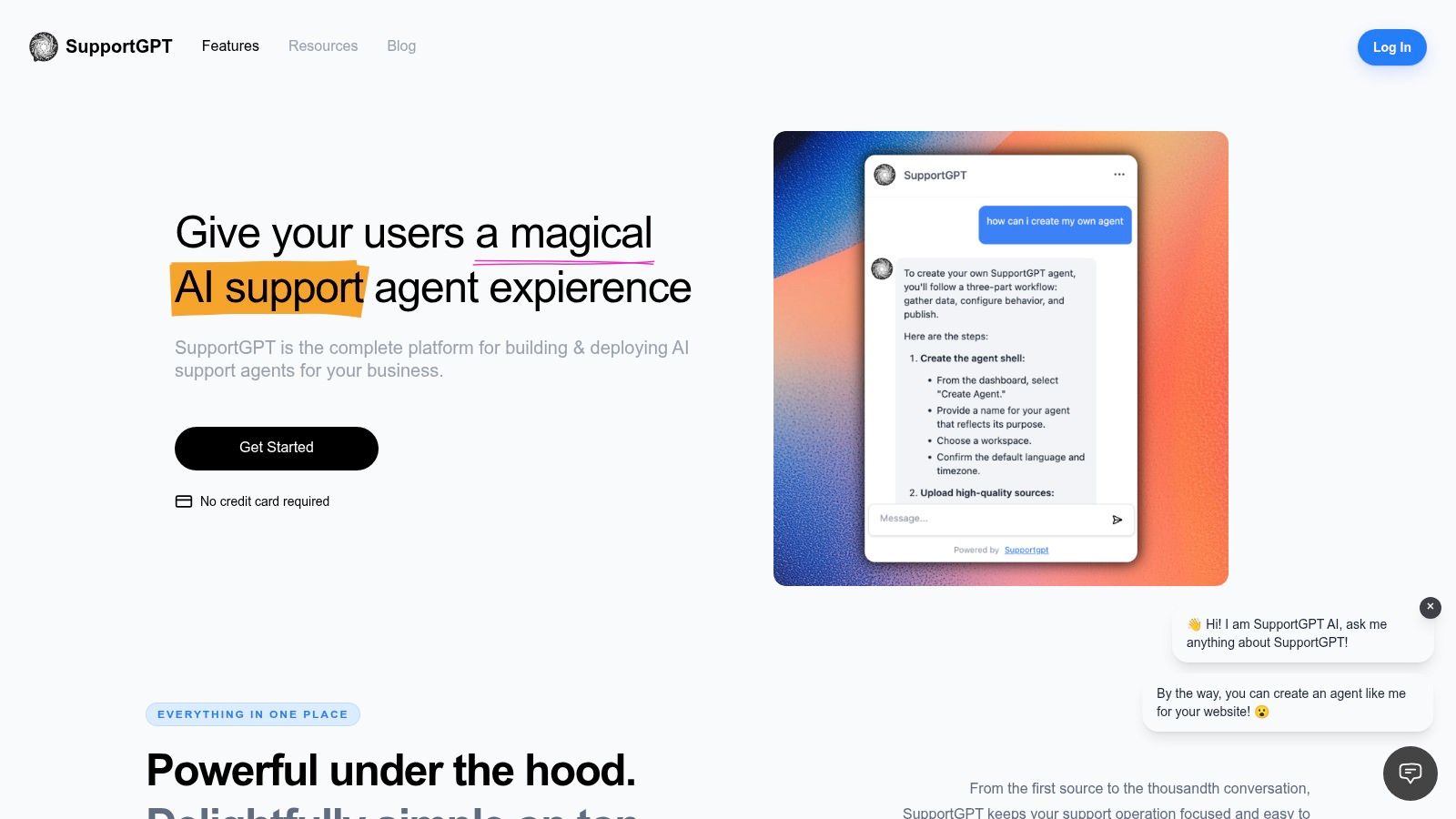
SupportGPT is a full support platform, not a catalog of display widgets. Its embedded Ask AI widget answers visitor questions using your sources and can hand conversations off to a human. Add knowledge, set the agent's tone, test real questions in the Playground, then copy the provided embed code and paste it onto your website. The dashboard also includes Analytics, Conversations, Sources and Actions for tracking and improving support.
What You Can Configure Without Code
The platform supports models from OpenAI, Gemini and Anthropic, among others, with AI-powered guardrails to help prevent misinformation and keep replies on-topic. You can use AI Actions to automate tasks, capture leads, and set natural-language rules for routing complex chats to human teammates. Multilingual support is available, but the site owner still needs to decide what visitor information to collect and provide any notices or consent required for that use.
Trust deserves attention before launch. In a January 2025 survey of 5,000 consumers across the US, UK, Canada and Australia, Attest found 54% were likely to engage with an AI chatbot, but only 33% trusted companies with data collected through AI. Explain that visitors are chatting with AI, describe what information you collect, and make the human handoff clear before requesting personal details.
Practical rule: test the agent with your messiest real questions first, not the tidy examples you would write for a demo.
For store-specific context, ECORN's guide to Shopify chatbots covers ecommerce use. Pricing starts with a free plan, followed by paid tiers and custom Enterprise plans. Treat the free plan as a way to assess the fit, then compare paid options against your support needs. SupportGPT suits teams whose repeated questions are a real bottleneck; it is a support system, not a simple social-proof widget.
2. Elfsight
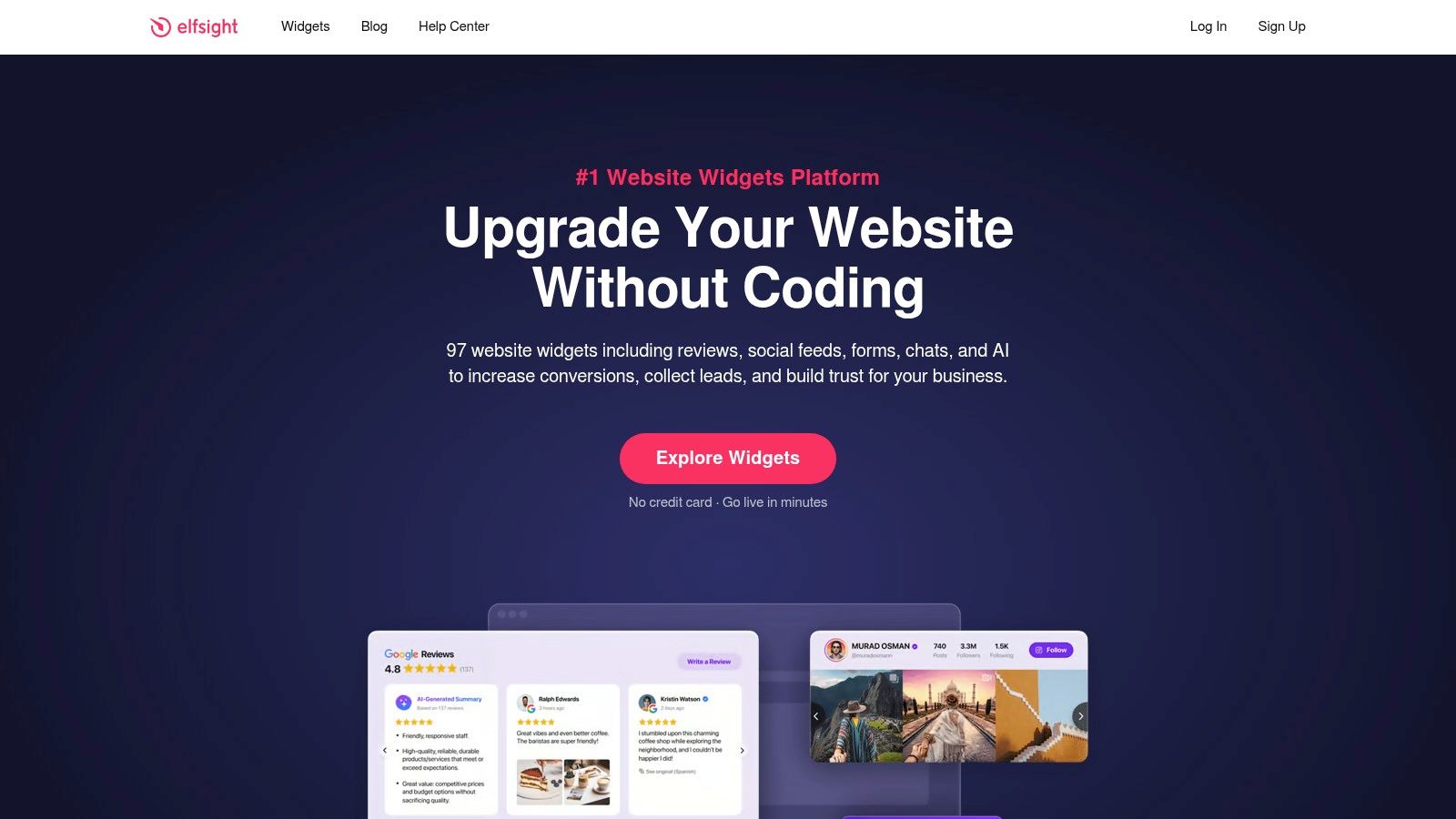
Elfsight offers a broad catalog of ready-made website components. Choose a widget, style it in a visual editor, preview it, then paste the generated code into your site. Reviews, social feeds, forms, popups, and chatbots share one account, which can simplify adding several small features without commissioning each one.
If you're sorting out what qualifies as a widget, this explainer on what a website widget is clarifies the distinction between an embedded component and a full platform. Elfsight provides components, not the support operation behind them.
Where the Limits Bite
- Free plan: includes one widget, with view limits that make it suitable for trying placement and styling.
- Paid single-app plans: offer higher allowances, with costs varying by widget count and views.
- Overages: an app may be temporarily deactivated when it exceeds its view limit.
View limits are the main trade-off. A busy homepage can use up its allowance, and a deactivated review widget may look worse than no widget at all. Support can help with installation, but that does not change the metering.
Elfsight fits sites that need several simple display widgets and can plan around view limits. It is less suited to teams looking for a deeper conversational support setup or a shared team inbox. Treat it as a catalog of focused components, not a complete support operation.
3. Common Ninja
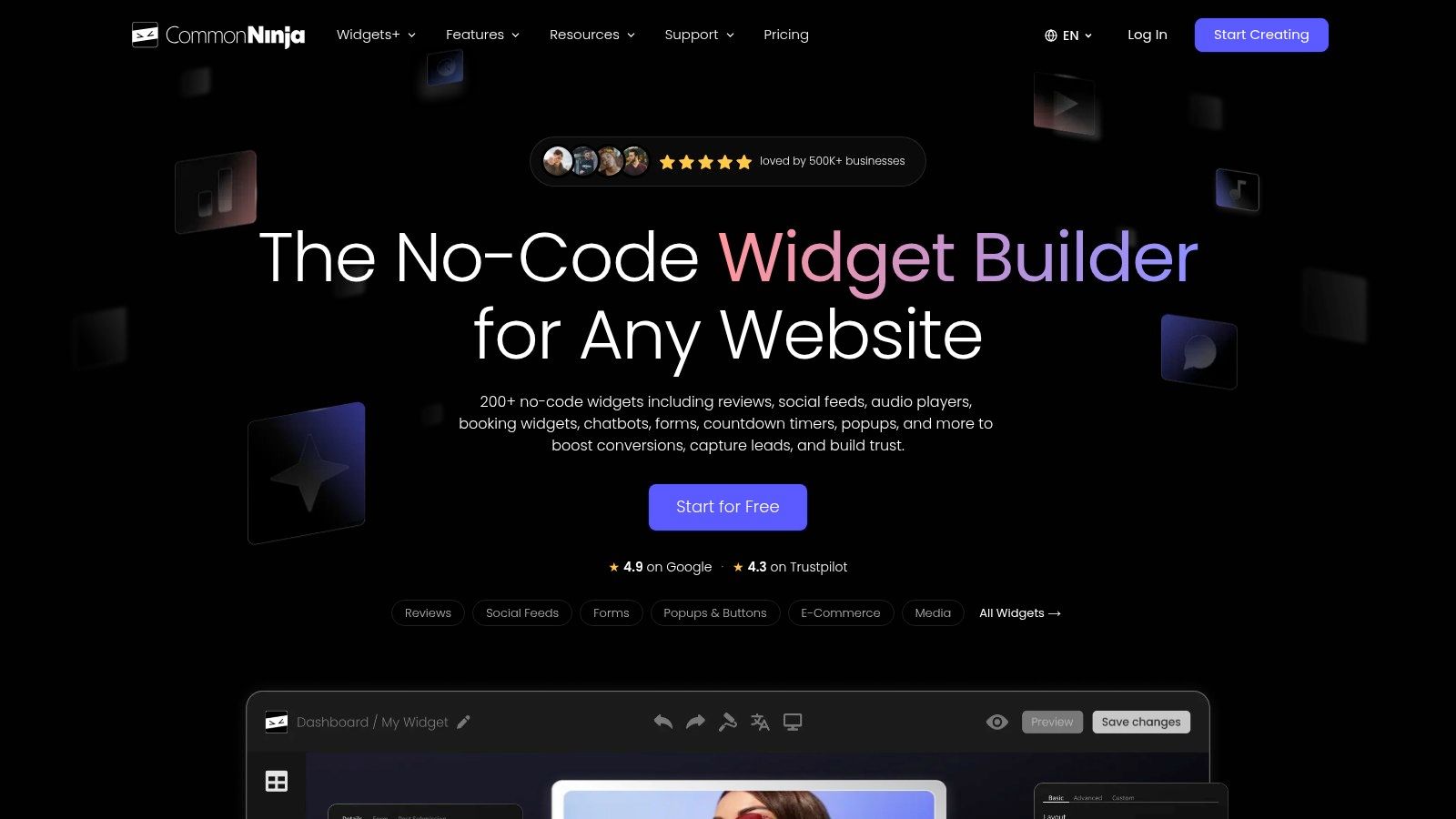
A pricing table for this week, a testimonial slider for next month, and an interactive FAQ later: Common Ninja is designed for projects that need different components over time. Its catalog includes more than 170 widget types according to the provider. Choose a component, adjust its layout and settings, then embed it without writing the underlying code.
That breadth suits marketing sites where page needs change. It can be less practical if you need only one component and have no use for the rest of the catalog. Compare the tools you expect to deploy, rather than choosing on widget count alone. For conversational support, this comparison of the best AI chatbot for business can help clarify when a display-widget library is the wrong fit.
Plans and Customization
The free plan is limited and works best for trying a widget before committing. Higher tiers add collaborators, integrations, custom CSS and multilingual support. Check the plan details against the features you need, since useful customization and integrations may require an upgrade.
- Best fit: varied interactive and content-display components across projects
- Watch out: customization and integrations may sit on higher tiers
- Embed effort: low for standard widgets, higher when overriding styles
Common Ninja makes sense when variety matters more than having a focused tool for one job. A single feed or form may be simpler to manage with a specialist. For teams choosing between a widget catalog and a support platform, start with the job visitors need to complete, then compare setup effort and the features each option includes.
4. POWR
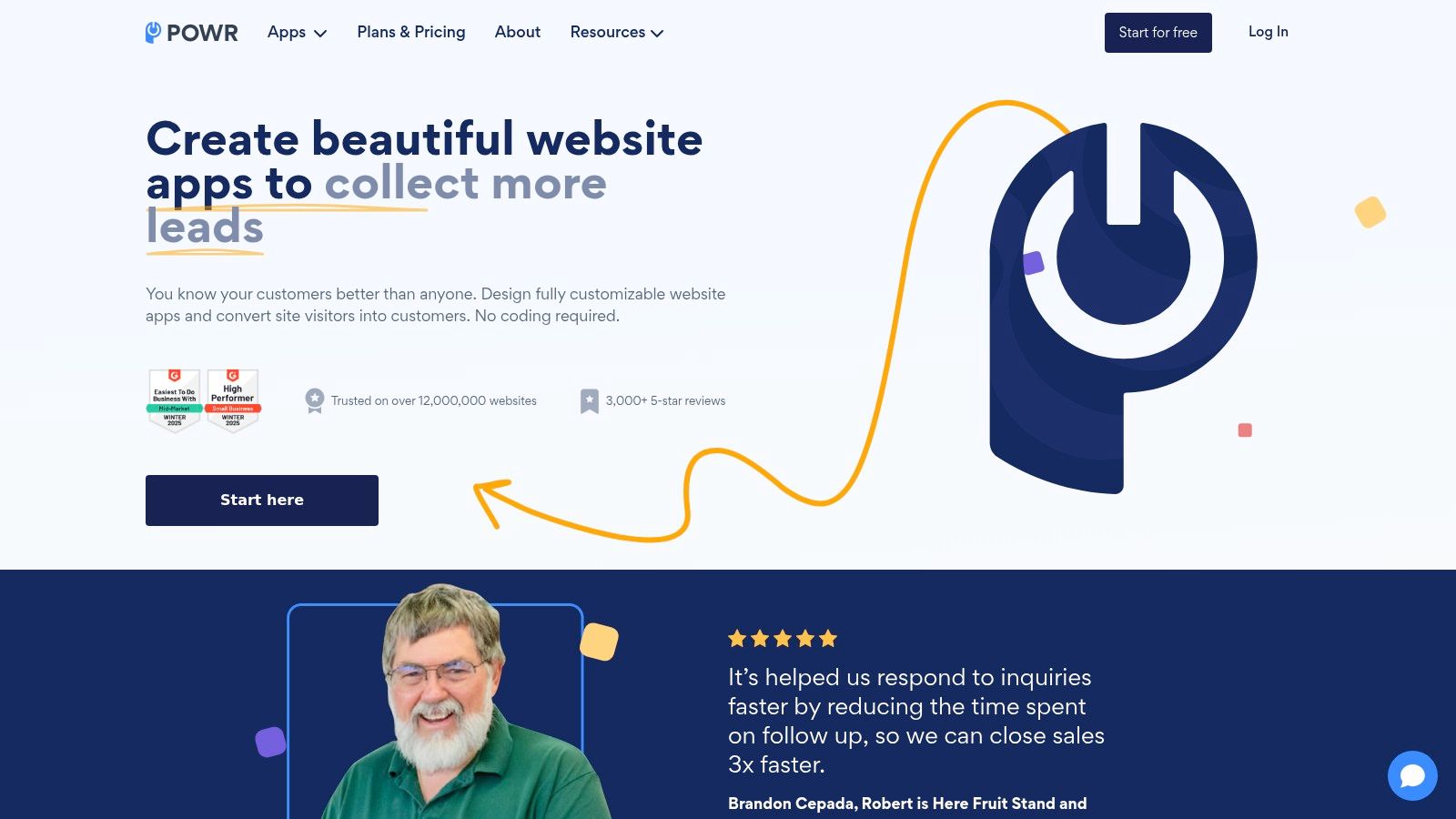
POWR takes a suite approach to marketing add-ons, with more than 60 website apps covering forms, popups, social feeds and similar site features. Widgets embed across many website platforms, and you can upgrade an individual app type or buy broader catalog access. That per-app upgrade path is sensible if you only care about one popup or one form.
The problem is predictability. Pricing and features vary by app, so comparing your likely total cost against a flat catalog plan takes more work than it should. Free plans exist for basic apps, but you'll meet publishing, branding or usage limits, and paid options are what remove POWR branding. If you want a sense of what good embeds look like in practice, these website widget examples show the range before you commit to a style.
Who Should Pick It
Don't judge a free widget by how it looks on your staging page. Judge it by what visitors see when you hit the limit on a live campaign day.
That warning applies here directly, because apps may be hidden if pageview limits are reached. For low-traffic lead capture and basic content display, POWR is easy to start with and easy to expand one app at a time. For anything tied to revenue or a launch, price the paid tier first and confirm the limit behavior in writing. Treat the free plan as a design preview, not as production infrastructure.
5. SociableKIT
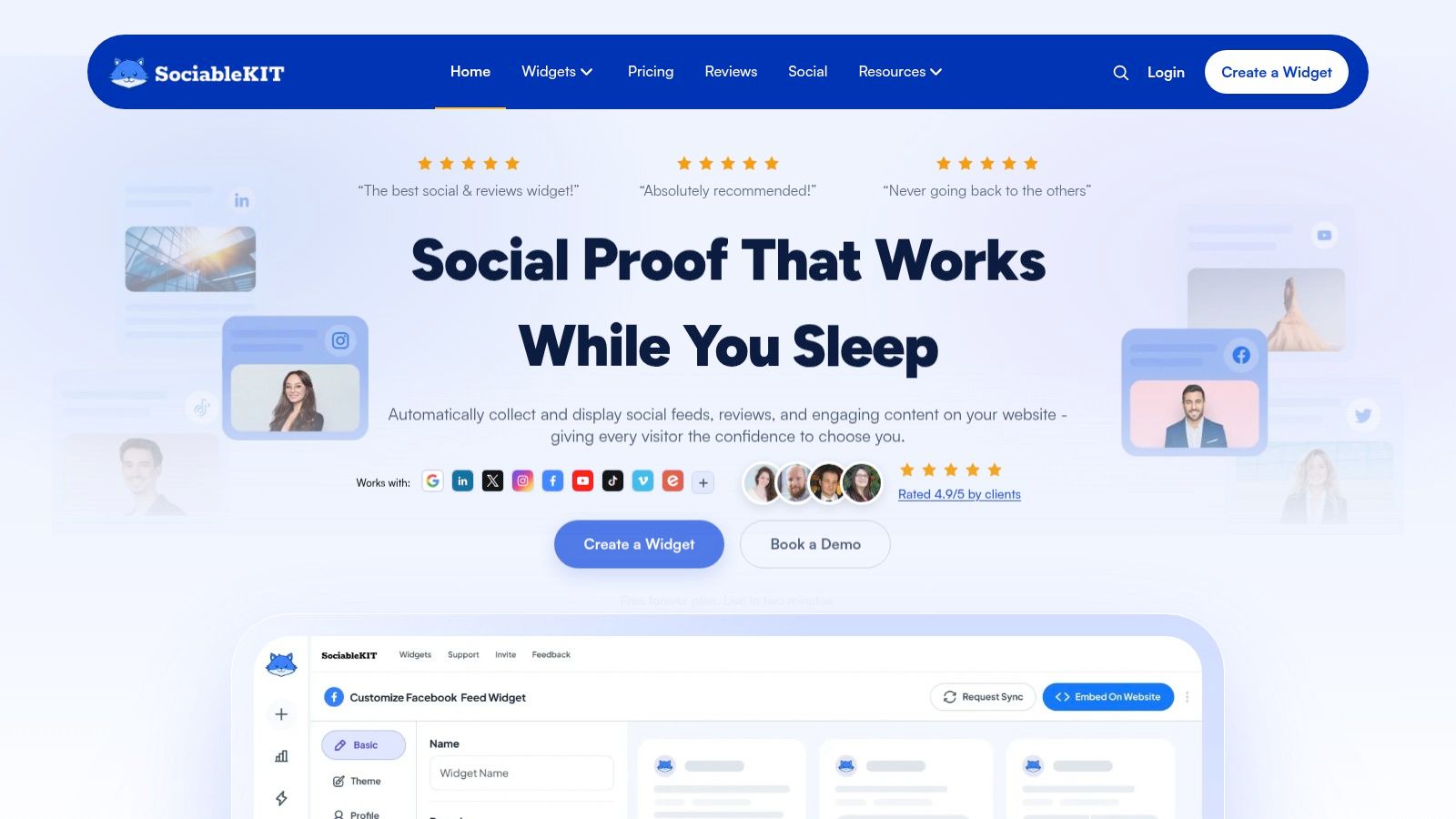
SociableKIT doesn't pretend to be a general website widget builder, and that's a point in its favor. It embeds social feeds, reviews, videos, events and jobs from supported sources, then lets you customize the display and combine multiple sources into one widget. If social proof is the job, a focused tool beats a sprawling catalog.
You create a widget from a source, choose a template, and embed it on common website builders. Paid plans add automatic content syncing, which saves time, since a stale feed signals a neglected business. Paid plans also let you reuse one source across multiple widget layouts.
The Constraints Are About Sources
- Free plan: no time limit and no credit card, but only one source, one widget, one domain and 2,000 monthly views
- Source dependence: you can only display what each platform makes accessible
- Performance: third-party embeds may affect page speed, so test on mobile
I'd recommend SociableKIT for review walls and social walls where the source content already exists and updates itself. It won't answer questions, capture structured leads or run support. Owners sometimes buy a feeds tool and then wonder why enquiries didn't improve. That's not a product failure. It's a job mismatch, and avoiding it is the whole point of sorting this list by purpose.
6. EmbedSocial
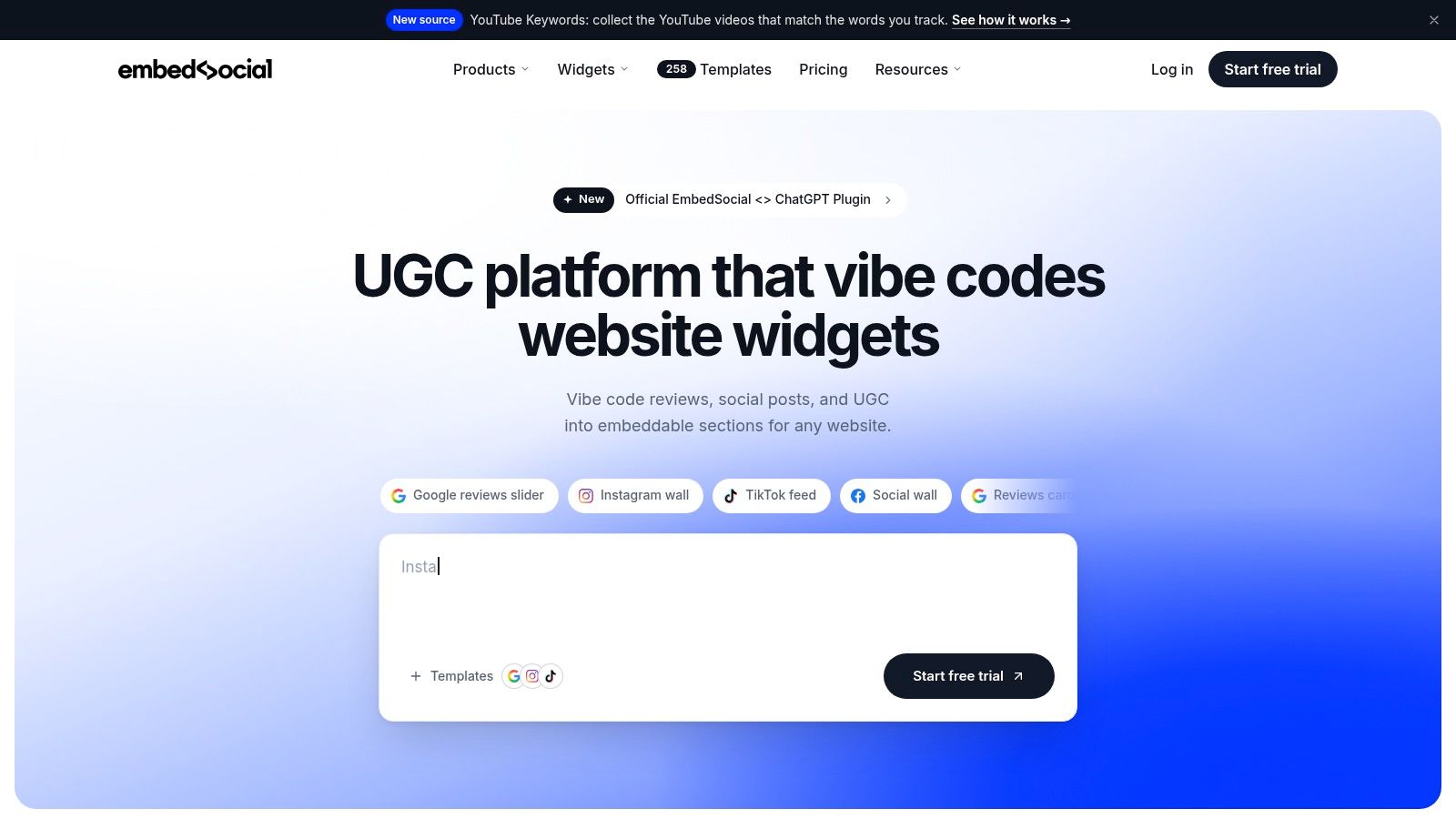
Reviews can add social proof that a business's own copy cannot. EmbedSocial connects social and review sources, including Google reviews and social posts, to customizable widgets for website builders and ecommerce sites that accept JavaScript. Paid plans offer more widget layouts and sources, while higher tiers add Shopify integration, analytics, and social listening.
The free tier provides a way to try a basic display. Paid tiers scale up available sources, views, and update frequency. Enterprise options include custom limits, support, and API access, which may suit brands whose review libraries are growing.
Check the View Limit Before Adding Widgets
The free plan is limited to one source and a monthly view cap. Check the current plan details before adding a widget to a high-traffic page, and consider how many pages will display it. The available plans differ in their source, view, and refresh allowances.
- Free plan: one source, with a monthly view cap
- Upgrade triggers: more sources, higher view allowances, or faster updates
- Best fit: brands that want managed review and social proof displays
EmbedSocial is a social proof specialist. It helps display reviews and social content, but it is not a support tool, form builder, or general component library. Choose it for that specific job, and compare its current plan limits with the reach you need before committing.
7. Behold
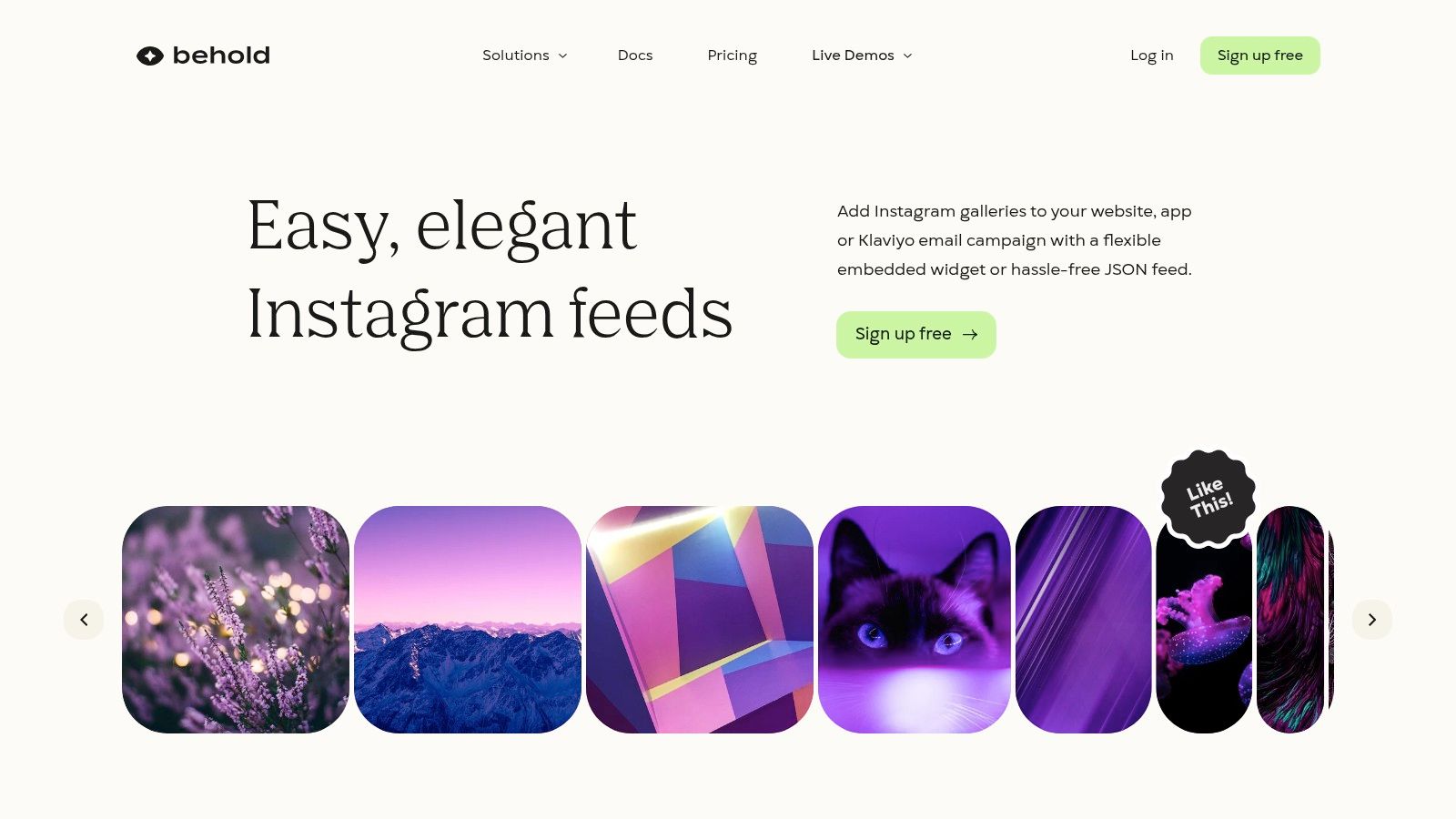
Behold focuses on embedded feeds from connected social sources. Site owners can customize the widgets, while developers can use JSON feeds to render posts themselves. Higher plans add curation options, including pinning, hiding and reordering posts.
Curation gives you control over what appears on a key page. An unfiltered feed may surface a post that does not fit the page, while pinning lets you put selected content first. Behold also provides accessibility, privacy and enterprise information for teams assessing those considerations.
Clear Pricing, Narrow Scope
Behold publishes its pricing and usage limits, making it easier to compare plans before adding a feed. Higher tiers increase the number of sources and views and the update frequency. Check how those limits fit your traffic and how often you need the feed refreshed.
One test worth running: hide a post, pin another, then check the feed on a phone. Curation only helps if the result still works on mobile.
The free plan supports a single source and feed, with a small monthly view allowance suited to low-traffic testing. That makes it useful for checking whether a social feed fits your site before paying. Behold is built for social feeds, not broad widget catalogs or customer support. Choose it when that focused job matches your need, rather than paying for tools you will not use.
8. Tidio
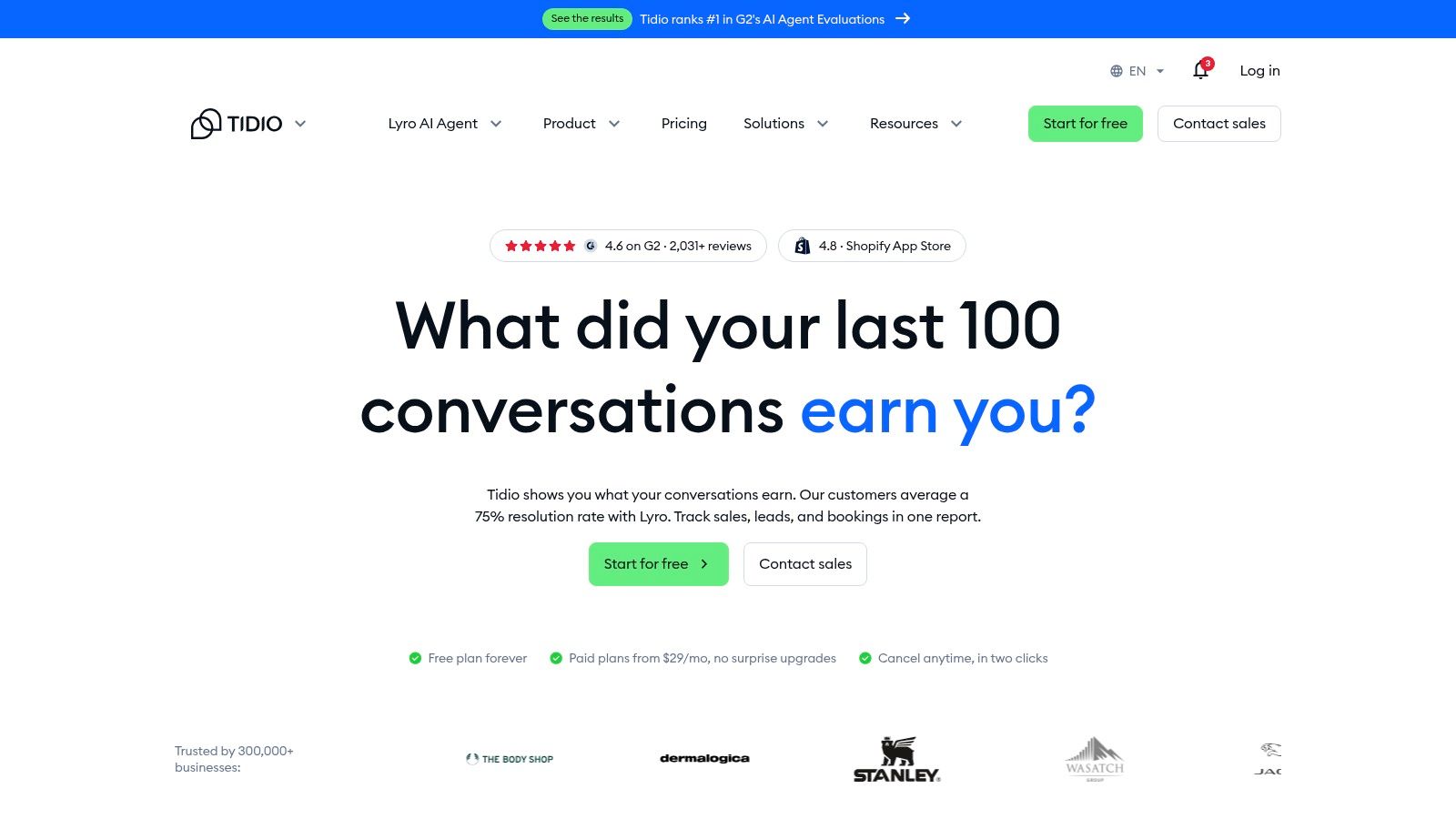
With Tidio, the widget is the front door to a support operation rather than the whole product. Visitors get a customizable live chat widget, while your team gets a shared inbox and ticketing behind it. AI agent features come through Lyro, alongside human live chat, so you can automate common questions and route the rest.
That combination suits stores and service businesses that already answer chat manually and want structure around it. If you're comparing this style of platform against building flows yourself, this guide to choosing a chat bot builder lays out the trade-offs. The widget itself is only one part of the decision; staffing and response expectations are the rest.
Costs Sit in the AI Layer
Plans range from free to custom enterprise options, and the free plan lets you try the product properly. The catch is that AI features may have separate quotas or costs, so a plan that looks affordable for live chat can cost more once automation volume grows. Free plan limits also won't suit a busy support operation for long.
- Strength: visitor chat connected directly to team workflows
- Watch out: model your AI usage cost, not just the base subscription
- Not for: owners who only need a feed, form or review display
I'd pick Tidio when human chat plus ticketing is the requirement. It's a support suite, not a general-purpose website widget builder, and judging it as one misses what you're paying for.
9. Crisp
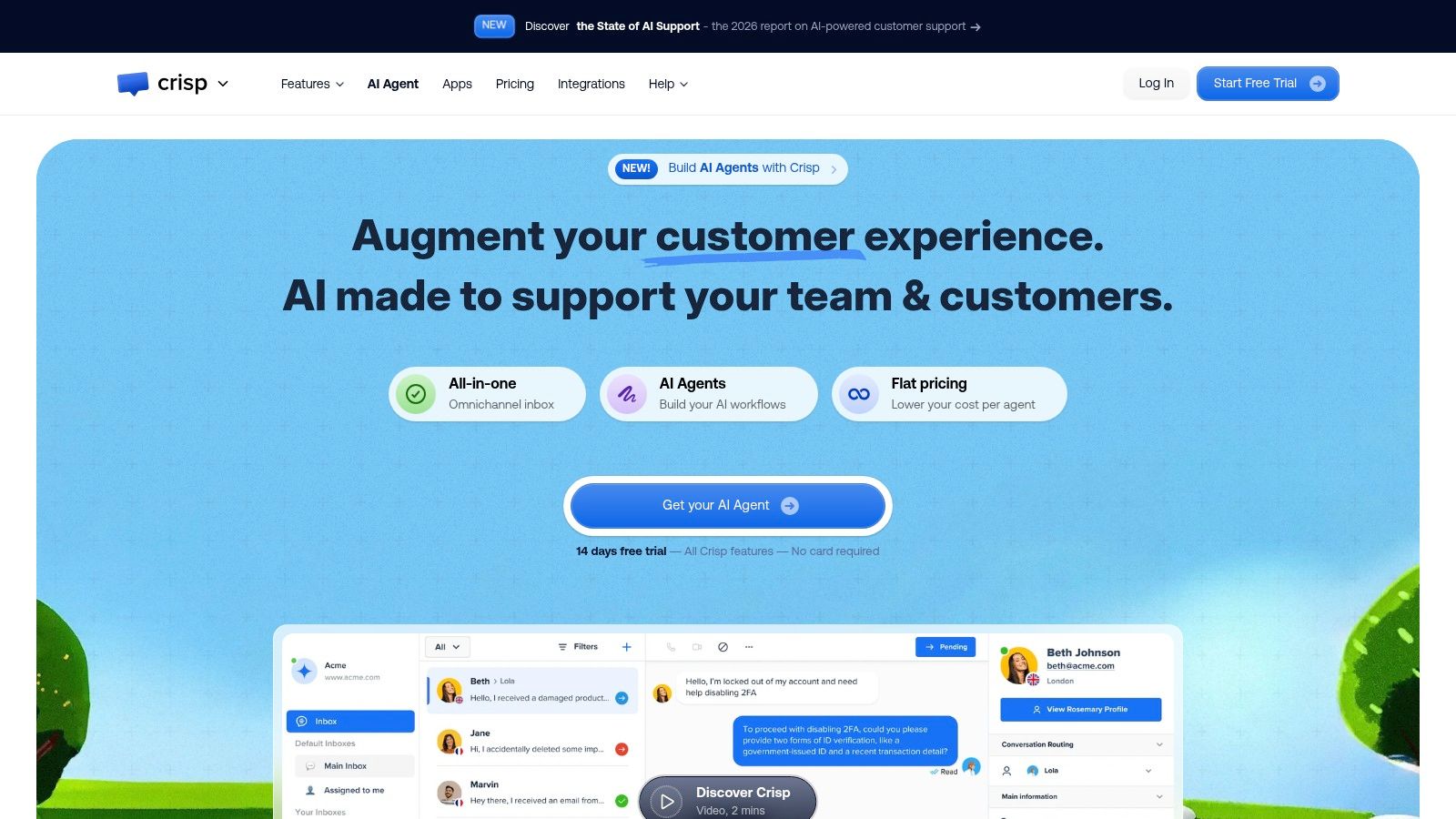
Small teams often want chat without buying an enterprise help desk, and Crisp targets that gap. Its customizable website chat widget connects to a shared inbox and customer messaging tools, with controls for colors, text and position. Depending on the plan, you also get proactive messages, a help widget for self-service content, translation and ecommerce integrations.
The free plan includes a website chat widget and two seats, which is enough for a founder and one support hire to test real conversations. New accounts can access paid-plan features for 14 days, so use that window to test the features you'd pay for, not everything in the menu.
Where You'll Feel the Free Plan's Edge
AI credits aren't included in the free plan, so automation is a paid decision from the start. White labeling and richer automation also depend on paid plans, and chat SDKs matter only if you have developers who'll use them.
Buy the inbox your team will actually open every day. Unread tickets inside a powerful suite are still unread tickets.
Crisp makes sense for smaller teams that want website chat tied to support workflows without heavyweight administration. If you only need a simple standalone embed, like a feed or a popup, it's more machinery than the job requires. Match the seat count and automation needs to the team you have now, then upgrade when conversation volume forces the issue.
10. Intercom
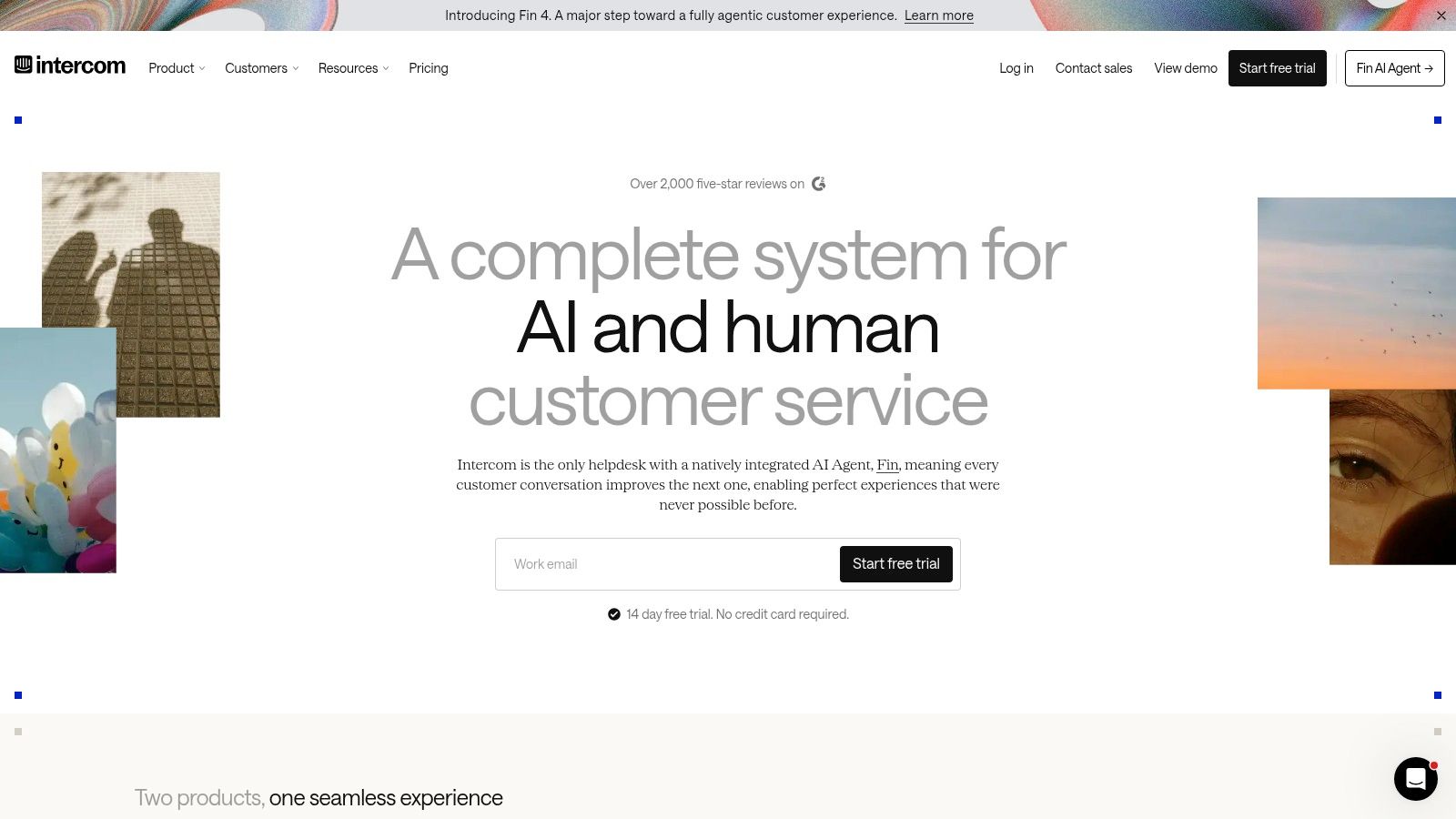
Intercom sits at the platform end of this list. Its Messenger is a configurable website widget with a customizable launcher and home experience, plus display conditions that target selected visitors or pages. Behind it sit a shared inbox, ticketing, help center, automations and AI support, which is a lot of infrastructure for what visitors see as a small bubble.
That depth pays off when support, product and success teams share one system. You can combine self-service, AI support and human assistance in one flow, and higher tiers add security and administration capabilities for larger organizations. If you're weighing it against another established suite, this Intercom versus Zendesk comparison covers the support-platform angle directly.
The Cost Question Comes First
Messenger requires an Intercom trial or subscription, and costs can scale with seats and AI usage. That usage-based growth is manageable for a growing support operation, but it makes Intercom hard to justify if all you wanted was a lightweight embed on a marketing site.
- Best fit: growing or enterprise teams unifying support workflows
- Strength: widget targeting connected to a full help center and inbox
- Limitation: excessive for a standalone widget requirement
My honest view is that Intercom is rarely the wrong tool, but it's often the oversized one. Buy it for the platform and the team workflows. Don't buy it for the launcher alone, because several tools above will put a bubble on your page for far less.
How the ten website widget builders compare on focus, free access, and starting price
These tools solve different problems, so compare them by job before comparing price. Social-feed widgets, general-purpose embeds, and customer-support platforms are not interchangeable. Free access also varies: some plans limit widgets or usage, while others restrict features or seats.
| Item | Primary Focus | Free Plan | Starting Paid Price |
|---|---|---|---|
| SupportGPT | AI customer-support agents | Yes; limited usage | Flexible plans; starting price not stated |
| Elfsight | No-code website widgets | Yes; limited to one widget | $6/month |
| Common Ninja | Broad no-code widget library | Yes; limited to one widget | Paid plans; starting price not stated |
| POWR | Embeddable marketing and website apps | Yes; varies by app | Paid plans; starting price not stated |
| SociableKIT | Social feeds and content embeds | Yes; limited usage | Paid plans; starting price not stated |
| EmbedSocial | Social content and review widgets | Yes; limited usage | Paid plans; starting price not stated |
| Behold | Social-media feed embeds | Yes; limited usage | Paid plans; starting price not stated |
| Tidio | Customer support chat and workflows | Yes; limited features | Paid plans; starting price not stated |
| Crisp | Website chat and shared inbox | Yes; includes two seats | Paid plans; starting price not stated |
| Intercom | Customer-support platform and Messenger | No; trial available | Paid plans; starting price not stated |
The table makes the trade-off clearer: a free plan may be enough to test an embed, but its limits can affect how broadly you can use it. Check what counts as a widget, how usage is capped, and which features require a paid plan. For SupportGPT, the listed free access is limited, and paid plans are flexible. Compare that support-agent use case with social and marketing embeds on function first, then weigh the stated price and plan limits.
Match the Widget to the Job, Then Test It Live
Start by naming the problem in one sentence. Social proof, lead capture and answers to visitor questions are three different jobs, and the tools that do one well usually do the others poorly or not at all. A feed tool won't shrink your support queue. A support suite is an expensive way to show Instagram posts. Pick the category first, then compare two or three tools inside it on starting cost, view limits and what happens when you exceed them.
The technical base is rarely the blocker. W3Techs reports CSS is used by 99.5% of websites, while HTTPS is the default protocol for 90.4%, so a portable embed can be styled consistently and transmit conversation data securely on most commercial sites. HTTPS doesn't make an application secure by itself, though. You still decide what the widget asks for, what you keep and when a person takes over.
Test Performance and Accessibility Before Launch
Component-based building is now standard practice, since a 2024 State of JavaScript survey estimate cited by Sencha indicates approximately 73% of enterprise development teams rely on component libraries. Speed of assembly isn't the same as quality on your page. Put one widget on a staging page and measure transferred bytes, long tasks, cumulative layout shift and interaction responsiveness with Lighthouse or WebPageTest. Check it on a mid-range phone, not just your desktop.
Accessibility needs the same hands-on treatment. A 2025 ACM study evaluating 106 deployed web chatbots found more than 80% had at least one critical accessibility issue, so deployment speed proves nothing about usability. Test the launcher, transcript, input and escalation controls with keyboard only, check focus returns to the launcher on close, and confirm status changes are announced in a live region. Test closed, expanded, minimized and error states, not just the first page load.
Don't expect an add-on to fix your site's own barriers. The 2025 Web Almanac accessibility chapter notes that accessibility overlays and widgets can offer personalization and automated fixes, yet they don't solve complex issues that require manual code and design changes. Pair an automated scan with manual screen reader and keyboard testing, because automated tools can't reliably validate focus order or task completion.
- Proof: estimate monthly views and confirm what visitors see at the cap
- Leads: check branding rules and where submission data goes
- Answers: test against real questions, failed answers and the human handoff
On the compliance side, the work stays with you. Workspace customers decide what content they submit and how their agents collect visitor information, and they're responsible for providing any additional notices and obtaining any consent their use case requires. Write the disclosure, name the retention period, set deletion steps, and review region-specific privacy duties before launch, not after the first complaint. If your site itself needs rebuilding, weigh website builders with local hosting and payments separately, because no embed fixes a broken foundation.
If your priority is AI answers with a clear path to a human, shortlist SupportGPT and test it against real customer questions in the playground. We provide an embedded Ask AI widget that handles most support queries, and it connects with tools such as Notion, Slack and Zendesk if your team already works there. You can embed it in a few minutes by copying the embed code we provide and pasting it onto your site. Whichever tool you choose, launch one widget, watch real usage for a few weeks, and expand only when the first one has earned its place.
If repeated visitor questions are eating your team's week, SupportGPT lets you train an AI support agent on your own sources, test it in a real-time playground and embed it on your site in minutes with guardrails and human handoff built in. Start on the free plan, put your hardest real questions through it, and keep it only if the answers hold up.