Best Customer Service Platform: 7 Top Picks for 2026
Comparing the best customer service platform options for 2026: features, pricing, pros and cons, and which tool fits your team size and support goals.
What makes a customer service platform worth your money when every shortlist promises faster answers and smarter AI? A tidy ticket queue isn't enough if customers still repeat their problem, agents keep switching tools, and nobody can explain the next usage bill.
The best customer service platform is the one that fits how your team resolves requests. Compare setup effort, channel coverage, AI cost transparency, and scalability, not just feature counts. Include the time someone will spend maintaining routing rules, updating knowledge, and reviewing automated answers.
The platforms below suit different operating models rather than occupying a universal leaderboard. SupportGPT fits startups launching no-code AI self-service; Zendesk and Freshdesk suit structured support teams; Intercom fits product-led SaaS; HubSpot Service Hub connects support with an existing CRM; Salesforce Service Cloud supports complex enterprise operations; and Gorgias focuses on ecommerce.
Before evaluating demos, define what you need to improve: answering product questions, managing case ownership, completing store-related tasks, or coordinating service across departments. Those are different buying decisions, even when vendors describe them with similar language.
1. SupportGPT
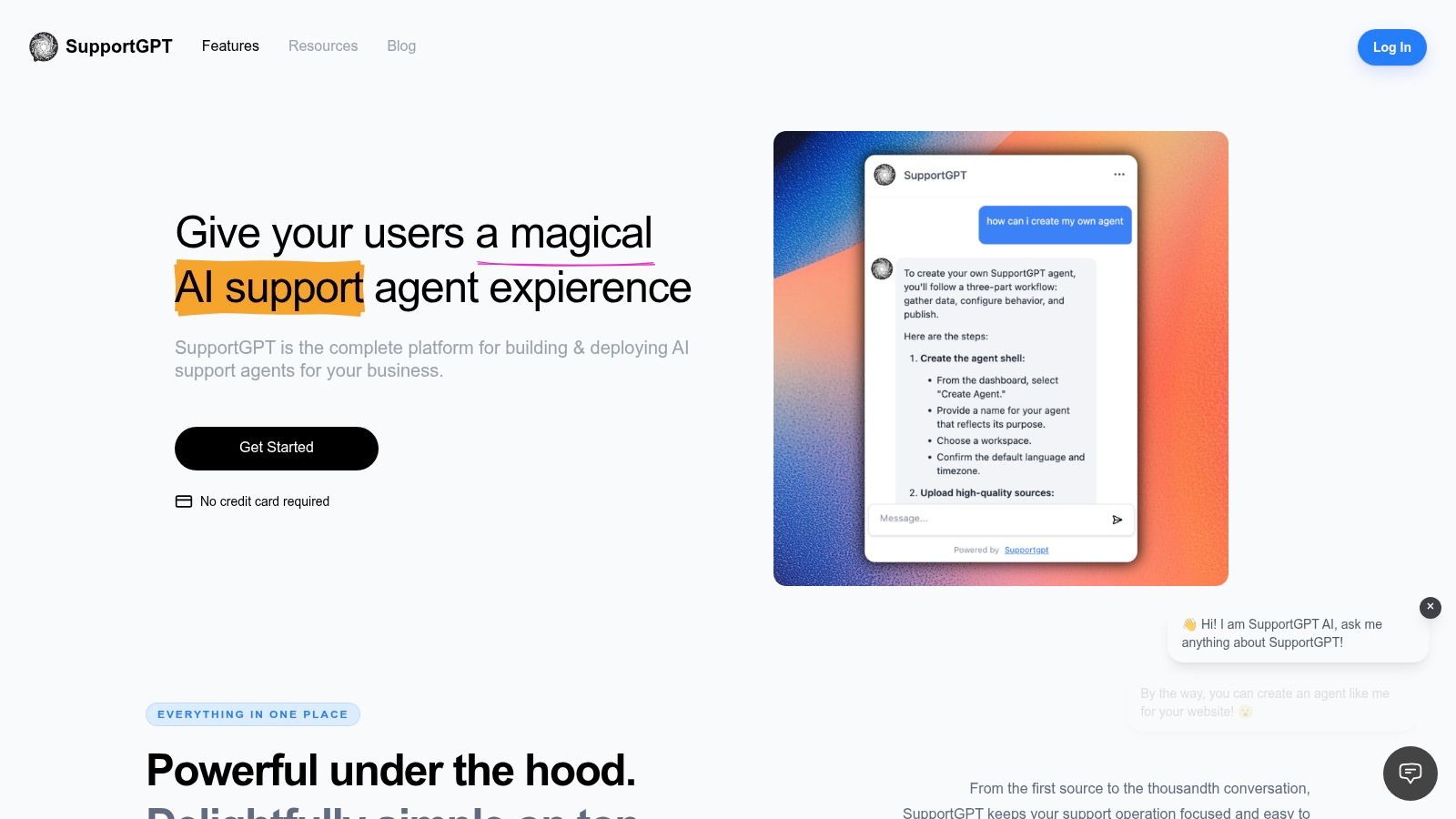
Best fit: startups, indie makers, and lean teams that need website or in-product AI assistance without a technical implementation project. Our platform lets you add your knowledge sources, shape the agent's tone, test real questions, and deploy an embedded widget.
The practical advantage is keeping setup and iteration together. Sources, Playground, Conversations, Analytics, and Actions give the person maintaining the agent a clear place to test answers, inspect failures, and update behavior.
Personalized agents, multilingual assistance, lead capture, integrations, and task automation make this useful beyond a static FAQ. However, an integration's availability isn't proof that your entire workflow is automated. Test the specific request, permissions, and resulting action before putting it in front of customers.
Start with a narrow, testable job
Say a SaaS startup repeatedly receives questions about onboarding and account configuration. Start with approved documentation for those topics, then define natural-language escalation rules for billing disputes, sensitive requests, and questions the agent can't answer reliably.
- Setup effort: Non-technical teammates can build, test, and embed an agent without creating a custom chat interface.
- Channel fit: Prioritize website and product assistance, then validate the optional integrations your team needs.
- Quality controls: Use source-grounded answers, topic controls, conversation review, and contextual human handoff together.
If you're connecting external tools, decide exactly when to give agent access to inbox and limit that access to the workflow you've approved.
Our Free plan includes 50 message credits, one AI agent, 400 KB of source storage, and basic analytics, with no credit card required. Standard costs $150 per month with 12,000 credits, three team seats, and two agents; Enterprise limits and support options are shaped around the organization.
Deployment rule: An agent that knows when to stop is more useful than one that answers every question.
The trade-off is ongoing ownership. AI responses can be inaccurate, so your team still needs to test important answers, maintain sources, and review escalations rather than treating deployment as the finish line.
2. Zendesk
Choose Zendesk when support coordination has become harder than answering individual questions. It's a strong candidate for a growing SaaS company with separate billing, technical support, and account-management queues.
Ticketing, routing, triggers, automations, and reporting provide structure around that work. Broader suites add messaging, live chat, and telephony, while the integration ecosystem helps connect support with other business systems.
That breadth brings administrative work. Someone must own queue design, permissions, triggers, and reporting definitions; otherwise, teams can accumulate overlapping rules that make case ownership harder to understand.
Buy the workflow, not just the inbox
Build a demo around a request that crosses departments. For example, a customer reports a billing error caused by a product issue. Check who owns the case, how technical staff contribute, and whether the customer receives conflicting updates.
- Strongest advantage: Structured workflows can support increasingly specialized service teams.
- Main compromise: Configuration and ongoing administration demand more attention than a lightweight inbox.
- Cost question: Combine agent access, required channels, AI usage, and add-ons in the same budget.
For AI-assisted service, the Zendesk chatbot guide can help frame the distinction between answering a question and routing unresolved work properly.
Don't migrate solely because Zendesk has room to grow. Choose it when your team can identify the routing, reporting, or channel requirements that justify that room. If a founder still handles nearly every conversation personally, the administrative overhead may outweigh the immediate benefit.
3. Freshdesk
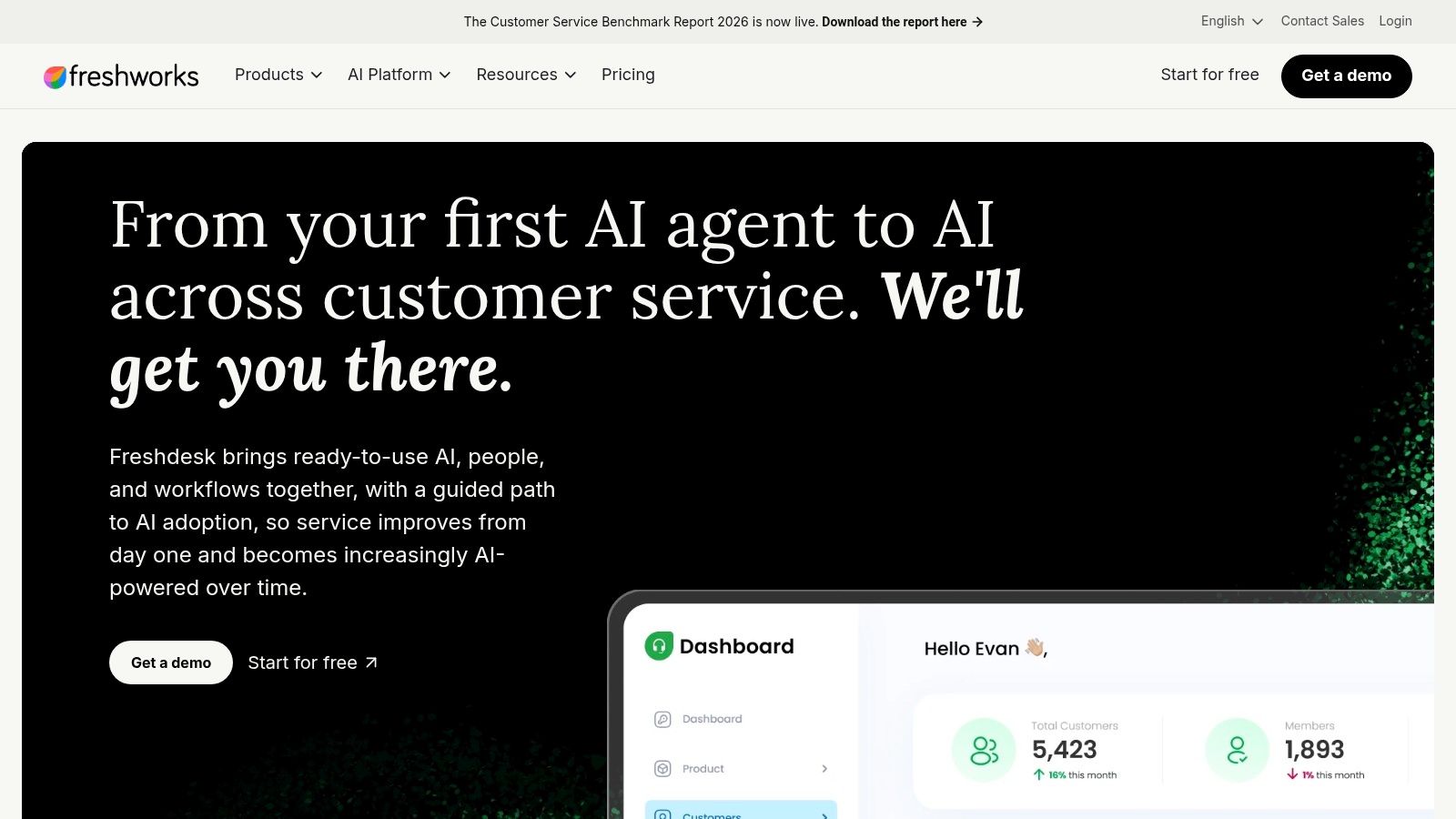
A shared email account becomes uncomfortable when teammates can't tell who's replying or which requests are overdue. Freshdesk fits small and midsize teams moving from that situation into conventional help-desk workflows.
Its shared inbox, ticket management, customer portal, knowledge base, and reporting support a familiar model: capture the request, assign an owner, track progress, and document the answer. Roles and permissions become useful as support responsibilities spread beyond the founding team.
The important distinction is between buying ticket management and buying broader channel coverage. Compare Freshdesk with Freshdesk Omni when your requirements extend beyond the help-desk setup, and separate included AI functionality from paid additions.
Test self-service as carefully as ticketing
A knowledge base isn't successful merely because articles exist. In Gartner's reporting on customer-service journeys, traditional company self-service fully resolves only about 14% of service issues.
Use the trial to test whether customers can find answers in their own language, not just your internal terminology. Review failed searches, outdated instructions, and the route from an unhelpful article to a human agent.
What works: clear ticket ownership, reusable documentation, and a recognizable workflow for agents who don't need extensive customization.
What needs scrutiny: advanced routing, service-level requirements, Freddy AI usage, and the difference between the selected plan and the wider product family.
Freshdesk belongs on the shortlist when operational clarity is the priority. It becomes a weaker fit if you're expecting every messaging channel and advanced automation requirement to be included in the initial help-desk purchase.
4. Intercom
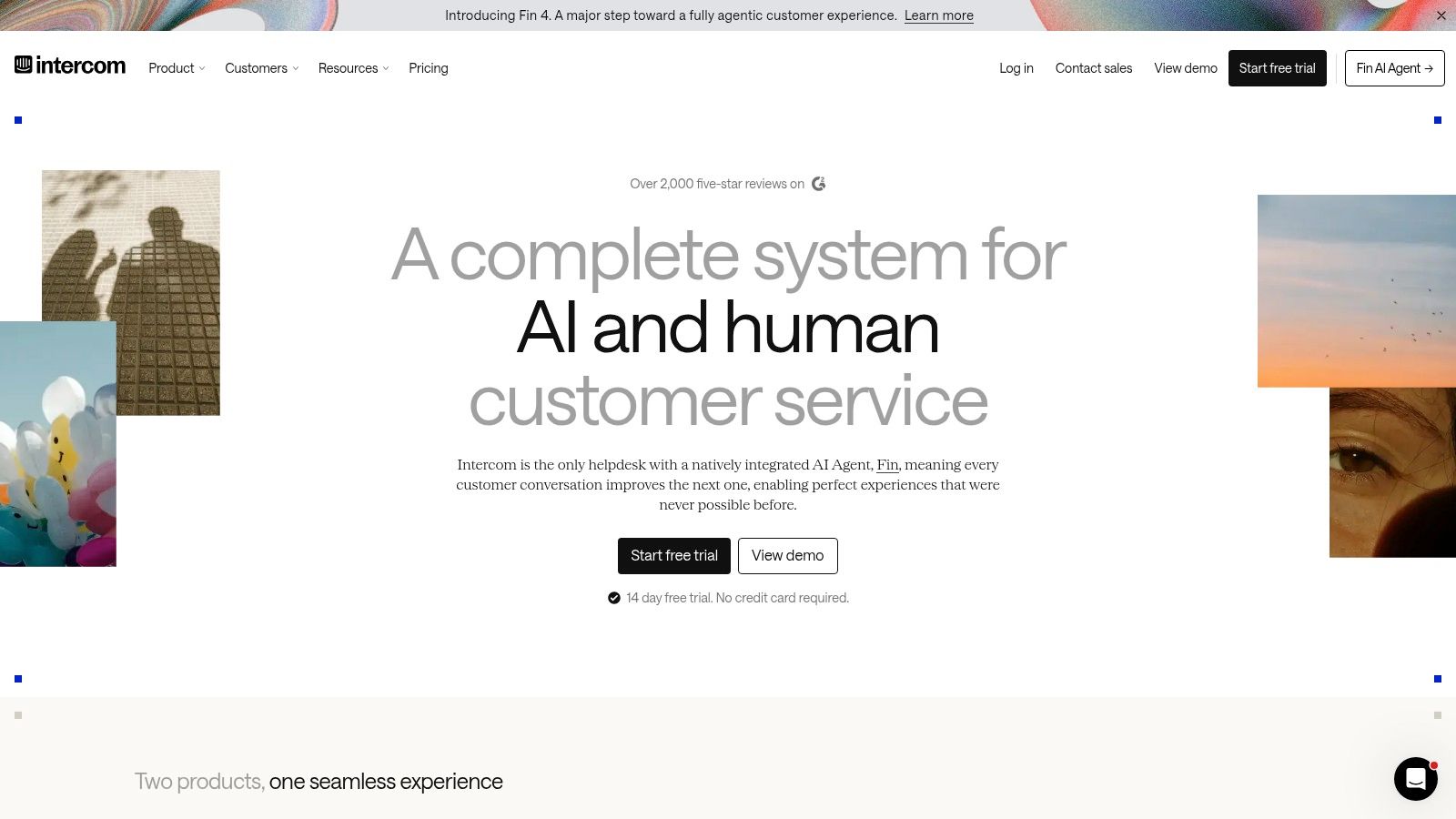
For product-led SaaS, support often begins inside the application rather than in an email queue. Intercom combines an in-product messenger with a shared inbox, ticketing, help content, automation, and the Fin AI agent.
That combination suits teams where onboarding, product education, and troubleshooting overlap. A customer asking how to configure a feature may need documentation, a guided explanation, or a support specialist, depending on where they're stuck.
The trade-off is commercial complexity. Seat fees, AI outcomes, channel charges, and higher-tier requirements need to be evaluated together rather than treated as independent purchases.
A customer closing the messenger isn't proof that their problem was solved.
Define an outcome before pricing it
Ask how the vendor counts billable AI outcomes, then compare that definition with your own resolution standard. Test abandoned conversations, repeated questions, and requests that return later through another channel.
- Setup effort: Plan the messenger experience, help content, inbox ownership, and workflows together.
- Channel fit: Prioritize in-product conversations when that's where customers need assistance.
- Scalability: Confirm which workflow, security, multibrand, and help-center requirements need higher tiers.
Fin can also work with some existing help desks, so replacing your entire support environment isn't always necessary. Compare that route with a full migration before assuming the messenger and help desk must move together.
The Intercom versus Zendesk comparison is useful when you're deciding between product-centered conversations and a more broadly structured service operation. For a team handling mostly straightforward email tickets, Intercom may introduce functionality you won't use enough to justify managing.
5. HubSpot Service Hub
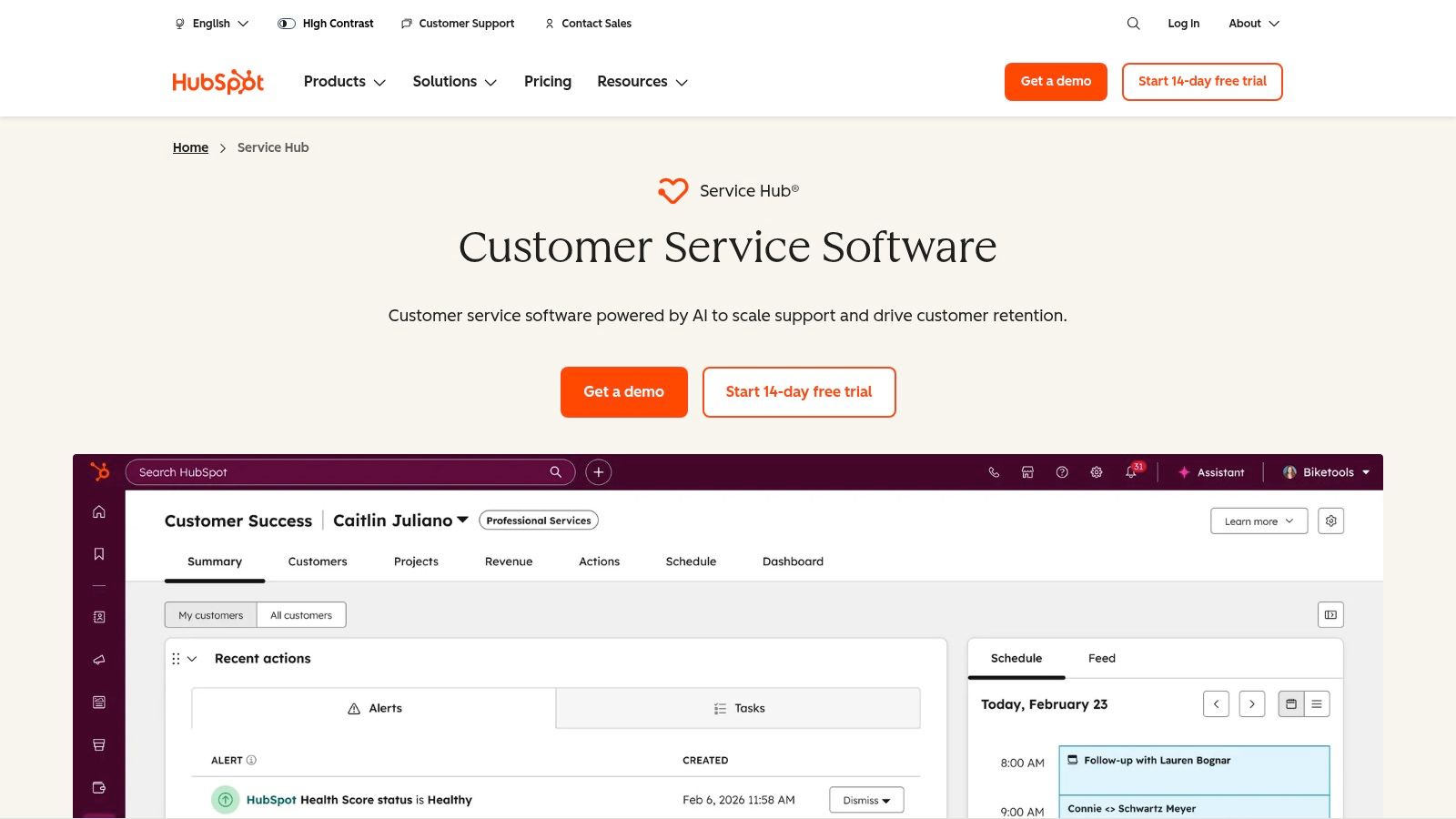
If sales and customer success already work in HubSpot, HubSpot Service Hub deserves a place on your shortlist because of shared customer context, not merely because it includes ticketing.
Support agents can work within the broader customer platform rather than treating every conversation as an isolated event. That matters when the right response depends on an account's relationship with sales, onboarding, or customer success.
The value depends on record quality. Connecting teams to the same CRM won't help much if ownership is unclear, important information is missing, or agents can't distinguish current commitments from old notes.
A natural fit for an existing HubSpot business
Say a B2B company sells through account executives and supports customers through a service team. During a trial, have an agent investigate a request that requires understanding both the immediate problem and the customer's account history.
- Useful capabilities: Ticketing, team email, live chat options, and shared customer records.
- Expansion path: Paid tiers add help-desk, knowledge-base, routing, and other service capabilities.
- Budget considerations: Include required seats, higher-tier onboarding fees, and credit-based AI usage where applicable.
Customer Agent availability and HubSpot Credits deserve their own review. Don't assume that having a CRM subscription automatically covers the service configuration or automation volume you need.
The main advantage is reducing separation between service and the rest of the customer relationship. The main compromise is broader platform dependence and the possibility of paying for a higher tier to obtain a particular capability.
For a company that doesn't already use HubSpot, evaluate the CRM decision alongside the support decision. Otherwise, a help-desk purchase can become a much larger operational change than expected.
6. Salesforce Service Cloud
Salesforce Service Cloud fits enterprises that need service workflows connected to extensive customer data and business systems. Case management, the service console, customization, and broader Salesforce connections make it relevant when support operations can't be represented by a simple shared queue.
Consider an organization where regional teams have different permissions, customer agreements, and escalation paths. The buying question isn't whether agents can reply to cases, but whether administrators can model those differences without losing control of ownership and reporting.
Implementation and administration are substantial considerations. Budget for configuration, data mapping, access design, testing, and ongoing changes, not just software access.
Treat AI governance as an operational requirement
Deloitte Digital reports that customer-service AI usage increased from 46% in 2023 to 61% in 2025. Adoption makes governance more important, but it doesn't prove that an autonomous agent is appropriate for every enterprise workflow.
Evaluate source freshness, answer grounding, auditability, permission boundaries, and the ability to reverse a problematic change. Run separate tests for different languages, product areas, and sensitive escalation types rather than accepting an overall demonstration.
Enterprise buying test: Have administrators change a policy, then verify the customer-facing answer and the human escalation path.
Advanced AI and contact-center capabilities depend on the selected offering, so map every requirement to the proposed configuration.
Salesforce is compelling when your organization needs its depth and can staff the implementation. It's a poor shortcut for a small team seeking a simple help desk. Extensive customization only helps when someone owns the resulting system.
7. Gorgias
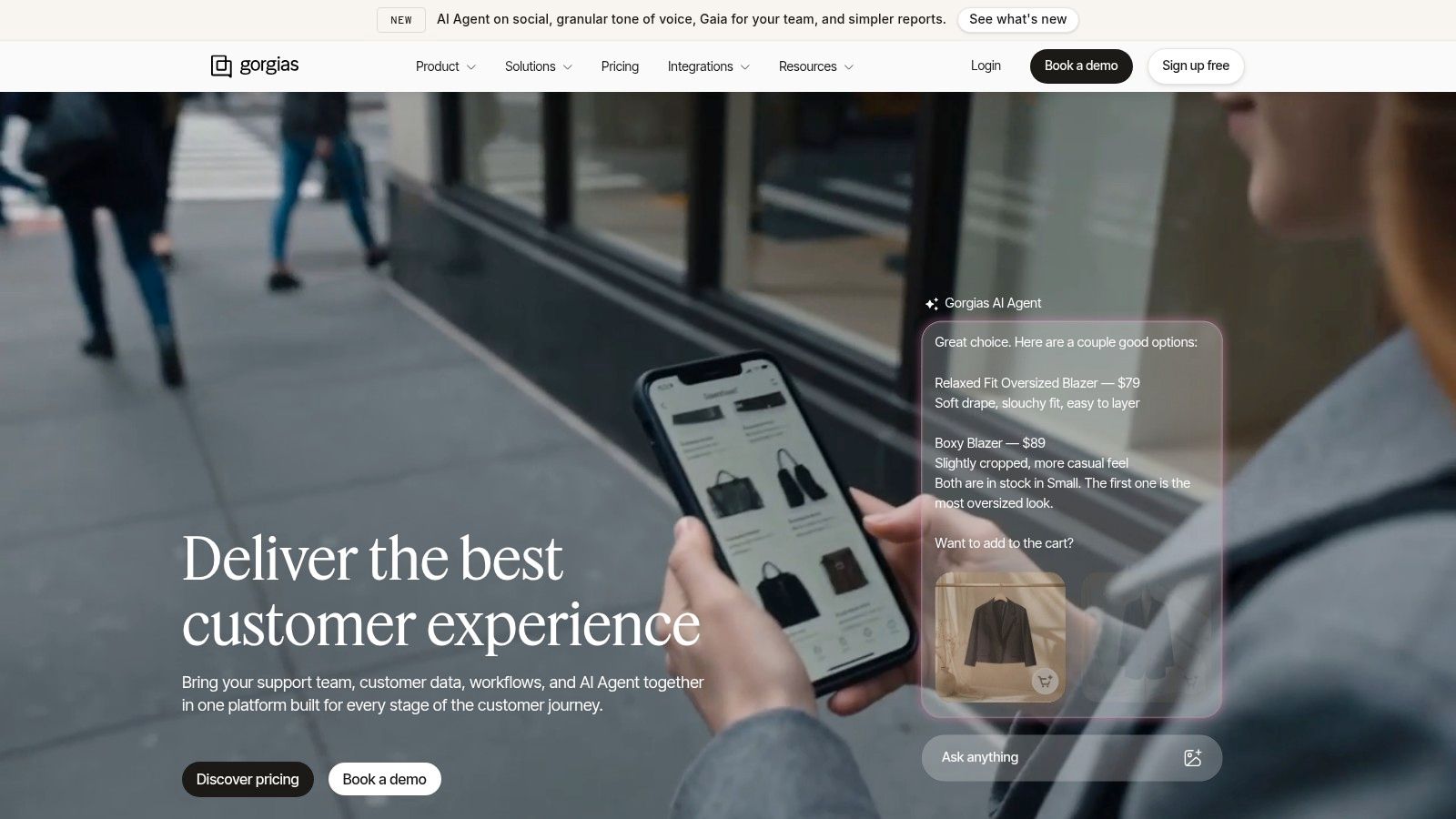
A Shopify retailer doesn't need the same support environment as a B2B software company. Gorgias is built around ecommerce conversations and store context, making it a focused candidate for brands whose agents spend their day handling order-related requests.
Its retail-oriented inbox and workflows are the attraction. Evaluate how well your actual store setup, apps, and policies work with the platform rather than assuming that an ecommerce label guarantees every required action.
Ticket-volume pricing also changes the comparison. A larger agent team may find that model attractive, but seasonal demand and billable-ticket definitions need close attention.
Test the retail exceptions
Routine order questions are only part of store support. Include a damaged delivery, a disputed return, and a customer requesting an address change after fulfillment in your evaluation.
- Store workflow: Check whether agents can access the context needed to act without repeatedly switching systems.
- AI boundaries: Separate routine questions from refunds, disputes, and exceptions requiring approval.
- Full cost: Include ticket volume, overages, AI Agent usage, and any Voice or SMS additions.
Human fallback deserves the same attention as automation. In PwC's customer-experience survey findings, 48% of consumers value connecting with a human when necessary.
Test whether that handoff preserves the customer's explanation and reaches someone authorized to resolve the issue. The ecommerce help-desk software guide offers additional context for evaluating retail-specific workflows.
Gorgias is a focused choice for Shopify retailers, not a default recommendation for every marketplace or subscription business. Complex seller disputes and B2B case management need their own workflow validation.
Best customer service platforms at a glance
| Platform | Starting price | Free plan | Standout capability | Best for |
|---|---|---|---|---|
| SupportGPT | Free; paid plans from $40/month | Yes, 50 message credits | No-code AI support agents with grounded answers and human escalation | Teams building website or product support agents |
| Zendesk | $19 per agent/month, billed annually | No free plan listed | Ticketing, routing, automation, and omnichannel support | Growing teams with structured support workflows |
| Freshdesk | $19 per agent/month, billed annually | No free plan listed | Ticketing with self-service tools and reporting | Small and midsize teams |
| Intercom | $19 per seat/month, billed annually; Fin from $0.99 per outcome | No free plan listed | Product messaging combined with Fin AI | SaaS and product-led businesses |
| HubSpot Service Hub | Free entry point; paid pricing not specified | Yes | Connects service interactions with shared HubSpot customer records | Businesses already using HubSpot CRM |
| Salesforce Service Cloud | Starting price not specified | No free plan listed | Customizable case management connected to Salesforce data | Organizations with complex service operations |
| Gorgias | Pro at $360/month for 2,000 billable tickets | No free plan listed | Ecommerce-focused support with ticket-volume pricing | Online retailers, especially Shopify brands |
Pick by Team Size, Not by Feature Count
Use team size as your starting point, then refine the shortlist around your customer requests and existing systems. The best customer service platform should remove a specific operational constraint without creating more administration than your team can handle.
Choose our no-code AI platform for fast website self-service and a free starting point. Choose Zendesk or Freshdesk for structured ticketing, Intercom for product-led SaaS conversations, HubSpot Service Hub for an existing HubSpot business, Salesforce Service Cloud for complex enterprise operations, and Gorgias for Shopify-centered retail support.
Make migration part of the buying decision
Before switching, export historical tickets with their attachments, timestamps, tags, and ownership information where available. Decide what must remain searchable, what needs importing, and what can stay in a controlled archive.
Map routing rules before recreating them. Document who owns billing questions, urgent incidents, sensitive requests, and conversations that arrive outside staffed hours; copying old rules without reviewing them can preserve problems you're trying to fix.
- Pilot a channel: Start with a contained queue or customer touchpoint while keeping the previous route available.
- Test real questions: Use anonymized customer requests, including ambiguous wording, missing information, and policy exceptions.
- Evaluate complete outcomes: Review answer accuracy, repeat contacts, customer satisfaction, and handoff quality alongside speed.
- Assign ongoing ownership: Name the person responsible for knowledge updates, workflow changes, and AI review.
Software won't resolve unclear responsibilities. If escalations have nowhere to go, pairing automation with a dedicated customer support agent can address the staffing gap rather than disguising it.
Shortlist the platforms that fit your operating model, give them the same customer scenarios, and compare both the results and the work required to maintain them. Commit only after your agents can complete their daily tasks and your customers can reach a trustworthy human fallback.
SupportGPT lets you build an AI support agent from your own knowledge, test its answers in the Playground, and embed it on your website with human handoff rules. Visit SupportGPT to start free, load your core help content, and test real customer questions before expanding your rollout.