10 Effective Welcome Message Examples to Engage Customers in 2025
Discover 10 powerful welcome message examples for chat, email, and apps. Learn how to write greetings that build trust and drive engagement instantly.
A welcome message is more than just a polite greeting; it's the first handshake, the initial impression, and a critical opportunity to guide a new user toward success. A well-crafted welcome sets the tone for the entire customer relationship, reducing initial friction, building immediate trust, and proactively answering questions before they become support tickets. Get it right, and you create a pathway to a loyal advocate. Get it wrong, and you risk immediate disengagement and early churn.
This comprehensive guide breaks down essential welcome message examples across the most critical customer-facing channels, from in-app notifications and chatbot greetings to automated email sequences. We move beyond generic templates, offering a strategic analysis for each example. You will learn not just what to say, but why a particular approach works and how to adapt it to your specific audience and business goals.
For product, support, and marketing teams in SaaS, e-commerce, and other digitally-focused organisations, mastering this first interaction is non-negotiable. Inside, you will find:
- Actionable Templates: Ready-to-use messages for channels like chat widgets, email, SMS, and Slack.
- Strategic Breakdowns: Clear analysis of the tactics behind each message.
- Personalisation Tips: Techniques to make your automated welcomes feel human and relevant.
We'll also explore how to use modern support tools to deploy, test, and optimise these messages, ensuring your first touchpoint is always your best one. Let's dive into the examples that will help you start every customer relationship on the right foot.
1. Website Chat Widget Welcome Message
The website chat widget welcome message is often the first real-time interaction a visitor has with your brand. This initial greeting, displayed in a chat window on your site, sets the tone for the entire support experience. It’s a pivotal touchpoint that can either guide a user toward a quick resolution or create immediate frustration. Its primary goal is to engage visitors proactively, offer immediate assistance, and streamline their journey.
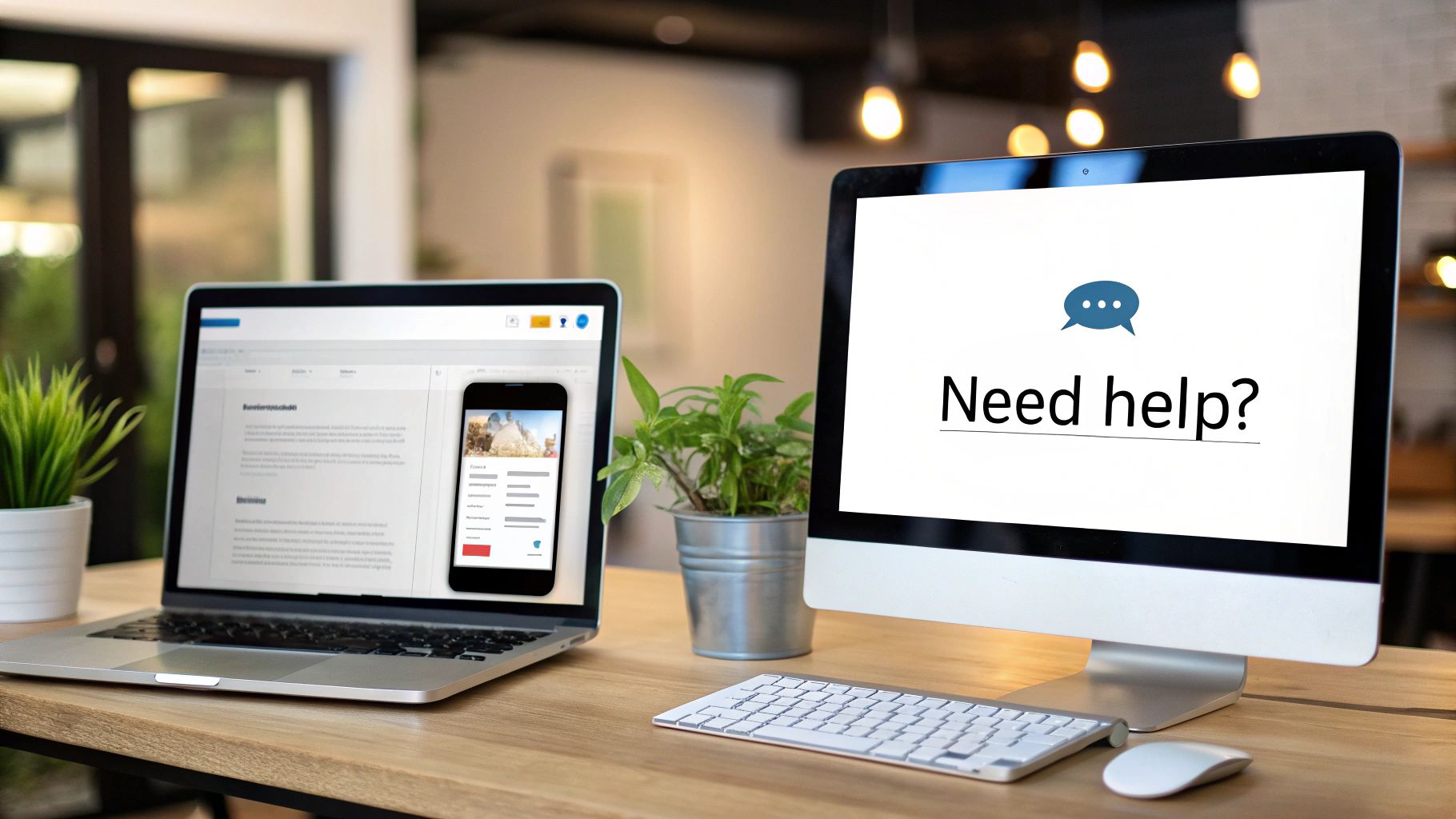
This type of greeting is crucial for capturing user intent the moment they need help. For instance, an AI assistant like SupportGPT uses this initial message to introduce itself and present clear pathways, such as searching documentation or connecting with a human agent. This proactive approach transforms a passive browsing session into a structured, supportive conversation.
Strategic Breakdown
Effective chat welcome messages do more than just say "hello." They are strategically designed to qualify leads, deflect common queries, and route complex issues efficiently.
- Pioneered by: Companies like Intercom and Drift revolutionised this space. Intercom popularised proactive, behaviour-triggered messages, while Drift championed conversational marketing to book meetings directly from the chat widget.
- Key Function: The message acts as a conversational entry point. It can be a simple greeting, a question to understand intent, or a menu of options to guide the user.
- Best Use Case: Ideal for high-traffic pages like pricing, product features, or documentation, where users are likely to have questions. It helps in reducing bounce rates and improving conversion by offering timely help.
Key Insight: The most successful chat welcome message examples feel less like an interruption and more like a timely offer of assistance. By using a slight delay (5-8 seconds), you give visitors a moment to orient themselves before you engage, making the interaction feel more natural and less intrusive.
Actionable Tips for Implementation
To create a compelling chat widget greeting, focus on clarity, brevity, and guidance.
- Offer Quick Replies: Present 2-3 clear options like "Ask a question," "View a demo," or "Talk to sales." This reduces cognitive load and directs the conversation productively from the start.
- Personalise the Greeting: Use tokens to include the visitor's name (
{{first_name}}) if available through your CRM, or personalise based on their behaviour (e.g., "Seeing you're checking our pricing page. Any questions I can help with?"). - Optimise for Mobile: Keep the initial message under 50 words. A concise message ensures it’s fully readable on smaller screens without requiring the user to scroll.
2. Email Automation Welcome Series
The email automation welcome series is a sequence of emails sent to new users immediately after they sign up. This initial communication is crucial for setting expectations, building a relationship, and guiding users through the critical first steps of their journey. Its primary purpose is to capitalise on the high engagement that follows a signup, providing value and clear direction to reduce churn and improve activation rates.
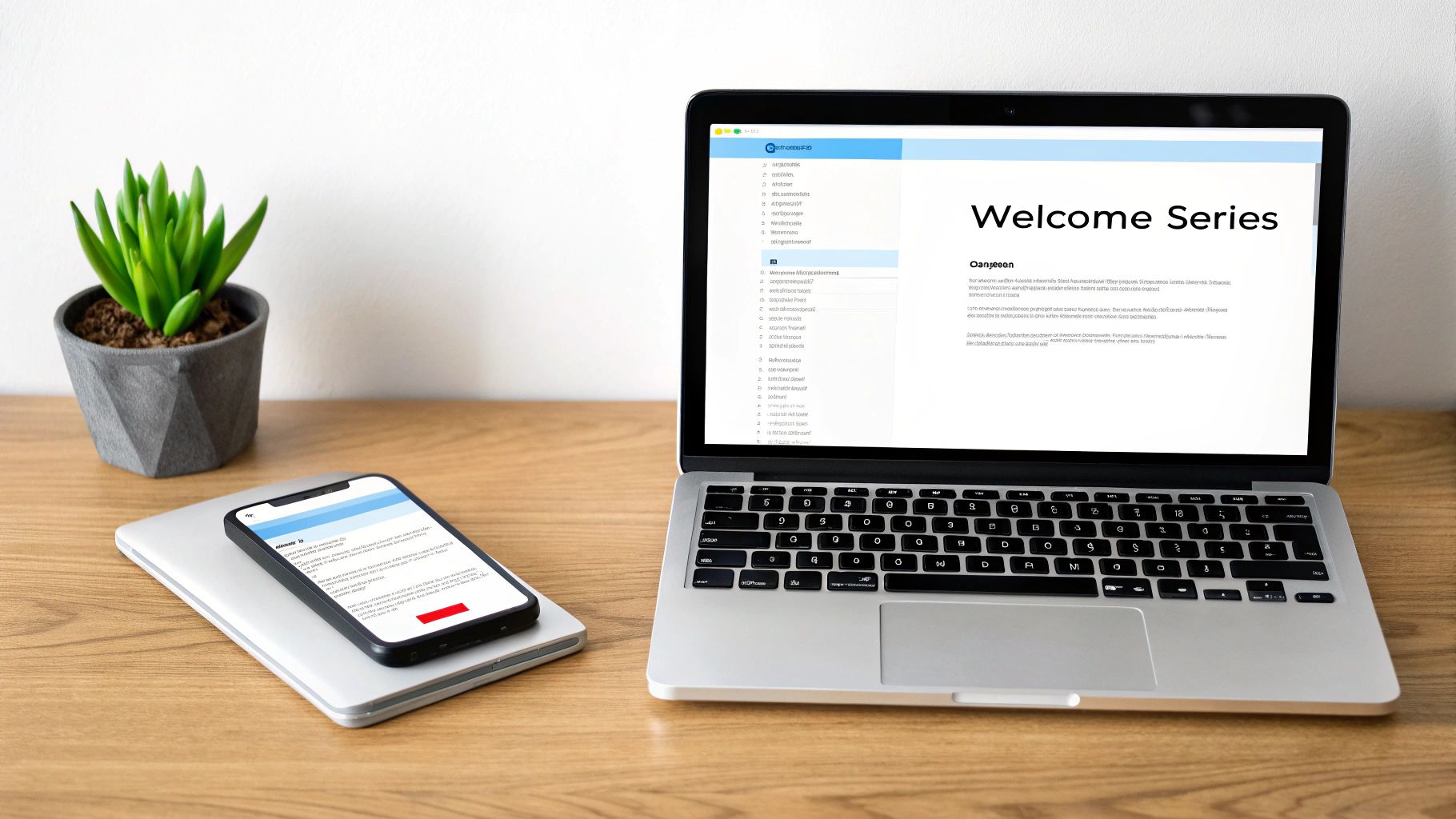
This type of welcome message example is more than a simple greeting; it is a structured onboarding curriculum delivered directly to the user's inbox. For instance, a tool like SupportGPT can be highlighted in this series to direct users towards self-service resources like knowledge bases and documentation, establishing it as their first point of contact for support queries. This educates users on how to find answers independently, shaping positive support habits from day one.
Strategic Breakdown
An effective email welcome series is a carefully choreographed campaign designed to onboard, educate, and convert. Each email has a specific job, from building trust to driving a key action.
- Pioneered by: Platforms like Mailchimp made email automation accessible to the masses. ConvertKit and Klaviyo later refined the approach for creators and e-commerce, popularising sophisticated, behaviour-driven sequences.
- Key Function: The series acts as a guided tour. The first email confirms the signup and provides a warm welcome, while subsequent emails introduce core features, share success stories, and offer support resources.
- Best Use Case: Essential for any service with a learning curve, such as SaaS products, online courses, or developer tools. Companies like Notion and Slack use these series to deliver video tutorials and setup tips, ensuring users reach their "aha!" moment quickly.
Key Insight: The power of a welcome email series lies in its timing and focus. Sending the first email within five minutes of signup maximises the "high-intent" window. Each subsequent email should have a single, clear call-to-action (CTA) to avoid overwhelming the user and guide them purposefully.
Actionable Tips for Implementation
To build a high-impact welcome series, focus on relevance, clarity, and trust.
- Segment Your Audience: Create different sequences based on user data. For example, segment by user role (admin vs. user), plan type (free vs. paid), or a signup goal to deliver hyper-relevant content.
- Personalise the Sender: Use a real name in the "From" field (e.g., "Priya from SupportCo") instead of a generic "noreply@" address. This humanises the interaction and significantly improves open rates.
- Include a Plain-Text Version: Always provide a plain-text version of your HTML emails. This ensures better deliverability and accessibility for users who have HTML disabled or use screen readers.
3. Mobile App Push Notification Welcome
The mobile app push notification welcome is the first proactive message a user receives after installing and opening your app. This initial interaction is critical, serving as a powerful tool to onboard users, highlight core value, and encourage immediate engagement. Its primary goal is to combat early app abandonment by guiding the user toward a meaningful first action, setting the stage for long-term retention.
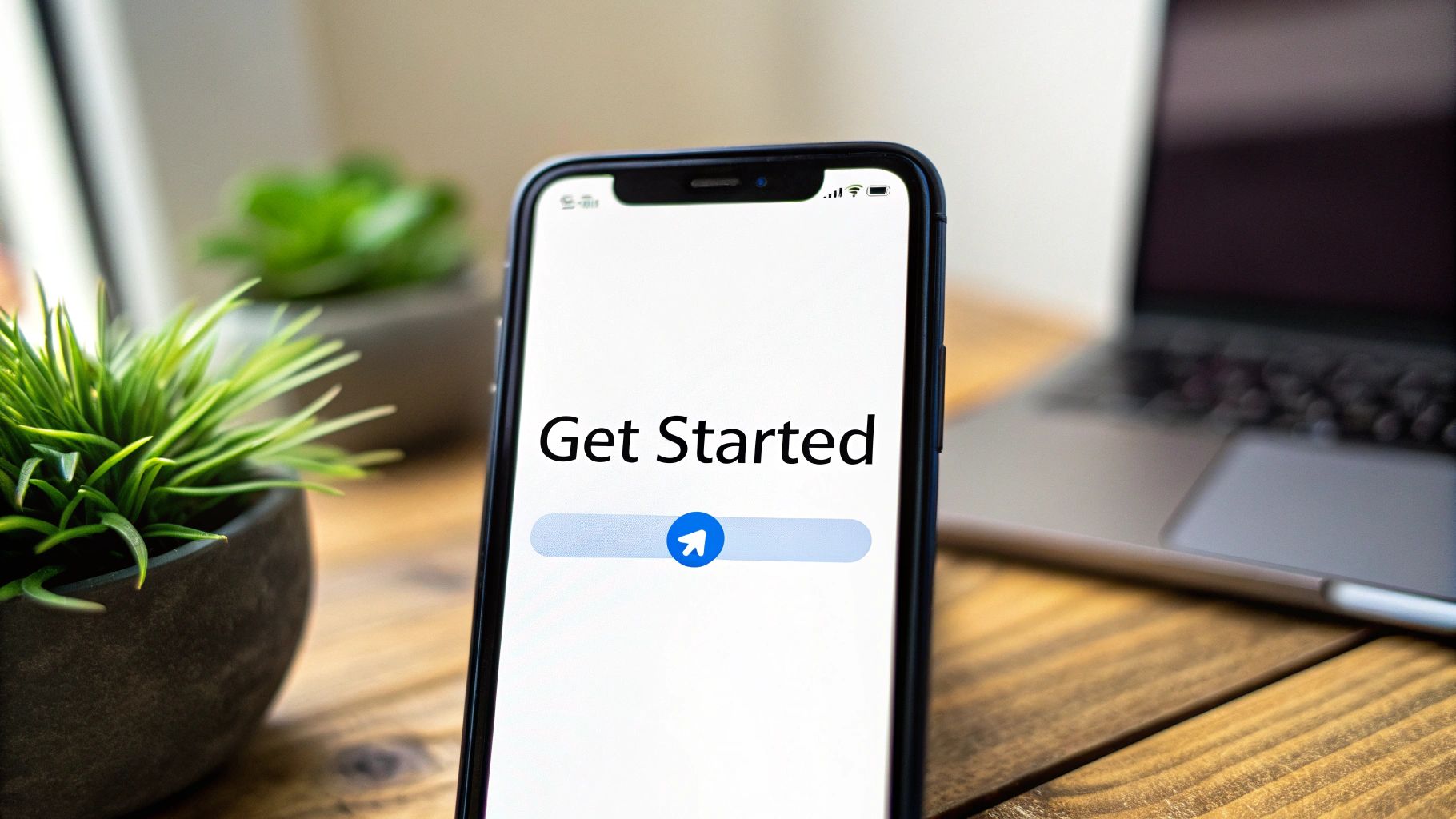
This type of greeting is crucial for transforming a simple download into an active user session. For instance, a welcome notification from an app like Duolingo might immediately encourage setting a daily goal, while Uber’s first message guides users through the ride-request flow. This timely prompt establishes the app’s purpose and delivers instant value, which is vital within the first 24 hours of use.
Strategic Breakdown
Effective push notification welcome messages are more than a simple "Welcome!"; they are a strategic nudge designed to activate new users and showcase the app's core functionality. They bridge the gap between installation and the user’s first "aha!" moment.
- Pioneered by: Platforms like Firebase by Google, OneSignal, and Urban Airship made sophisticated mobile engagement accessible. They provided the tools for developers to segment new users and trigger personalised, timely welcome notifications.
- Key Function: This message serves as an immediate call to action. It can prompt users to complete their profile, start a tutorial, or explore a key feature, directly influencing their initial product experience.
- Best Use Case: Essential for any mobile app, especially those with complex features or a required setup process. It is highly effective for e-commerce apps offering a first-purchase discount or productivity apps demonstrating a core feature.
Key Insight: The best push notification welcome message examples feel like a helpful concierge, not an advertisement. By delaying the notification until the app has fully loaded and the user has had a moment to look around, you make the guidance feel context-aware and genuinely useful.
Actionable Tips for Implementation
To create a push notification that engages rather than annoys, focus on timing, clarity, and value.
- Offer Immediate Value: Justify the interruption by providing a tangible benefit. Offer a discount, unlock a special feature, or provide a shortcut to the app's most popular function.
- Keep It Concise: Restrict your message to under 150 characters to ensure full readability on all mobile devices without truncation. Use clear, action-oriented language like "Start your first lesson" instead of a passive "Click here".
- Test Notification Timing: Avoid sending the first notification at inconvenient times, like late at night or early in the morning. Analyse user data to identify optimal engagement windows in their local time zone.
4. Slack/Teams Channel Welcome Message
The Slack or Microsoft Teams channel welcome message is an automated greeting that new members see upon joining a specific channel or workspace. It serves as an instant orientation, setting expectations, defining the channel's purpose, and guiding newcomers to essential resources. This first interaction is vital for integrating users into a community or team environment, ensuring they understand the rules of engagement from the start.
This type of greeting is crucial for creating a structured and welcoming digital environment. For instance, when a user joins a #support-help channel, an AI assistant like SupportGPT can post a message that outlines the support process, introduces bot commands like /support, and links to pinned FAQs. This immediately empowers the user and streamlines the support workflow within their communication hub.
Strategic Breakdown
An effective channel welcome message does more than just greet; it functions as a mini-onboarding guide that establishes communication norms and provides navigational clarity.
- Pioneered by: This practice was popularised by Slack itself as a core feature for building team culture and productivity. The rise of community bots and the Slack API empowered developers to create highly customised and automated welcome experiences.
- Key Function: The message's primary role is to orient new members. It clarifies the channel's purpose (e.g., #announcements vs. #random), outlines etiquette, and directs users to key information, preventing repetitive questions.
- Best Use Case: Essential for onboarding new employees, welcoming customers to a community workspace, or guiding users in dedicated support channels. It ensures everyone starts with the same foundational knowledge.
Key Insight: The best Slack and Teams welcome message examples balance being informative with being concise. They act as a permanent, searchable resource within the channel, reducing the burden on community managers or team leads to repeat basic instructions for every new joiner.
Actionable Tips for Implementation
To create an impactful channel welcome, focus on clarity, scannability, and immediate value.
- Use Emojis and Formatting: Break up text with emojis (e.g., 📌 for resources, 🗣️ for rules) and use bold or
code blocksfor commands. This makes the message visually engaging and easy to scan. - Include Key Commands: Provide a quick reference of essential bot commands like
/help,/docs, or/support. This teaches users how to interact with automated tools from day one. - Link to Pinned Resources: Direct users to pinned messages, channel descriptions, or external wikis for more detailed information. This keeps the welcome message brief while providing a path to deeper knowledge.
5. SMS/Text Message Welcome
The SMS/text message welcome is a customer's first direct communication with your brand on their most personal device. Sent immediately after a user opts in, this message confirms their subscription, sets expectations for future communication, and often provides an initial piece of value. Its primary goal is to formalise the communication channel, build trust, and ensure regulatory compliance from the outset.
This type of greeting is critical for e-commerce and service-based businesses that rely on SMS for high-priority updates like order confirmations or appointment reminders. For example, when a user activates a service, a welcome SMS from a platform like Twilio confirms the action and establishes a direct line for future alerts. This immediate confirmation reassures the user that the system is working and their information is secure.
Strategic Breakdown
An effective SMS welcome message does more than just confirm a subscription; it is a strategic tool for engagement, retention, and support. It establishes the rules of engagement for a highly immediate and personal communication channel.
- Pioneered by: Communication API platforms like Twilio and Bandwidth provided the infrastructure, while e-commerce giants like Amazon and Shopify popularised its use for transactional notifications and marketing.
- Key Function: It serves as a double opt-in confirmation, a brand introduction, and a legal notice all in one. The message must confirm the subscription, state the brand's name clearly, and provide opt-out instructions.
- Best Use Case: Essential for any service where customers opt in for text alerts. This includes e-commerce order tracking, two-factor authentication (2FA), appointment reminders from healthcare providers, and time-sensitive financial alerts from banks.
Key Insight: The power of an SMS welcome lies in its immediacy and compliance. Unlike email, a text message is almost always read within minutes. This first message must clearly state who is texting and include a straightforward way to unsubscribe (e.g., "Reply STOP to cancel"), which is often a legal requirement.
Actionable Tips for Implementation
To create a powerful SMS welcome, prioritise clarity, compliance, and conciseness.
- State Your Name Immediately: Always begin the message by identifying your brand. For example: "Trendify: Welcome! You're now subscribed to our exclusive offers. Msg&data rates may apply." This prevents confusion and builds instant brand recognition.
- Include Unsubscribe Information: It's legally mandated in many regions, like the US, to provide clear opt-out instructions. Including "Reply STOP to unsubscribe" is standard practice and builds user trust.
- Keep It Under 160 Characters: A standard SMS is 160 characters. Keeping your message within this limit ensures it is delivered as a single text, avoiding fragmentation and potential delivery issues across different carriers.
6. Browser Extension Popup Welcome
The browser extension popup welcome is the crucial first interaction a user has after installing and activating your extension. Displayed upon the first click of the extension icon, this message introduces core functionality, explains necessary permissions, and sets expectations for how the tool will integrate into the user’s workflow. Its goal is to provide a frictionless start, build immediate trust, and showcase value right from the first use.
This welcome message is fundamental for user activation and retention. Extensions from Grammarly or LastPass use this initial screen to transparently explain why certain site permissions are required, framing it in the context of user benefits. This proactive communication demystifies the extension’s purpose and encourages users to complete the setup, transforming a simple install into an engaged first session.
Strategic Breakdown
An effective extension welcome message is more than a greeting; it’s a mini-onboarding flow designed for clarity and confidence. It must justify its existence in the user's browser bar quickly and effectively.
- Pioneered by: Security-focused extensions like LastPass and 1Password, which needed to build high levels of user trust. Grammarly also perfected this by artfully explaining permission requests in plain, benefit-driven language.
- Key Function: To orient the user, demonstrate primary features, and justify permissions. This is a critical moment to reduce post-install churn by showing immediate utility.
- Best Use Case: Essential for any browser extension, especially those requiring access to webpage data or significant user setup. It’s the ideal channel to guide users through initial configuration or highlight a core feature.
Key Insight: The best browser extension welcome message examples focus on transparency over a hard sell. Clearly explaining why a permission is needed (e.g., "We need to read page content to find grammar mistakes") builds more trust than simply listing features, leading to higher activation rates.
Actionable Tips for Implementation
To craft an impactful extension welcome, prioritise clarity, brevity, and user control.
- Explain Permissions Simply: Avoid technical jargon. Connect each permission request directly to a user benefit. For instance, "Allow access to all sites to enable our web clipper anywhere you browse."
- Provide a Visual Walkthrough: Use a short GIF or a single annotated screenshot to demonstrate the extension’s main function. This visual cue is often faster to understand than text.
- Include an Escape Hatch: Always provide a clear "Skip" or "Close" option. Forcing a user through an onboarding tour can be frustrating and may lead them to disable the extension altogether.
7. Chatbot Conversation Starter (Web & Mobile)
The chatbot conversation starter is the critical opening line that an AI assistant uses when a user initiates a chat. This first message is more than just a greeting; it’s a functional antechamber to the support experience. Its primary purpose is to establish the bot's identity, clarify its capabilities, and immediately guide the user toward a productive resolution, setting clear expectations from the outset.
A well-crafted starter transforms a potentially ambiguous interaction into a guided journey. For instance, a modern AI assistant built with a platform like SupportGPT uses this initial message to introduce itself by name and present quick-action buttons for common queries. This approach immediately frames the bot as a capable first point of contact, not an obstacle.
Strategic Breakdown
An effective chatbot starter serves as an intelligent triage mechanism. It’s strategically designed to understand user intent quickly, offer self-service options, and provide a clear path to human support when necessary. This initial interaction is fundamental to user adoption and satisfaction.
- Pioneered by: The concept was popularised by platforms like Google Dialogflow for enterprise use and revolutionised by OpenAI's ChatGPT, which set a new standard for conversational AI introductions. Modern tools like SupportGPT have refined this for customer support automation.
- Key Function: The message’s core function is to orient the user. It must state what the bot can do, offer structured choices to begin the conversation, and manage expectations by subtly hinting at its limitations.
- Best Use Case: Essential for any web or mobile application where instant, 24/7 support is required. It is particularly effective for answering FAQs, troubleshooting common issues, or routing inquiries in SaaS, e-commerce, and financial services.
Key Insight: The best chatbot welcome message examples combine personality with utility. By giving the bot a name and avatar and opening with a value proposition like "I can help with...", you build trust and encourage engagement far more effectively than a generic "How can I help you?".
Actionable Tips for Implementation
To design a powerful chatbot conversation starter, focus on clarity, guidance, and transparent capability.
- Provide Quick Reply Buttons: Offer 2-4 clearly labelled buttons for the most frequent user needs, such as "Track my order," "Check my account balance," or "Ask a technical question." This streamlines the user's path to resolution.
- Establish a Clear Escalation Path: Always include an explicit option like "Talk to a human agent" or "Contact support." This reassures users that they won't get stuck in a frustrating loop and builds confidence in the system.
- State Capabilities and Limitations: Open with a clear statement of purpose, such as, "I'm Erica, your virtual assistant. I can help with transactions and account info." This prevents users from asking out-of-scope questions that lead to failure.
8. Social Media DM Welcome (Facebook, Instagram, LinkedIn)
A social media direct message (DM) welcome is an automated response sent the moment a user initiates a private conversation with your brand on platforms like Instagram, Facebook, or LinkedIn. This initial touchpoint is crucial for managing customer expectations in a channel known for its immediacy. Its primary goal is to acknowledge the user's message, provide an estimated response time, and sometimes offer self-service options or routing pathways.
This type of automated greeting is essential for businesses using social media as a core customer support channel. For example, a brand like Nike uses its welcome message to immediately categorise inquiries, while Sephora’s instant reply on Instagram confirms receipt and sets expectations. This approach transforms a potentially chaotic inbox into an organised and efficient support queue, ensuring no customer feels ignored.
Strategic Breakdown
Effective social media welcome messages are more than a simple auto-reply; they are a strategic tool for customer service management and brand perception. They bridge the gap between instant user action and human agent availability.
- Pioneered by: Meta’s Messenger platform and social-first brands like Sephora and REI were instrumental in standardising this practice. They recognised that a quick, automated acknowledgment was key to maintaining customer satisfaction on these fast-paced platforms.
- Key Function: The message serves to instantly engage, manage response time expectations, and triage incoming queries. It can deflect common questions by linking to an FAQ or route urgent issues by providing an alternative contact method.
- Best Use Case: Essential for any brand with an active social media presence that receives a high volume of customer DMs. It is particularly effective for e-commerce and B2C companies where customers frequently inquire about orders, stock, or support.
Key Insight: The best social media DM welcome message examples balance automation with a human touch. They manage expectations clearly by stating business hours or typical response times, which prevents user frustration and shows that their query is valued, even before a human agent has seen it.
Actionable Tips for Implementation
To craft an effective social DM welcome, focus on clarity, expectation setting, and helpful guidance.
- Set Clear Response Times: Be upfront about when a user can expect a human reply. For instance, "Thanks for reaching out! Our team is available from 9 AM to 5 PM IST and will get back to you within 24 hours."
- Offer Quick Reply Options: Use platform-native features like Instagram’s or Facebook's quick replies to guide the conversation. Offer buttons like "Track my order," "Ask about a product," or "Speak to an agent."
- Provide an Alternative: If social media support is not 24/7, provide another way to get help. Include a link to your help centre or an email address for urgent matters, ensuring the customer journey never hits a dead end.
9. Knowledge Base/Help Center First-Visit Welcome
The first-visit welcome message in a knowledge base or help centre is a crucial orienting tool for users seeking self-service support. Displayed as a banner, modal, or prominent sidebar message, this greeting guides new visitors, showcases key features like search, and provides a clear path to human support if they cannot find an answer. Its primary goal is to empower users to solve their own problems while reassuring them that further help is available.
This type of welcome message turns a potentially confusing documentation library into a structured, user-friendly resource. For example, a well-designed greeting can immediately direct developers toward API documentation, while pointing non-technical users to getting-started guides. This segmentation at the entry point significantly improves the user experience and reduces unnecessary support tickets.
Strategic Breakdown
An effective help centre welcome message is more than a simple greeting; it is a strategic layer of user navigation. It is designed to increase self-service success rates, educate users on available resources, and manage support escalation efficiently.
- Pioneered by: Companies like Stripe set the gold standard with developer-centric documentation that is easy to navigate. Notion and Intercom further popularised the concept for broader SaaS audiences, focusing on clean design and powerful search functionality.
- Key Function: The message serves as a user's initial guide. It highlights the most important tool (usually the search bar), suggests popular categories, and offers a 'contact us' option as a final resort.
- Best Use Case: Essential for any company with a self-service support portal. It is particularly effective for products with complex features or diverse user bases (e.g., developers, marketers, administrators) who have different informational needs.
Key Insight: The best help centre welcome messages are transient and context-aware. By using browser cookies or local storage to hide the message for returning visitors, you create a cleaner, more direct experience for familiar users while still providing crucial guidance for newcomers.
Actionable Tips for Implementation
To build an effective knowledge base welcome, focus on clarity, prioritisation, and user guidance.
- Highlight the Search Bar: Make the search function the most prominent element in your welcome. Phrase it as a call to action, such as "How can we help you today?" or "Search for answers."
- Suggest Key Starting Points: Display 3-5 links to the most popular or essential articles. Include a dedicated section like "New to [Product]?" to onboard beginners effectively.
- Provide a Clear Escalation Path: Always include a "Still need help?" or "Contact Support" button. This prevents user frustration and shows that you are ready to assist when self-service is not enough.
10. Community Forum/Discussion Board Welcome
The community forum welcome message is a new member's first formal introduction to the culture and rules of your brand’s ecosystem. Delivered as a pinned post, a direct message, or a dedicated channel message, it sets expectations, fosters a sense of belonging, and guides users on how to participate constructively. Its primary goal is to onboard new members smoothly, establish community norms, and reduce the future moderation workload.
This type of greeting is crucial for creating a healthy, self-regulating environment where users can support each other. For example, a Discord server's #welcome channel often automates a message that outlines key channels, links to rules, and encourages members to introduce themselves. This structured approach prevents new members from feeling lost and ensures they understand how to contribute positively from day one.
Strategic Breakdown
An effective community welcome is more than a simple greeting; it is a foundational document that shapes user behaviour and operationalises your community guidelines. It’s designed to empower users, clarify participation rules, and integrate new members seamlessly.
- Pioneered by: Early internet forums and platforms like Reddit perfected the pinned "Welcome" or "Rules" post. Modern platforms like Discord and Slack have refined this with automated bots and dedicated onboarding channels.
- Key Function: The message serves as an orientation guide. It introduces the community's purpose, outlines rules of engagement, maps out the platform's structure (e.g., channel guides), and points to essential resources.
- Best Use Case: Essential for any branded community, whether on Discord, Slack, a dedicated forum, or a subreddit. It is the first thing a new member should see to ensure they start their journey with the right information and expectations.
Key Insight: The best community welcome message examples balance authority with warmth. They clearly state the rules but deliver them in a collaborative tone that makes members feel like valued participants, not just users being policed.
Actionable Tips for Implementation
To craft an effective community welcome message, focus on clarity, structure, and a welcoming tone.
- Provide a Channel Map: Clearly explain the purpose of key channels (e.g.,
#introductions,#troubleshooting,#feature-requests). This helps users post in the correct place and find information efficiently. - Introduce the Moderators: Include photos and brief bios of your community managers or moderators. This humanises the leadership team and makes them more approachable for members needing help.
- Set Clear Expectations: Be upfront about expected response times from staff, the process for reporting bugs or issues, and what constitutes acceptable behaviour. This transparency prevents user frustration and builds trust.
Top 10 Welcome Message Channels Comparison
| Item | 🔄 Implementation complexity | 💡 Resource requirements | ⚡ Speed / Efficiency | 📊 Expected outcomes | ⭐ Key advantages & ideal use cases |
|---|---|---|---|---|---|
| Website Chat Widget Welcome Message | Low–Medium: embed JS, responsive triggers, A/B tests | Low: small dev effort, analytics | Immediate on page load; low friction | Captures intent early; boosts self‑service; reduces escalation | ⭐ High visibility & accessibility; ideal for e‑commerce, SaaS support, lead capture |
| Email Automation Welcome Series | Medium: sequence logic, segmentation, deliverability tuning | Medium: ESP fees, copywriting, analytics | Delayed (hours–weeks); low real‑time speed | Improves onboarding adoption; measurable opens/CTR; lowers initial tickets | ⭐ Cost‑effective onboarding; ideal for SaaS, subscriptions, e‑commerce |
| Mobile App Push Notification Welcome | Medium: SDKs, permission flows, targeting rules | Medium: push platform, creatives, analytics | Very fast if permitted; high device engagement | Increases first‑day retention; drives quick app actions | ⭐ High early engagement; ideal for mobile‑first apps, subscription/retention use cases |
| Slack/Teams Channel Welcome Message | Low: bot/webhook post or manual pin; optional API work | Low: content + bot config; minimal infra | Immediate in‑channel visibility on join | Sets norms, reduces duplicates, raises bot awareness | ⭐ Ensures alignment for internal teams; ideal for remote teams, developer groups |
| SMS/Text Message Welcome | Low–Medium: provider integration, opt‑in flow, compliance | Medium: per‑message costs, legal/compliance | Immediate delivery; highest open/response rates | Fast confirmations, urgent updates, high engagement | ⭐ Fastest direct reach; ideal for order updates, appointments, verifications |
| Browser Extension Popup Welcome | Medium: extension UI, permissions, walkthrough | Medium: cross‑browser dev, assets, storage of state | Immediate at first run; one‑time high attention | Clarifies permissions, increases trust, reduces support tickets | ⭐ Captures intent at install; ideal for productivity, security, dev tools |
| Chatbot Conversation Starter (Web & Mobile) | Medium–High: NLP, quick replies, escalation, training | High: model training, curated knowledge, maintenance | Immediate conversational engagement; guided flow | Faster resolutions, lower agent load if scope accurate | ⭐ Scales personalized support; ideal for e‑commerce, SaaS, enterprise service desks |
| Social Media DM Welcome (Facebook/Instagram/LinkedIn) | Low–Medium: platform templates, webhook/inbox integration | Low–Medium: monitoring, staffing across platforms | Fast acknowledgment; follow‑up speed depends on team | Manages expectations, routes queries correctly, improves brand responsiveness | ⭐ Meets users where they are; ideal for consumer brands, B2B outreach |
| Knowledge Base/Help Center First‑Visit Welcome | Medium: banner/modal, search prominence, content curation | Medium–High: docs creation, CMS, analytics | Immediate guidance; dependent on search/document quality | Higher self‑service rates; fewer tickets; insights on content gaps | ⭐ Improves self‑service at scale; ideal for complex SaaS & developer platforms |
| Community Forum/Discussion Board Welcome | Low: pinned post/automated welcome; moderation setup | Medium: moderator time, community management tools | Immediate new‑member visibility; ongoing engagement required | Establishes culture, encourages peer support, reduces moderation load over time | ⭐ Builds scalable peer support; ideal for open‑source projects, engaged product communities |
From Welcome to 'Wow': Your Next Steps
We have navigated through a diverse landscape of welcome message examples, from the immediate greeting of a website chat widget to the community-building introduction in a Slack channel. The core lesson is clear: a welcome message is far more than a simple formality. It is your first, and often most critical, opportunity to shape the user's perception of your brand, product, and support experience.
The examples provided demonstrate that effectiveness is not born from a single, magical template. Instead, it arises from a strategic alignment of channel, context, and intent. A powerful welcome message on an e-commerce site will differ vastly from one in a B2B SaaS onboarding flow because the user's goals are fundamentally different. Your primary task is to bridge the gap between their objective and the value your platform provides, using that initial interaction as the starting point.
Synthesising Strategy from Examples
The most successful welcome messages do not exist in isolation. They are the first node in a carefully designed user journey. Think of them less as standalone greetings and more as strategic signposts.
- Clarity Over Creativity: While a clever turn of phrase can be memorable, your primary goal is to reduce friction and guide the user. Prioritise clear, concise language that tells them exactly what to do next.
- Segmentation is Key: A one-size-fits-all welcome is a missed opportunity. As demonstrated in our email and in-app examples, segmenting users based on their sign-up source, plan type, or initial actions allows for hyper-relevant messaging that resonates deeply.
- Proactive Problem Solving: Anticipate the user’s first question. A great welcome message for a support bot or knowledge base doesn't just say hello; it offers immediate links to common queries, a search bar, or a way to contact a human agent, pre-empting user frustration.
Putting Your Welcome Message to Work
Moving from theory to implementation is the crucial next step. The wealth of welcome message examples in this article should serve as your strategic playbook, not a rigid script. To truly elevate your user experience, you must adopt a cycle of continuous improvement.
Your action plan should involve:
- Select Your Starting Point: Choose one high-impact channel to focus on first, such as your website's main chat widget or your primary new user onboarding email.
- Define a Single Goal: What is the number one action you want a new user to take after seeing this message? Is it to book a demo, complete a profile, or ask their first question? Orient the entire message around this goal.
- Implement and A/B Test: Create two variations of your chosen message. Test different calls to action, tones of voice, or even the inclusion of an emoji. Measure which version drives more of your target behaviour.
- Analyse and Iterate: Use engagement metrics like click-through rates, response rates, and subsequent user actions to determine the winner. Apply these learnings and begin a new test.
Mastering the art of the welcome message is an investment in long-term customer relationships. It transforms a generic, transactional touchpoint into a personalised, conversational foundation. This initial 'wow' moment sets the stage for increased activation, deeper engagement, and ultimately, greater customer loyalty. It’s the small detail that makes a world-class difference.
Ready to move beyond static templates and deploy intelligent, AI-powered welcome messages that adapt to every user? SupportGPT provides the enterprise-grade platform to build, manage, and optimise conversational experiences across all your channels. Start creating welcome journeys that truly convert by visiting SupportGPT to see how our AI can elevate your customer onboarding.