Top 12 Free Chatbot API Options for Developers in 2025
Discover the 12 best free chatbot API platforms for your projects in 2025. Compare features, limits, and use cases to start building for free today.
Integrating a chatbot into your website, application, or support workflow no longer requires a significant upfront investment. A powerful free chatbot API can provide the foundation for everything from a simple FAQ bot to a sophisticated conversational AI assistant, allowing you to automate tasks, improve user engagement, and offer 24/7 support without initial costs. However, navigating the crowded marketplace of APIs can be challenging. Developers and product teams need to distinguish between truly free tiers, limited-time trials, and open-source projects that carry hidden infrastructure costs.
This guide is designed to cut through the noise and provide a clear, comprehensive comparison of the best free chatbot APIs available today. We will analyse each platform's free tier in detail, focusing on the practical limitations and opportunities they present. You will find a direct comparison of rate limits, model access, and the specific features included without a subscription.
Inside this resource, you will discover:
- Detailed Breakdowns: For each API, we provide a concise overview, ideal use cases, and an honest assessment of its pros and cons.
- Practical Limitations: We clearly outline what each free tier offers, including request limits, model availability, and feature restrictions.
- Integration Snippets: Get a head start with short, practical code examples to demonstrate how to make your first API call.
- Upgrade Paths: We will discuss what happens when you outgrow the free tier and what the migration path to a paid plan looks like.
This listicle serves as a practical resource for SaaS startups, e-commerce stores, and development teams aiming to implement AI-driven communication efficiently. We have included direct links and screenshots to help you evaluate each option and select the right free chatbot API for your specific project requirements.
1. SupportGPT
SupportGPT distinguishes itself not just as a free chatbot api but as a comprehensive, all-in-one platform engineered for rapid deployment and enterprise-grade governance. It’s an ideal solution for teams that require a powerful AI support agent without the steep learning curve or extensive development cycles typically associated with building from scratch. The platform’s core strength lies in its abstraction of complexity; it allows both non-technical users and developers to launch a fully functional, context-aware chatbot in minutes.
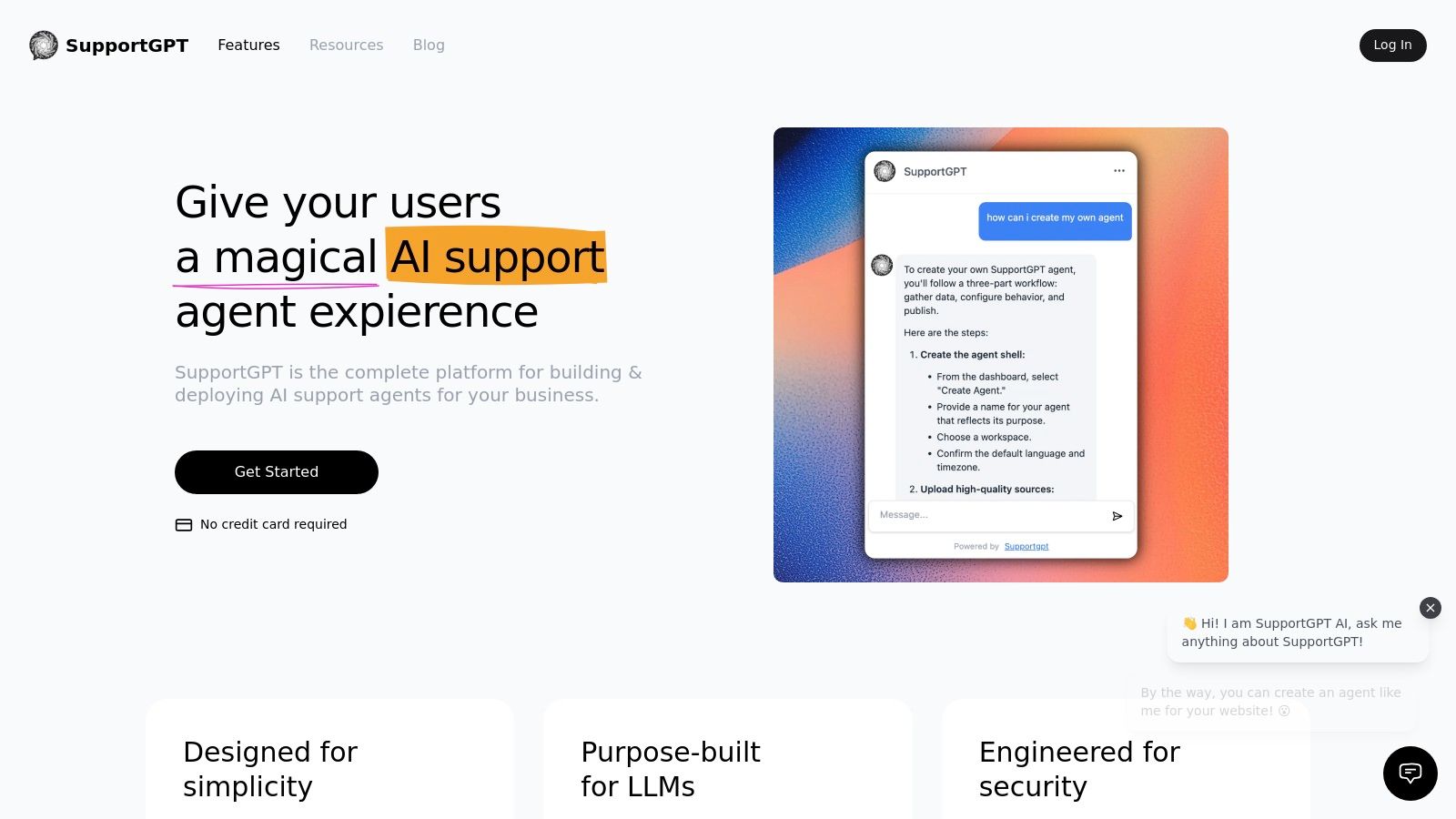
Unlike raw API offerings that place the burden of safety, model management, and user interface on the developer, SupportGPT provides a managed ecosystem. It integrates with leading LLMs like OpenAI, Gemini, and Anthropic, but adds a crucial layer of enterprise-grade guardrails. These controls are purpose-built to minimise hallucinations, keep conversations on-topic, and ensure a professional tone, which is vital for customer-facing applications. This safety-first approach, combined with smart, natural language escalation paths to human agents, makes it a reliable choice for production environments.
Key Features and Capabilities
SupportGPT is packed with features designed for practical, real-world application, bridging the gap between a simple API and a full-fledged support solution.
- Multi-LLM & Custom Data Training: Users are not locked into a single model provider. The ability to train agents on your own website links and documents ensures that responses are accurate, relevant, and consistently aligned with your product information.
- Built-in Tooling for Iteration: The platform includes a real-time playground for testing prompts and agent behaviour instantly. Integrated analytics and conversation tracking provide the data needed to understand user interactions and refine the agent’s performance over time.
- AI Actions for Automation: Go beyond simple Q&A. AI Actions allow the agent to perform routine tasks, such as lead capture or booking a demo, directly within the chat interface, reducing manual workload for your team.
- Rapid Deployment: Implementation is straightforward. You can get a live agent on your website by simply embedding a lightweight widget, making it accessible even for teams without dedicated engineering resources.
Ideal Use Cases
SupportGPT excels in scenarios where speed, safety, and scalability are paramount. It's particularly well-suited for SaaS companies looking to provide 24/7 product support, e-commerce stores needing to handle common customer queries, and any business aiming to improve customer experience while managing support costs effectively.
Pricing and Tiers
The platform offers a clear and scalable pricing structure, starting with a generous Free tier perfect for testing and low-volume applications.
| Plan | Price/Month | Message Credits | Key Features |
|---|---|---|---|
| Free | ₹0 | 50 | 1 AI agent, 5 AI Actions, 400 KB knowledge base |
| Hobby | ₹3,300 | 4,000 | 1 agent, 33 MB knowledge base, unlimited links, integrations |
| Standard | ₹12,500 | 12,000 | 2 agents, 10 AI Actions/agent, 3 seats |
| Pro | ₹41,600 | 40,000 | 3 agents, 15 AI Actions/agent, 5+ seats, advanced analytics |
| Enterprise | Custom | Custom | SSO, higher limits, SLAs, dedicated customer success manager |
Pros and Cons
Pros:
- Extremely Fast Deployment: Go from sign-up to a live, embedded AI agent in just a few minutes.
- Enterprise-Grade Safety: Built-in guardrails and smart human escalation provide a reliable and professional user experience.
- Model Agnostic: Flexibility to use top LLMs (OpenAI, Gemini, etc.) and train on your own data for tailored responses.
- Integrated Analytics: A real-time playground and conversation logs make it easy to monitor and improve agent performance.
Cons:
- Tier-Based Limitations: The Free and Hobby tiers have caps on message credits, storage, and agent counts that may be restrictive for high-traffic sites.
- Cost for Advanced Features: Key enterprise needs like SSO, SLAs, and dedicated support are reserved for higher-priced Pro and Enterprise plans.
Website: https://supportgpt.app
2. Google AI Studio (Gemini API)
Google AI Studio provides access to the powerful Gemini family of models, positioning it as a top-tier free chatbot api for developers needing production-grade performance from the outset. Its key differentiator is a generous, permanent free tier for its highly capable models, allowing for robust prototyping and low-traffic applications without any initial cost. This makes it an excellent choice for startups and indie developers testing new ideas.
The platform's interface, Google AI Studio, is exceptionally well-organised, offering a playground to experiment with models, tune prompts, and generate ready-to-use code snippets for various languages like Python, JavaScript, and cURL. This significantly lowers the barrier to entry for integrating advanced AI chat capabilities.
Key Features and Limits
The free tier offers substantial utility, particularly with the gemini-1.5-flash-latest model, which supports multimodal inputs (text, images) and a massive 1-million-token context window. This is ideal for chatbots that need to analyse large documents or maintain long conversation histories. While the free tier has rate limits (e.g., 60 requests per minute), it is more than sufficient for development, testing, and many live, low-traffic applications.
| Feature | Free Tier Details | Ideal Use Case |
|---|---|---|
| Primary Model | gemini-1.5-flash-latest | Fast, multimodal chat; long-context analysis |
| Rate Limit | 60 Requests Per Minute (RPM) | Development, staging, low-traffic bots |
| Multimodality | Yes (Text, Image, Audio, Video) | Bots that analyse user-uploaded images or files |
| Context Window | Up to 1M tokens | Customer support bots analysing lengthy transcripts |
Our Assessment
Pros:
- Truly Free Tier: A permanent free tier on a powerful model, not just a limited-time trial.
- Excellent Tooling: The AI Studio web interface simplifies development and provides code snippets.
- Scalability: Clear and competitive pay-as-you-go pricing when you need to scale beyond the free limits.
Cons:
- Rate-Limited: The free tier's requests-per-minute and per-day caps can be a bottleneck for high-traffic services.
- Regional Availability: Some models or features may have regional restrictions during their preview phases.
Website: https://ai.google.dev
3. Hugging Face Inference
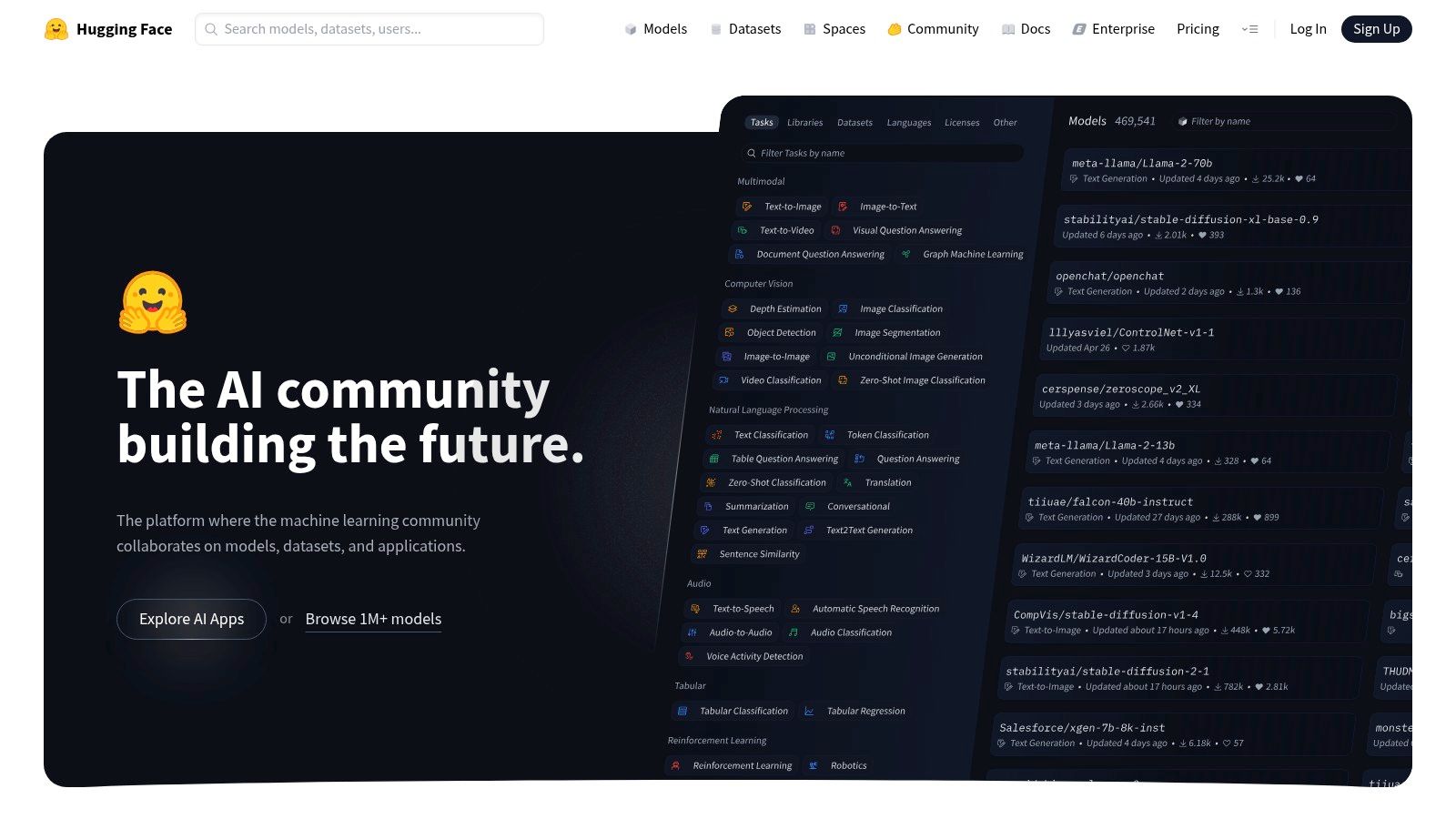
Hugging Face provides a versatile Inference API, acting as a universal gateway to hundreds of open-source and proprietary models. It stands out as a powerful free chatbot api by offering a small amount of recurring monthly credits to every account, allowing developers to experiment with a vast catalogue of models without initial commitment. This makes it a fantastic starting point for projects where model choice is still undecided.
The platform is designed for flexibility, offering SDKs, interactive widgets, and playgrounds that simplify the process of testing and integrating different models. This "try-before-you-commit" approach, combined with a mature developer community, significantly lowers the barrier to entry for exploring diverse AI capabilities.
Key Features and Limits
Hugging Face's free offering is not a fixed tier but a monthly credit allowance ($10 at the time of writing). These credits can be used across their Inference API, which routes requests to models like those from Cohere, Google, or open-source alternatives like mistralai/Mixtral-8x7B-Instruct-v0.1. The key advantage is the ability to switch models with a single line of code, preventing vendor lock-in.
| Feature | Free Tier Details | Ideal Use Case |
|---|---|---|
| Primary Model | Varies (e.g., Mixtral, Llama, Gemma) | A/B testing different models for a specific task |
| Rate Limit | Credit-based; depends on model cost-per-token | Prototyping and low-volume, experimental bots |
| Multimodality | Yes (Model-dependent) | Building apps that require specialised models |
| Context Window | Varies by chosen model | Fine-tuning chatbot responses with different models |
Our Assessment
Pros:
- No Vendor Lock-in: Easily switch between models and providers with minimal code changes.
- Recurring Free Credits: A small but useful monthly allowance to support ongoing, low-traffic projects.
- Exceptional Tooling: Access to a huge ecosystem of models, SDKs, and a strong developer community.
Cons:
- Limited Free Usage: The free credits are consumed quickly with high-usage or expensive models.
- Inconsistent Performance: Model behaviour and performance can vary significantly between different providers.
Website: https://huggingface.co
4. OpenRouter
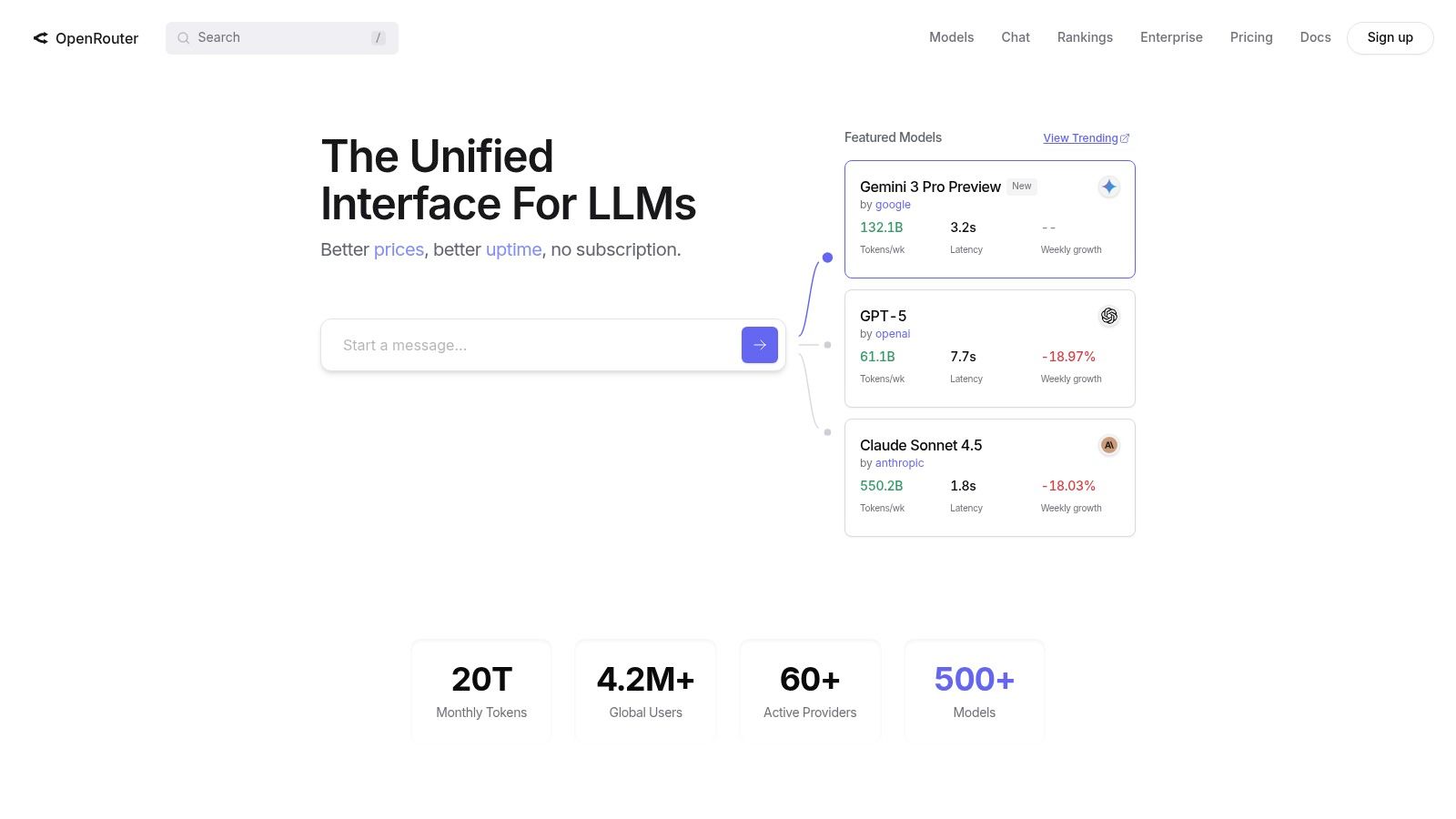
OpenRouter stands out as an aggregator platform, offering a unified, OpenAI-compatible API to access a vast array of Large Language Models (LLMs) from different providers. This makes it a compelling free chatbot api for developers who want to experiment with various models without managing multiple integrations. Its unique value proposition lies in providing completely free, albeit limited, access to certain models alongside a flexible "bring-your-own-key" (BYOK) system.
The platform is designed for developers who value flexibility and experimentation. Through a single API endpoint, you can swap models like Mythical's MythoMax or Google's Gemini Pro with a simple change of the model name in your request. This significantly accelerates prototyping and helps identify the best model for a specific task before committing to a paid plan or a direct integration.
Key Features and Limits
OpenRouter provides access to models appended with :free, such as mythical-smol:free, which can be used without any cost up to a daily limit. While these free models are often less powerful and have stricter rate limits, they are perfect for testing, personal projects, or low-traffic features. The platform’s dashboard clearly displays usage and remaining limits, providing a transparent user experience.
| Feature | Free Tier Details | Ideal Use Case |
|---|---|---|
| Primary Model | Various :free models (e.g., mythical-smol:free) | Model testing, low-volume internal tools |
| Rate Limit | Varies by model; typically low with daily caps | Prototyping and experimenting with different models |
| Model Access | Access to dozens of models via one API | A/B testing chatbot responses from different LLMs |
| BYO Key | Yes (First 1M requests/month are free) | Centralising API calls while using your own provider keys |
Our Assessment
Pros:
- True Free Usage: Access to select models at no cost for low-volume use cases.
- Unmatched Flexibility: Easily swap between dozens of models from various providers with a single API integration.
- Excellent Tooling: The dashboard provides clear analytics on usage, costs, and rate limits.
Cons:
- Limited Availability: Free models can have lower uptime and much stricter rate limits than paid alternatives.
- Credit-Based System: Paid usage requires pre-purchasing credits, which includes a small top-up fee.
Website: https://openrouter.ai
5. Fireworks AI
Fireworks AI provides developers with a high-performance inference platform, making it a powerful contender for a free chatbot api through its generous initial credits. It specialises in serving optimised, open-weight models with incredible speed, allowing developers to test and deploy sophisticated open-source AI at virtually no cost upfront. The platform is designed for a smooth transition from experimentation to production-scale workloads.
Its serverless architecture means you only pay for what you use after the initial credits are spent, removing the complexity of managing infrastructure. For developers wanting to experiment with a wide variety of state-of-the-art open models like Mixtral or Llama 3 without committing to a paid plan immediately, Fireworks AI offers an ideal and lightning-fast testing ground.
Key Features and Limits
The free offering is based on a one-time credit allocation for new accounts, which can be used across their entire catalogue of models. This credit is often substantial enough to handle thousands of API calls, facilitating thorough testing, development, and even small-scale initial launches. The platform's main draw is its performance, often delivering hundreds of tokens per second.
| Feature | Free Tier Details | Ideal Use Case |
|---|---|---|
| Primary Model | Catalogue of open models (e.g., Llama 3, Mixtral) | High-performance chat with specialised models |
| Rate Limit | High (varies by model, e.g., 3600 RPM) | Applications needing very fast response times |
| Multimodality | Model-dependent | General-purpose chatbots, code generation |
| Context Window | Varies by model (e.g., 8K to 32K+ tokens) | Chatbots requiring fast, complex reasoning |
Our Assessment
Pros:
- Initial Free Credits: Allows extensive, cost-free testing of high-performance models.
- Blazing Speeds: One of the fastest inference platforms available for open-source models.
- Wide Model Selection: Access to a broad and well-optimised catalogue of popular models.
Cons:
- Credit-Based, Not a Permanent Tier: The free access is temporary and ends once credits are used.
- Credit Amount Varies: The promotional credit amount can change, affecting how much free usage you get.
Website: https://fireworks.ai
6. Botpress Cloud
Botpress Cloud offers a unique hybrid approach, combining a visual, no-code chatbot builder with a powerful API for developers. This makes it an excellent free chatbot api for teams who want to accelerate development with a user-friendly interface but still retain programmatic control. Its free tier is designed to launch a minimum viable product (MVP), providing monthly credits and resources that reset, allowing for continuous experimentation without initial investment.
The platform stands out by offering a comprehensive building experience, from designing conversation flows visually to integrating with external services through its hub. You can deploy your bot via a hosted webchat or use the API to connect it to any channel, giving you both speed and flexibility. The free plan provides a genuine no-cost starting point, with third-party Large Language Model (LLM) costs only applying after a monthly credit is used.
Key Features and Limits
The free "Learn" plan is structured around usage metrics, including one bot, a limited number of monthly messages, and a small vector database for knowledge retrieval. A key benefit is the $5 monthly AI token credit, which covers initial usage of integrated third-party LLMs like OpenAI's GPT series. Botpress doesn't add a markup on this usage, so you pay the provider's standard rate once your credit is exhausted, making cost management transparent.
| Feature | Free Tier Details | Ideal Use Case |
|---|---|---|
| Generous Credits | $5 monthly AI token credit (resets) | Prototyping and testing LLM-powered features |
| Usage Limits | 1 bot, 500 incoming messages/month | Small personal projects or internal-facing bots |
| Vector Storage | 100MB included | Basic knowledge base or FAQ bots |
| Core Offering | Visual builder + API access | Teams needing both rapid development and custom integrations |
Our Assessment
Pros:
- True No-Cost MVP: The monthly resetting credit provides a sustainable free path for small projects.
- Visual Builder: Dramatically accelerates development and makes it accessible to non-coders.
- Scalable Path: Easy to upgrade to paid tiers with more resources and add-ons as your bot's traffic grows.
Cons:
- Limited Resources: The free plan's message and storage limits are quite restrictive for public-facing bots.
- External LLM Costs: Costs for third-party LLMs apply directly once the small monthly credit is used up.
Website: https://botpress.com
7. Rasa (Open Source)
Rasa is an open-source framework for building and hosting your own production-grade chatbots. It stands out by giving you complete control, exposing a local REST API that you manage entirely. This makes it the ultimate free chatbot api for teams who prioritise data privacy, customisation, and avoiding vendor lock-in or per-call fees. By self-hosting, you control the infrastructure, scaling, and operational costs directly.
The framework is split into NLU (Natural Language Understanding) and Core (dialogue management), allowing for granular control over how the bot interprets user intent and decides on its responses. While it requires more initial setup than a managed service, it offers unparalleled flexibility for creating sophisticated, context-aware conversational agents. For teams needing a more managed solution, alternatives that provide guardrailed deployments are worth considering, and you can learn more about AI support assistants here.
Key Features and Limits
The core Rasa Open Source platform is completely free. You activate its API with a simple command (rasa run --enable-api), creating local endpoints for your chatbot. The "limits" are determined by the infrastructure you provision, not by artificial caps. This model is ideal for high-volume applications where usage-based pricing from other providers would be prohibitively expensive.
| Feature | Free Tier Details | Ideal Use Case |
|---|---|---|
| Primary Model | Bring Your Own Model / Rasa NLU | In-house, data-sensitive applications |
| Rate Limit | Self-hosted; limited only by your infrastructure | High-volume internal tools or B2C chatbots |
| Multimodality | Limited (primarily text-based) | Complex, rule-based conversational flows |
| Hosting | Self-managed (on-premise or cloud) | Companies needing full data control and privacy |
Our Assessment
Pros:
- No Per-Call Fees: Since you host it yourself, there are no usage bills from a vendor.
- Full Customisation: Complete control over NLU, dialogue policies, and integrations.
- Data Privacy & Control: Your data never leaves your infrastructure, which is crucial for compliance.
Cons:
- High Operational Overhead: You are responsible for hosting, scaling, security, and maintenance.
- Steeper Learning Curve: Requires more development effort and expertise than managed API services.
Website: https://rasa.com
8. Telegram Bot API
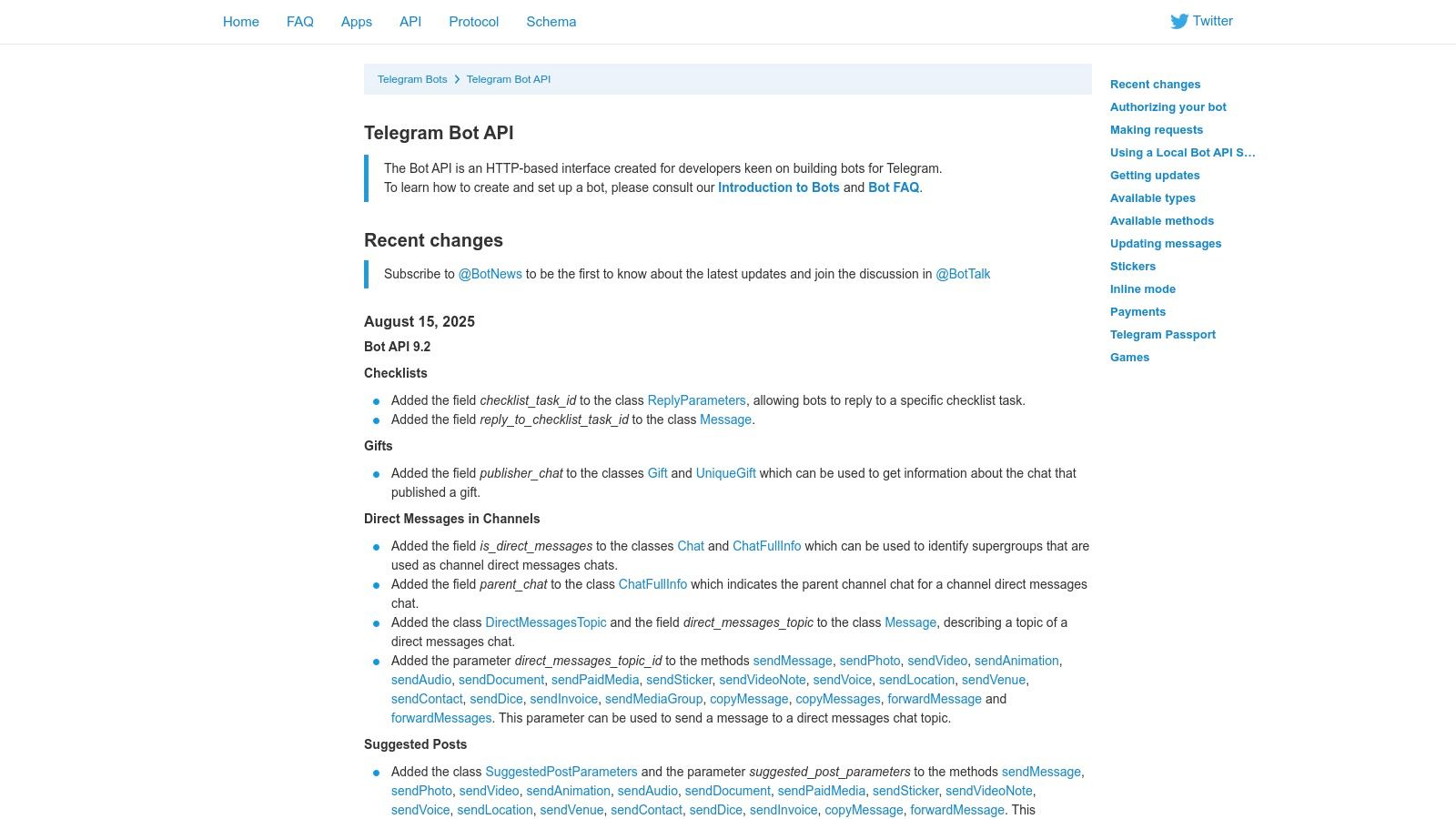
The Telegram Bot API provides a completely free and powerful way to build chatbots directly within the massive Telegram ecosystem. Unlike general-purpose AI APIs, this is a platform-specific solution, offering a free chatbot api for developers aiming to engage Telegram's hundreds of millions of users. The setup is remarkably simple: you create a bot by messaging a special bot called 'BotFather', which instantly provides you with an authentication token to start interacting with the HTTP-based API.
This direct integration into a popular messaging app makes it ideal for community management bots, notification services, or simple customer interaction channels. The API supports both long polling and webhooks for receiving updates, giving developers flexibility in how they architect their applications.
Key Features and Limits
The Telegram API is 100% free, with no message fees or platform costs. The primary limitations are related to fair use policies, such as a cap on how many messages a bot can send per second to avoid spam. For advanced users, Telegram uniquely allows self-hosting the Bot API server, which can lift certain restrictions like file size limits for uploads and downloads, offering greater control and performance.
| Feature | Free Tier Details | Ideal Use Case |
|---|---|---|
| Pricing Model | Completely Free (No fees) | Community bots, automated notifications, in-app support |
| Update Method | Webhooks or Long Polling | Real-time chat applications and event-driven bots |
| Message Types | Rich (Text, stickers, keyboards, inline modes) | Interactive bots that offer rich user experiences |
| Self-Hosting | Optional local Bot API server | High-performance bots or those needing larger file limits |
Our Assessment
Pros:
- Truly Free: No platform fees, message costs, or hidden charges for using the API.
- Simple Setup: Bot creation via BotFather is instant and requires no complex approval process.
- Large User Base: Access to a vast and active user base directly within their preferred messaging app.
Cons:
- Platform-Specific: The bot will only work within the Telegram application, limiting its reach.
- Rate-Limited: Bots must adhere to global and per-chat rate limits to prevent platform abuse.
Website: https://core.telegram.org/bots/api
9. Discord Developer Platform (Bots)
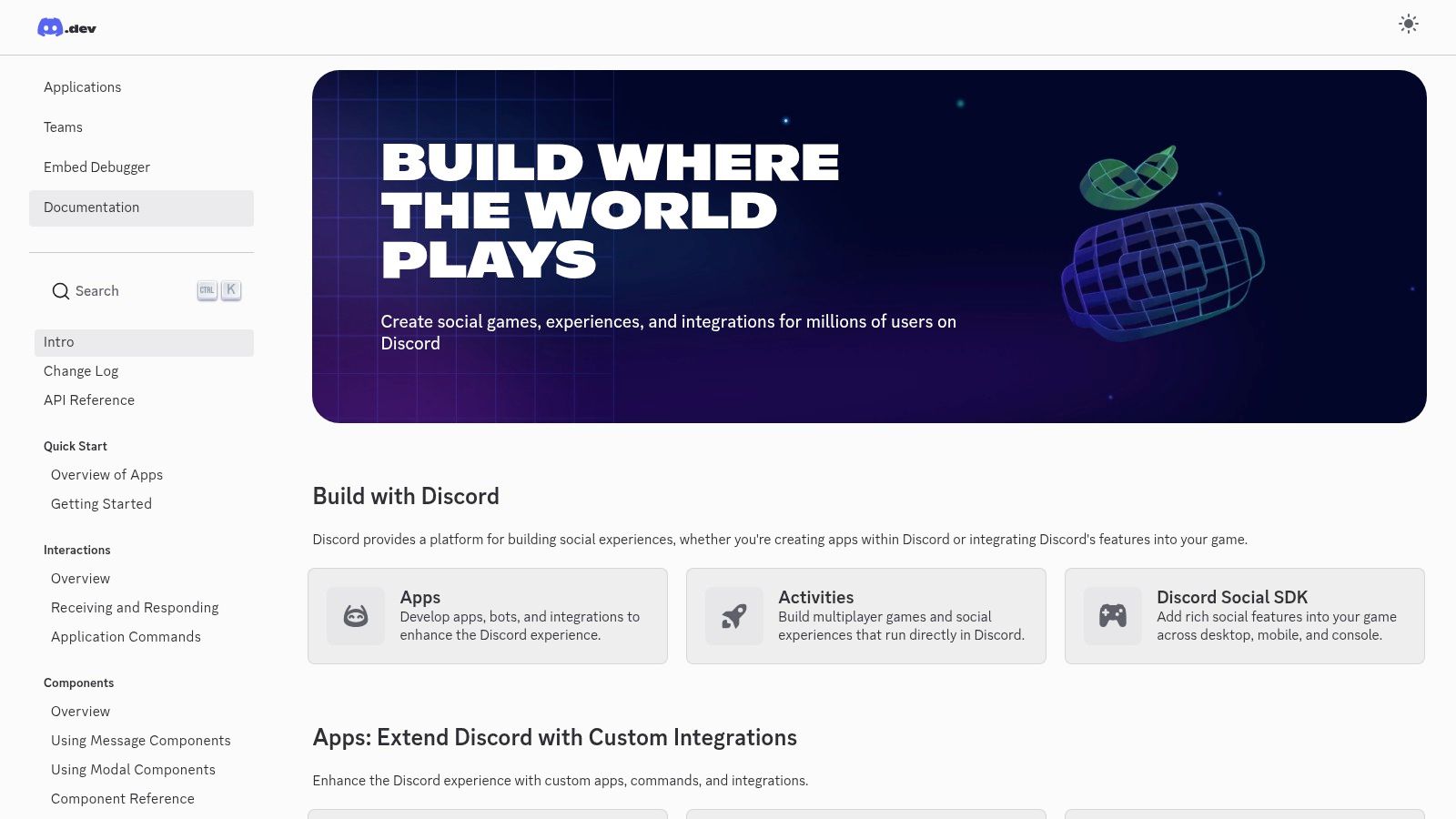
For developers aiming to build community-focused chatbots, the Discord Developer Platform offers a powerful and entirely free chatbot api. Instead of providing a general-purpose AI model, it gives you the tools to create bots that live inside Discord servers, reacting to messages, executing commands, and interacting with users in real-time. This makes it a unique, platform-specific solution perfect for engaging with established online communities.
The platform is exceptionally well-documented, providing a robust framework for building bots using either a persistent WebSocket connection (the Gateway) for real-time events or a standard REST API for on-demand actions. This dual approach gives developers flexibility in how they architect their bots, from simple slash command responders to complex, stateful moderation tools.
Key Features and Limits
Discord's API is free but governed by a comprehensive rate-limiting system to ensure platform stability. It uses a combination of global and per-route limits, communicated via HTTP headers, which allows developers to build resilient bots that can handle high traffic loads gracefully. The platform's tooling, including official and community-built SDKs, simplifies managing these limits.
| Feature | Free Tier Details | Ideal Use Case |
|---|---|---|
| Primary API | REST and WebSocket Gateway | Real-time community moderation and engagement bots |
| Rate Limit | Documented global and per-route limits | Small to large-scale community bots |
| Interactions | Slash commands, buttons, and menus | Interactive helpdesks or game bots within a server |
| Tooling | Official and community SDKs | Rapid development of feature-rich Discord bots |
Our Assessment
Pros:
- Completely Free: No cost for API access, allowing for wide reach within millions of communities.
- Excellent Tooling: Superb documentation, SDKs, and a mature developer ecosystem simplify bot creation.
- Mature Rate Limiting: Clear and predictable rate-limit headers support building reliable, scalable bots.
Cons:
- Platform-Specific: Bots are confined to the Discord ecosystem and cannot be used on external websites.
- Scaling Complexity: Managing gateway sharding and complex rate limits is required for very large bots.
Website: https://discord.com/developers/docs/intro
10. Meta Wit.ai
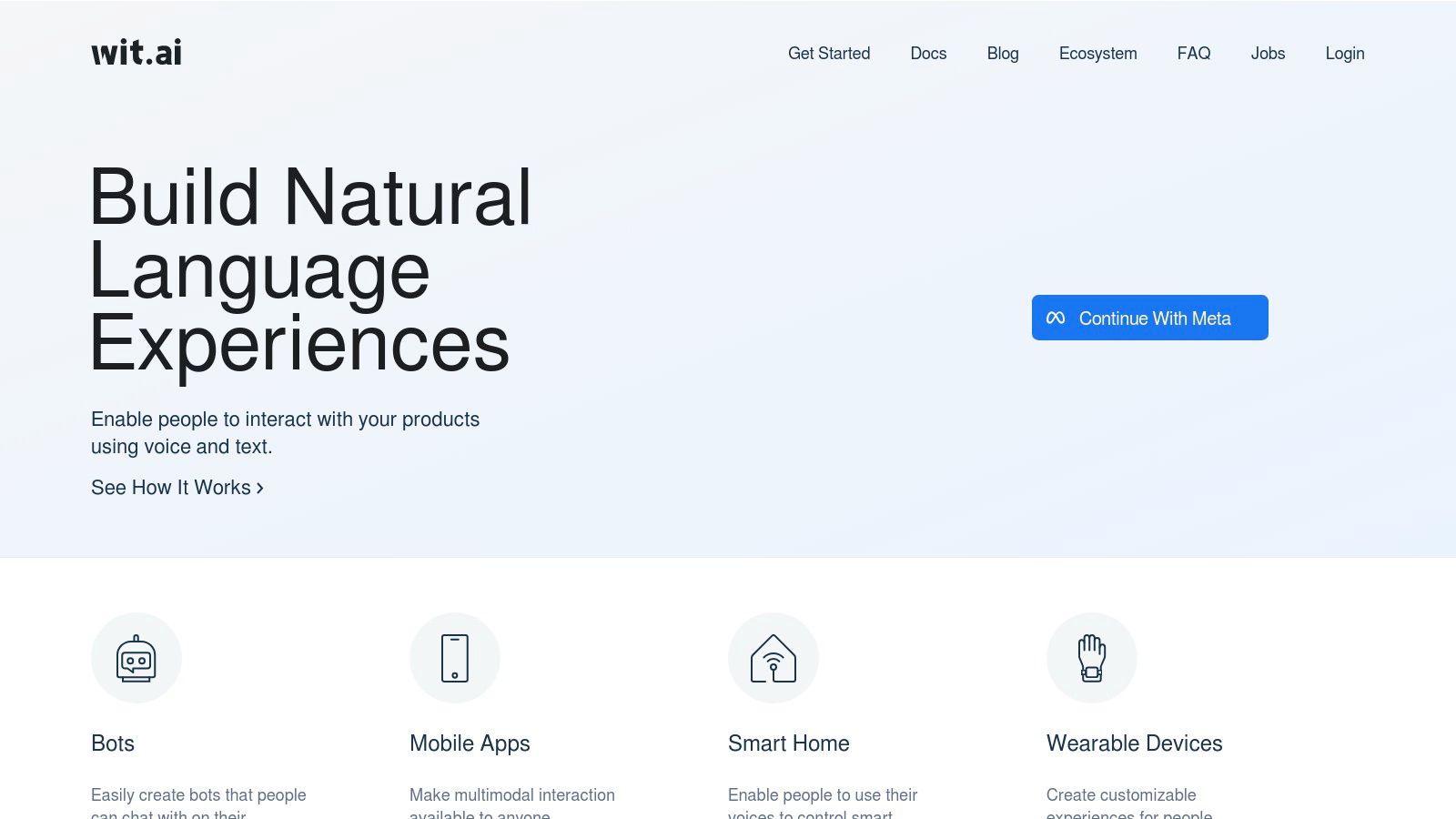
Meta's Wit.ai stands out as a powerful and completely free chatbot api focused specifically on Natural Language Understanding (NLU). Instead of providing a generative chat model, it equips developers with tools to deconstruct user sentences into structured, actionable data like intents and entities. This makes it a perfect foundational layer for building task-oriented bots, voice assistants, and IoT devices that need to understand specific commands without the cost of a full-scale LLM.
The platform is designed for rapid iteration. Developers can quickly define intents (what the user wants to do) and entities (key pieces of information) and train the model with sample phrases. This hands-on approach gives you precise control over your bot's conversational logic, which is crucial for applications that rely on accuracy, such as booking systems or smart home controls.
Key Features and Limits
Wit.ai is entirely free for both personal and commercial use, which is its primary appeal. The platform operates on a 'good faith' rate limit, which is generally sufficient for most applications. Its specialisation in NLU means you must integrate it with another service or your own code to manage conversation flow and generate responses. However, its speech-to-text capabilities make it an excellent choice for voice-controlled applications.
| Feature | Free Tier Details | Ideal Use Case |
|---|---|---|
| Primary Function | Intent & Entity Recognition | Task-oriented bots (e.g., food ordering, booking) |
| Rate Limit | Generous, but not explicitly defined | Development, production bots with moderate traffic |
| Multimodality | Yes (Text, Audio) | Voice-controlled applications and smart devices |
| Integration | Webhooks, HTTP API | Connecting NLU to a custom bot backend |
Our Assessment
Pros:
- Completely Free: No cost for training or inference, even for commercial projects.
- Specialised NLU: Excellent for building structured, command-based chatbots with high accuracy.
- Backed by Meta: Leverages robust infrastructure from a major tech company.
Cons:
- NLU Only: It is not a complete chatbot solution; you must build the conversational logic and response generation layer yourself.
- Less Suited for General Chat: Not designed for open-ended, creative conversations like a generative LLM.
Website: https://wit.ai
11. Microsoft Azure AI Bot Service
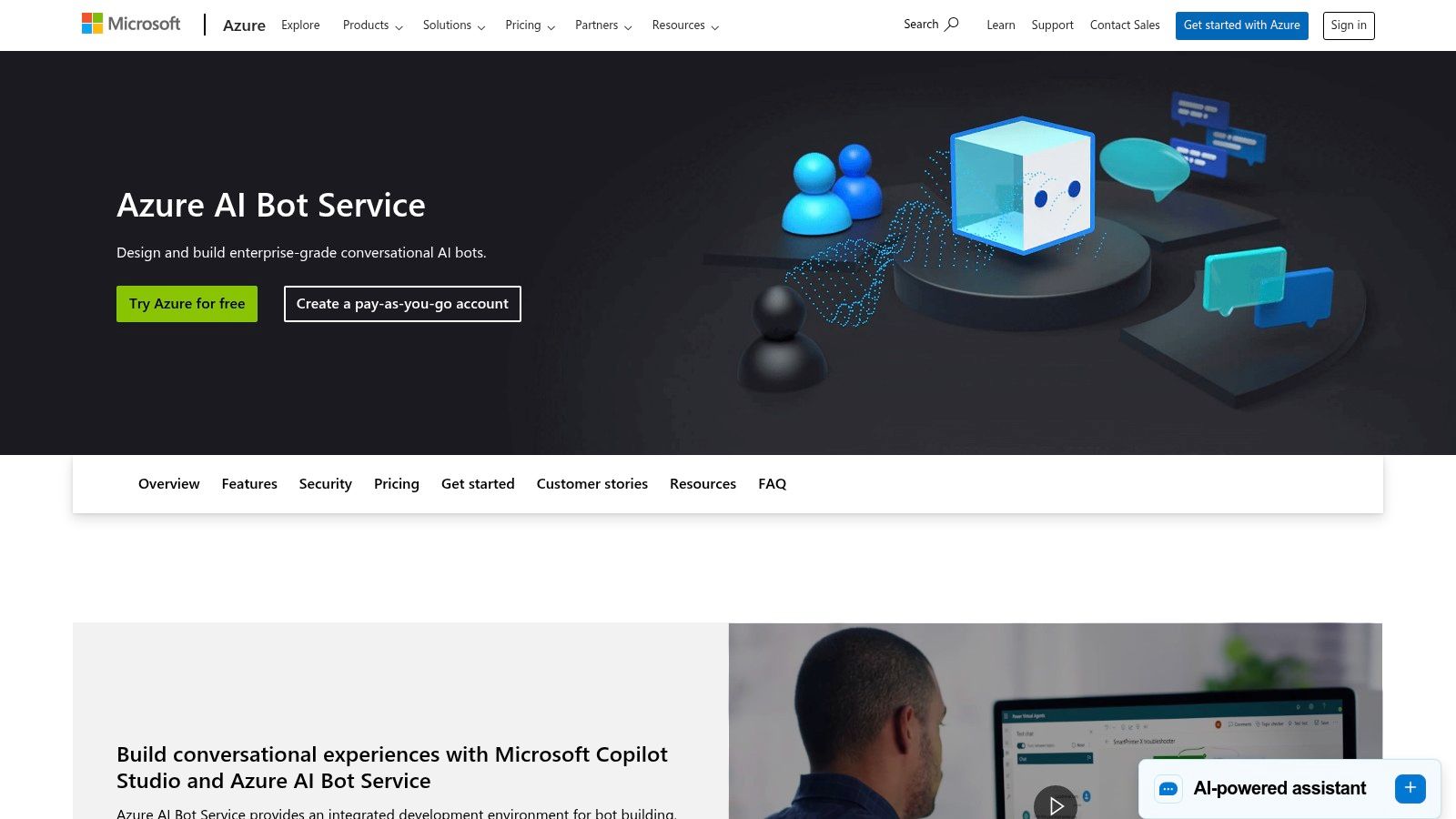
Microsoft Azure AI Bot Service provides a powerful framework for building, connecting, and managing intelligent bots across multiple channels. It acts as a central hub, making it an excellent free chatbot api choice for developers who need to deploy a single bot logic to platforms like Microsoft Teams, Slack, and web chat simultaneously. The core value lies in its channel connector service, where standard channels are free with unlimited messages.
The platform is designed for enterprise-grade solutions, integrating deeply with the Azure ecosystem, including Azure App Service and Application Insights for monitoring. While the channel connectors are free, the underlying compute and AI services (like Azure OpenAI) are metered, making it a "conditionally free" model suitable for developers already invested in the Azure environment.
Key Features and Limits
The free offering centres on the unlimited message handling for standard channels. This allows you to scale user interactions without worrying about per-message costs on the bot service itself. However, costs are tied to the Azure resources your bot consumes, such as the App Service plan for hosting and any cognitive services it calls.
| Feature | Free Tier Details | Ideal Use Case |
|---|---|---|
| Primary Model | Bring Your Own (e.g., Azure OpenAI) | Centralising a bot across many communication channels |
| Rate Limit | Unlimited messages on standard channels | Enterprise bots needing to be present on Teams, Slack, etc. |
| Multimodality | Dependent on connected services | Bots requiring deep integration with Microsoft services |
| Context Window | Dependent on the underlying LLM used | Complex, stateful bots managed within the Azure cloud |
Our Assessment
Pros:
- Rich Channel Integration: Seamlessly connect a single bot to numerous channels without extra coding.
- Enterprise-Ready: Offers robust security, compliance, and scalability expected for corporate use.
- Excellent Tooling: The Bot Framework SDK and Visual Studio integration provide a powerful development experience.
Cons:
- Complex Pricing: While channels are free, calculating the cost of underlying Azure resources can be challenging.
- Heavier Setup: More complex to configure than a simple API endpoint, requiring familiarity with the Azure portal.
Website: https://azure.microsoft.com/products/ai-services/ai-bot-service
12. Slack API (Bots/Apps)
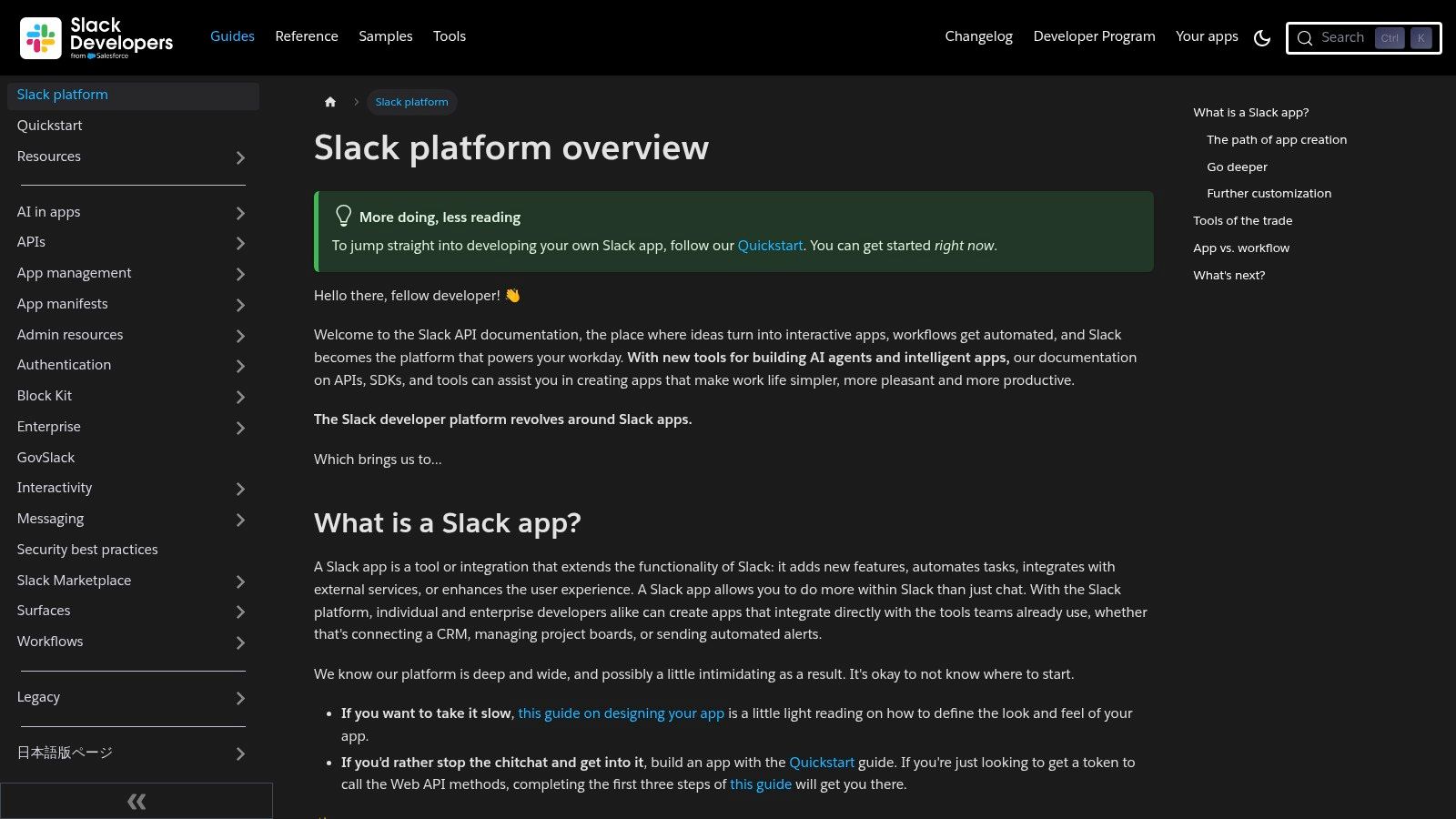
Slack provides a comprehensive platform for building interactive bots and applications directly within its ecosystem, making it a powerful free chatbot api for workplace automation. Its primary advantage is the ability to create deeply integrated tools that users can interact with in a familiar environment. The platform is free for development, with access to robust Web and Events APIs, allowing developers to create sophisticated workflows without upfront costs.
The development experience is supported by mature SDKs and excellent documentation, making it straightforward to build, test, and distribute Slack apps. Instead of just sending messages, bots can use interactive components like buttons, menus, and modals to create rich, conversational user interfaces that streamline business processes and enhance team productivity.
Key Features and Limits
Slack's API is governed by rate limits, which are organised into tiers based on the type of action. For instance, posting messages has a more generous limit than administrative actions. While the API itself is free, the functionality and reach of a bot can be influenced by the Slack plan of the workspace it's installed in. This is a crucial consideration for production-level apps intended for wide distribution.
| Feature | Free Tier Details | Ideal Use Case |
|---|---|---|
| Primary Model | Not applicable (BYO logic) | Internal company tools, workflow automation bots |
| Rate Limit | Tier-based (e.g., ~1 message/second) | HR bots, IT support ticket handlers, CI/CD alerts |
| Interactivity | Yes (Buttons, Modals, Menus) | Approval workflows, custom survey bots |
| Distribution | Via Slack App Directory | Building a SaaS tool that integrates with Slack |
Our Assessment
Pros:
- Free for Development: No cost to use the APIs to build and test applications.
- Excellent Tooling: Superb documentation, SDKs, and a smooth app distribution process.
- Rich Interactivity: Goes beyond text with modals, buttons, and other UI elements.
Cons:
- Workspace Plan Limits: Some advanced features and user reach are tied to paid Slack plans.
- Rate Limiting: High-traffic applications must carefully manage API calls to avoid being throttled.
Website: https://api.slack.com
Quick Comparison: 12 Free Chatbot APIs
| Product | Core features (✨) | UX/Quality (★) | Price/Value (💰) | Target audience (👥) |
|---|---|---|---|---|
| SupportGPT 🏆 | Embeddable widget; multi‑LLM & training on links; analytics; AI Actions; guardrails ✨ | ★★★★☆ — polished flows & smart escalation | Free → Hobby $40 / Std $150 / Pro $500; Enterprise plans 💰 | Non‑technical teams, support ops, scaling SaaS 👥 |
| Google AI Studio (Gemini API) | Multimodal I/O; long contexts; SDKs & playground; Google grounding ✨ | ★★★★☆ — strong tooling & reliability | Permanent free tier on select models; paid for scale 💰 | Prototyping devs, apps needing multimodal/long context 👥 |
| Hugging Face Inference | One API for many models; SDKs, widgets; monthly free credits ✨ | ★★★★☆ — flexible, community‑driven | Free monthly credits; pay as you grow 💰 | Developers evaluating multiple models; MLOps teams 👥 |
| OpenRouter | OpenAI‑compatible aggregator; “:free” endpoints; BYO keys ✨ | ★★★☆☆ — simple multi‑model testing | Free daily allowances on some models; prepaid credits 💰 | Teams wanting single integration to swap models 👥 |
| Fireworks AI | Serverless inference; on‑demand deploys; fine‑tuning; free signup credits ✨ | ★★★★☆ — fast open‑model hosting | Free signup credits; pay‑as‑you‑go billing 💰 | Devs testing/tuning open models; startups scaling inference 👥 |
| Botpress Cloud | Visual builder; hosted webchat; integration hub; free plan ✨ | ★★★★☆ — low‑code UX for bots | Free plan (1 bot + monthly credits); add‑ons for scale 💰 | Product teams building chat UX; low‑code users 👥 |
| Rasa (Open Source) | Self‑hosted NLU/dialogue control; REST/webhooks; full customization ✨ | ★★★★☆ — highly customizable, ops‑heavy | Free core OSS; Rasa Pro for enterprise features 💰 | Teams prioritizing control, on‑prem, no vendor lock‑in 👥 |
| Telegram Bot API | Free HTTP API; webhooks/long polling; rich message types ✨ | ★★★★☆ — simple, reliable for Telegram users | 100% free API (platform limits apply) 💰 | Bots for Telegram audiences, hobbyists & devs 👥 |
| Discord Developer Platform | WebSocket gateway + REST; slash commands & interactions ✨ | ★★★★☆ — real‑time community bots | Free API access; scale requires sharding/ops 💰 | Community managers, real‑time engagement bots 👥 |
| Meta Wit.ai | Free NLU training/inference; intents & entities; speech support ✨ | ★★★☆☆ — strong NLU but not full chat | Free for commercial use; rate limits apply 💰 | Teams needing NLU component for chatbots 👥 |
| Microsoft Azure AI Bot Service | Channel connectors; integrates with Azure ecosystem; App Insights ✨ | ★★★★☆ — enterprise integrations & compliance | Free standard channels; Azure resources may cost 💰 | Enterprises requiring multi‑channel & compliance 👥 |
| Slack API (Bots/Apps) | Web API, Events API, slash commands, modals; SDKs ✨ | ★★★★☆ — rich interactivity for workspace apps | Free for devs; workspace plan limits may apply 💰 | Internal tools, workplace automation, business apps 👥 |
Final Thoughts
Navigating the landscape of free chatbot APIs can feel like charting a course through a vast and varied ocean. From the raw power of large language models like those accessed through Google AI Studio and Hugging Face to the structured, NLU-focused frameworks of Rasa and Meta's Wit.ai, the options are as diverse as the projects they can power. We have explored a dozen distinct platforms, each presenting a unique combination of features, limitations, and ideal use cases.
Your journey began with a quest for a "free chatbot api," but as we have seen, the term "free" carries significant nuance. For some, it means a generous, perpetually free tier perfect for personal projects or low-traffic applications, like the offerings from Botpress or the Telegram Bot API. For others, it translates to free credits or access to powerful, open-source models that require you to manage the infrastructure, a path championed by platforms like Hugging Face Inference and Fireworks AI.
Key Takeaways and How to Choose
The right choice hinges entirely on your specific requirements. It's crucial to move beyond the allure of a zero-cost entry point and analyse the strategic fit for your long-term goals.
-
For Rapid Prototyping and MVPs: Platforms like Google AI Studio (Gemini), OpenRouter, and Fireworks AI offer immediate access to state-of-the-art models. Their generous free tiers are perfect for developers and startups looking to validate an idea quickly without initial financial commitment. However, be mindful of the potential for unpredictable costs as you scale.
-
For Community and Platform Integration: If your user base already lives on platforms like Discord, Slack, or Telegram, leveraging their native bot APIs is the most direct route. These are less about core AI and more about seamless integration into an existing ecosystem, offering a "free" path to engagement where your audience already is.
-
For Control and Customisation: For those who need complete control over their data, logic, and deployment, open-source solutions like Rasa are unparalleled. While the software itself is free, this path demands a significant investment in development time and infrastructure management. This is the choice for teams that prioritise sovereignty over convenience.
-
For Enterprise-Grade Needs: When security, scalability, and compliance become non-negotiable, a "free chatbot api" often reveals its hidden costs in the form of maintenance, risk, and a lack of dedicated support. Solutions like Microsoft Azure's Bot Service provide a structured, enterprise-ready framework, though their free tiers are designed as an on-ramp to their paid ecosystem.
Final Considerations Before You Build
Before you write a single line of code, consider the total cost of ownership. A free API might save you money upfront, but it could cost you dearly in developer hours spent wrestling with rate limits, managing infrastructure, or building essential guardrails from scratch. Furthermore, think about your end-user. Is a general-purpose model sufficient, or do you need a specialised solution trained on your own knowledge base to provide truly accurate and helpful responses?
The proliferation of accessible AI is incredibly empowering, and the tools we have discussed democratise the ability to build sophisticated conversational experiences. Whether you are an indie developer building a fun side-project or a product manager at a growing SaaS company, there is a starting point for you. The key is to choose a path that not only solves your immediate problem but also aligns with your future vision, ensuring your chatbot can evolve alongside your needs.
Ready to move beyond the limitations of a generic, unsupported free chatbot api? If your goal is to deliver enterprise-grade, accurate, and secure customer support, consider a purpose-built solution. SupportGPT offers a fully managed platform with robust guardrails, SSO, and deep knowledge base integration, allowing you to deploy a powerful AI assistant without the development overhead. Explore how a specialised approach can transform your customer experience at SupportGPT.