Canned Response Meaning and How to Use Them
Unlock the true canned response meaning. Learn how to use pre-written replies to boost efficiency, improve customer service, and avoid sounding like a robot.
At its core, a canned response is simply a pre-written, ready-to-use answer for common questions. Think of it as a tool in your support team's kit that helps them give quick, consistent, and accurate information without having to type out the same reply over and over again.
So, What's a Canned Response in Practice?

The idea behind canned responses is all about efficiency through preparation. Imagine a top chef's kitchen during a busy service. They don't start dicing onions for every single dish; they have a mise en place station with everything prepped and ready. Canned responses are the customer support equivalent.
When a customer asks about a password reset or your return policy for the tenth time that day, your agent can simply pull up a polished, pre-approved template. This isn't about replacing the human element, but about supporting it.
Giving Your Agents Room to Breathe
By handling the repetitive stuff, canned responses free up your team’s time and mental bandwidth. This is huge. It means they can stop being reply-bots and start focusing on what they do best: solving the tricky, unique problems that demand real thought and a personal touch.
A great canned response is a starting point, not the final word. It lays a consistent foundation that agents can quickly personalise with customer-specific details, mixing speed with a genuine human connection.
Let’s break down what makes them tick.
| Characteristic | Description |
|---|---|
| Pre-Written | Drafted and approved ahead of time, ensuring accuracy and a consistent brand voice. |
| Reusable | Stored in a shared library so agents can find and use them again and again. |
| Efficient | Slashes the time it takes to answer the most common customer questions. |
| Standardised | Guarantees every customer gets the same high-quality, correct information. |
The True Business Impact of Canned Responses
Knowing what a canned response is one thing, but seeing how it can actually move the needle for your business is something else entirely. When you start using these pre-written replies, you’ll see the benefits go far beyond just saving a bit of time—they create measurable gains across your entire support operation.
The first thing you'll notice is a huge jump in speed. Giving agents ready-made answers to common questions slashes your First Response Time (FRT). And that’s not just some internal metric to show the higher-ups; faster replies are directly linked to happier customers.
This newfound efficiency naturally makes your agents more productive. Instead of typing out the same billing explanation for the tenth time that day, they can close more tickets. More importantly, it frees them up to tackle the genuinely tricky, high-value customer problems that need real empathy and critical thinking.
Strengthening Consistency and Scalability
A solid library of canned responses also means every customer gets the same accurate, on-brand information. Every single time. This consistency is crucial for building trust and making sure your brand voice comes through clearly, without the risk of one agent saying something slightly different—or worse, incorrect.
Think of canned responses as a powerful force multiplier for your support team. They let you handle a growing wave of customer questions without having to hire more people at the same rate, making them a cornerstone of scalable growth.
This isn't just theory, either. The numbers back it up. Research on canned response effectiveness from LiveChat shows that companies using them see real improvements in their resolution rates, first-contact resolution (FCR), and overall customer satisfaction scores.
A Powerful Training Tool
Don’t overlook how useful canned responses are for training, either. For new hires, they're a safety net. Having a bank of approved answers lets them jump in and start helping customers confidently from their very first day. This makes them both a productivity tool for your veterans and a training resource for your rookies, speeding up the time it takes for new team members to get fully up to speed.
Putting Canned Responses into Practice

Knowing what a canned response is is one thing, but seeing it done well is another. The gap between a lazy, robotic reply and a thoughtful, efficient one is massive. It all comes down to how you use them.
A poorly handled canned response feels cold and dismissive—think "Your ticket has been received." It’s true, but it does absolutely nothing to reassure the customer or build a connection. A great canned response, on the other hand, starts building trust from the very first message.
Greetings and Acknowledgements
Let’s look at two ways to kick off a customer conversation. One makes the customer feel like just another ticket number, while the other shows you’re already on the case.
- Generic Version: "We have received your request and will get back to you."
- Personalised Version: "Hi [Customer Name], thanks for reaching out about [Topic]! I'm looking into it now and will get back to you shortly. Your reference number is [Ticket #]."
That small tweak makes a world of difference, doesn't it? It uses the customer’s name, confirms you understand their specific issue, and sets a clear expectation for what happens next. This simple touch of personalisation can instantly improve how the customer feels.
The best canned responses don't eliminate the human touch; they create a framework for it. By handling the repetitive parts, they give agents the space to add personalised details that show the customer they are being heard.
Answering Common Questions
Frequently asked questions are prime territory for canned responses, but even these need to feel helpful and empathetic. Let's take a common query about a company's refund policy.
- Generic Version: "Our refund policy is on our website."
- Personalised Version: "Hi [Customer Name], I can definitely help with that! You can find our full refund policy here: [Link]. In short, we offer a 30-day money-back guarantee on all unused products. Just let me know if your situation is different, and I'd be happy to look into it for you!"
The second option is so much more effective. It gives a direct answer, provides a link for more detail, and opens the door for further conversation if needed. Modern tools are making this even easier; you can learn more about how platforms like SupportGPT help agents deliver personalised, accurate responses with built-in guardrails.
How to Avoid Sounding Like a Robot
 While canned responses are fantastic for speed, they come with a serious risk: making your customers feel completely ignored. Nothing torpedoes a customer interaction faster than a generic, robotic reply that clearly wasn't meant for them. The real skill is balancing that need for speed with a genuinely human touch.
And it’s a balance worth striking. Customers can spot a lazy, copy-paste answer from a mile away, and it's a huge source of frustration. In fact, 29% of consumers say canned responses annoy them. The interesting part? Businesses know it. According to live chat statistics, 38% of companies admit their users get frustrated by these very replies. You can read more about the findings on Colorlib to see the full picture. This gap often appears when efficiency is chased at the expense of empathy.
Personalisation Is Non-Negotiable
The best way to make a canned response feel human is to treat it like a draft, not a finished product. Your agents need to see it as a foundation they can quickly build upon with details that prove they've actually read the customer's message.
- Use their name: It sounds simple, but starting with "Hi Sarah" is worlds better than a cold, faceless greeting.
- Acknowledge their specific issue: Weave in details from their query. A small addition like, "...about your recent order for the blue trainers" shows you're paying attention.
- Match the tone: Give your team the freedom to adjust the response to fit the customer's mood. A cheerful, chirpy template will only infuriate someone who is already upset.
A great canned response saves you from typing the same basic structure ten times a day. A great agent uses that saved time to fill in the gaps with personal details that make the customer feel heard.
Know When to Go Off-Script
Ultimately, the most critical skill for any support agent is knowing when to ditch the script altogether. Canned responses are the wrong tool for certain jobs.
If a customer is clearly upset, has a complicated issue with multiple parts, or is one of your most valuable clients, a pre-written reply can do more harm than good. These moments call for a fully custom, empathetic response crafted from scratch.
Building Your Canned Response Library
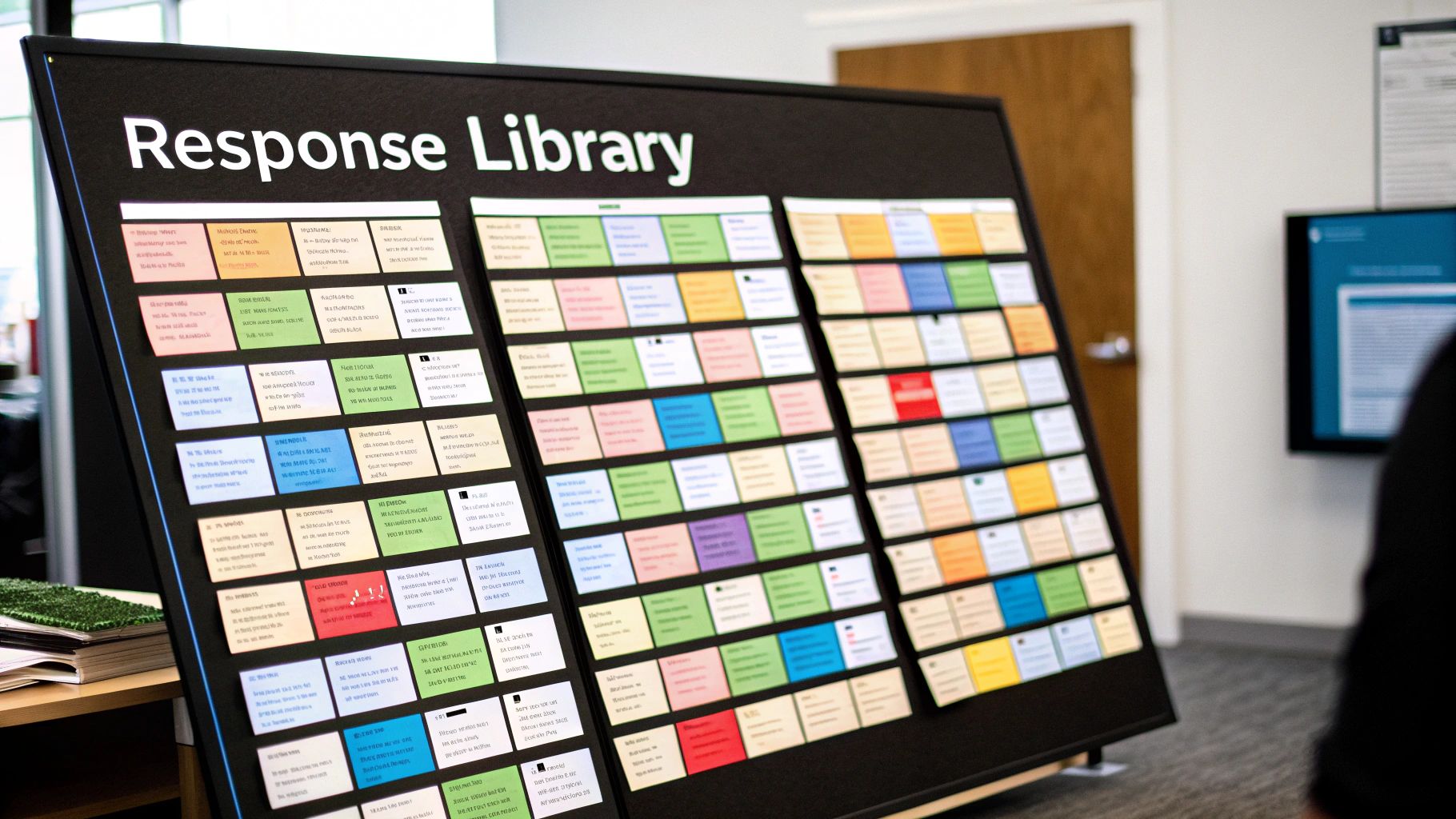
Putting together a solid library of canned responses isn't really a writing exercise—it's an act of listening. Your best responses will come directly from what your customers are already telling you, over and over again.
Before you write a single word, dive into your support history. Pull up your tickets and chat logs from the last few months and start looking for patterns. Which questions pop up constantly? What are the top 10-15 issues that your team has to explain every single day? These recurring themes are your starting point. This ensures you're creating assets that will actually get used and make a difference from day one.
Writing Responses That Work
Once you’ve got your list of frequent questions, you can start crafting the replies. The aim here is to write templates that are not only clear and helpful but also sound like your brand. The secret ingredient? Placeholders.
These are small, dynamic fields like [Customer Name], [Order Number], or [Product Name] that force an agent to fill in the specific details. It’s a simple but powerful trick that turns a generic block of text into a personal message. Suddenly, the customer feels like you’re talking directly to them, not just copying and pasting.
The best canned responses are built to handle 80% of the standard information, which then frees up your agent to add the critical 20% of personalisation that addresses the customer's unique situation.
Remember to keep your company's tone of voice consistent. Whether you’re fun and casual or formal and professional, that personality should shine through in every response. This consistency is a small detail that quietly builds trust with your customers.
Organising Your Library for Speed
A messy library of responses is almost as useless as having none at all. If an agent can’t find the right template in a few seconds, they’ll either waste time hunting for it or just give up and type something from scratch—defeating the whole purpose.
You need a system that’s intuitive for your team.
- Categorise by Topic: Create logical folders like "Billing Queries," "Shipping & Returns," or "Technical Glitches."
- Use Clear Naming Conventions: Give your responses descriptive names. "Return Policy - Standard 30 Days" is far better than "Return_Info_1."
- Keep It Current: Things change. Set aside time every quarter to review your library. Update old information, delete responses you no longer use, and add new ones based on recent trends you're seeing in support tickets.
A well-organised library isn’t a one-and-done project; it’s a living resource that grows and adapts right alongside your business. This is how you make sure your team can always deliver fast, accurate, and on-brand answers.
Common Questions About Canned Responses
As teams start to see what canned responses can do, a few practical questions always pop up. Nailing down these details is crucial if you want to use them effectively and avoid frustrating your agents and, more importantly, your customers.
Let's clear up some of the usual points of confusion.
Canned Response vs. Macro: What's the Difference?
It’s easy to get these two mixed up, but they play different roles. Think of a canned response as just the pre-written text—it’s the message itself. It's a block of words, ready to be dropped into a conversation.
A macro, on the other hand, is a whole sequence of actions that you can trigger with a single click. A macro might include sending a canned response, but it can also do a bunch of other things at the same time, like:
- Adding a specific tag (e.g., "Billing Inquiry") to a ticket.
- Changing the ticket status from "New" to "In Progress."
- Assigning the ticket to a specialised team.
So, to put it simply: the canned response is the what (the message), while the macro is the how (the entire automated workflow).
How Many Canned Responses Should We Have?
There's no magic number here, and quality always trumps quantity. Fight the urge to create a response for every single scenario you can imagine. All that does is create a cluttered, overwhelming library that your agents will struggle to navigate.
A better approach is to start small. Dig into your support tickets and find the top 10-15 most common questions your team answers day in and day out. Craft excellent, easily personalisable responses for just those. A small, well-maintained library of effective responses is far more valuable than a huge, outdated collection.
From there, you can check usage data and customer feedback every quarter to thoughtfully tweak, add, or remove responses.
Can AI Improve Our Canned Responses?
Absolutely. AI is a game-changer here, taking canned responses from static blocks of text to dynamic, helpful tools. Modern AI platforms can read an incoming customer message and instantly suggest the most relevant response for the agent.
This alone saves agents from having to manually hunt through a library for the right template. Even better, advanced AI can pull details from the customer's query to auto-fill placeholders and even provide real-time feedback to help the agent stick to the right brand tone. It's the perfect blend of automation's speed and the critical touch of human oversight.
SupportGPT makes it easy to build, manage, and deploy AI support agents with enterprise-grade guardrails and smart escalation to ensure every customer interaction is fast and accurate. Learn more about SupportGPT